Start with the account or access block
Emergency preparation is not about expecting trouble. It is about making the next step obvious if you lose your phone, feel unsafe, get sick, or cannot explain your location. Save the numbers, hotel address, insurance contact, and one Korean help phrase before the moment becomes stressful.
Last checked: June 1, 2026. Re-check the official app, service, or app-store page before acting, because routes, prices, labels, rules, app screens, eligibility, and store/service policies can change.
Last updated: May 23, 2026. Rules, app flows, prices, and eligibility can change, so re-check official sources close to your trip.
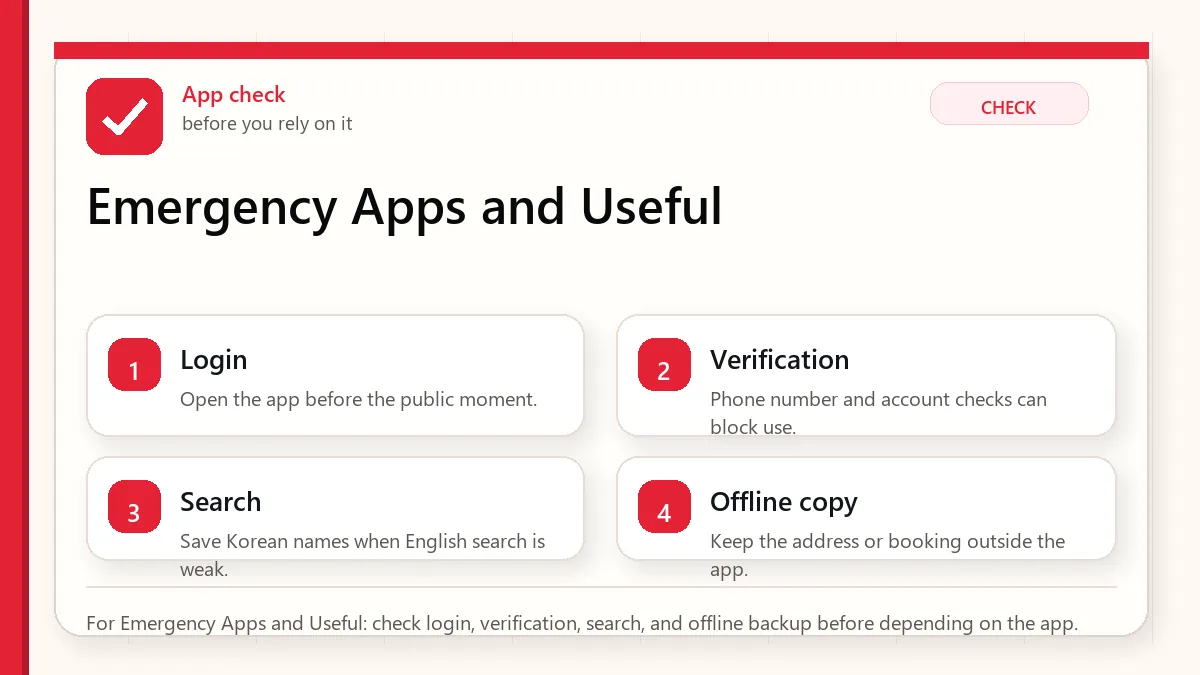
Where app plans usually break
This matters when the app is installed but login, phone verification, address search, payment, message contact, or local language input does not work in the moment. Test the part that matters before you need it in Korea.
What this means in the real moment
- Save 112 for police and 119 for fire/ambulance, plus the 1330 tourist helpline.
- Keep hotel name, address, and phone number somewhere outside your main app stack.
- Share your rough route with someone when traveling alone or late.
- Know how to show your location on a Korean map app.
- Save the relevant page or screenshot before you need it in public.
- Re-check volatile details near travel day because policies and app flows change.
Emergency preparation should be offline too
A dead phone should not erase your plan
Keep one small offline note with lodging, emergency numbers, passport copy location, and a contact person. This is not dramatic; it is simply easier than rebuilding everything after a lost battery or lost phone.
Tourist help is different from emergency help
Use emergency numbers for urgent safety or medical situations. Use tourist help, hotel staff, or local information centers for interpretation, directions, and non-urgent confusion.
Maps are part of safety
If you cannot explain where you are, help becomes slower. Learn how to copy or show the Korean address of your current location in your map app.
An app setup that does not depend on one fragile step
Decide what the app must actually do for you
Decide what the app must do in the real moment: login, search, message, pay, verify, or show an address. Test that function before it matters.
Use the app or provider source for changing access rules
For login, verification, service area, and payment rules, treat the app or provider page as the source that can change.
Keep the important detail outside the app too
The backup should live outside the app: address, booking number, contact method, screenshot, or a staffed alternative.
Do not install more apps instead of testing the critical one
More apps do not help if the important one is untested. Keep the stack small and test the failure point.
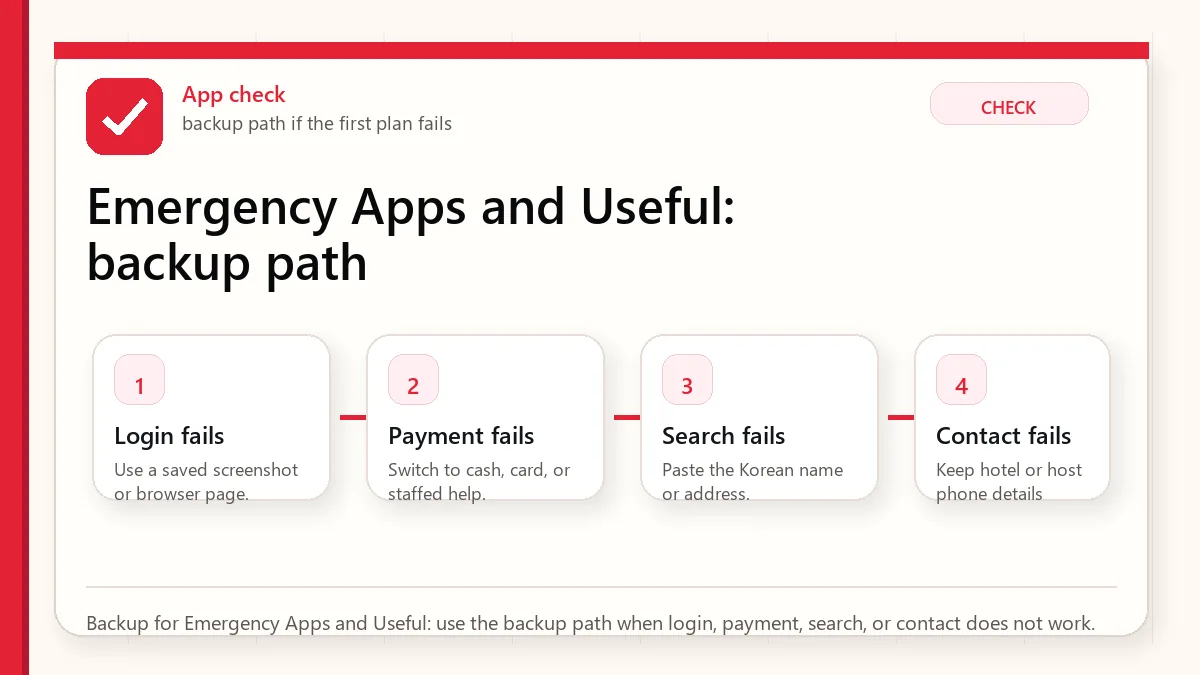
A safer way to make the decision
The first plan depends on one fragile detail
If one card, one app login, one translation scan, or one store policy controls the whole plan, add a backup before the trip.
The information is technically correct but not practical
A rule can be true and still be hard to use when you are tired, carrying luggage, or standing in a busy line. Plan for the human moment, not only the policy.
A visitor copies advice from a different travel style
A resident, Korean speaker, business traveler, or frequent visitor may solve problems differently from a first-time tourist. Use advice that matches your situation.
The backup that keeps the problem small
| Situation | Safer default | Why |
|---|---|---|
| Short first trip | Choose convenience and fewer moving parts | Recovery time is limited |
| Budget-conscious trip | Separate must-pay costs from nice-to-have extras | Small purchases add up quickly |
| Higher-risk situation | Use official sources and conservative backups | Health, entry, tax, and payment issues are not good places to gamble |
Sources to re-check
Use these pages for facts that can change by date, operator, airport, app version, store, or traveler status.
Where to go next
Official links to check
Use these official links when the next step matters. This guide explains what to watch for, but app downloads, eligibility, prices, routes, policies, and service rules can change.
- Seoul guide to the Emergency Ready App: Check official Seoul guidance for the foreigner emergency app.
- Emergency Ready App on Google Play: Download the Android emergency app from Google Play.
- Emergency Ready App on the App Store: Download the iPhone emergency app from the App Store.
- VISITKOREA official travel site: Use this for current tourism notices, transport basics, and traveler support.
FAQ
Can I rely on one answer for every visitor?
No. Korea travel details can depend on nationality, app version, store, airport, phone setup, card issuer, and date.
Should I solve this after arriving?
Try not to. Anything involving entry, phone data, maps, payment, allergies, or airport transfer is easier to prepare before the first pressure moment.
What is the safest habit?
Keep the official source, the practical guide, and a simple backup together. That combination is more useful than memorizing many tips.