A Korea subway app search usually starts with a simple question: which app should I install before I land? The better question is what problem you need the app to solve. Some apps are good at subway line diagrams, some are better for walking from the station exit, and some are useful only when you already know the Korean place name.
Last checked: June 1, 2026. Re-check the official app, service, or app-store page before acting, because routes, prices, labels, rules, app screens, eligibility, and store/service policies can change.
Last updated: May 26, 2026.
For tourists, the subway problem is not only finding Line 2 or Line 4. It is choosing the correct exit, knowing whether a route has stairs, avoiding a missed last train, and connecting the station to the actual door of your hotel, restaurant, clinic, or shop.
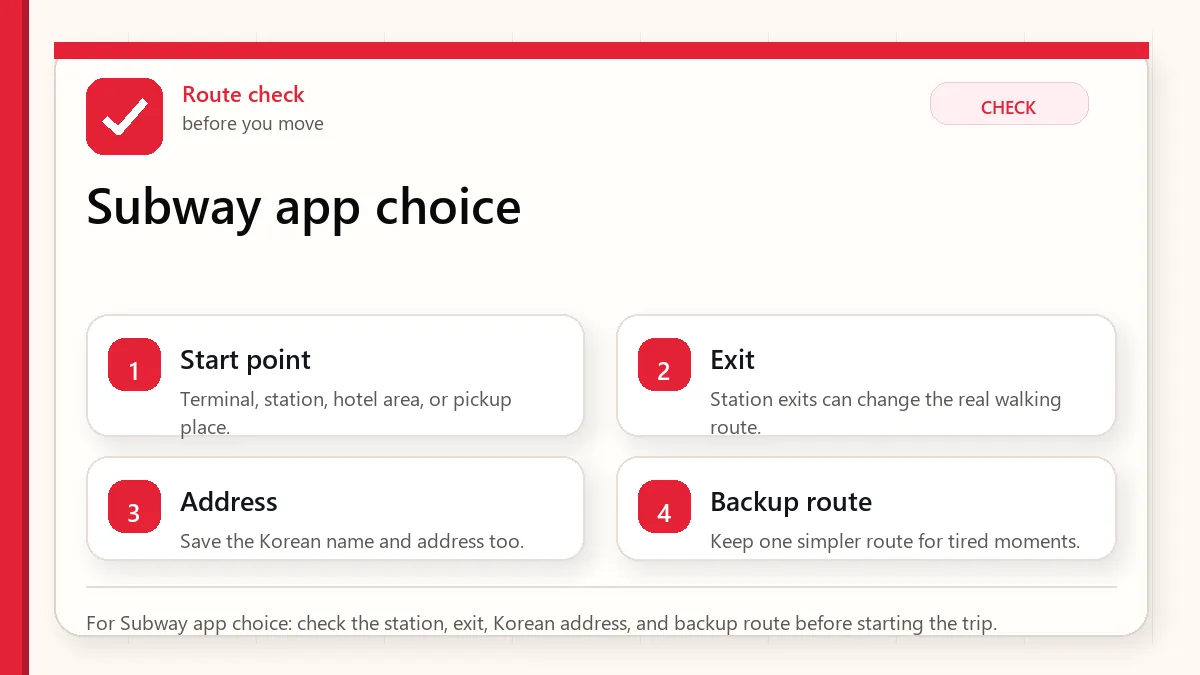
Start with the route you will actually take
Install at least one subway-focused app plus one map app. Use the subway app for line clarity and transfers, then use Naver Map or Kakao Map for exits and the last walk.
When this matters
This matters when you need a Korea subway app or Korea metro app that works in real trip situations: airport arrival, hotel transfers, late-night returns, crowded stations, and routes with several exits.
Decision table
| Situation | Best move | Why it matters |
|---|---|---|
| You only need line and transfer info | Use a subway-focused app | It is faster for seeing route shape and station order. |
| You need the correct exit | Use Naver Map or Kakao Map too | Exit choice can change the walk by several minutes. |
| You are traveling late | Check last train and backup taxi route | A route that works at 2 p.m. may fail at midnight. |
| The destination is a small shop | Save the Korean place name | English search can miss local listings. |
How to make the decision
Use the table as a filter, not as a rule to memorize. The right answer depends on your exact route, phone setup, luggage, arrival time, payment method, and how much uncertainty you can tolerate on that day. For this topic, the first question is: you only need line and transfer info. If that sounds like your situation, the safest starting point is to use a subway-focused app because it is faster for seeing route shape and station order..
The second question is whether the choice still works when the trip becomes less ideal: late arrival, rain, low battery, no Korean phone call, a crowded station, a tired group, or a hotel address that is hard to explain. Those imperfect moments are where travelers usually lose time.
Step-by-step setup
- Install the subway app before departure and test a sample route from Incheon Airport or Seoul Station to your hotel area.
- Save the station name in English and Korean if your hotel gives it to you.
- Check the transfer count, not only total time. One easier transfer can beat two confusing ones with luggage.
- Look at the exit number before you leave the train platform area.
- Save a screenshot of the route in case mobile data becomes unstable underground.
Before you rely on it
Do one small test before the situation becomes urgent. Search the destination, open the app, check the route, confirm the address, read the current official page, or ask the hotel desk while you still have time. A five-minute test at the hotel is easier than troubleshooting in a taxi line, subway transfer, airport terminal, or restaurant doorway.
Also separate what is convenient from what is required. A tool can be convenient without being essential. A card can be useful without replacing every payment method. A phone number can help without solving real-name verification. A train can be fast without being the easiest route with luggage. That distinction is the main habit that prevents bad decisions.
Where travelers get stuck
- Using a subway app for the station route but ignoring the final street walk.
- Searching only in English when a Korean place name is more reliable.
- Following the shortest route even when it has a difficult transfer with luggage.
- Assuming every station exit has the same elevator or escalator access.
- Not checking the last train before dinner, concerts, or late shopping.
Realistic travel scenario
Imagine you are staying near Hongdae but arriving at a guesthouse on a side street. The subway app may correctly bring you to Hongik University Station, but the useful question is which exit puts you on the right side of the road with luggage. That is where the subway app and map app need to work together.
Backup plan if the first choice fails
Have one fallback that does not depend on the same weak point. If the app fails, use a saved Korean address, hotel desk, official counter, taxi stand, convenience store, or simpler route. If payment fails, switch to another card or cash. If translation fails, use shorter sentences and confirm with a person. If timing fails, choose the option that protects the flight, hotel check-in, medicine, or safety issue first.
- Most likely failure: Using a subway app for the station route but ignoring the final street walk.
- Fastest prevention step: Install the subway app before departure and test a sample route from Incheon Airport or Seoul Station to your hotel area.
- Most useful saved item: Hotel address in Korean
- Best mindset: solve the next practical step instead of trying to force the perfect plan.
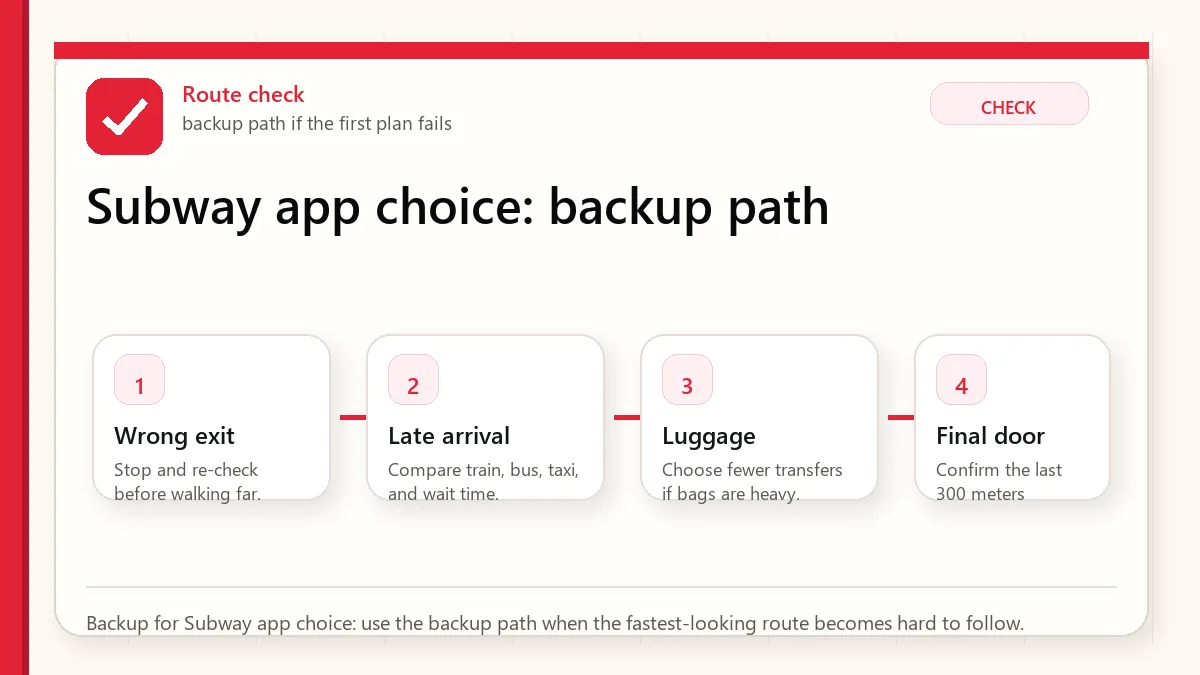
What to save before you need it
- Hotel address in Korean
- Subway route and transfer station
- Correct exit number
- Last train result for the return route
- A taxi backup route from the nearest large road
FAQ
Is there one best Korea subway app?
Not for every visitor. A subway-focused app is best for line clarity, while map apps are better for exits and the final walk.
Can I use Google Maps for subway routes in Korea?
It can help in some ways, but many travelers still need Naver Map, Kakao Map, or a subway-specific app for better local detail.
Should I install the app after arriving?
Install before departure. It is easier to test language settings, route search, and saved places when you are not tired at the airport.
Related guides
Official links to check
Use these official links when the next step matters. This guide explains what to watch for, but app downloads, eligibility, prices, routes, policies, and service rules can change.
- NAVER Map web: Use the web map to test place names, Korean addresses, routes, and station exits.
- NAVER Map on Google Play: Download the Android app from Google Play.
- NAVER Map on the App Store: Download the iPhone app from the App Store.
- Kakao Map web: Use Kakao Map to cross-check Korean place names, local search, and routes.
- KakaoMap on Google Play: Download the Android app from Google Play.
- KakaoMap on the App Store: Download the iPhone app from the App Store.
- Google Maps: Use Google Maps for saved places, broad planning, and familiar map features.
- Google Maps on Google Play: Download or update the Android app from Google Play.
- Google Maps on the App Store: Download or update the iPhone app from the App Store.
- T-money official site: Check current card, top-up, refund, and mobile T-money information.
- Seoul Climate Card official English page: Check coverage, card types, and tourist limitations before buying.
- WOWPASS official site: Check current prepaid card, exchange, app, and transit-card features.
Sources and official checks
App screens, entry rules, fares, and official procedures can change. Use the links below to re-check details before you rely on one route, app, card, or declaration step.