Korea WiFi rental, eSIM, and SIM card options all promise internet, but they solve different travel problems. Some give only data. Some include a phone number. Some are easy for groups. Some create another device to charge and return.
Check the live service conditions for Korea WiFi rental vs esim vs sim card
Use VISITKOREA SIM, eSIM, WiFi, and communications guide for the current SIM, eSIM, or WiFi conditions. Device compatibility, identity checks, pickup hours, activation, and support must all fit the arrival plan.
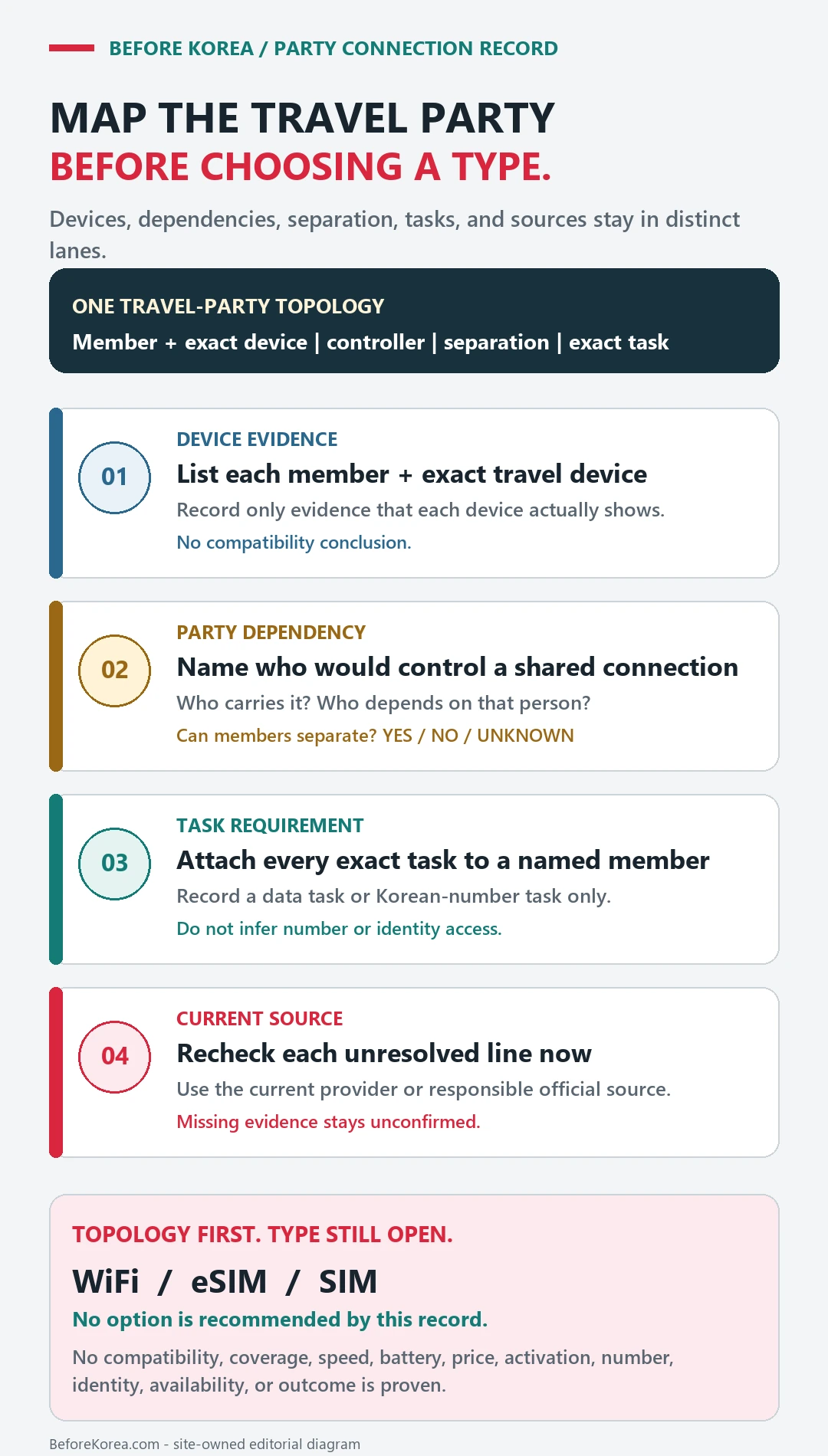
Confirm device compatibility before purchase
Confirm that the phone is unlocked, check eSIM or network compatibility, keep the identity and pickup details, and save an offline route to the first support option.
- Unlocked and compatible device
- Passport or identity requirement
- Activation or pickup point
- Support and backup connection
The mistake is choosing by price alone. For Korea, your internet choice can affect maps, taxi apps, delivery apps, messaging, SMS verification, emergency calls, and how calm your arrival feels.
Choose eSIM for easy data if your phone supports it, SIM card when you need a local number or calls/SMS, and WiFi rental when a group wants shared data and can manage one extra device.
Activate and test every function you need
- Match the device model and lock status to the SIM, eSIM, or WiFi product before purchase.
- Check data allowance, validity, hotspot rules, phone-number inclusion, and any fair-use limit.
- Confirm where identity verification, pickup, QR installation, or activation must occur and when that counter closes.
- Test data, calls, texts, and hotspot use while another connection is available.
- Keep the order number, provider support route, and one airport or accommodation WiFi fallback.
A paid order is not yet a working connection
The connection is ready only after the travel device has registered on the network and completed the functions the traveler needs. A paid order or downloaded QR code is not the same as working service.
| App check | What it changes |
|---|---|
| Solo traveler with eSIM phone | eSIM is usually simple: No pickup counter or physical card needed. |
| Need calls or SMS | Read SIM details carefully: Data-only products may not solve verification. |
| Family or group | WiFi rental can share data: One device can support several phones. |
| App verification matters | Do not assume any number works: Korean identity checks are a separate issue. |
For Korea wifi rental vs esim vs sim card, a compatible-looking product may still fail because of a device lock, unsupported band or eSIM, identity rule, activation step, or plan restriction.
If activation does not complete
Check device lock, selected SIM line, roaming and APN instructions, restart requirements, and whether activation must occur on a supported network.
Contact the provider with the device model and order number while backup WiFi is available; do not delete an eSIM profile unless its instructions say it can be reinstalled.