For a short-term visitor, k.ride is the most traveler-focused starting point, Uber Taxi is a useful second app, and Kakao T is worth testing when its account and payment flow already works for you. Whichever app you use, run one search with the hotel or venue you will actually visit, then confirm the pickup pin, payment method, driver-contact route, and a non-app fallback before requesting.
Last checked: September 1, 2026 against official k.ride, Kakao Mobility, Uber Taxi, and Seoul taxi guidance. Availability, vehicle types, fees, and payment options can change by account, place, and time.
Open only the official app and service pages
Use the official store or operator page below to confirm the app identity and current features. A store listing does not prove that your phone number, card, requested vehicle, or pickup point will work, so complete the setup test later on this page before you depend on one app.
- Kakao T on Google Play
- Uber Korea ride page
- Seoul Metropolitan Government – taxi information
- VISITKOREA
- k.ride on Google Play
- k.ride on the App Store
Choose the app by the setup task it completes
| Option | What the official service confirms | What you still need to test |
|---|---|---|
| k.ride | A Kakao Mobility service for international travelers with a multilingual interface, destination search and translated driver chat. | Signup, your card or mobile payment, vehicle availability, and the exact pickup pin. |
| Uber Taxi | The Korea flow lets a rider enter pickup and destination, review available ride options, match with a vehicle, and use the selected payment method. | Which ride types appear at your location, the current fee display, payment, and driver contact. |
| Kakao T | The official Kakao Mobility taxi app is available through the linked store page. | Account access, language comfort, current payment choices, and whether the booking flow works on your phone. |
| No-app fallback | Seoul also publishes guidance for street taxis and taxi stands. | A staffed taxi stand, accommodation-desk call, or saved transit route for the same trip. |
Do not install three apps and leave all three untested. Pick a primary app, complete its account and payment screens, then prepare one different fallback that does not depend on the same login or card.
Run one setup test without requesting a car
- Close and reopen the app to confirm that you can still access the account on the phone you will carry.
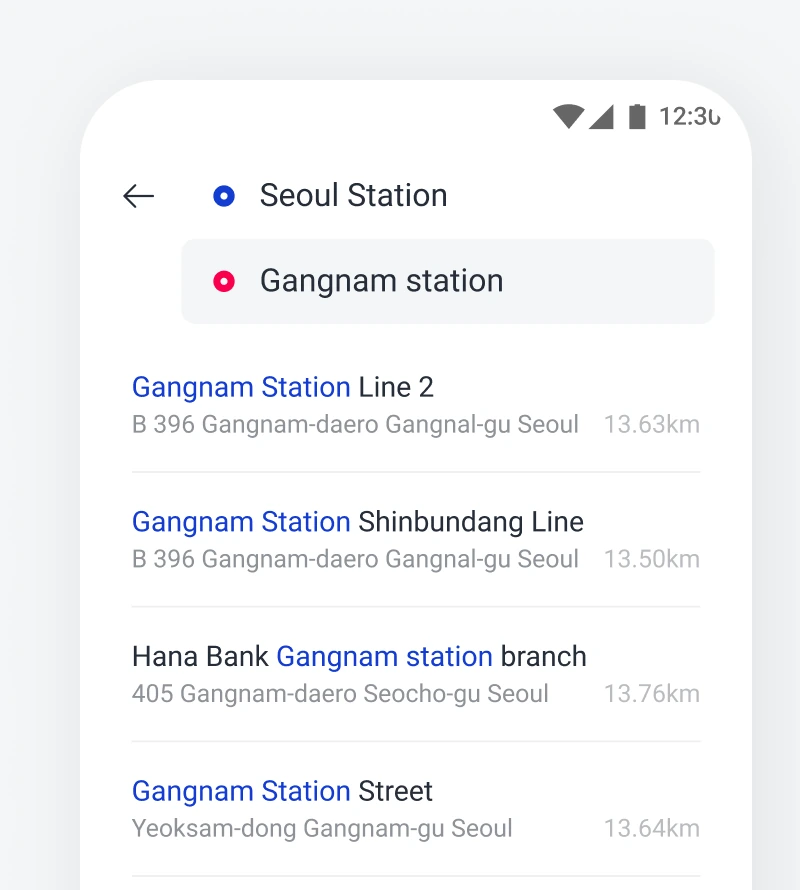
- Search the exact hotel, venue branch, or Korean road-name address and compare the result with the booking confirmation.
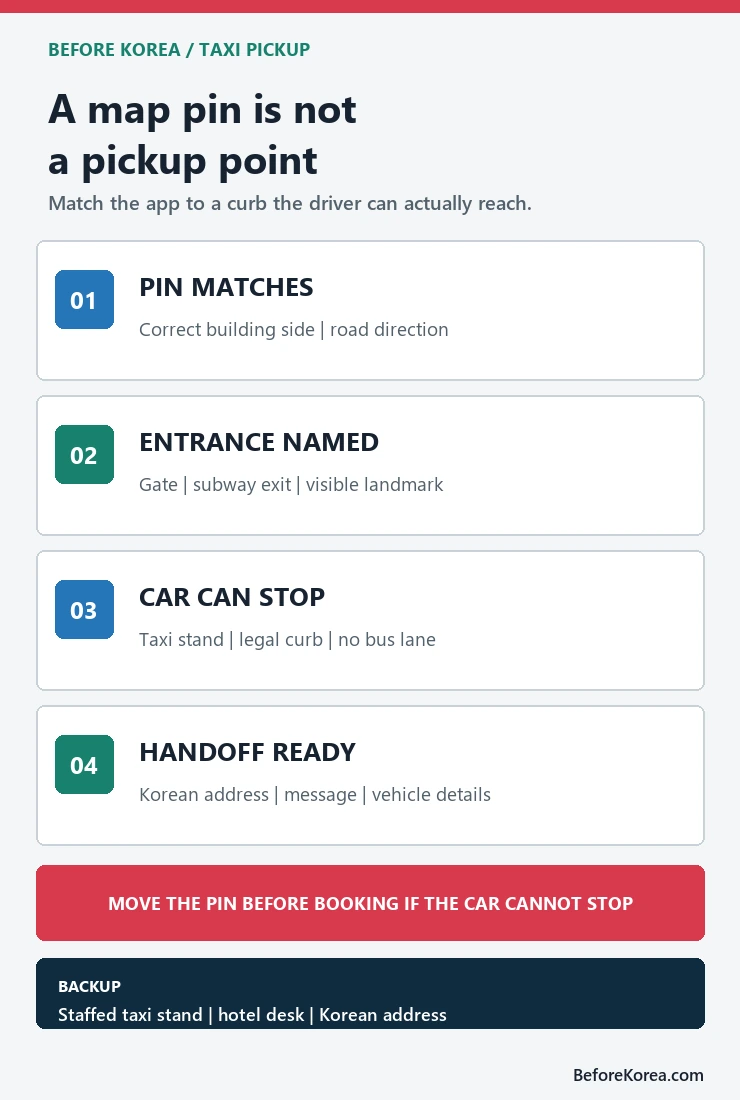
- Move the pickup pin to the correct side of the road and a named entrance where a taxi can stop.
- Review the vehicle, payment, receipt, cancellation, and driver-contact screens, but stop before the final request.
- Save the destination in Korean and the fallback taxi stand, hotel phone number, or transit route outside the app.
Use the fare guide for meter and surcharge questions
This page owns app choice, account setup, pickup and driver handoff. For Seoul base fare, distance and time increments, late-night surcharge, tolls, and receipt checks, use the Korea taxi fare guide. Keep the amount shown before the request and the final receipt, but do not treat an estimate as proof that a vehicle will accept the trip.
Related guides
Choose the post-show pickup point before the crowd leaves
Before a concert starts, save a legal roadside pickup point outside the main exit crowd, plus the destination’s Korean address. Request the ride only after you can stand at that exact pin and describe a visible landmark.
| Moment | Action | Why it matters |
|---|---|---|
| Before doors open | Save two pickup pins on open roads and the hotel address in Korean | Road closures can make the venue gate unreachable |
| When the show ends | Walk to the saved point before requesting | GPS and driver calls are harder in a moving crowd |
| The driver calls | Use a short landmark message and verify the plate | The app pin may sit on the wrong side of the road |
| No driver accepts | Move to the second point or use the saved transit plan | Repeated requests at one blocked gate do not create access |
Review the Seoul Metropolitan Government’s official taxi guidance and use Seoul TOPIS for current traffic context. The venue or city event notice takes priority when roads are controlled.
A saved pickup point does not guarantee a driver, fare, travel time or road access. Keep enough battery and a non-taxi return plan.