Korea WiFi rental, eSIM, and SIM card options all promise internet, but they solve different travel problems. Some give only data. Some include a phone number. Some are easy for groups. Some create another device to charge and return.
Last checked: June 1, 2026. Re-check the official provider, store, customs, or payment page before acting, because routes, prices, labels, rules, app screens, eligibility, and store/service policies can change.
Last updated: May 26, 2026.
The mistake is choosing by price alone. For Korea, your internet choice can affect maps, taxi apps, delivery apps, messaging, SMS verification, emergency calls, and how calm your arrival feels.
Start with what can fail at payment
Choose eSIM for easy data if your phone supports it, SIM card when you need a local number or calls/SMS, and WiFi rental when a group wants shared data and can manage one extra device.
When this matters
This matters when you are comparing Korea WiFi rental, Korea eSIM, and Korea SIM card options before airport pickup or online purchase.
Decision table
| Situation | Best move | Why it matters |
|---|---|---|
| Solo traveler with eSIM phone | eSIM is usually simple | No pickup counter or physical card needed. |
| Need calls or SMS | Read SIM details carefully | Data-only products may not solve verification. |
| Family or group | WiFi rental can share data | One device can support several phones. |
| App verification matters | Do not assume any number works | Korean identity checks are a separate issue. |
How to make the decision
Use the table as a filter, not as a rule to memorize. The right answer depends on your exact route, phone setup, luggage, arrival time, payment method, and how much uncertainty you can tolerate on that day. For this topic, the first question is: solo traveler with esim phone. If that sounds like your situation, the safest starting point is to esim is usually simple because no pickup counter or physical card needed..
The second question is whether the choice still works when the trip becomes less ideal: late arrival, rain, low battery, no Korean phone call, a crowded station, a tired group, or a hotel address that is hard to explain. Those imperfect moments are where travelers usually lose time.
Step-by-step setup
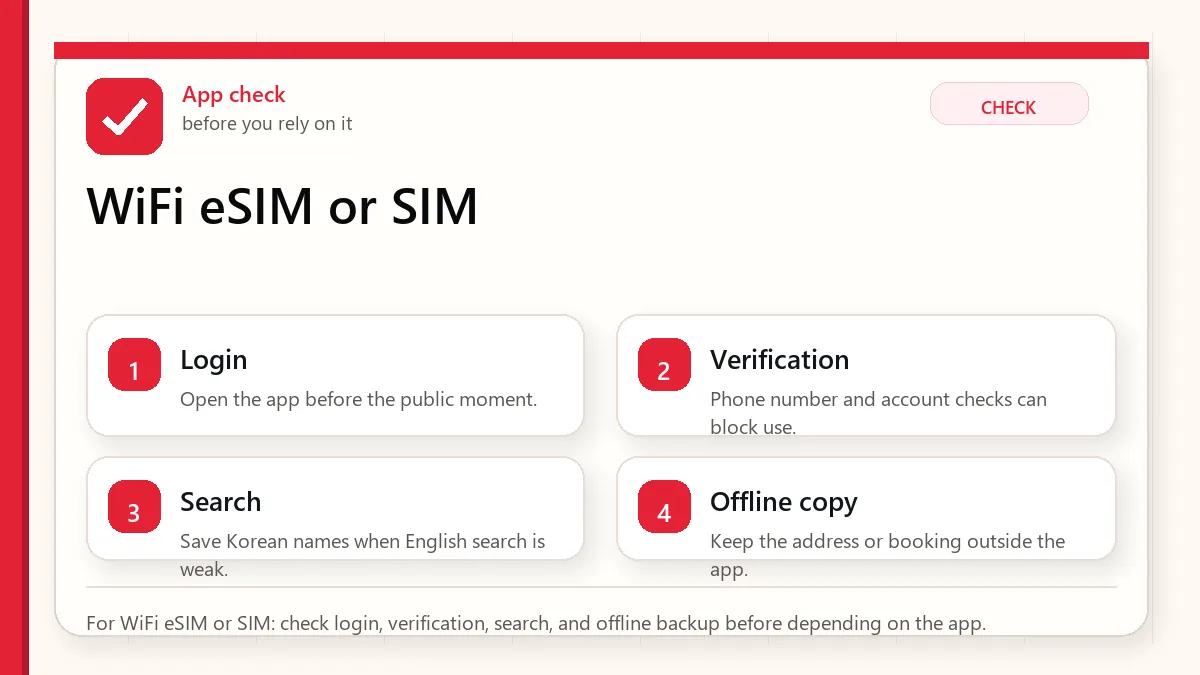
- Check whether your phone is unlocked and supports eSIM if choosing eSIM.
- Read whether the product includes data only, voice, SMS, or a local phone number.
- For WiFi rental, plan battery charging, pickup, return, and what happens if the group separates.
- For SIM cards, keep the old number accessible until important accounts are stable.
- Test map, messaging, and hotel contact before leaving the airport area.
Before you rely on it
Do one small test before the situation becomes urgent. Search the destination, open the app, check the route, confirm the address, read the current official page, or ask the hotel desk while you still have time. A five-minute test at the hotel is easier than troubleshooting in a taxi line, subway transfer, airport terminal, or restaurant doorway.
Also separate what is convenient from what is required. A tool can be convenient without being essential. A card can be useful without replacing every payment method. A phone number can help without solving real-name verification. A train can be fast without being the easiest route with luggage. That distinction is the main habit that prevents bad decisions.
Where travelers get stuck
- Buying data-only service and expecting it to pass Korean app verification.
- Choosing WiFi rental for a group that will split up during the day.
- Forgetting to return a rental device.
- Changing SIMs and losing access to banking, email, or messenger recovery.
- Ignoring battery drain on a pocket WiFi device.
Realistic travel scenario
A couple traveling together might like WiFi rental for shared data, but if one person goes shopping and the other goes to a clinic, only the person holding the device has internet. Two eSIMs may cost more but reduce dependency.
Backup plan if the first choice fails
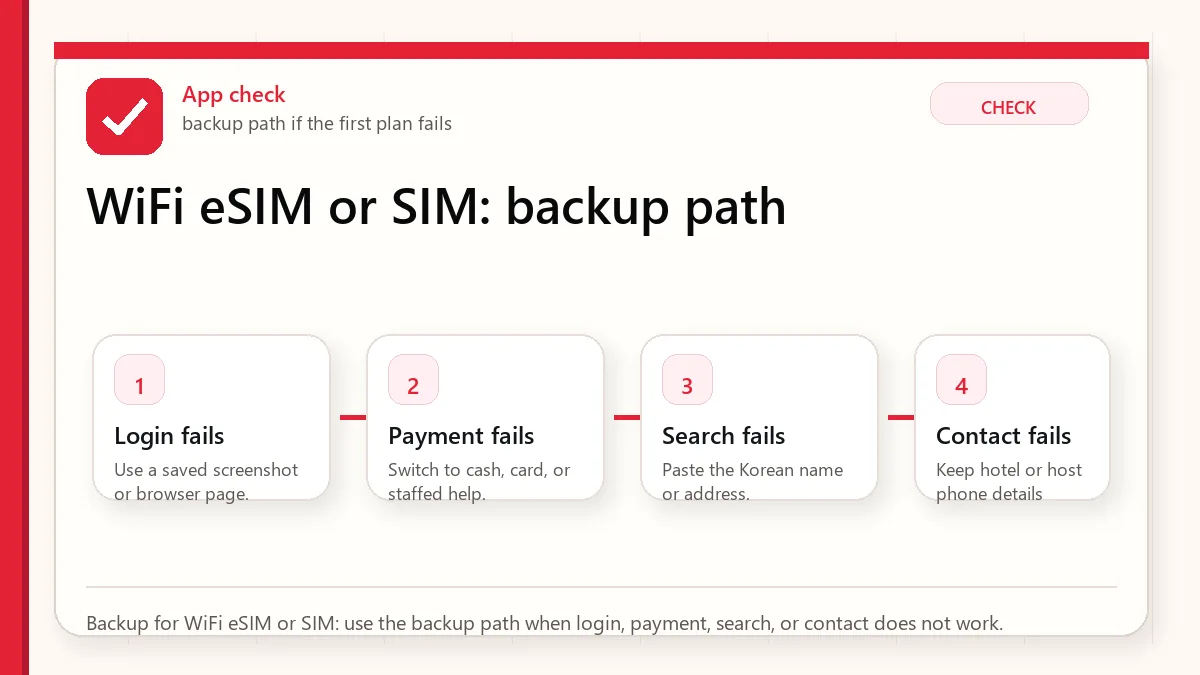
Have one fallback that does not depend on the same weak point. If the app fails, use a saved Korean address, hotel desk, official counter, taxi stand, convenience store, or simpler route. If payment fails, switch to another card or cash. If translation fails, use shorter sentences and confirm with a person. If timing fails, choose the option that protects the flight, hotel check-in, medicine, or safety issue first.
- Most likely failure: Buying data-only service and expecting it to pass Korean app verification.
- Fastest prevention step: Check whether your phone is unlocked and supports eSIM if choosing eSIM.
- Most useful saved item: Product page showing data, calls, and SMS
- Best mindset: solve the next practical step instead of trying to force the perfect plan.
What to save before you need it
- Product page showing data, calls, and SMS
- Pickup or activation instructions
- Return location for WiFi rental
- Hotel WiFi backup
- Emergency contact method
FAQ
Is Korea WiFi rental better than eSIM?
Not always. WiFi rental is useful for shared data, while eSIM is often simpler for solo travelers.
Do I need a Korean phone number?
Only for some app flows, calls, SMS, and local contact needs. Data alone is enough for many map and messaging tasks.
Will a tourist SIM pass every Korean verification?
No. A phone number and real-name identity verification are not the same thing.
Related guides
Sources and official checks
App screens, entry rules, fares, and official procedures can change. Use the links below to re-check details before you rely on one route, app, card, or declaration step.