Korean restaurant kiosks are common in fast-food chains, casual restaurants, food courts, noodle shops, burger shops, cafes, and some local franchises. They make ordering fast for locals, but they can trap visitors with hidden language buttons, menu options, set menus, spicy add-ons, foreign card errors, and order numbers that appear only on the receipt.
Last checked: June 1, 2026. Re-check the latest product label, restaurant information, and official/public database before acting, because routes, prices, labels, rules, app screens, eligibility, and store/service policies can change.
Last updated: May 24, 2026.
The goal is not to master every kiosk. The goal is to slow the first thirty seconds down enough to avoid the wrong mode, wrong quantity, wrong option, or impossible payment step.
Start with the moment you order
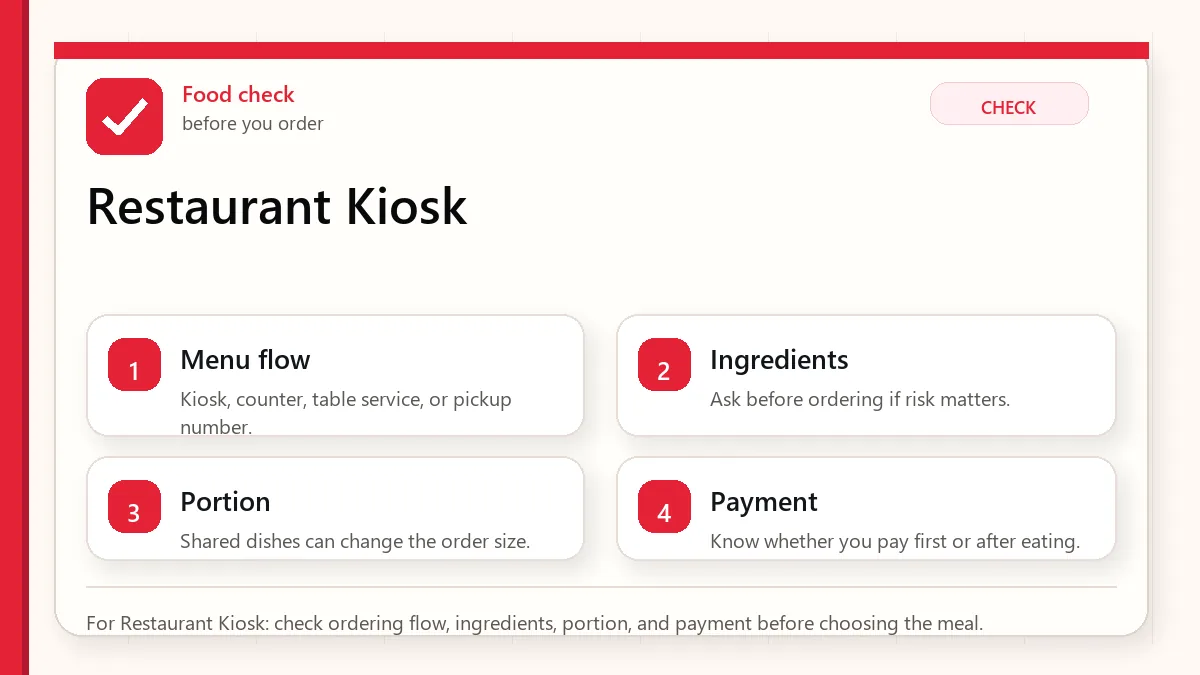
Look first for a language button, then choose dine-in or takeout, select by photo or category, review the cart, pay, and keep the receipt or order number. If you have allergies or dietary restrictions, do not rely on the kiosk alone. Ask staff before paying, because kiosks often show limited ingredient detail.
Common Korean kiosk words
| Korean | Meaning | Why it matters |
|---|---|---|
| 매장 | Dine in | Choose this if you are eating inside. |
| 포장 | Takeout | Choose this if you want the food packed. |
| 주문 | Order | Start or confirm an order. |
| 결제 | Payment | Final payment step. |
| 카드 | Card | Use for credit or debit card payment. |
| 현금 | Cash | Not every kiosk accepts cash. |
| 영수증 | Receipt | May show your order number. |
| 주문번호 | Order number | Watch the pickup screen for this. |
| 품절 | Sold out | The item is unavailable. |
The safest kiosk flow
- Step back and find the language button before touching menu items.
- Choose dine-in or takeout. This is often the first decision.
- Pick the category: burger, noodles, rice, coffee, set menu, side, drink, dessert.
- Use menu photos, but check options such as size, spice, sauce, hot/iced, and add-ons.
- Open the cart and confirm quantity. Accidental double orders are common.
- Pay by card if supported. If the card fails, ask staff rather than repeating the same error endlessly.
- Take the receipt and watch for your order number on the screen or listen for it being called.
Where visitors get stuck
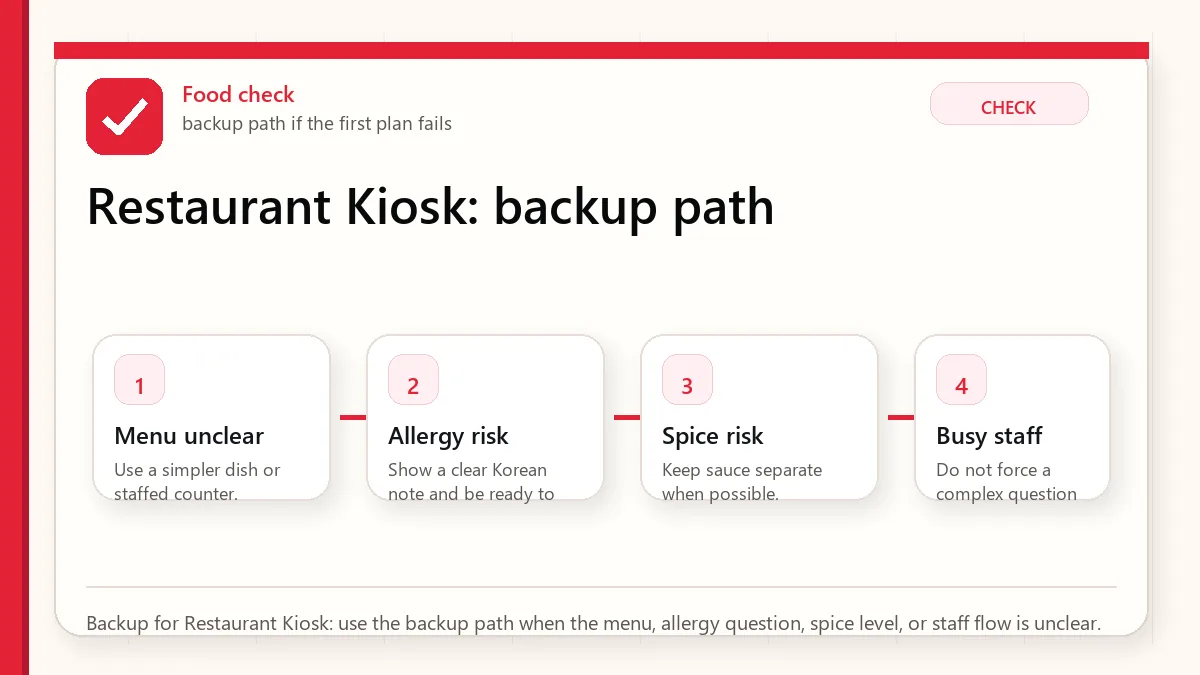
- No English button: Use camera translation, but avoid complex dishes if you cannot read options.
- Foreign card declined: Try another card, use the counter if available, or choose a restaurant with staff ordering.
- Takeout vs dine-in mistake: Staff can sometimes fix it, but not always during a rush.
- Hidden spicy option: Some dishes have default spice or sauce choices that photos do not reveal.
- Allergy uncertainty: Kiosks rarely provide enough kitchen detail for serious allergies.
Allergy and dietary caution
A kiosk is a bad place to negotiate a serious allergy. If the restaurant is busy and the machine is the only ordering channel, choose a safer restaurant or ask staff before submitting payment. Many sauces, broths, batters, and toppings are not obvious from photos.
FAQ
Do Korean kiosks accept foreign cards?
Many do, but not all. Some machines fail with certain foreign cards even when the restaurant itself can accept card at the counter.
What if I make a wrong order?
Ask staff immediately and show the receipt. If food preparation has started, changes may be difficult.
Can I order in English at the counter instead?
Sometimes. Chains and tourist areas may help, but some restaurants expect kiosk-only ordering during busy periods.
Screen order patterns
Many kiosks follow a predictable pattern: dine-in or takeout, language, category, item, options, cart, membership or coupon, payment, receipt. The membership screen is where visitors often freeze. If you do not have a Korean membership number, look for skip, no membership, continue, or payment buttons.
Card errors and what they mean
A declined card does not always mean your bank blocked the transaction. The kiosk may not support your card type, may require chip insertion in a specific direction, may fail with contactless, or may be tied to a domestic payment rail. Try inserting the card, try another card, and then ask staff. Do not repeatedly tap the same card for five minutes while the line grows.
Receipts are not optional
Take the receipt even if you normally avoid paper. It may contain your order number, pickup counter, refund proof, or item list. In food courts, several counters can share one seating area, and the receipt is how you prove where your food should appear.
When to abandon the kiosk
Leave the kiosk flow if you have a serious allergy, cannot understand required options, cannot confirm payment, or suspect you selected the wrong mode. It is better to ask staff or choose another restaurant than to buy a meal you cannot eat.
Related Before Korea guides
Use these guides together rather than treating one article as the whole plan.
- How to order food in Korea
- Korean food allergy guide
- Papago vs Google Translate
- Korea eSIM with phone number
Sources checked for this update
Before Korea treats operational details as changeable. Check the official pages below before a trip or a large purchase.