For Korea, the eSIM vs SIM card decision is not only about data speed or price. The real question is whether you need only internet access or whether you need a Korean phone number that can receive calls or text messages. Many travelers can use a data-only eSIM and be perfectly fine. Others discover too late that taxi apps, restaurant waiting systems, delivery apps, clinic forms, or hotel callbacks are easier with a local number.
Last updated: May 24, 2026.
This guide separates the decision into practical visitor scenarios, because buying the cheapest data plan is not always the cheapest trip decision.
Start with what can fail at payment
Choose a data-only eSIM if you mainly need maps, messaging, translation, browsing, and app-based travel. Choose a Korea eSIM or SIM with a phone number if you expect restaurant waitlists, local calls, delivery, clinic appointments, or app verification attempts. Choose a physical SIM if your phone does not support eSIM, you want a carrier counter to help, or you prefer a simple arrival setup.
Decision table
| Option | Best for | Trade-off |
|---|---|---|
| Data-only eSIM | Short trips, maps, translation, messaging, light app use. | No normal Korean call/SMS number; some local services are harder. |
| eSIM with Korean number | Visitors who need local contact, waiting lists, calls, or SMS-capable plans. | Availability and verification rules vary by provider and plan. |
| Physical prepaid SIM | Phones without eSIM, travelers who want counter support, longer stays. | You may need to swap SIMs and keep the small card safe. |
| Pocket Wi-Fi | Groups sharing data, older phones, heavy laptop use. | One device becomes the group’s internet lifeline and needs charging. |
Phone number does not mean full Korean identity verification
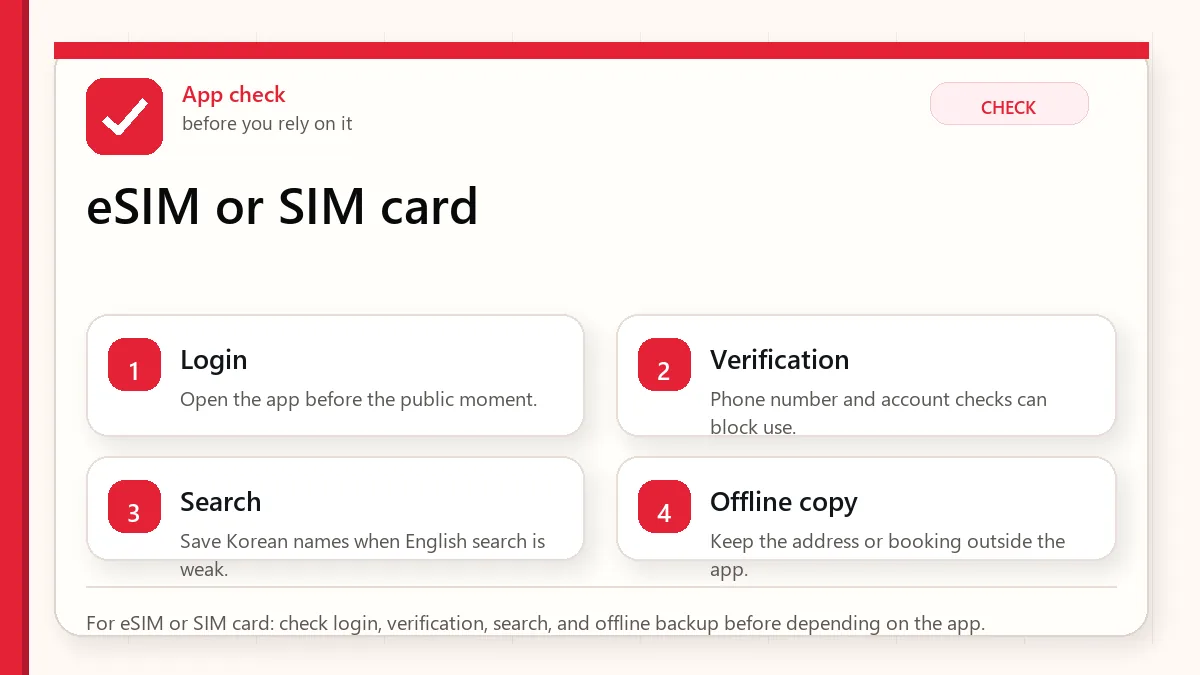
This is the part many visitors miss. A tourist SIM with a Korean number may help you receive calls or messages, but it does not automatically give you resident-level identity verification. Some Korean apps and services require local identity verification tied to resident registration or alien registration systems. A tourist number may not pass those gates.
Before buying a plan, read whether it includes data only, voice, outgoing calls, incoming calls, SMS, and whether identity verification is supported. If the product page is vague, assume less, not more.
When a local number is worth it
- You plan to use restaurants with waiting systems that text or call.
- You may need taxi drivers to call you at a pickup point.
- You are booking clinics, salons, tours, or local services.
- You want hotel staff, delivery riders, or reservation desks to reach you.
- You are staying longer than a few days and want fewer workarounds.
Arrival setup checklist
- Check whether your phone is unlocked and supports the right eSIM or SIM format.
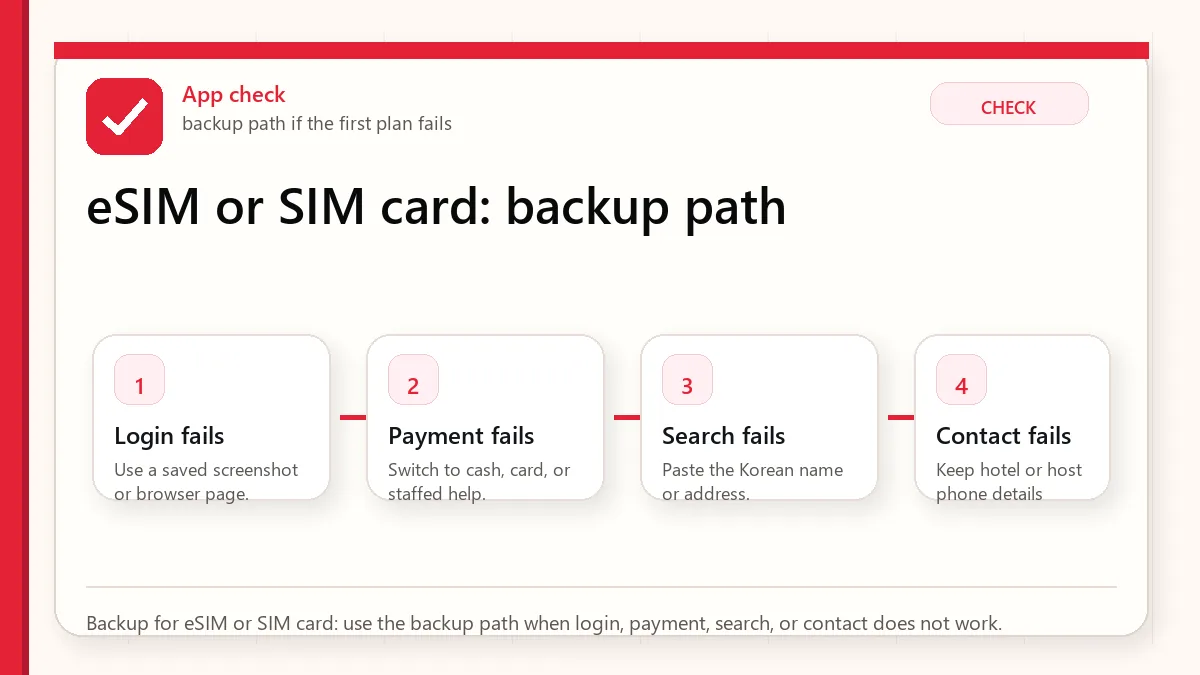
- Save the QR code, voucher, pickup location, and passport requirement offline.
- Activate and test data before leaving the airport if possible.
- Open Naver Map, a messenger app, and a web page to confirm data actually works.
- If you bought a number plan, test whether you can receive a local text or call.
Official links to check
Use these official links when the next step matters. This guide explains what to watch for, but app downloads, eligibility, prices, routes, policies, and service rules can change.
- KakaoTalk official service page: Check Kakao's official KakaoTalk service information.
- KakaoTalk on Google Play: Download the Android app from Google Play.
- KakaoTalk on the App Store: Download the iPhone app from the App Store.
- Kakao account phone-number guidance: Check Kakao's own guidance before changing phone numbers or losing account access.
- Seoul guide to the Emergency Ready App: Check official Seoul guidance for the foreigner emergency app.
- Emergency Ready App on Google Play: Download the Android emergency app from Google Play.
- Emergency Ready App on the App Store: Download the iPhone emergency app from the App Store.
- VISITKOREA official travel site: Use this for current tourism notices, transport basics, and traveler support.
FAQ
Can I travel Korea with only a data eSIM?
Yes, many visitors can. Maps, translation, messaging, and web search are the core needs. The problem appears when a local service requires a Korean contact number.
Do I need to buy at Incheon Airport?
Not always. Airport pickup is convenient because staff can help if setup fails. Online eSIM activation can be faster if your phone is compatible and you understand the instructions.
Will a Korean tourist number verify KakaoTalk or every app?
Do not assume that. App verification rules change and may depend on the service, number type, and identity verification requirement.
Trip profiles: which plan fits?
Three-day city trip: a data-only eSIM is usually enough if you use messaging apps and do not need delivery or clinic bookings. One-week food and shopping trip: consider a number plan if you expect restaurant queues, taxi calls, or beauty appointments. Longer stay or work trip: a physical SIM or carrier-supported plan may be worth the setup time because support and reliability matter more.
Payment and app friction
A SIM card does not solve payment by itself. Foreign cards, domestic app payment, age verification, and identity verification are separate problems. You can have perfect data and still be unable to order delivery if the app rejects your card or requires local identity verification. That is why Before Korea recommends pairing phone setup with payment planning.
Data usage reality
Maps, translation, messaging, and search do not require enormous data for most travelers. Video streaming, cloud photo backup, hotspot sharing, remote work, and social video uploads are the heavy users. If you are buying a large plan because you are nervous, check whether your accommodation has reliable Wi-Fi and whether your phone can restrict background data.
Common setup mistakes
- Buying an eSIM for a phone model that does not support eSIM in that region.
- Deleting the eSIM profile before the trip ends.
- Leaving the airport before testing data.
- Assuming “phone number included” means full app verification.
- Forgetting that a pocket Wi-Fi device needs charging and must stay with the group.
Related Before Korea guides
Use these guides together rather than treating one article as the whole plan.
Sources checked for this update
Before Korea treats operational details as changeable. Check the official pages below before a trip or a large purchase.