A Korea map app is not just a map. For foreign travelers it becomes the tool for subway exits, bus stops, restaurant names, taxi destinations, walking routes, opening hours, and emergency backup. That is why choosing only one familiar app can create problems.
Choose a Korea map app by the job it must do
Compare Naver Map, KakaoMap, Google Maps, and dedicated subway apps by the task, not by one overall ranking. Local place search, public transit, driving, English labels, and offline use can have different winners.
- NAVER Map on Google Play
- VISITKOREA
- KakaoMap on Google Play
- KakaoMap on the App Store
- Google Maps on Google Play
- Google Maps on the App Store
Save the Korean address and verify the map pin
List the jobs the trip needs: finding Korean businesses, subway exits, live bus routes, driving navigation, saved places, and an English interface.
- Location permission and data
- Destination in Korean
- Correct map pin
- Saved offline address
Korea is one of the countries where many visitors quickly learn that Google Maps may not behave the way they expect for local navigation. A good setup uses several tools for different jobs.
Use Naver Map or Kakao Map for local navigation, keep Google Maps for saved international context, and add a subway app if your trip is transit-heavy.
Check the route through the final station exit and walk
- Install only official app-store versions and set the same Korean destination in each candidate app.
- Compare place-name search and verify that every result points to the same branch and entrance.
- Run one subway, bus, walking, and driving test that reflects the actual itinerary.
- Check language support, login requirements, saved places, data use, and what remains available offline.
- Keep the strongest local map plus a second app or saved address for the task where it is weaker.
The correct entrance matters more than the area name
The best Korea map setup is usually a small combination: one app for strong local place and route data, plus a backup for translation, offline reference, or a specific transit task.
| App check | What it changes |
|---|---|
| Finding Korean places | Use Naver Map or Kakao Map: Local listings and Korean names matter. |
| Subway exit planning | Use map plus subway app: Exit choice affects the final walk. |
| Saved global trip list | Keep Google Maps as support: It may still help with familiar planning. |
| Taxi destination | Save Korean address: Drivers and apps need precise destination text. |
For best Korea map apps for tourists, a route result can change with the selected pin, day, time, station exit, and live transit conditions; verify the final entrance before relying on it.
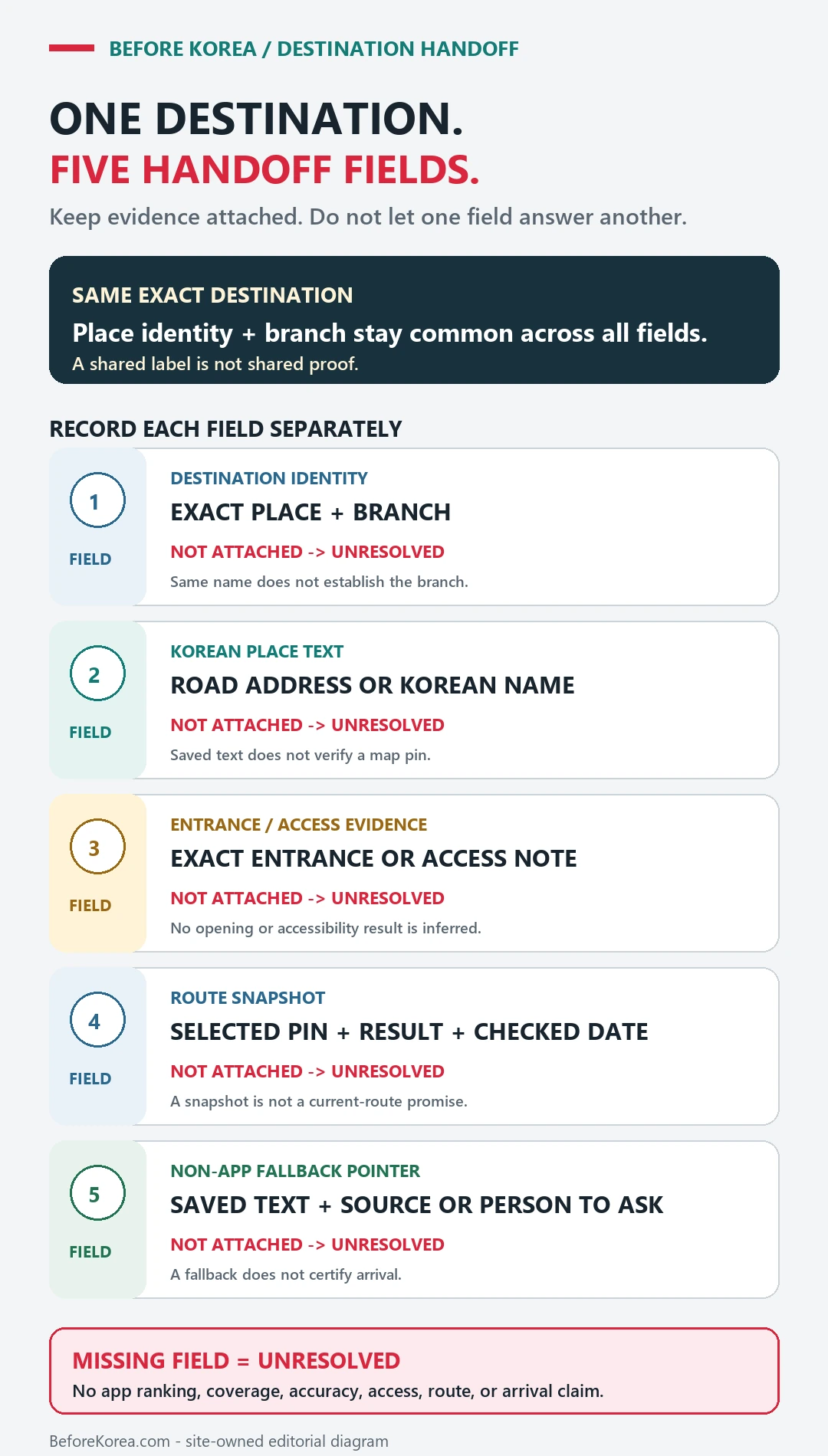
If two map apps disagree
Retry the Korean name and road address, compare the venue’s official page, and inspect nearby building or branch names before choosing a similarly named result.
Show the saved Korean address to hotel staff, station staff, or a taxi driver when the app cannot settle the final location.