A Korea translation app is useful, but it can also create false confidence. Translation works best when you use short, direct sentences and understand which situation needs precision: allergies, medicine, taxi destination, clinic symptoms, product labels, or payment trouble.
Last checked: June 1, 2026. Re-check the official app, service, or app-store page before acting, because routes, prices, labels, rules, app screens, eligibility, and store/service policies can change.
Last updated: May 26, 2026.
This guide is not about choosing one winner. It is about using translation apps in Korea in a way that reduces risk instead of adding confusion.
Start with the label and return risk
Use Papago and Google Translate as a two-app backup. Keep phrases short, confirm critical details, and do not rely on machine translation alone for allergies, medicine, contracts, or emergencies.
When this matters
This matters when you want a Korea translation app setup for menus, taxis, clinics, shopping, and uncomfortable moments.
Decision table
| Situation | Best move | Why it matters |
|---|---|---|
| Restaurant menu | Use camera translation plus staff confirmation | Ingredients and spice can be missed. |
| Taxi destination | Show Korean address | Address text is safer than a translated sentence. |
| Clinic or pharmacy | Prepare symptoms and medicine names | Precision matters. |
| Shopping label | Translate but verify dates and warnings | Product labels can have small but important details. |
How to make the decision
Use the table as a filter, not as a rule to memorize. The right answer depends on your exact route, phone setup, luggage, arrival time, payment method, and how much uncertainty you can tolerate on that day. For this topic, the first question is: restaurant menu. If that sounds like your situation, the safest starting point is to use camera translation plus staff confirmation because ingredients and spice can be missed..
The second question is whether the choice still works when the trip becomes less ideal: late arrival, rain, low battery, no Korean phone call, a crowded station, a tired group, or a hotel address that is hard to explain. Those imperfect moments are where travelers usually lose time.
Step-by-step setup
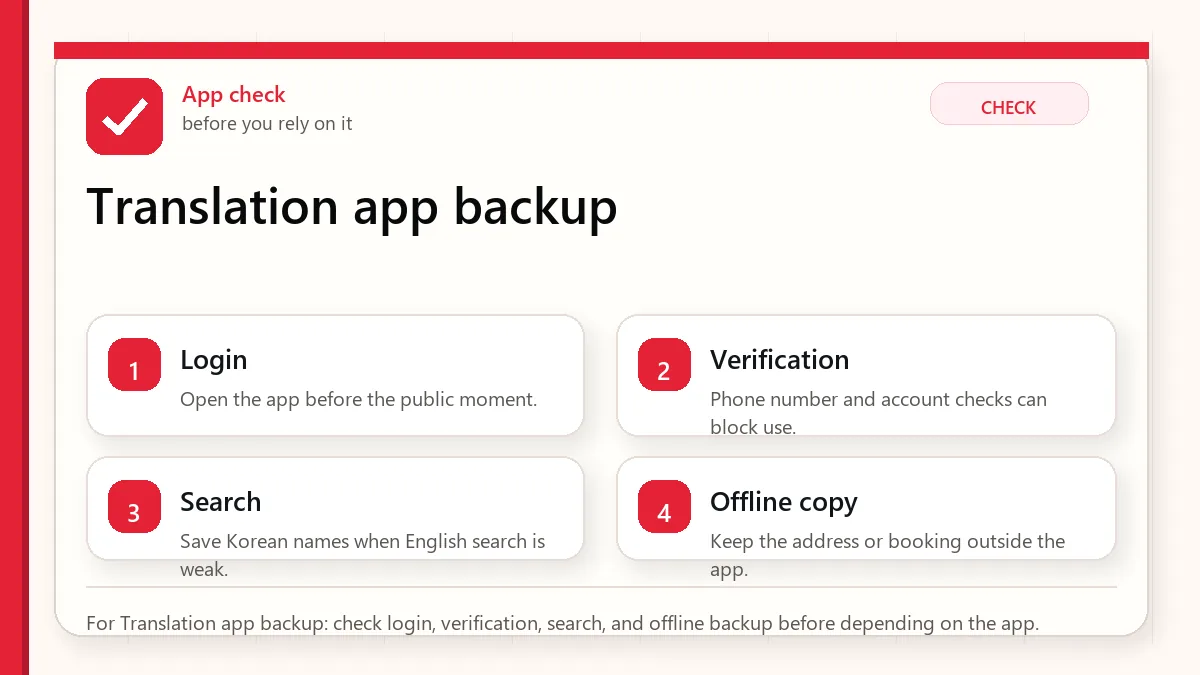
- Install two translation apps before departure and download offline language support if available.
- Save common phrases for allergies, payment failure, taxi destination, and hotel help.
- Use short sentences with one request at a time.
- For important issues, translate back into English to catch obvious errors.
- When safety matters, ask a human to confirm rather than relying only on the app.
Before you rely on it
Do one small test before the situation becomes urgent. Search the destination, open the app, check the route, confirm the address, read the current official page, or ask the hotel desk while you still have time. A five-minute test at the hotel is easier than troubleshooting in a taxi line, subway transfer, airport terminal, or restaurant doorway.
Also separate what is convenient from what is required. A tool can be convenient without being essential. A card can be useful without replacing every payment method. A phone number can help without solving real-name verification. A train can be fast without being the easiest route with luggage. That distinction is the main habit that prevents bad decisions.
Where travelers get stuck
- Typing long emotional paragraphs into a translation app.
- Trusting camera translation for allergies without staff confirmation.
- Using slang or idioms that translate poorly.
- Showing a taxi driver an English destination instead of Korean address.
- Using translation as a substitute for emergency help.
Realistic travel scenario
If you have a nut allergy, do not only point the camera at a menu. Prepare a Korean allergy sentence, show it to staff, and choose simpler dishes when the kitchen cannot confirm ingredients. Translation helps, but it is not a guarantee.
Backup plan if the first choice fails
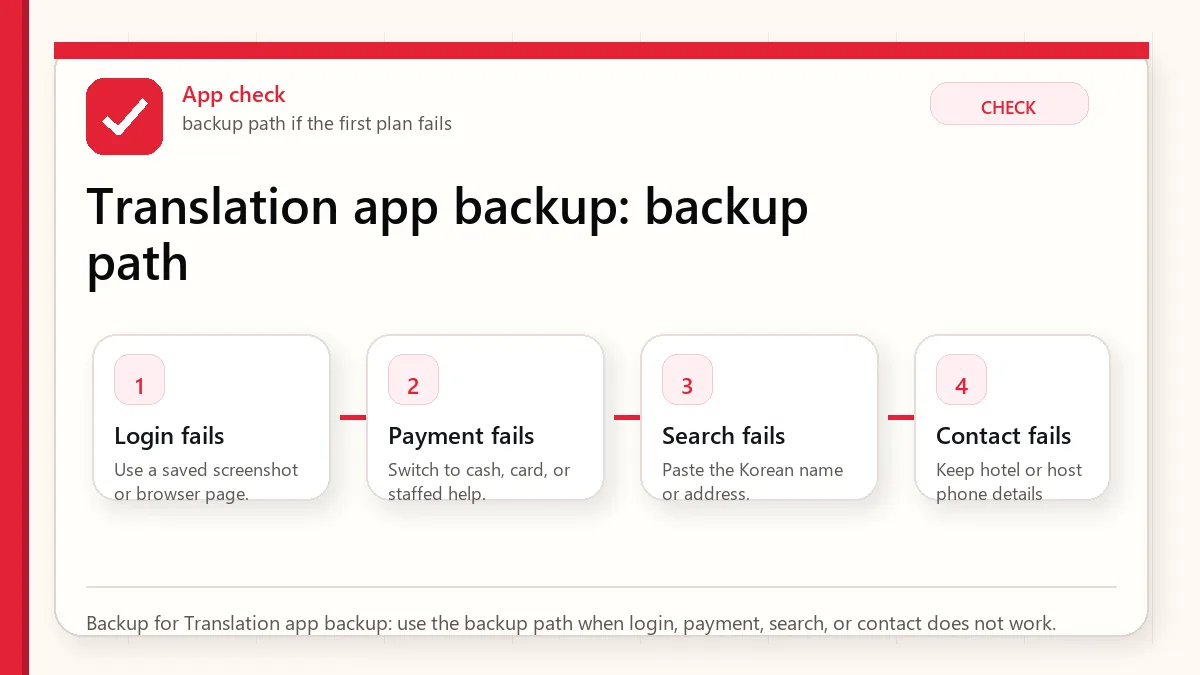
Have one fallback that does not depend on the same weak point. If the app fails, use a saved Korean address, hotel desk, official counter, taxi stand, convenience store, or simpler route. If payment fails, switch to another card or cash. If translation fails, use shorter sentences and confirm with a person. If timing fails, choose the option that protects the flight, hotel check-in, medicine, or safety issue first.
- Most likely failure: Typing long emotional paragraphs into a translation app.
- Fastest prevention step: Install two translation apps before departure and download offline language support if available.
- Most useful saved item: Allergy or medical phrase
- Best mindset: solve the next practical step instead of trying to force the perfect plan.
What to save before you need it
- Allergy or medical phrase
- Hotel address in Korean
- Taxi destination
- Pharmacy medicine name
- Offline translation setup
FAQ
Is Papago better than Google Translate in Korea?
Papago is often useful for Korean context, while Google Translate is a good backup. Use both for important phrases.
Can I use camera translation for menus?
Yes, but treat it as a first pass. Ingredients, sauces, and allergy risks need confirmation.
Should I use formal Korean?
Short polite sentences are safer than casual or complex wording.
Related guides
Official links to check
Use these official links when the next step matters. This guide explains what to watch for, but app downloads, eligibility, prices, routes, policies, and service rules can change.
- NAVER Papago web translator: Use Papago to test Korean phrases, menus, labels, and short messages.
- NAVER Papago on Google Play: Download the Android app from Google Play.
- NAVER Papago on the App Store: Download the iPhone app from the App Store.
- Google Translate web: Use Google Translate as a second translation check.
- Google Translate on Google Play: Download the Android app from Google Play.
- Google Translate on the App Store: Download the iPhone app from the App Store.
- Seoul guide to the Emergency Ready App: Check official Seoul guidance for the foreigner emergency app.
- Emergency Ready App on Google Play: Download the Android emergency app from Google Play.
- Emergency Ready App on the App Store: Download the iPhone emergency app from the App Store.
- VISITKOREA official travel site: Use this for current tourism notices, transport basics, and traveler support.
Sources and official checks
App screens, entry rules, fares, and official procedures can change. Use the links below to re-check details before you rely on one route, app, card, or declaration step.