Start with the account or access block
Use translation apps as support, not authority. Install a camera/text translation app before the trip, save critical phrases, and keep one second app ready for cross-checking. The goal is not perfect Korean; it is making one clear request at a restaurant, taxi, clinic, shop, or station without guessing.
Last checked: June 1, 2026. Re-check the official app, service, or app-store page before acting, because routes, prices, labels, rules, app screens, eligibility, and store/service policies can change.
Translation helps most when the sentence is simple
Translation apps are useful in Korea, but they work best as a bridge, not as a final authority. The reader's real task is to prepare short phrases, know when camera translation is enough, and recognize the situations where a bad translation could cost money, health, or time.
What translation apps are good and bad at
| Use | Helpful for | Be careful with |
|---|---|---|
| Camera translation | Menus, labels, signs, machines. | Small fonts, stylized packaging, and ingredient nuance. |
| Copied text | Korean addresses, place names, app screens. | Names with branches or abbreviations. |
| Voice translation | Simple questions in calm settings. | Busy restaurants, background noise, and complex requests. |
| Saved phrases | Allergies, spice, vegetarian, taxi destination. | Do not rely on one phrase for serious medical risk. |
Checks before you need the phrase
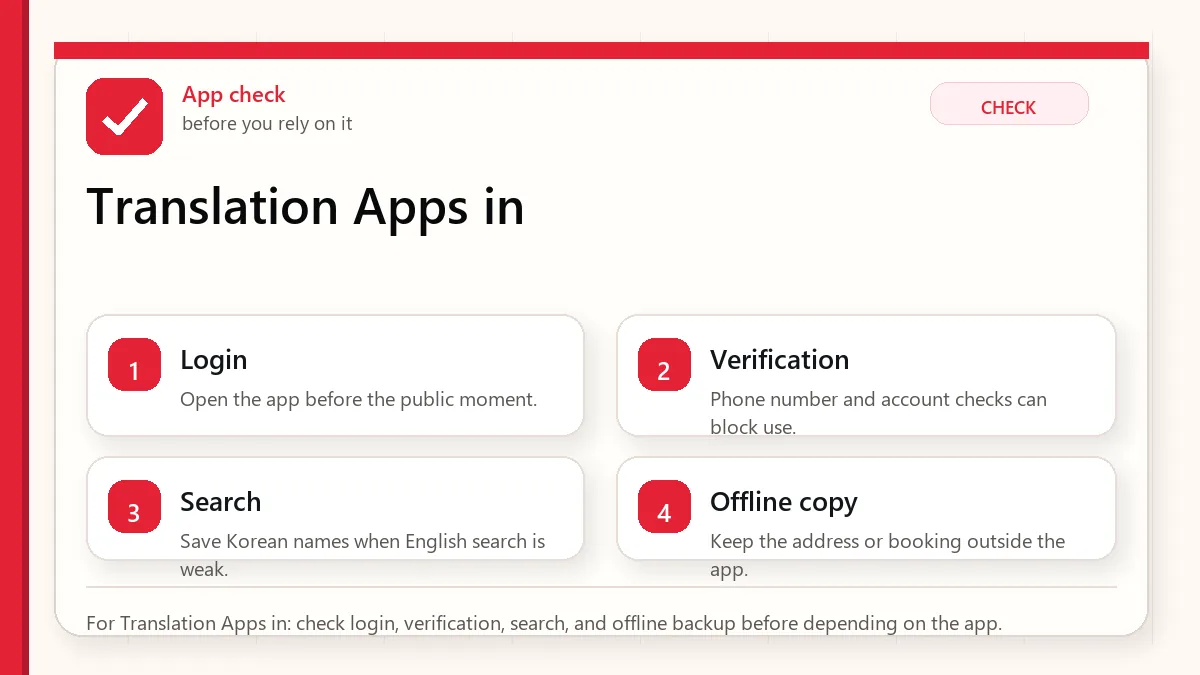
- Install at least one translation app before departure.
- Download offline language support if available.
- Save hotel address and emergency phrases.
- Prepare allergy or dietary phrases carefully.
- Keep screenshots of critical documents and addresses.
Use translation in a way people can respond to
- Use camera translation for first-pass understanding.
- Copy Korean text into the app when accuracy matters.
- Confirm key details with numbers, addresses, or official pages.
- Use simple phrases instead of long paragraphs.
- For serious allergies or medical issues, use professional or official help.
- Keep a human backup: hotel desk, tourist information, or official helpline when needed.
Where translations usually become risky
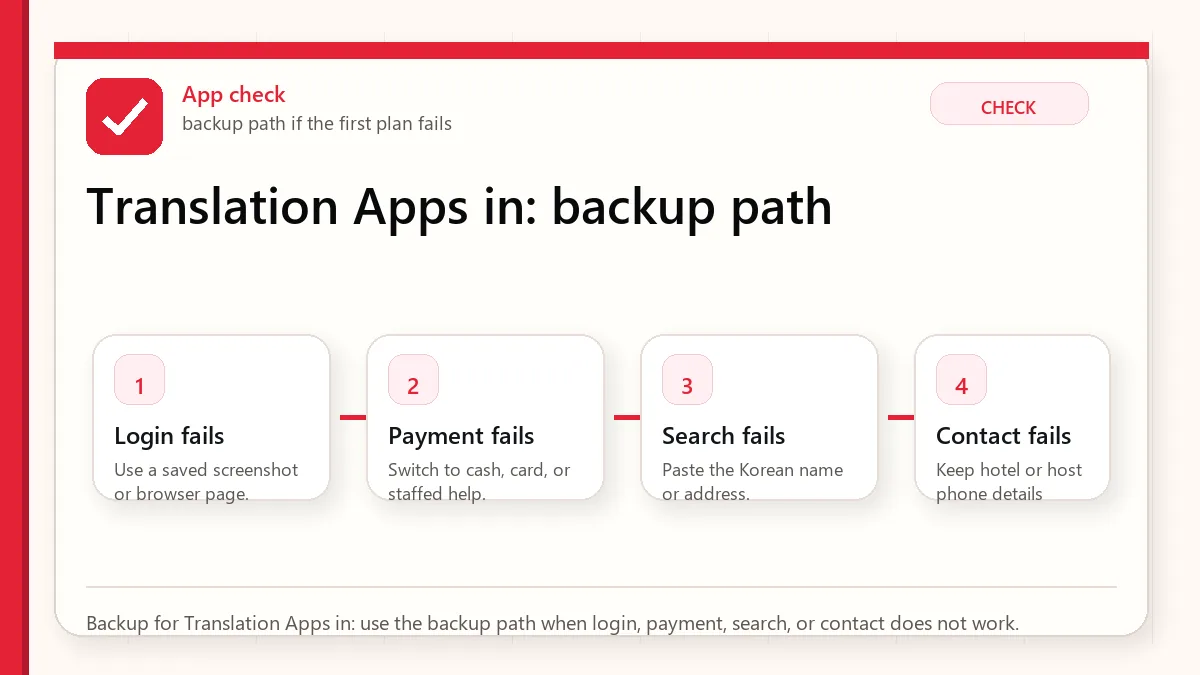
The app mistranslates a menu
Check ingredients, photos, and staff confirmation. Avoid risky dishes if allergies matter.
A taxi destination is misunderstood
Show the Korean address and phone number, not a translated description.
Camera translation is messy
Take a clearer photo, crop the text, or type/copy the Korean text.
You need official information
Use official websites for immigration, customs, refunds, transport schedules, and safety.
Use different translation habits for different stakes
| Situation | Better approach | What to verify |
|---|---|---|
| Restaurant ordering | Use simple dietary phrases. | Broth, sauce, and shared cooking. |
| Taxi or map | Show Korean address. | Branch and neighborhood. |
| Shopping label | Use camera translation, then verify key ingredients. | Allergens and expiry. |
| Emergency | Use official emergency or helpline resources. | Do not depend only on app translation. |
What not to assume from a translated result
- Do not assume camera translation is accurate for small ingredient labels.
- Do not assume polite nuance is preserved.
- Do not assume a translated place name points to the correct branch.
- Do not use machine translation as medical or legal advice.
Small phrase habits that make communication gentler
Prepare phrases before you need them
Translation apps are much more useful when your key phrases are saved before the pressure moment. Save short Korean phrases for hotel address, allergies, no spicy food, no meat, receipt request, bathroom, help, and payment issue. A short clear phrase often works better than a long automatic translation, especially with busy staff or small restaurants.
Use translation to confirm, not to argue
Machine translation can make menus, signs, and labels understandable, but it can still miss context. Use it to narrow choices and ask better questions, not to insist that a staff member or label means exactly what the app says. For serious allergies, medicine, legal, customs, or safety situations, use official information or direct confirmation rather than relying only on a translated guess.
Read next when translation connects to food, maps, or KakaoTalk
This topic works best when it is not handled alone. Use the related guides below to connect the decision with maps, money, food, shopping, transit, and app backup planning.
- How to Order Food in Korea
- Naver Map in Korea
- KakaoTalk in Korea
- Return to the related Before Korea hub
- Check the Before Korea Source Library
Related Before Korea guides
- Korea Travel Apps
- How to Order Food in Korea
- Naver Map in Korea
- Korean Convenience Store Food
- Before You Use hub
Official links to check
Use these official links when the next step matters. This guide explains what to watch for, but app downloads, eligibility, prices, routes, policies, and service rules can change.
- NAVER Papago web translator: Use Papago to test Korean phrases, menus, labels, and short messages.
- NAVER Papago on Google Play: Download the Android app from Google Play.
- NAVER Papago on the App Store: Download the iPhone app from the App Store.
- Google Translate web: Use Google Translate as a second translation check.
- Google Translate on Google Play: Download the Android app from Google Play.
- Google Translate on the App Store: Download the iPhone app from the App Store.
FAQ
Which translation app should I use in Korea?
Use one that supports Korean text, camera translation, and offline preparation. Test it before the trip.
Can translation apps handle allergies?
They can help, but serious allergies need extra caution and human confirmation.
Should I translate English into Korean for every interaction?
Use simple phrases and point to clear information. Long translated paragraphs can slow busy staff down.
Source links to verify
- VISITKOREA Tourist-Friendly Korea
- VISITKOREA vegetarian ordering tips
- VISITKOREA official travel information
Last updated
Last updated: 2026-05-23. Re-check official sources close to the day you travel, buy, eat, or use an app. Details involving prices, eligibility, transport, app features, opening hours, and refund rules can change.