The best Korea travel app stack is not a long list of app names. It is a tested setup that works when you are tired, offline, standing outside the wrong subway exit, or trying to explain a taxi pickup point. Foreign visitors usually do not fail because they forgot to install an app. They fail because the app needs phone verification, payment setup, location permission, Korean address search, or data access at the worst possible moment.
Last checked: June 1, 2026. Re-check the current Korean government or customs page before acting, because routes, prices, labels, rules, app screens, eligibility, and store/service policies can change.
Last updated: May 24, 2026.
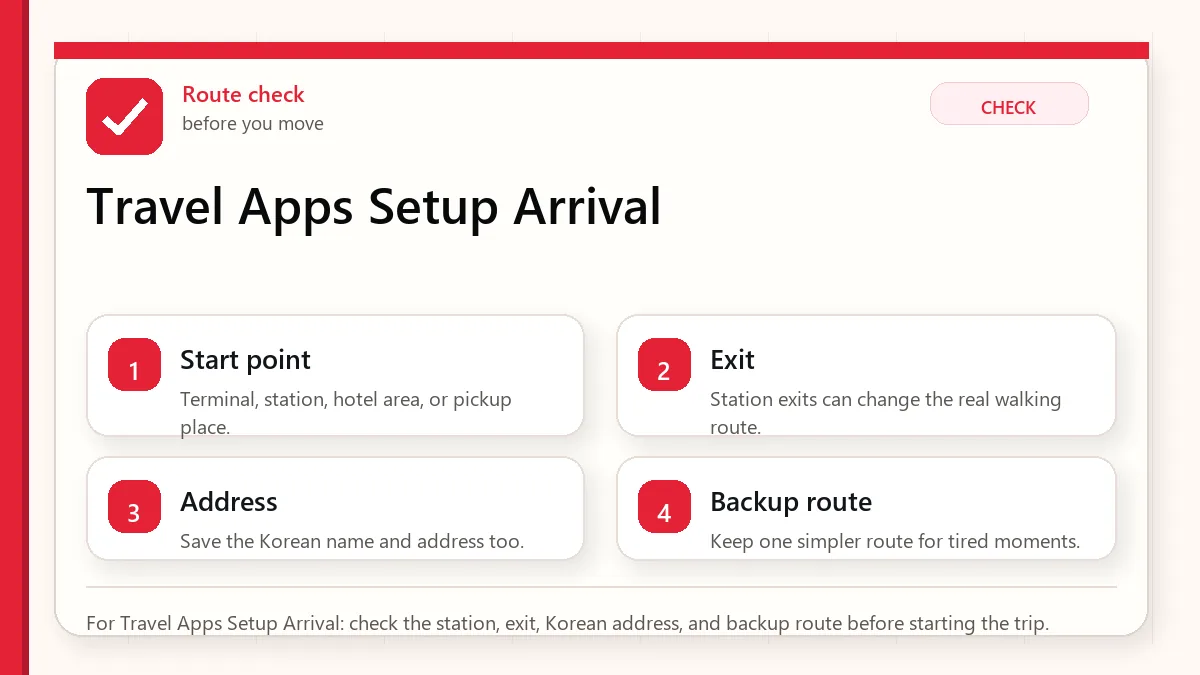
Start with the pickup and payment fallback
Before arrival, install Naver Map, Papago, Google Translate, one ride app with low signup friction such as k.ride or Uber, a transit plan such as physical T-money or compatible MobileTmoney, and emergency tools such as Emergency Ready and Baro Emergency Reporting. KakaoTalk and Kakao T are useful, but they are more account-dependent.
The core stack
| Need | Primary app | Backup | Setup warning |
|---|---|---|---|
| Navigation | Naver Map | KakaoMap, Google Maps | Save hotel and Korean address before arrival. |
| Translation | Papago | Google Translate, Google Lens | Download offline language packs where possible. |
| Taxi | k.ride or Uber | Kakao T, street taxi | Test card and account before the airport. |
| Transit payment | Physical T-money | MobileTmoney if compatible | Do not rely on mobile transit until tested. |
| Food delivery | Baemin if it works | Shuttle, hotel help, takeout | Foreign numbers and cards can be the blocker. |
| Emergency | Emergency Ready, Baro | 112/119 apps | Grant location and know the emergency numbers. |
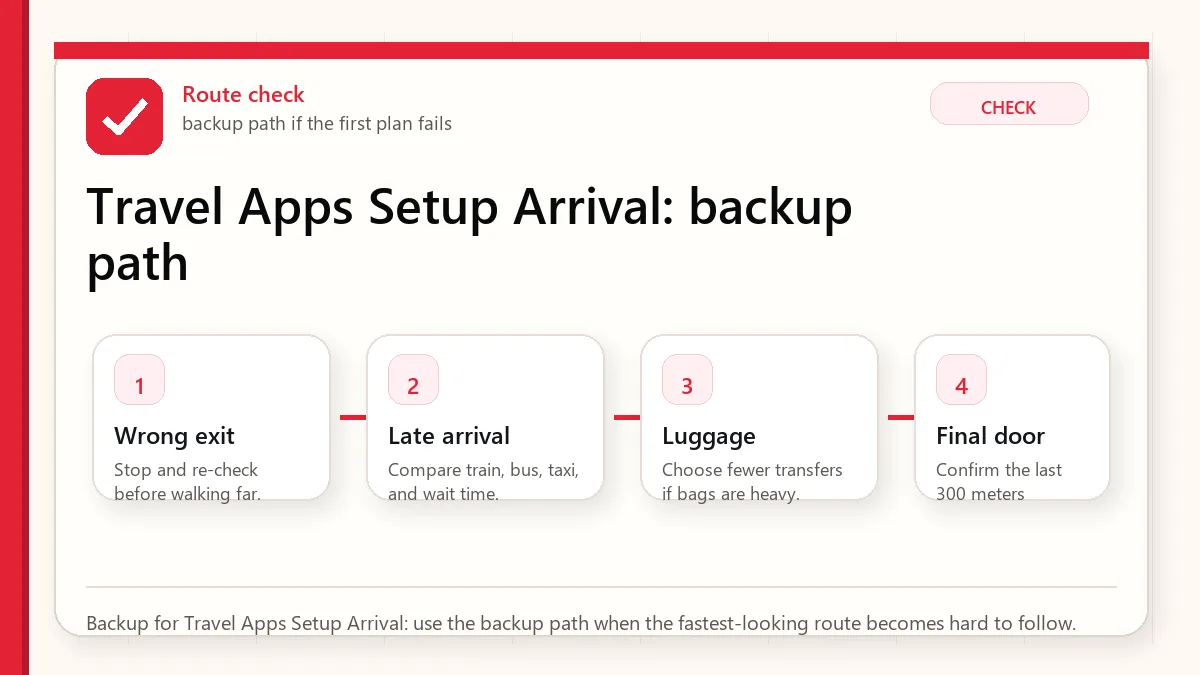
Why Naver Map comes first
Naver Map is the strongest local map habit for visitors because Korea’s place names, station exits, bus stops, and branches often live more clearly in local map ecosystems. Google Maps can still be useful, especially for saved lists and familiar planning, but visitors should save hotel and first-day places in Naver Map before they need them.
Translation stack: Papago plus Google Translate
Papago is the Korea-specialist translator for menus, signs, and Korean-heavy content. Google Translate is the better offline insurance if you download language packs. Google Lens is useful for fast text capture, but it should not replace a proper translator when allergies, medicine, or official notices matter.
Ride apps: choose one simple and one local
k.ride is designed as a tourist-friendly Kakao Mobility option with multilingual support and overseas-card positioning. Uber is useful if you already use it and want continuity. Kakao T has strong local depth, but account and KakaoTalk setup can add friction. For a short stay, install the low-friction app first and add the local app if you have time.
Food delivery is the hardest category
Food delivery is more difficult than taxis because it combines address formatting, local phone contact, payment, app identity, and driver communication. If delivery is mission-critical, test it before you are hungry. Otherwise, use takeout, hotel help, or restaurants within walking distance.
Before-arrival checklist
- Install apps while still on stable home internet.
- Log in and complete phone or email verification.
- Add a payment card to ride apps and test whether it is accepted.
- Save hotel in English and Korean.
- Download translation offline packs.
- Grant location permission to map, taxi, and emergency apps.
- Screenshot hotel address, emergency contacts, and first airport route.
Set up before landing
The best time to install Korea travel apps is not when you are standing outside arrivals with luggage. Install your map, translation, ride, transit, emergency, airline, accommodation, and messaging tools before departure. Open each app once, choose language settings, allow only necessary permissions, and save your first hotel, nearest station, airport route, and a few backup places offline or as screenshots.
This matters because some apps may require account creation, phone verification, card registration, or location permissions. Even if you cannot fully activate every feature before Korea, you will learn which apps are ready and which ones need a backup. The goal is not to build the perfect app stack; it is to remove surprises from arrival day.
Use redundancy, not app loyalty
Foreign visitors often ask for “the one app” for Korea. A better answer is redundancy. Use Naver Map or KakaoMap for local place search and transit, Papago for translation, a ride app or taxi backup for late-night movement, and official emergency or public-service tools for safety information. Keep Google Maps too, but do not expect it to behave like it does in every other country.
Redundancy also helps when Korean names are romanized differently. Search in English first, then copy the Korean name from a hotel booking, official website, or map result when needed. If a place has multiple branches, confirm the neighborhood, road name, and nearest station before saving it.
What apps cannot solve
Apps cannot replace a payment backup, a real hotel address, travel insurance, or basic judgment. Delivery apps may still be difficult without a Korean phone number or local payment method. Restaurant apps may have Korean-only menus. Transit apps can suggest efficient routes that are unpleasant with luggage. Treat apps as decision support, not as permission to stop planning.
Official links to check
Use these official links when the next step matters. This guide explains what to watch for, but app downloads, eligibility, prices, routes, policies, and service rules can change.
- NAVER Map web: Use the web map to test place names, Korean addresses, routes, and station exits.
- NAVER Map on Google Play: Download the Android app from Google Play.
- NAVER Map on the App Store: Download the iPhone app from the App Store.
- Kakao Map web: Use Kakao Map to cross-check Korean place names, local search, and routes.
- KakaoMap on Google Play: Download the Android app from Google Play.
- KakaoMap on the App Store: Download the iPhone app from the App Store.
- Google Maps: Use Google Maps for saved places, broad planning, and familiar map features.
- Google Maps on Google Play: Download or update the Android app from Google Play.
- Google Maps on the App Store: Download or update the iPhone app from the App Store.
- KakaoTalk official service page: Check Kakao's official KakaoTalk service information.
- KakaoTalk on Google Play: Download the Android app from Google Play.
- KakaoTalk on the App Store: Download the iPhone app from the App Store.
FAQ
Do I need KakaoTalk for a short Korea trip?
Not always, but it can help if you use Kakao services or communicate with local businesses. Install it early if you plan to use Kakao T.
Can I rely on food delivery apps?
Not as your only meal plan. Delivery can fail because of phone, payment, address, or language issues.
Should I install both Naver Map and KakaoMap?
Yes. Use Naver Map as the primary and KakaoMap as a route comparison backup.
Do not treat delivery apps as arrival-day essentials
Maps, translation, transit, messaging, and payment backups matter before the first day. Food delivery apps are more conditional. Baemin is powerful inside Korea, but short-term visitors can run into phone number, NICE identity verification, address, payment, and rider-call friction. Before putting it in your must-have list, read Can Foreigners Use Baemin in Korea? and decide whether your trip really needs delivery.
If your first night depends on a delivery app, you are adding risk to the day when you are most tired. Save one walkable meal option near your hotel even if you plan to test delivery later.