Tag: Google Maps Korea

  • Best Korea Map Apps for Tourists: Naver Map, Kakao Map, Google Maps, and Subway Apps

    Best Korea Map Apps for Tourists: Naver Map, Kakao Map, Google Maps, and Subway Apps

    A Korea map app is not just a map. For foreign travelers it becomes the tool for subway exits, bus stops, restaurant names, taxi destinations, walking routes, opening hours, and emergency backup. That is why choosing only one familiar app can create problems.

    Last checked: June 1, 2026. Re-check the official app, service, or app-store page before acting, because routes, prices, labels, rules, app screens, eligibility, and store/service policies can change.

    Last updated: May 26, 2026.

    Korea is one of the countries where many visitors quickly learn that Google Maps may not behave the way they expect for local navigation. A good setup uses several tools for different jobs.
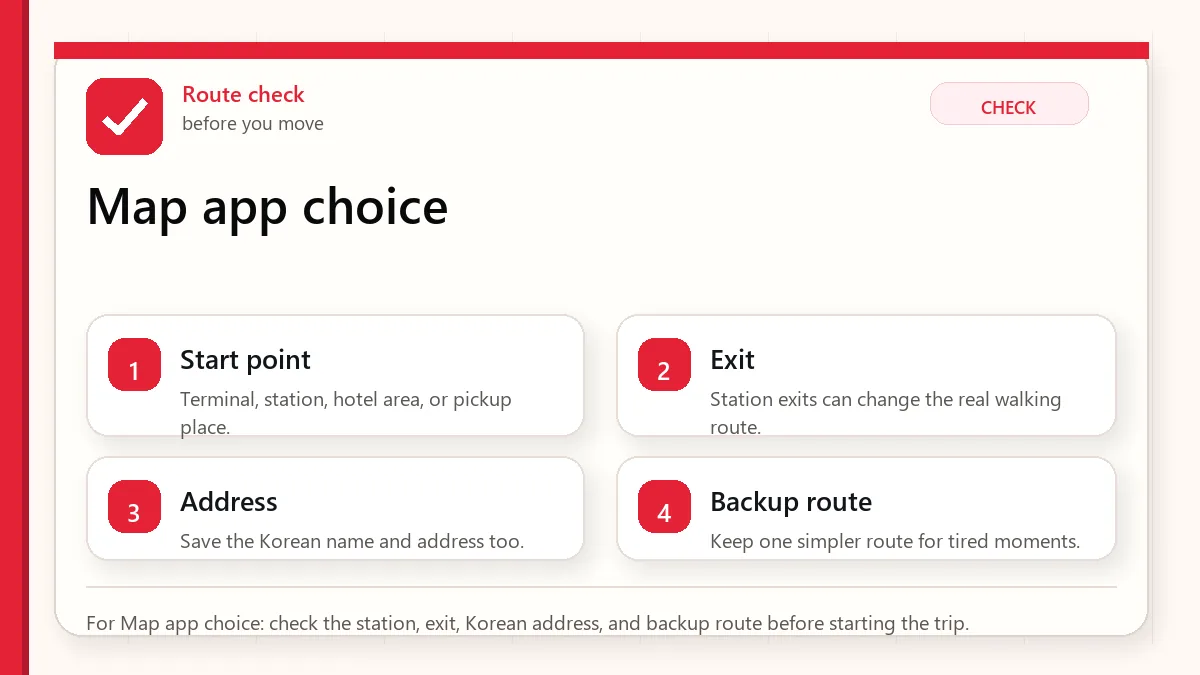
    Layered red check decision graphic for Map app choice.
    For Map app choice: check the station, exit, Korean address, and backup route before starting the trip.

    Start with the place name and exit

    Use Naver Map or Kakao Map for local navigation, keep Google Maps for saved international context, and add a subway app if your trip is transit-heavy.

    When this matters

    This matters when you are searching for Korea map app or Korea navigation app and wanting a practical app setup instead of a brand argument.

    Decision table

    SituationBest moveWhy it matters
    Finding Korean placesUse Naver Map or Kakao MapLocal listings and Korean names matter.
    Subway exit planningUse map plus subway appExit choice affects the final walk.
    Saved global trip listKeep Google Maps as supportIt may still help with familiar planning.
    Taxi destinationSave Korean addressDrivers and apps need precise destination text.

    How to make the decision

    Use the table as a filter, not as a rule to memorize. The right answer depends on your exact route, phone setup, luggage, arrival time, payment method, and how much uncertainty you can tolerate on that day. For this topic, the first question is: finding korean places. If that sounds like your situation, the safest starting point is to use naver map or kakao map because local listings and korean names matter..

    The second question is whether the choice still works when the trip becomes less ideal: late arrival, rain, low battery, no Korean phone call, a crowded station, a tired group, or a hotel address that is hard to explain. Those imperfect moments are where travelers usually lose time.

    Step-by-step setup

    • Install Naver Map or Kakao Map before departure and change language settings if available.
    • Save your hotel, airport terminal, and first-day destinations in the app.
    • Keep Korean names for important places, not only English translations.
    • Use a subway app for route shape when the map view feels crowded.
    • Screenshot critical routes before entering stations or crowded areas.

    Before you rely on it

    Do one small test before the situation becomes urgent. Search the destination, open the app, check the route, confirm the address, read the current official page, or ask the hotel desk while you still have time. A five-minute test at the hotel is easier than troubleshooting in a taxi line, subway transfer, airport terminal, or restaurant doorway.

    Also separate what is convenient from what is required. A tool can be convenient without being essential. A card can be useful without replacing every payment method. A phone number can help without solving real-name verification. A train can be fast without being the easiest route with luggage. That distinction is the main habit that prevents bad decisions.

    Where travelers get stuck

    • Depending only on Google Maps for all Korean navigation.
    • Searching a translated place name when the Korean name would be more accurate.
    • Ignoring station exits and crossing direction.
    • Not saving the hotel address offline.
    • Assuming every map app gives the same route at the same time.

    Realistic travel scenario

    For a restaurant in a basement near Gangnam Station, the key is not the broad neighborhood. You need the Korean place name, correct station exit, building entrance, and sometimes floor information. A good map app setup solves that chain.

    Backup plan if the first choice fails

    Have one fallback that does not depend on the same weak point. If the app fails, use a saved Korean address, hotel desk, official counter, taxi stand, convenience store, or simpler route. If payment fails, switch to another card or cash. If translation fails, use shorter sentences and confirm with a person. If timing fails, choose the option that protects the flight, hotel check-in, medicine, or safety issue first.

    • Most likely failure: Depending only on Google Maps for all Korean navigation.
    • Fastest prevention step: Install Naver Map or Kakao Map before departure and change language settings if available.
    • Most useful saved item: Hotel in Korean
    • Best mindset: solve the next practical step instead of trying to force the perfect plan.
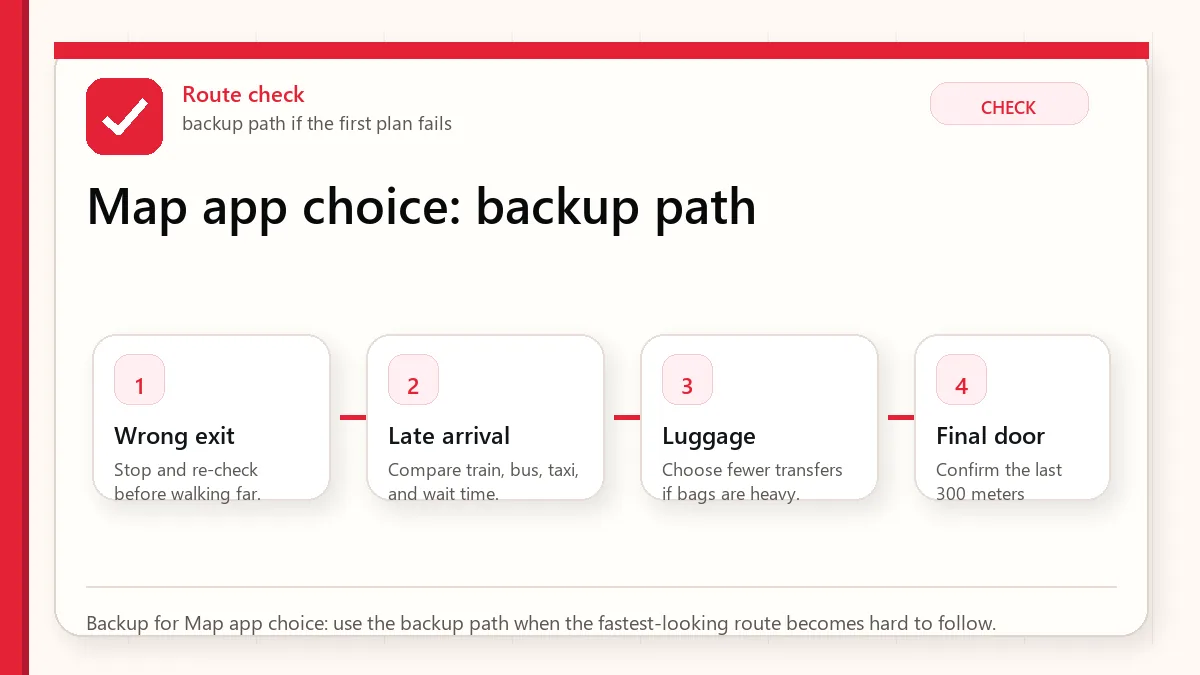
    Layered red check backup flow graphic for Map app choice.
    Backup for Map app choice: use the backup path when the fastest-looking route becomes hard to follow.

    What to save before you need it

    • Hotel in Korean
    • Airport route
    • First dinner location
    • Nearest subway exit
    • Backup taxi destination

    FAQ

    What is the best Korea map app?

    Most tourists should use Naver Map or Kakao Map for local navigation and keep another app as backup.

    Does Google Maps work in Korea?

    It can help with some planning, but local navigation often needs Korean map apps for better detail.

    Should I search in Korean?

    When possible, yes. Korean place names, addresses, and station names can produce more reliable results.

    Related guides

    Official links to check

    Use these official links when the next step matters. This guide explains what to watch for, but app downloads, eligibility, prices, routes, policies, and service rules can change.

    Sources and official checks

    App screens, entry rules, fares, and official procedures can change. Use the links below to re-check details before you rely on one route, app, card, or declaration step.
  • Google Maps vs Naver Map in Korea

    Google Maps vs Naver Map in Korea

    Use Google Maps in Korea for saved places, broad planning, and a familiar interface, but keep Naver Map or Kakao Map ready for local search, subway exits, bus stops, Korean place names, and the final walk to the door.

    Last checked: June 1, 2026. Re-check the official app, service, or app-store page before acting, because routes, prices, labels, rules, app screens, eligibility, and store/service policies can change.

    Last updated: May 27, 2026. Routes, fares, stops, station exits, app listings, and operating hours can change, so re-check before you move.

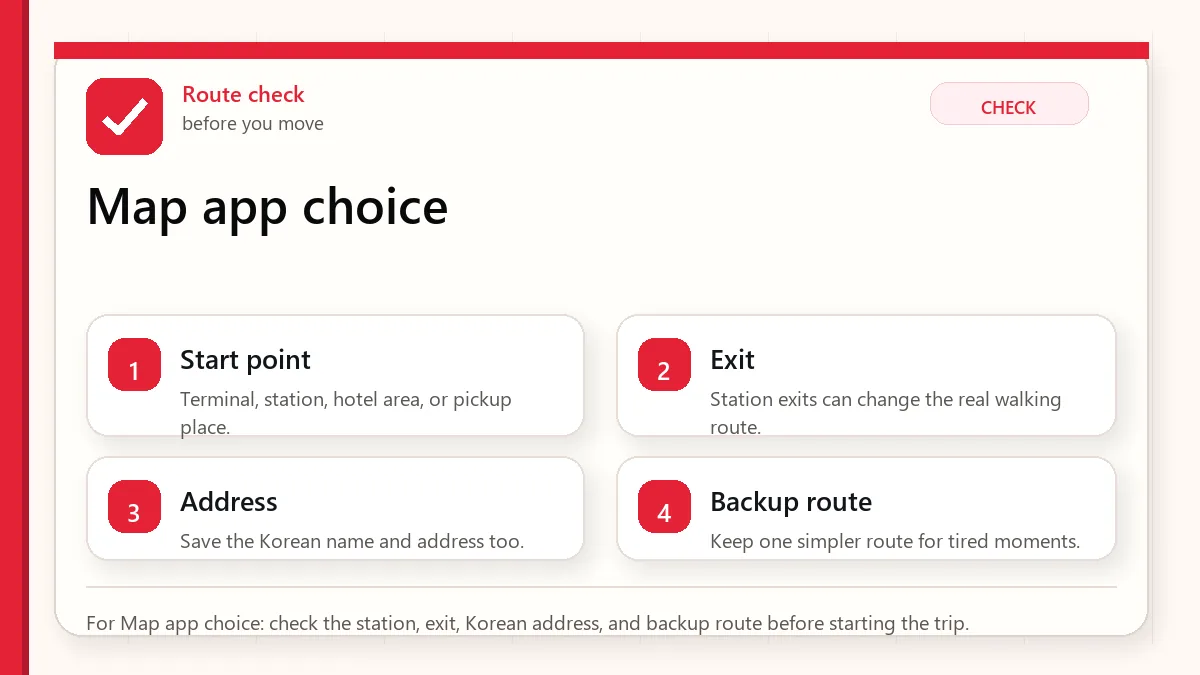
    Layered red check decision graphic for Map app choice.
    For Map app choice: check the station, exit, Korean address, and backup route before starting the trip.

    Start with the place name and exit

    If you are visiting Korea in 2026, use Google Maps for planning, lists, broad orientation, and places you already saved. Use Naver Map for local search, public transit checks, station exit details, bus stops, walking approaches, and Korean-language place matching. If Google improves during your trip, great. If it does not, you are still ready.

    What changed in 2026?

    The big change is policy-level, not a guarantee that every travel route is immediately perfect. Korea’s conditional approval of Google map data export is important because it may allow Google to improve local navigation and mapping functions. But app behavior can roll out gradually, and visitors often travel during transition periods. A guide that says “Google Maps is useless” is outdated; a guide that says “Google Maps now solves everything” is careless.

    Before Korea’s operating advice is conservative: test your hotel-to-station route, your airport route, and one restaurant route after arrival. If Google and Naver disagree, check the Korean business name, station exit, and recent reviews before moving.

    Where Google Maps still helps

    • Saving hotels, restaurants, and attractions before the trip.
    • Sharing place lists with travel companions who already use Google.
    • Getting broad city orientation and walking sense before switching apps.
    • Checking international-style reviews or photos for tourist-heavy places.
    • Comparing approximate distance between neighborhoods.

    Where Naver Map is still stronger for visitors

    • Searching local businesses by Korean name, English name, or copied address.
    • Checking subway exits and bus stop names.
    • Finding restaurants, cafes, pharmacies, clinics, and small stores that locals actually use.
    • Seeing details that may be fresher in Korea’s local map ecosystem.
    • Matching a place from a Korean website, Instagram post, or reservation message.
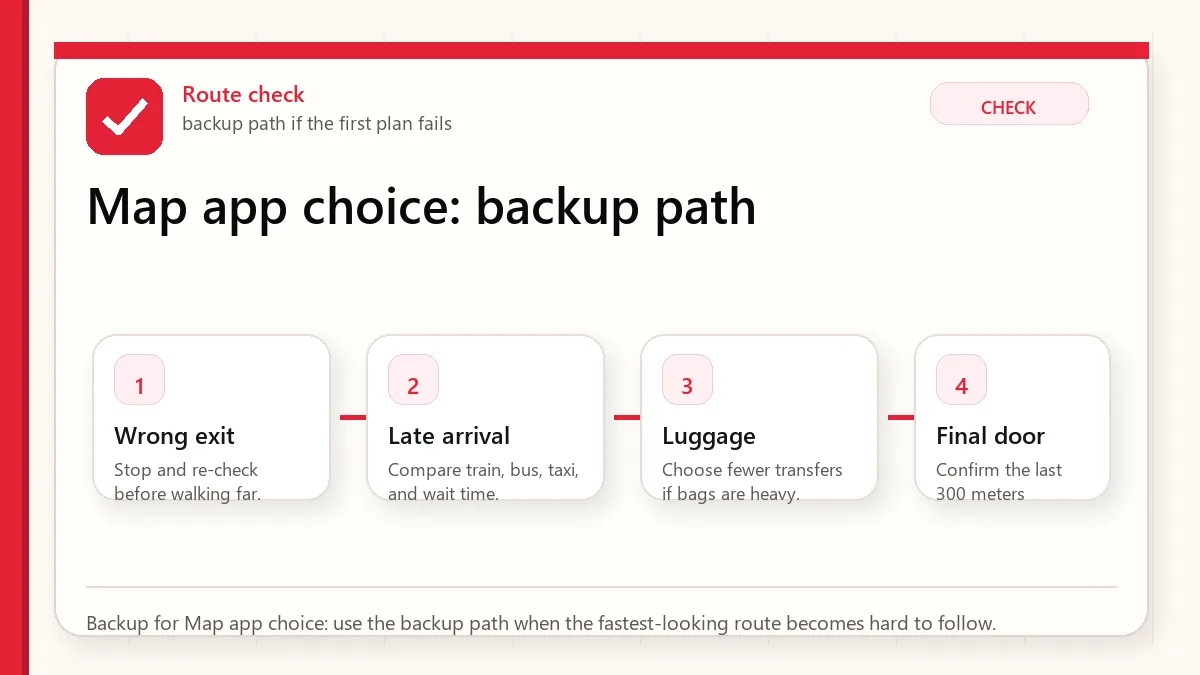
    Layered red check backup flow graphic for Map app choice.
    Backup for Map app choice: use the backup path when the fastest-looking route becomes hard to follow.

    The two-map workflow that works best

    Start with the app you understand, but confirm with the app Korea understands. Save your hotel and major attractions in Google Maps if that is comfortable. Then search the same places in Naver Map, save them there, and check the nearest station exit. For restaurants, copy the Korean name from the restaurant’s website, Naver listing, or booking page. For taxis, use the destination’s Korean address if possible.

    This sounds like extra work, but it prevents the classic visitor mistake: arriving near the right block but on the wrong side of a large station, underground mall, or multi-building complex.

    How to reduce search errors

    • Save your hotel in both apps before leaving the airport.
    • Screenshot the Korean address and phone number of your hotel.
    • Use station exit numbers as landmarks, not just the station name.
    • For restaurants, match photos and floor numbers, not just the English name.
    • If a route looks odd, compare Naver Map, KakaoMap, and the subway app.

    Official links to check

    Use these official links when the next step matters. This guide explains what to watch for, but app downloads, eligibility, prices, routes, policies, and service rules can change.

    FAQ

    Can I use only Google Maps in Korea?

    You might be able to for simple trips, especially as Google updates continue. But for a first visit, relying on only one app is unnecessary risk. Install Naver Map as backup.

    Is Naver Map available in English?

    Naver provides language settings and multilingual support, but not every local review, menu, or business detail will feel fully translated. That is why copy-paste and translation apps still help.

    Which map should I use for taxis?

    Use the destination address from Naver Map or the business’s Korean listing when possible. Taxi drivers and ride-hailing apps usually handle Korean place data more reliably.

    Will Google Maps keep improving in Korea?

    It may, especially after the 2026 map-data approval, but visitors should verify current app behavior close to their trip date.

    Three route types to compare

    Hotel to landmark routes are usually forgiving. Even if one app is imperfect, the destination is famous and there are many signs. Hotel to small restaurant routes are less forgiving because branches, floor numbers, alleys, and Korean names matter. Late-night return routes need the most caution because transit frequency, taxi pickup points, and walking comfort change after dark.

    Before depending on one app, test all three route types. If Google Maps performs well for your hotel, your first restaurant, and a late-night route, you can use it more confidently. If it struggles with Korean place names, station exits, or buses, keep Naver Map as the primary tool.

    How to tell if a search result is probably safe

    • The English name, Korean name, and address point to the same place.
    • Recent photos match the storefront or building.
    • The business phone number matches the official website or booking page.
    • The station exit makes sense when checked on Naver Map.
    • Reviews mention the same branch, not a similarly named location elsewhere.

    What to save offline

    Save screenshots of your hotel address in Korean, nearest station exit, airport route, and one taxi-friendly destination card. If your data plan fails or a driver asks for the address, the screenshot is faster than explaining an English hotel name in a noisy street.

    Related guides

    Use these guides together rather than treating one article as the whole plan.

    Sources checked for this update

    Before Korea treats operational details as changeable. Check the official pages below before a trip or a large purchase.