Tag: korea apps

  • Korea eSIM with Phone Number: What Tourists Need

    Korea eSIM with Phone Number: What Tourists Need

    A Korea eSIM with a phone number sounds like the perfect travel upgrade, but it is not always necessary. For a short trip focused on sightseeing, messaging, maps, and translation, a data-only eSIM may be enough. The phone number becomes valuable when Korea’s local systems expect a reachable domestic contact: restaurant waitlists, taxi pickup calls, delivery riders, hotel callbacks, clinics, salons, and reservation desks.

    Last checked: June 1, 2026. Re-check the official app, service, or app-store page before acting, because routes, prices, labels, rules, app screens, eligibility, and store/service policies can change.

    Last updated: May 24, 2026.

    The important limitation: a phone number is not the same as Korean resident identity verification. Some apps may still block or limit foreigners even with a local number.
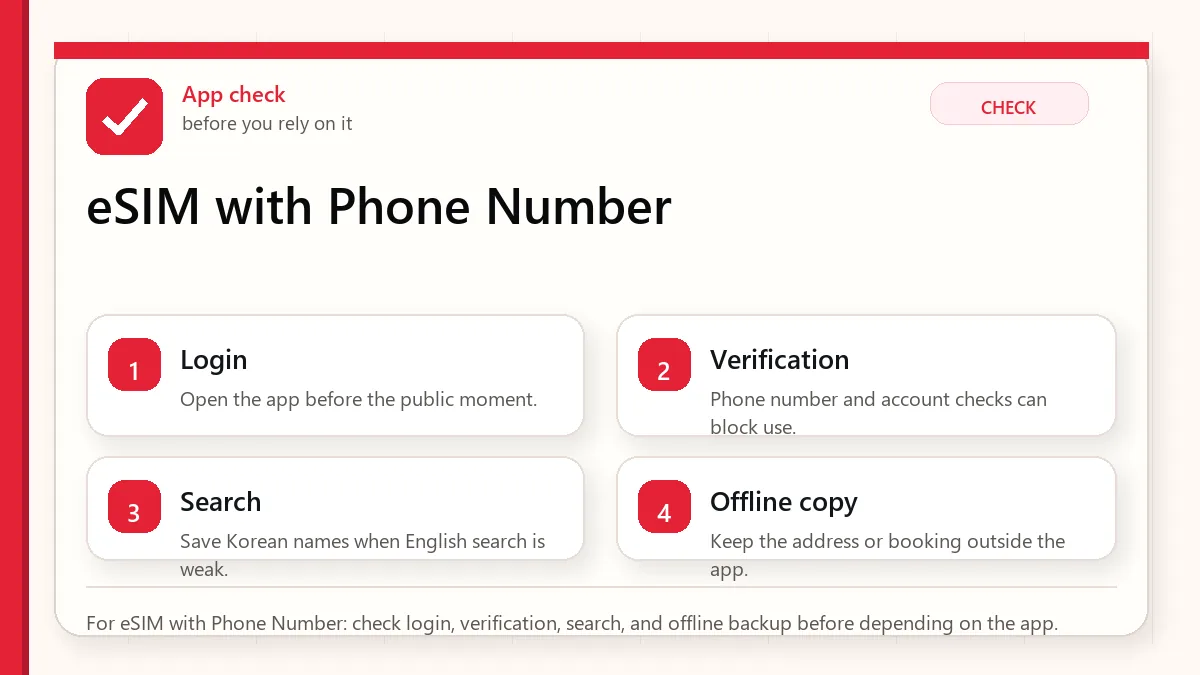
    Layered red check decision graphic for eSIM with Phone Number.
    For eSIM with Phone Number: check login, verification, search, and offline backup before depending on the app.

    Start with the account or access block

    Get a Korea eSIM or SIM with a phone number if you want smoother local contact and are willing to check the plan details carefully. Skip it if your itinerary is simple, you will use hotel help for reservations, and you are comfortable with messenger-based communication. Never buy a phone-number plan assuming it will unlock every Korean app.

    When the number actually helps

    • Restaurant waiting systems: Some venues use local phone numbers to call or text when your table is ready.
    • Taxis: A driver may call if the pickup point is unclear.
    • Delivery: Riders often call when an address, lobby, or hotel rule is confusing.
    • Clinics and salons: Appointment desks may prefer a reachable Korean number.
    • Hotel and tour contact: Local staff can call without using international dialing.

    What a tourist number may not solve

    Some Korean services require identity verification beyond a normal text message. This may involve resident registration, alien registration, real-name verification, domestic payment systems, or carrier-level identity checks. A tourist SIM can make you reachable, but it may not make you a verified Korean user.

    That distinction matters for apps such as food delivery, ride-hailing, payment, shopping, age-restricted services, and some booking systems. Always keep a backup path: hotel desk, concierge call, walk-in ordering, card payment at the counter, or a friend with a local account if appropriate.
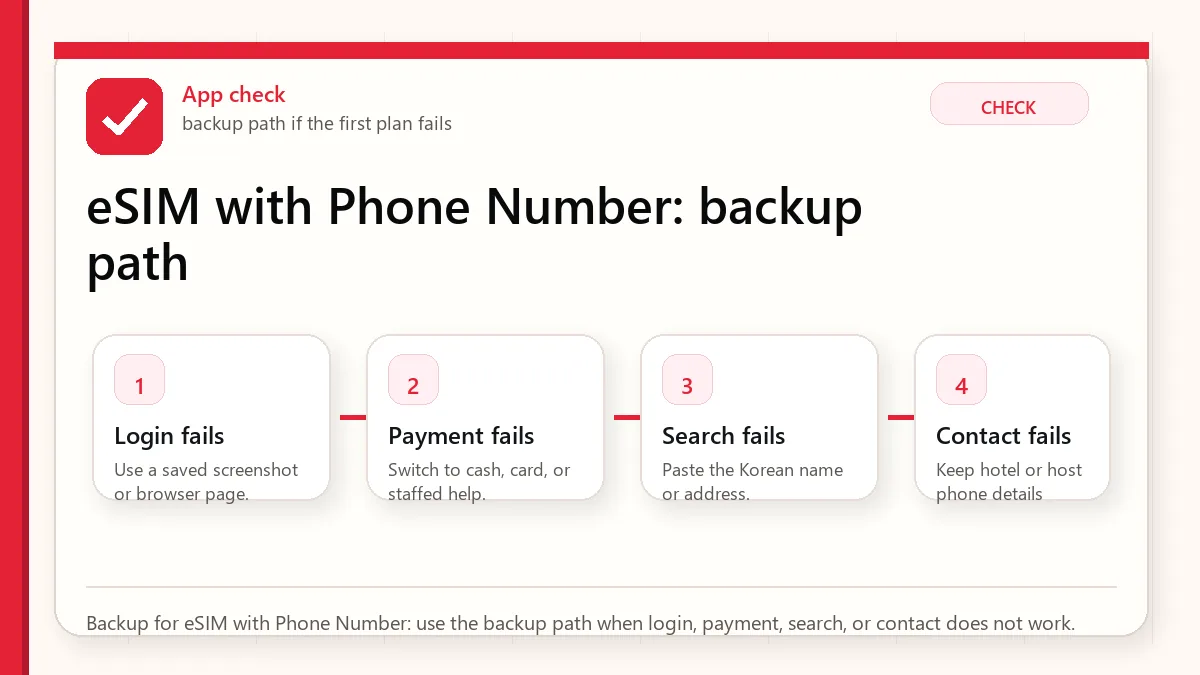
    Layered red check backup flow graphic for eSIM with Phone Number.
    Backup for eSIM with Phone Number: use the backup path when login, payment, search, or contact does not work.

    Questions to ask before buying

    • Is the plan data-only, or does it include voice and SMS?
    • Can it receive incoming calls from Korean numbers?
    • Can it receive SMS verification messages?
    • Does the provider explicitly mention identity verification limits?
    • Where do you get support if activation fails?
    • Does the plan start immediately, at QR scan, or at arrival pickup?

    Best practical setup

    For most visitors who choose a phone-number plan, the safest setup is to activate at or before arrival, test data, test receiving a text, and save the number in your own phone notes. Then update hotel forms, taxi apps, booking forms, and restaurant waitlists with that number only after confirming it works.

    If the plan does not receive SMS or calls as expected, do not spend the first day fighting every app. Switch to practical backups: ask hotel staff to call, use walk-in restaurants, use desk reservations, or choose services that accept foreign cards and messenger contact.

    Official links to check

    Use these official links when the next step matters. This guide explains what to watch for, but app downloads, eligibility, prices, routes, policies, and service rules can change.

    FAQ

    Do tourists need a 010 number in Korea?

    Not always. A reachable Korean number is helpful, but many tourists can complete a trip with data only. The need rises with restaurants, delivery, clinics, taxis, and local appointments.

    Can I receive KakaoTalk verification with a tourist number?

    It may work in some cases and fail in others. App verification policies and number types vary, so do not build your trip around that assumption.

    Should I choose eSIM or physical SIM for a number?

    Choose based on phone compatibility and support. If you are nervous about setup, a counter-supported physical SIM can be less stressful.

    The airport test

    Before leaving the airport or your first strong Wi-Fi area, test four things: mobile data, incoming SMS, incoming call, and one app that needs internet outside Wi-Fi. If the plan is supposed to include a Korean number but you cannot receive a text or call, solve it immediately while support is still reachable.

    Contact number vs verified identity

    Think of a tourist number as a contact address. It helps people reach you. Verified identity is a separate gate. Some Korean apps check whether the phone number is tied to a verified resident identity. That is why two visitors can buy similar-looking number plans and still have different app results depending on plan type, carrier rules, app policy, and verification path.

    Backup scripts for real situations

    If a taxi driver calls and you cannot answer in Korean, send the pickup point through the app if possible and stand somewhere obvious. If a restaurant asks for a phone number and your number fails, ask whether they can call your name instead. If delivery is too complicated, switch to takeout or ask hotel staff whether delivery to the lobby is allowed.

    When not to buy the number plan

    Skip the number plan if your trip is short, your itinerary is simple, your hotel can help with calls, and you are comfortable using walk-in restaurants and public transit. Spending mental energy on a plan you barely use can be worse than accepting a few low-tech workarounds.

    Related Before Korea guides

    Use these guides together rather than treating one article as the whole plan.

    Sources checked for this update

    Before Korea treats operational details as changeable. Check the official pages below before a trip or a large purchase.
  • Before You Use Korean Apps

    Before You Use Korean Apps

    Start with the account or access block

    The best Korea app setup is small, tested, and backed up. Installing many apps is less useful than knowing which app handles maps, taxi, translation, payment, delivery, and emergency help. Open the important apps before arrival and check the phone-number or payment blocks while you still have time.

    Last checked: June 1, 2026. Re-check the official app, service, or app-store page before acting, because routes, prices, labels, rules, app screens, eligibility, and store/service policies can change.

    Last updated: May 23, 2026. Rules, app flows, prices, and eligibility can change, so re-check official sources close to your trip.

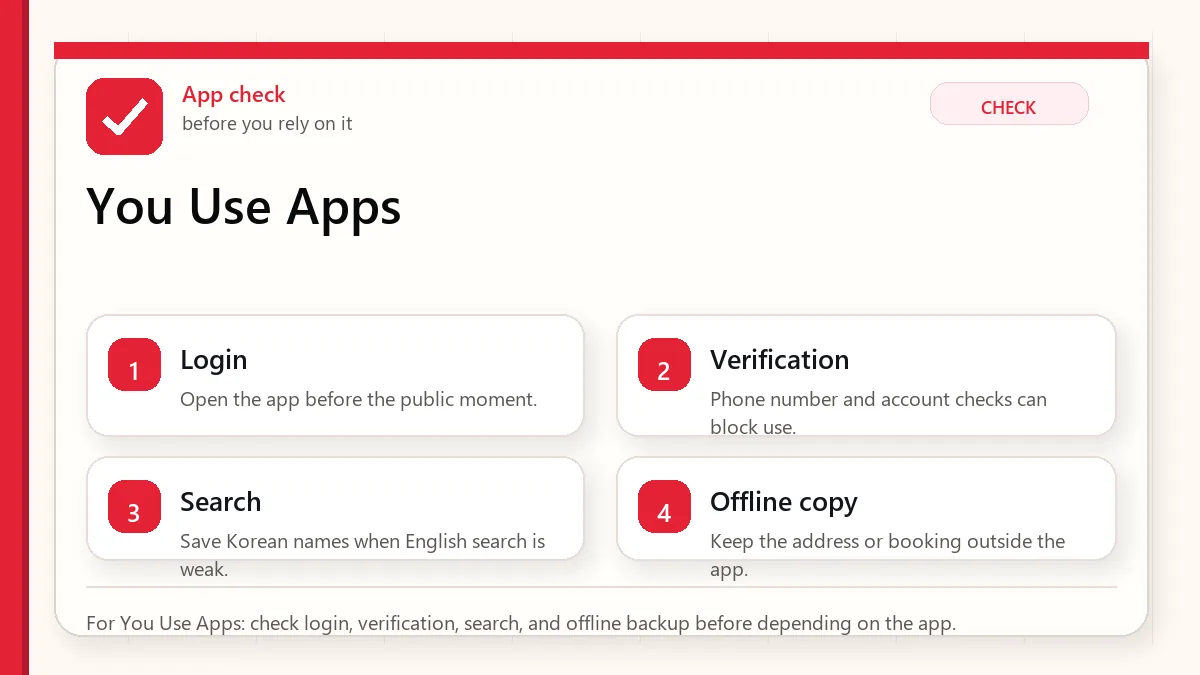
    Layered red check decision graphic for You Use Apps.
    For You Use Apps: check login, verification, search, and offline backup before depending on the app.

    How to use this hub guide

    This hub is for visitors who want apps to work before a real moment depends on them. It links Naver Map, translation, KakaoTalk, taxi, eSIM, emergency, and delivery-app guides.

    It does not promise every foreign visitor can use every app feature. Korea app flows can depend on phone numbers, identity checks, app versions, card support, language settings, and provider policy.

    The checks that decide whether the app is enough

    If you are decidingCheck this firstWatch out for
    NavigationNaver Map guide and Korean place namesEnglish search can be uneven
    TranslationPapago/Google Translate plus saved key phrasesCamera translation may miss context or allergens
    TaxisKakao T, k.ride, or street taxi fallbackForeign card or phone verification can be the bottleneck
    Delivery and local servicesEligibility, address format, phone number, and payment methodSome services are not visitor-friendly without local setup

    The small check that changes the answer

    • Open each essential app before departure and check language settings.
    • Save important destinations in Korean and English.
    • Do not rely on one translation app for allergies or medical needs.
    • Understand whether your eSIM includes data only or a local phone number.
    • Keep emergency numbers and hotel contact outside app-only storage.

    An app setup that does not depend on one fragile step

    Build the core stack

    Start with maps, translation, messaging/contact, payment/transit support, and emergency information. Add taxis or delivery only if your trip actually needs them.

    Test before the airport

    Search your hotel, save a route, translate a sample menu, and check whether login works. A failed login is much easier to solve at home.

    Prepare non-app backups

    Screenshots, written addresses, a hotel card, cash, and staff help still matter. Apps reduce friction, but they should not be your only plan.

    Review permissions calmly

    Some apps need location, notifications, or camera access. Give only what is needed and avoid rushing through permission prompts in public.

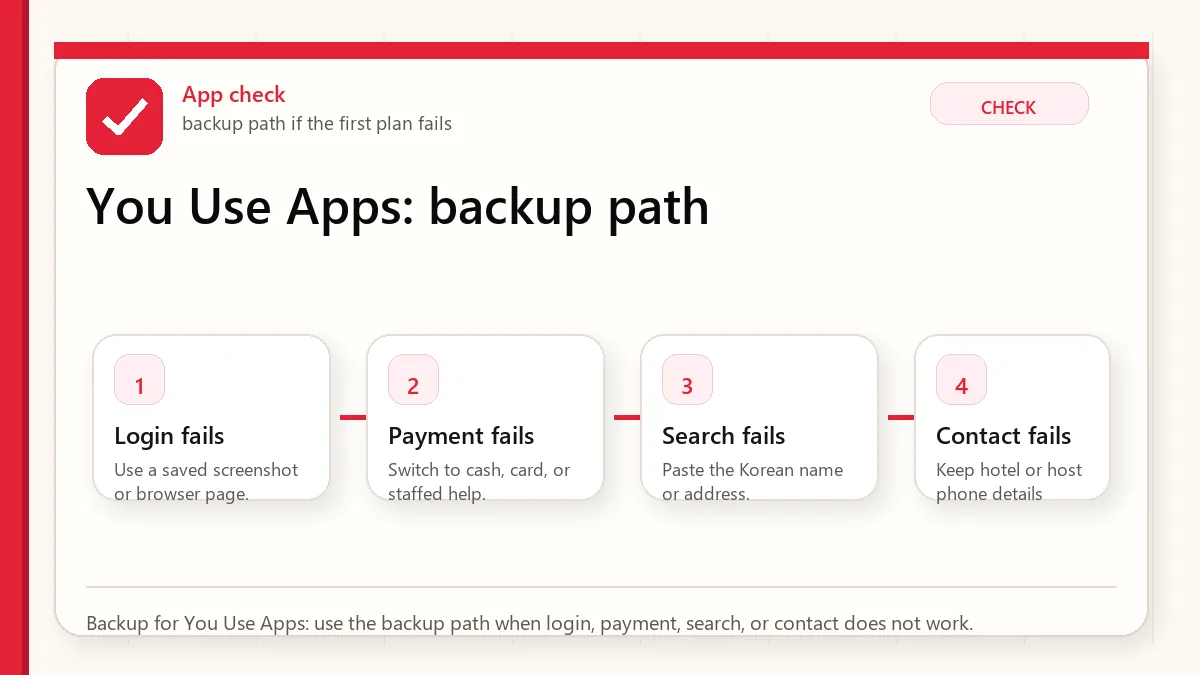
    Layered red check backup flow graphic for You Use Apps.
    Backup for You Use Apps: use the backup path when login, payment, search, or contact does not work.

    What this means in the real moment

    A place does not appear in English

    Search by Korean name, nearby landmark, or copied address. Ask hotel staff to write the exact name if needed.

    A taxi app will not accept your card

    Use pay-to-driver if available, try another app designed for visitors, or use an official taxi stand.

    A delivery app blocks signup

    Do not build meal plans around it. Use restaurants, convenience stores, hotel help, or visitor-friendly food courts.

    A safer way to make the decision

    SituationSafer defaultWhy
    First-time visitorNaver Map, translation, eSIM, T-money/payment guideThese affect the first day directly
    Solo travelerAdd emergency numbers and taxi backupRecovery options matter more when no one else can troubleshoot
    Longer stayCheck local phone-number needs more carefullyMore services become useful but also more verification-heavy

    Sources to re-check

    Use these pages for facts that can change by date, operator, airport, app version, store, or traveler status.

    Where to go next

    Official links to check

    Use these official links when the next step matters. This guide explains what to watch for, but app downloads, eligibility, prices, routes, policies, and service rules can change.

    FAQ

    Can I use only Google Maps in Korea?

    It may help for general place context, but many visitors need Korean map apps for more reliable routes, place names, transit details, and station exits.

    Do I need a Korean phone number?

    Not always. But taxis, delivery, reservations, and account recovery may be easier or only possible with local verification.

    Should I install apps after arrival?

    Install and test the essential ones before departure. Airport Wi-Fi, fatigue, and account verification make arrival a poor time to troubleshoot.

  • Translation Apps in Korea

    Translation Apps in Korea

    Start with the account or access block

    Use translation apps as support, not authority. Install a camera/text translation app before the trip, save critical phrases, and keep one second app ready for cross-checking. The goal is not perfect Korean; it is making one clear request at a restaurant, taxi, clinic, shop, or station without guessing.

    Last checked: June 1, 2026. Re-check the official app, service, or app-store page before acting, because routes, prices, labels, rules, app screens, eligibility, and store/service policies can change.

    Translation helps most when the sentence is simple

    Translation apps are useful in Korea, but they work best as a bridge, not as a final authority. The reader's real task is to prepare short phrases, know when camera translation is enough, and recognize the situations where a bad translation could cost money, health, or time.

    Layered red check decision graphic for Translation Apps in.
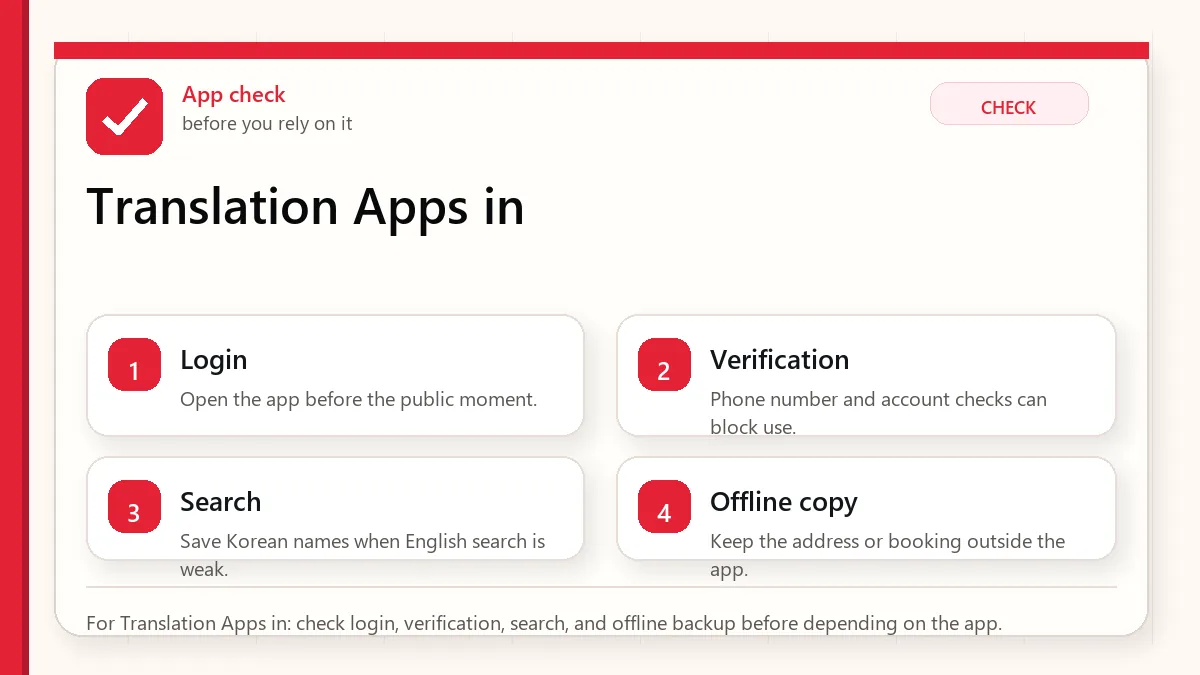
    For Translation Apps in: check login, verification, search, and offline backup before depending on the app.

    What translation apps are good and bad at

    UseHelpful forBe careful with
    Camera translationMenus, labels, signs, machines.Small fonts, stylized packaging, and ingredient nuance.
    Copied textKorean addresses, place names, app screens.Names with branches or abbreviations.
    Voice translationSimple questions in calm settings.Busy restaurants, background noise, and complex requests.
    Saved phrasesAllergies, spice, vegetarian, taxi destination.Do not rely on one phrase for serious medical risk.

    Checks before you need the phrase

    • Install at least one translation app before departure.
    • Download offline language support if available.
    • Save hotel address and emergency phrases.
    • Prepare allergy or dietary phrases carefully.
    • Keep screenshots of critical documents and addresses.

    Use translation in a way people can respond to

    • Use camera translation for first-pass understanding.
    • Copy Korean text into the app when accuracy matters.
    • Confirm key details with numbers, addresses, or official pages.
    • Use simple phrases instead of long paragraphs.
    • For serious allergies or medical issues, use professional or official help.
    • Keep a human backup: hotel desk, tourist information, or official helpline when needed.
    Layered red check backup flow graphic for Translation Apps in.
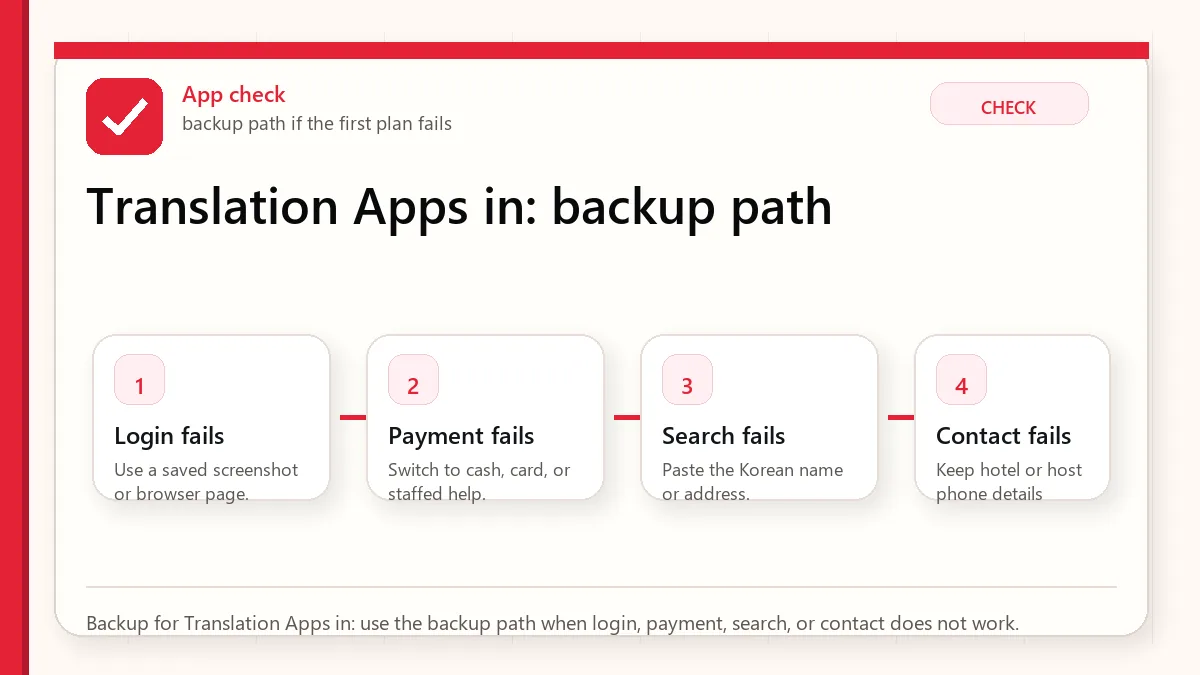
    Backup for Translation Apps in: use the backup path when login, payment, search, or contact does not work.

    Where translations usually become risky

    The app mistranslates a menu

    Check ingredients, photos, and staff confirmation. Avoid risky dishes if allergies matter.

    A taxi destination is misunderstood

    Show the Korean address and phone number, not a translated description.

    Camera translation is messy

    Take a clearer photo, crop the text, or type/copy the Korean text.

    You need official information

    Use official websites for immigration, customs, refunds, transport schedules, and safety.

    Use different translation habits for different stakes

    SituationBetter approachWhat to verify
    Restaurant orderingUse simple dietary phrases.Broth, sauce, and shared cooking.
    Taxi or mapShow Korean address.Branch and neighborhood.
    Shopping labelUse camera translation, then verify key ingredients.Allergens and expiry.
    EmergencyUse official emergency or helpline resources.Do not depend only on app translation.

    What not to assume from a translated result

    • Do not assume camera translation is accurate for small ingredient labels.
    • Do not assume polite nuance is preserved.
    • Do not assume a translated place name points to the correct branch.
    • Do not use machine translation as medical or legal advice.

    Small phrase habits that make communication gentler

    Prepare phrases before you need them

    Translation apps are much more useful when your key phrases are saved before the pressure moment. Save short Korean phrases for hotel address, allergies, no spicy food, no meat, receipt request, bathroom, help, and payment issue. A short clear phrase often works better than a long automatic translation, especially with busy staff or small restaurants.

    Use translation to confirm, not to argue

    Machine translation can make menus, signs, and labels understandable, but it can still miss context. Use it to narrow choices and ask better questions, not to insist that a staff member or label means exactly what the app says. For serious allergies, medicine, legal, customs, or safety situations, use official information or direct confirmation rather than relying only on a translated guess.

    Read next when translation connects to food, maps, or KakaoTalk

    This topic works best when it is not handled alone. Use the related guides below to connect the decision with maps, money, food, shopping, transit, and app backup planning.

    Related Before Korea guides

    Official links to check

    Use these official links when the next step matters. This guide explains what to watch for, but app downloads, eligibility, prices, routes, policies, and service rules can change.

    FAQ

    Which translation app should I use in Korea?

    Use one that supports Korean text, camera translation, and offline preparation. Test it before the trip.

    Can translation apps handle allergies?

    They can help, but serious allergies need extra caution and human confirmation.

    Should I translate English into Korean for every interaction?

    Use simple phrases and point to clear information. Long translated paragraphs can slow busy staff down.

    Source links to verify

    Last updated

    Last updated: 2026-05-23. Re-check official sources close to the day you travel, buy, eat, or use an app. Details involving prices, eligibility, transport, app features, opening hours, and refund rules can change.