Tag: Naver Map Korea

  • Best Korea Map Apps for Tourists: Naver Map, Kakao Map, Google Maps, and Subway Apps

    Best Korea Map Apps for Tourists: Naver Map, Kakao Map, Google Maps, and Subway Apps

    A Korea map app is not just a map. For foreign travelers it becomes the tool for subway exits, bus stops, restaurant names, taxi destinations, walking routes, opening hours, and emergency backup. That is why choosing only one familiar app can create problems.

    Last checked: June 1, 2026. Re-check the official app, service, or app-store page before acting, because routes, prices, labels, rules, app screens, eligibility, and store/service policies can change.

    Last updated: May 26, 2026.

    Korea is one of the countries where many visitors quickly learn that Google Maps may not behave the way they expect for local navigation. A good setup uses several tools for different jobs.
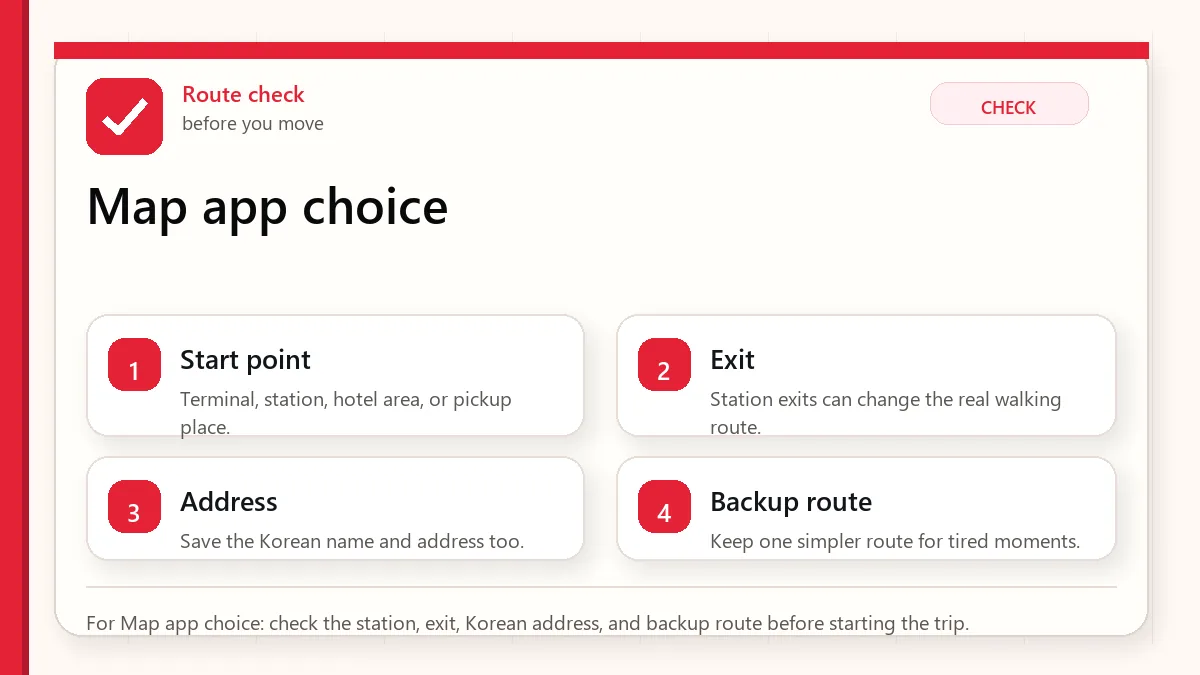
    Layered red check decision graphic for Map app choice.
    For Map app choice: check the station, exit, Korean address, and backup route before starting the trip.

    Start with the place name and exit

    Use Naver Map or Kakao Map for local navigation, keep Google Maps for saved international context, and add a subway app if your trip is transit-heavy.

    When this matters

    This matters when you are searching for Korea map app or Korea navigation app and wanting a practical app setup instead of a brand argument.

    Decision table

    SituationBest moveWhy it matters
    Finding Korean placesUse Naver Map or Kakao MapLocal listings and Korean names matter.
    Subway exit planningUse map plus subway appExit choice affects the final walk.
    Saved global trip listKeep Google Maps as supportIt may still help with familiar planning.
    Taxi destinationSave Korean addressDrivers and apps need precise destination text.

    How to make the decision

    Use the table as a filter, not as a rule to memorize. The right answer depends on your exact route, phone setup, luggage, arrival time, payment method, and how much uncertainty you can tolerate on that day. For this topic, the first question is: finding korean places. If that sounds like your situation, the safest starting point is to use naver map or kakao map because local listings and korean names matter..

    The second question is whether the choice still works when the trip becomes less ideal: late arrival, rain, low battery, no Korean phone call, a crowded station, a tired group, or a hotel address that is hard to explain. Those imperfect moments are where travelers usually lose time.

    Step-by-step setup

    • Install Naver Map or Kakao Map before departure and change language settings if available.
    • Save your hotel, airport terminal, and first-day destinations in the app.
    • Keep Korean names for important places, not only English translations.
    • Use a subway app for route shape when the map view feels crowded.
    • Screenshot critical routes before entering stations or crowded areas.

    Before you rely on it

    Do one small test before the situation becomes urgent. Search the destination, open the app, check the route, confirm the address, read the current official page, or ask the hotel desk while you still have time. A five-minute test at the hotel is easier than troubleshooting in a taxi line, subway transfer, airport terminal, or restaurant doorway.

    Also separate what is convenient from what is required. A tool can be convenient without being essential. A card can be useful without replacing every payment method. A phone number can help without solving real-name verification. A train can be fast without being the easiest route with luggage. That distinction is the main habit that prevents bad decisions.

    Where travelers get stuck

    • Depending only on Google Maps for all Korean navigation.
    • Searching a translated place name when the Korean name would be more accurate.
    • Ignoring station exits and crossing direction.
    • Not saving the hotel address offline.
    • Assuming every map app gives the same route at the same time.

    Realistic travel scenario

    For a restaurant in a basement near Gangnam Station, the key is not the broad neighborhood. You need the Korean place name, correct station exit, building entrance, and sometimes floor information. A good map app setup solves that chain.

    Backup plan if the first choice fails

    Have one fallback that does not depend on the same weak point. If the app fails, use a saved Korean address, hotel desk, official counter, taxi stand, convenience store, or simpler route. If payment fails, switch to another card or cash. If translation fails, use shorter sentences and confirm with a person. If timing fails, choose the option that protects the flight, hotel check-in, medicine, or safety issue first.

    • Most likely failure: Depending only on Google Maps for all Korean navigation.
    • Fastest prevention step: Install Naver Map or Kakao Map before departure and change language settings if available.
    • Most useful saved item: Hotel in Korean
    • Best mindset: solve the next practical step instead of trying to force the perfect plan.
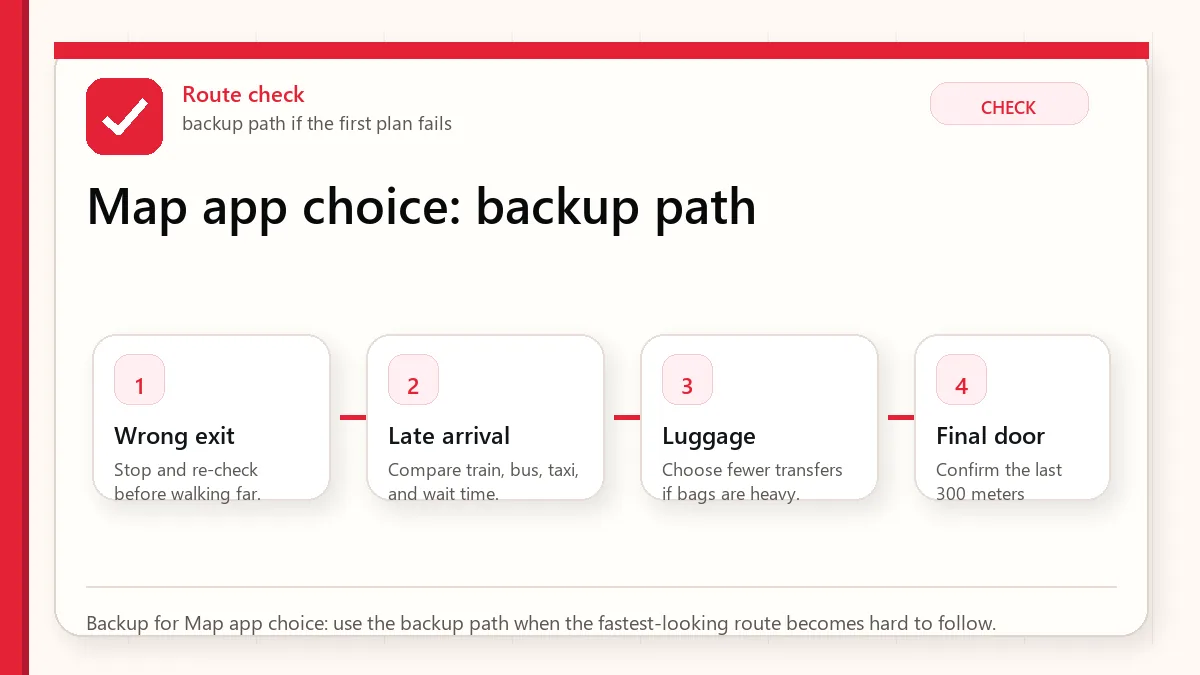
    Layered red check backup flow graphic for Map app choice.
    Backup for Map app choice: use the backup path when the fastest-looking route becomes hard to follow.

    What to save before you need it

    • Hotel in Korean
    • Airport route
    • First dinner location
    • Nearest subway exit
    • Backup taxi destination

    FAQ

    What is the best Korea map app?

    Most tourists should use Naver Map or Kakao Map for local navigation and keep another app as backup.

    Does Google Maps work in Korea?

    It can help with some planning, but local navigation often needs Korean map apps for better detail.

    Should I search in Korean?

    When possible, yes. Korean place names, addresses, and station names can produce more reliable results.

    Related guides

    Official links to check

    Use these official links when the next step matters. This guide explains what to watch for, but app downloads, eligibility, prices, routes, policies, and service rules can change.

    Sources and official checks

    App screens, entry rules, fares, and official procedures can change. Use the links below to re-check details before you rely on one route, app, card, or declaration step.

  • Does Google Maps Work in Korea? 2026 Traveler Update

    Does Google Maps Work in Korea? 2026 Traveler Update

    Google Maps can help you understand Korea, save places, and check broad location context, but you should still keep Naver Map or Kakao Map for actual routes, subway exits, walking detail, and local place search. Even after Korea's 2026 conditional approval of Google's high-precision map-data export request, travelers should treat Google Maps improvement as a transition, not a guarantee on their travel date.

    Last checked: June 2, 2026. Korea map-data policy, Google Maps functionality, and local app features are changing. Test routes on your phone close to departure.

    Layered red check decision graphic for Google Maps in Korea.
    For Google Maps in Korea: check the station, exit, Korean address, and backup route before starting the trip.

    The current practical answer

    Need Use Google Maps for Use Naver/Kakao for
    Trip planning Saving broad places and understanding the city layout Checking exact route, exit, and final walk
    Restaurant search English discovery and review comparison Korean name, branch, hours, phone, and local map pin
    Subway/walking route General orientation Station exit, transfer detail, and last five minutes
    Taxi destination Finding the English place idea Copying the Korean address or name

    Why the 2026 news does not remove the backup rule

    In February 2026, South Korea conditionally approved Google's request to export high-precision map data under security requirements. That matters, but a government approval and the traveler's app experience are not the same thing. Features can roll out gradually, differ by app version, and still require local testing.

    So the safer travel rule remains simple: use Google Maps if it helps you discover and organize places, but verify the actual route in Naver Map or Kakao Map before leaving the hotel.

    How to test whether Google Maps is enough for your trip

    Do not decide based on someone else's screenshot. Test your own route before departure. Search your hotel, one restaurant, one subway route, one airport route, and one small business appointment. If Google Maps gives clear transit, walking, exit, and business details for the exact places you need, it can be useful. If it becomes vague, switch to a local map app.

    1. Search your hotel in Google Maps and in Naver Map.
    2. Compare the Korean address, phone number, and nearest station.
    3. Check whether the route shows a subway exit number.
    4. Look at the last walking segment from the exit to the door.
    5. Screenshot the local-map result before the day of travel.

    The last five minutes are where people get lost

    In Korea, the difference between the right station and the right exit can be ten minutes, stairs, a wide road crossing, or a completely different side of a building. For clinics, salons, restaurants, and hotels in multi-floor buildings, the map pin only gets you near the entrance. The floor, branch name, and building sign still matter.

    Where Google Maps can still be useful

    Google Maps is still useful for broad research, saving lists, comparing neighborhoods, checking the relative location of attractions, and sharing a place idea with friends who do not use Korean apps. It is also familiar, which matters when planning from home. The problem is relying on it for the local execution layer without checking.

    Use Korean names as the bridge

    The strongest map workflow in Korea uses Korean names as the bridge between apps. Find the English place idea, then capture the Korean business name, phone number, or road address. A Korean phone number can be especially useful because it often identifies the exact branch in Naver Map or Kakao Map.

    Item to save Why it helps Where to use it
    Korean place name English names may be inconsistent Naver Map, Kakao Map, taxi apps
    Phone number Helps identify branches Map search and reservations
    Road-name address More precise than a hotel/brand name Taxi, delivery, appointment notes
    Station exit Prevents wrong-side-of-road mistakes Subway and walking routes

    A reliable map workflow

    1. Find the place in Google Maps if English discovery is easier.
    2. Copy the Korean name, phone number, or address.
    3. Paste it into Naver Map or Kakao Map.
    4. Check the station exit, final walking route, building/floor, and phone number.
    5. Screenshot the Korean name and route before you lose data or battery.

    Common tourist mistake

    The common mistake is not using Google Maps. The mistake is using only Google Maps and assuming the final walking route, business branch, or transit detail is complete. If you have a reservation, appointment, luggage, stroller, rain, or a late-night arrival, verify the route in a Korea-local map app.

    When this matters most

    This matters most for airport transfers, clinics, salons, fan events, guesthouses, restaurants in side streets, subway transfers, and any destination inside a large building. Tourist attractions with obvious entrances are easier. Small local places are where map precision saves time.

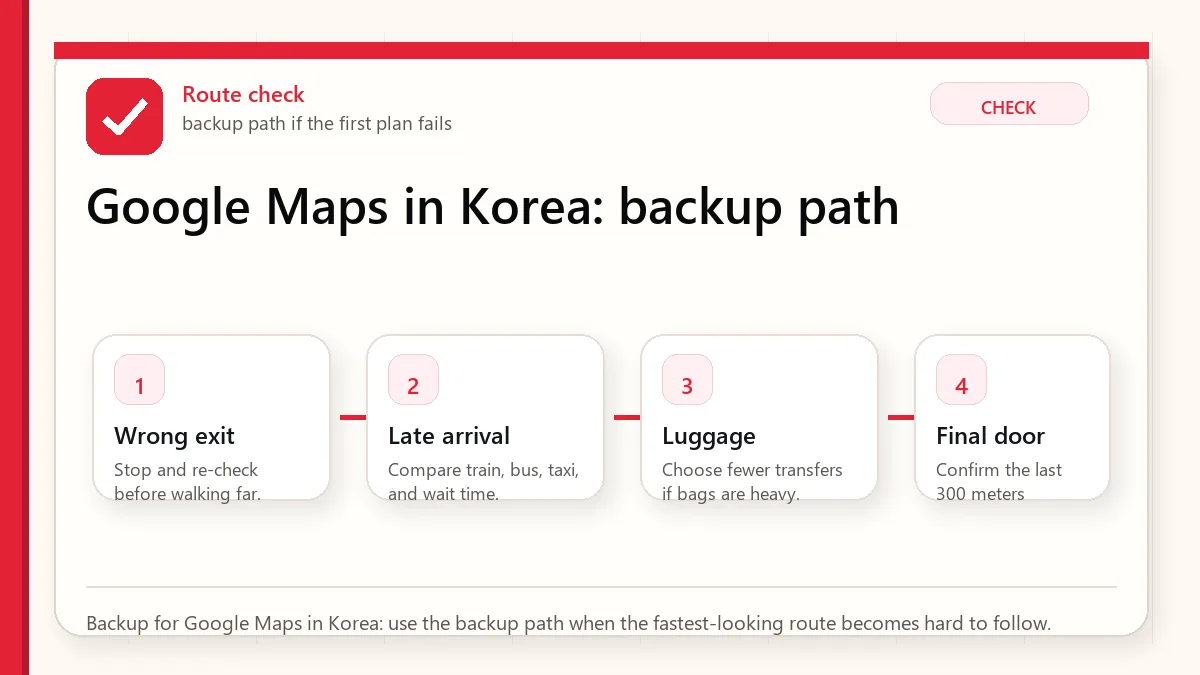
    Layered red check backup flow graphic for Google Maps in Korea.
    Backup for Google Maps in Korea: use the backup path when the fastest-looking route becomes hard to follow.

    Official and current links

    Related guides

    FAQ

    Does Google Maps work in Korea?

    It works for some planning and orientation, but travelers should still verify routes, exits, local business details, and final walking directions in Naver Map or Kakao Map.

    Did Korea approve Google map-data export in 2026?

    Yes, reports in February 2026 said Korea conditionally approved Google's high-precision map-data export request. That does not mean every traveler should rely on full Google Maps functionality immediately.

    Which map app should I install before Korea?

    Install Naver Map first, keep Kakao Map as a local backup, and use Google Maps for broad discovery if it helps you.

  • Before You Use Korean Apps

    Before You Use Korean Apps

    Start with the account or access block

    The best Korea app setup is small, tested, and backed up. Installing many apps is less useful than knowing which app handles maps, taxi, translation, payment, delivery, and emergency help. Open the important apps before arrival and check the phone-number or payment blocks while you still have time.

    Last checked: June 1, 2026. Re-check the official app, service, or app-store page before acting, because routes, prices, labels, rules, app screens, eligibility, and store/service policies can change.

    Last updated: May 23, 2026. Rules, app flows, prices, and eligibility can change, so re-check official sources close to your trip.

    Layered red check decision graphic for You Use Apps.
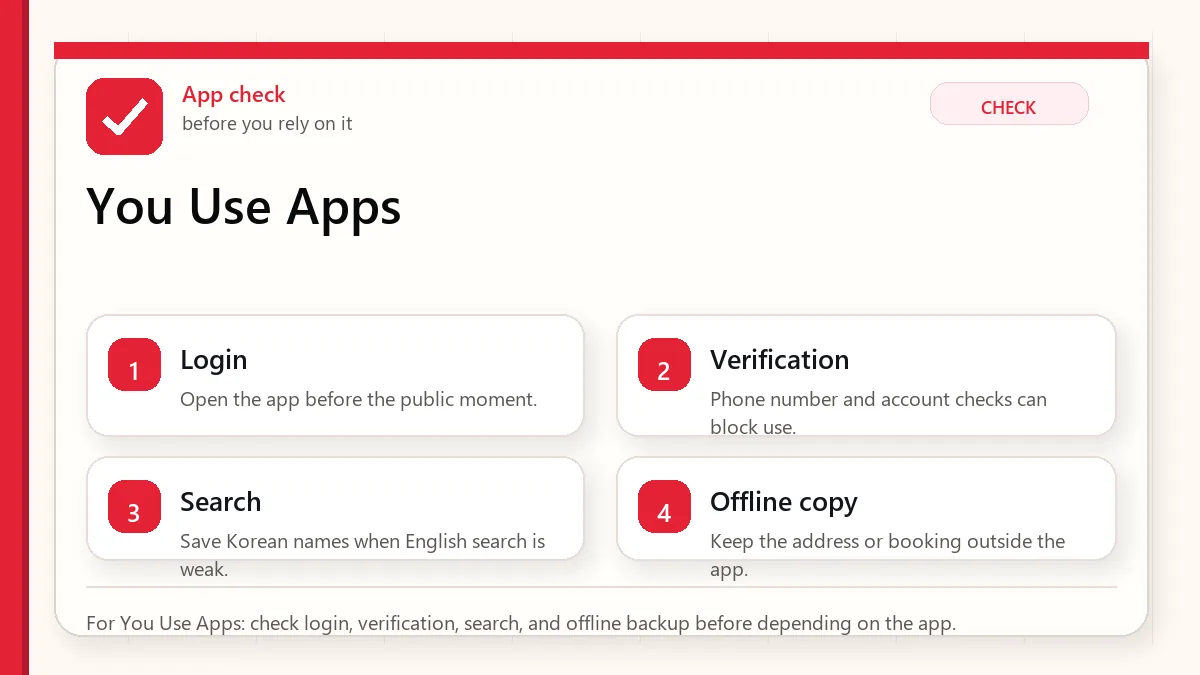
    For You Use Apps: check login, verification, search, and offline backup before depending on the app.

    How to use this hub guide

    This hub is for visitors who want apps to work before a real moment depends on them. It links Naver Map, translation, KakaoTalk, taxi, eSIM, emergency, and delivery-app guides.

    It does not promise every foreign visitor can use every app feature. Korea app flows can depend on phone numbers, identity checks, app versions, card support, language settings, and provider policy.

    The checks that decide whether the app is enough

    If you are decidingCheck this firstWatch out for
    NavigationNaver Map guide and Korean place namesEnglish search can be uneven
    TranslationPapago/Google Translate plus saved key phrasesCamera translation may miss context or allergens
    TaxisKakao T, k.ride, or street taxi fallbackForeign card or phone verification can be the bottleneck
    Delivery and local servicesEligibility, address format, phone number, and payment methodSome services are not visitor-friendly without local setup

    The small check that changes the answer

    • Open each essential app before departure and check language settings.
    • Save important destinations in Korean and English.
    • Do not rely on one translation app for allergies or medical needs.
    • Understand whether your eSIM includes data only or a local phone number.
    • Keep emergency numbers and hotel contact outside app-only storage.

    An app setup that does not depend on one fragile step

    Build the core stack

    Start with maps, translation, messaging/contact, payment/transit support, and emergency information. Add taxis or delivery only if your trip actually needs them.

    Test before the airport

    Search your hotel, save a route, translate a sample menu, and check whether login works. A failed login is much easier to solve at home.

    Prepare non-app backups

    Screenshots, written addresses, a hotel card, cash, and staff help still matter. Apps reduce friction, but they should not be your only plan.

    Review permissions calmly

    Some apps need location, notifications, or camera access. Give only what is needed and avoid rushing through permission prompts in public.

    Layered red check backup flow graphic for You Use Apps.
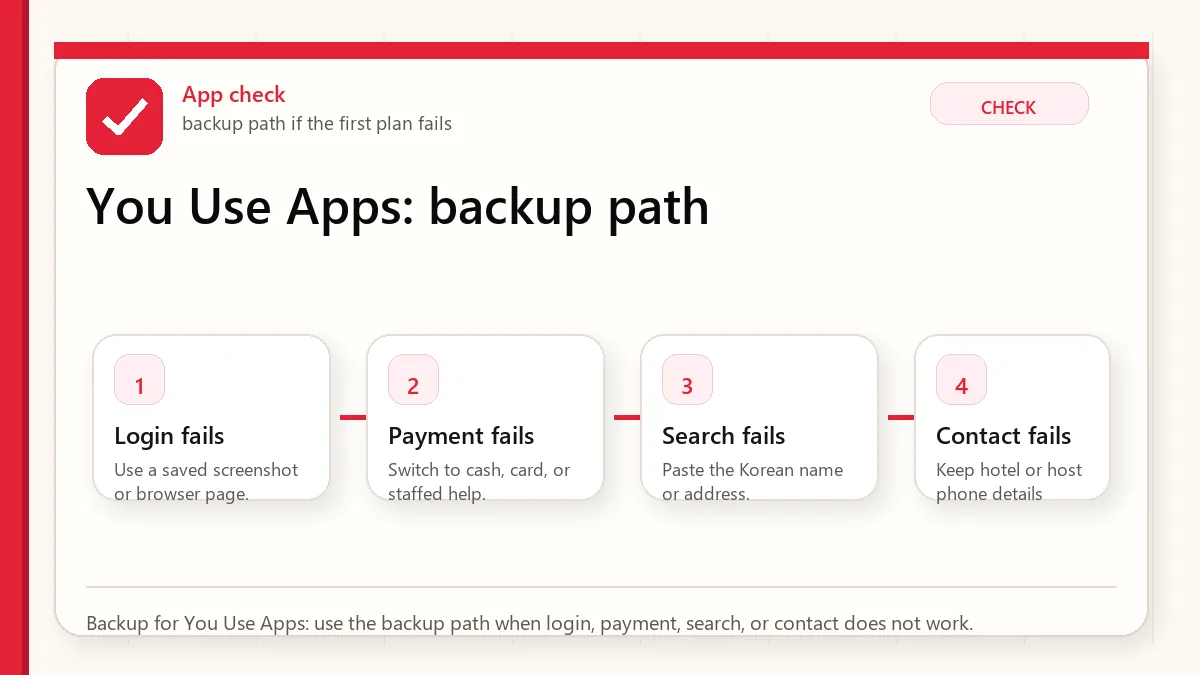
    Backup for You Use Apps: use the backup path when login, payment, search, or contact does not work.

    What this means in the real moment

    A place does not appear in English

    Search by Korean name, nearby landmark, or copied address. Ask hotel staff to write the exact name if needed.

    A taxi app will not accept your card

    Use pay-to-driver if available, try another app designed for visitors, or use an official taxi stand.

    A delivery app blocks signup

    Do not build meal plans around it. Use restaurants, convenience stores, hotel help, or visitor-friendly food courts.

    A safer way to make the decision

    SituationSafer defaultWhy
    First-time visitorNaver Map, translation, eSIM, T-money/payment guideThese affect the first day directly
    Solo travelerAdd emergency numbers and taxi backupRecovery options matter more when no one else can troubleshoot
    Longer stayCheck local phone-number needs more carefullyMore services become useful but also more verification-heavy

    Sources to re-check

    Use these pages for facts that can change by date, operator, airport, app version, store, or traveler status.

    Where to go next

    Official links to check

    Use these official links when the next step matters. This guide explains what to watch for, but app downloads, eligibility, prices, routes, policies, and service rules can change.

    FAQ

    Can I use only Google Maps in Korea?

    It may help for general place context, but many visitors need Korean map apps for more reliable routes, place names, transit details, and station exits.

    Do I need a Korean phone number?

    Not always. But taxis, delivery, reservations, and account recovery may be easier or only possible with local verification.

    Should I install apps after arrival?

    Install and test the essential ones before departure. Airport Wi-Fi, fatigue, and account verification make arrival a poor time to troubleshoot.

  • Naver Map in Korea: Setup Guide for Visitors

    Naver Map in Korea: Setup Guide for Visitors

    Naver Map is one of the most useful apps a foreign visitor can install for Korea, but it can feel unfamiliar at first. The app is not just a map; it is a local search system, route planner, restaurant finder, station-exit checker, bus-stop matcher, and address translator. Used well, it reduces the small frictions that make Korea harder than it needs to be.

    Last updated: May 24, 2026.

    The trick is not to expect Naver Map to behave exactly like Google Maps. Korea’s address system, underground stations, building floors, local business names, and route habits reward a slightly different workflow.

    Layered red check decision graphic for Naver Map setup.
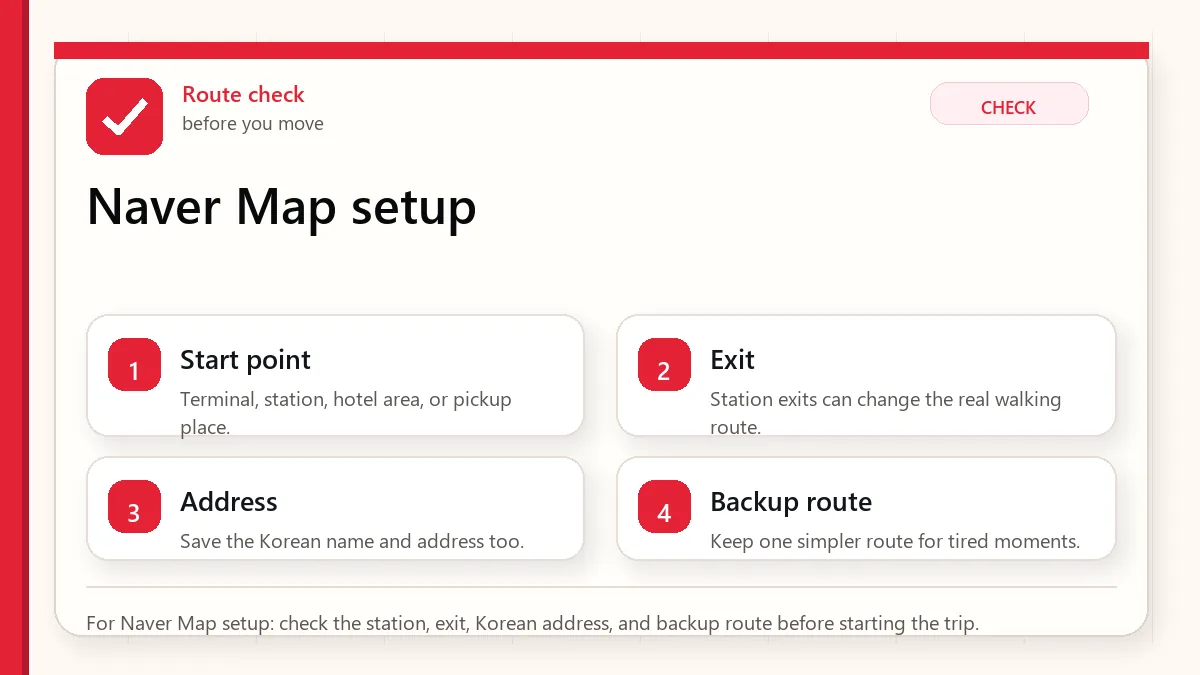
    For Naver Map setup: check the station, exit, Korean address, and backup route before starting the trip.

    Start with the place name and exit

    Install Naver Map before departure, set the language to English if available, save your hotel, airport route, and first-day destinations, then learn to search by Korean name, station exit, and phone number. For important routes, compare Naver Map with Google Maps or another app rather than trusting the first result blindly.

    Set it up before you land

    Do not wait until you are tired at Incheon Airport. Install the app, open it once, confirm the language setting, and search for your hotel before your flight. If the hotel has an English name, also copy its Korean name and address from the hotel website or booking confirmation. Save both.

    If you are traveling with someone else, share screenshots of the hotel address, nearest subway station, and station exit. If one phone dies or loses data, the group still has the basic route.

    Search habits that work in Korea

    • Search the Korean name when the English name gives weak results.
    • Use the business phone number when several branches have similar names.
    • Check photos to confirm you found the right entrance or floor.
    • Use station exit numbers as real-world anchors.
    • For restaurants inside malls, check the floor and building wing.
    Layered red check backup flow graphic for Naver Map setup.
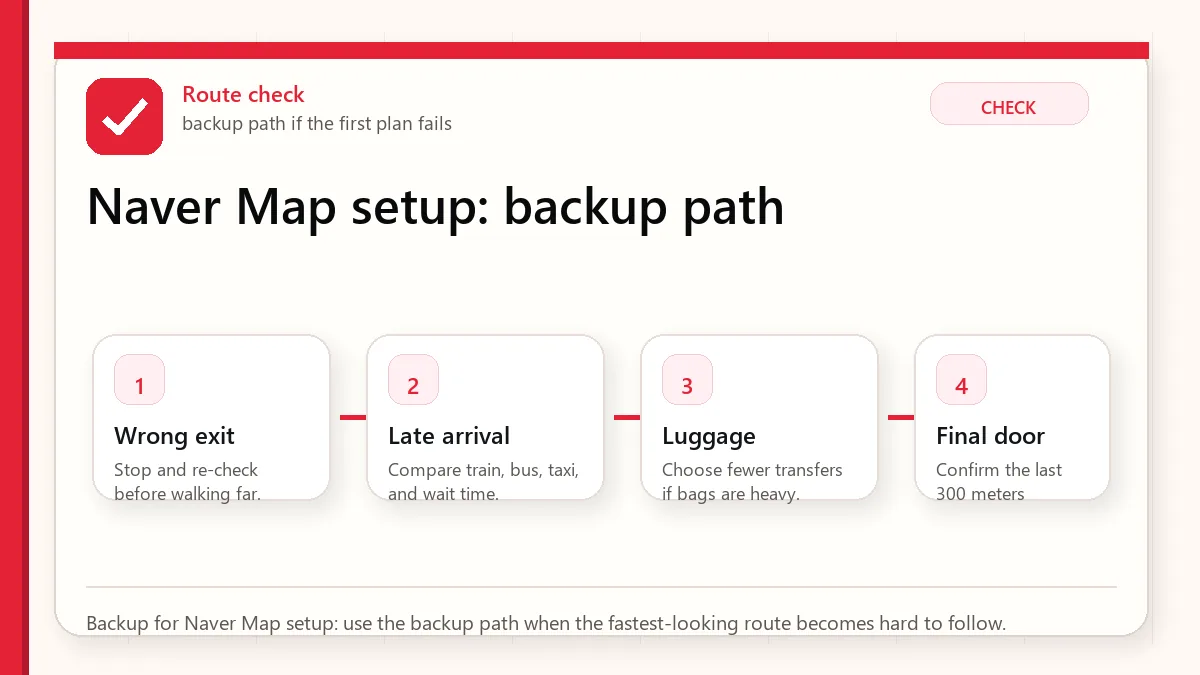
    Backup for Naver Map setup: use the backup path when the fastest-looking route becomes hard to follow.

    Subway exits matter more than visitors expect

    A Seoul station can have many exits spread across a large intersection or underground mall. “Arrive at Hongdae” or “arrive at Gangnam Station” is not enough. The exit number can decide whether your walk is three minutes or fifteen minutes, whether you cross a huge road, and whether you pop up beside the correct building.

    Before leaving a train, check the recommended exit and keep it visible. If you are meeting someone, send the exit number, not only the station name.

    Bus routes and walking routes

    Buses can be excellent in Seoul, but first-time visitors often misread stop direction. Naver Map can help, but you should still check the stop name, bus number, platform direction, and arrival side of the street. A bus stop across the road may serve the opposite direction.

    For walking routes, remember that Korea has hills, underpasses, overpasses, apartment complexes, and roads that may not feel intuitive from above. If you have luggage, elderly companions, or small children, favor simpler routes over technically shorter ones.

    When Naver Map is not enough

    • If a restaurant has no English information, use Papago or Google Translate for menu photos and reviews.
    • If a business recently moved, compare its official website or Instagram.
    • If a route includes a late-night transfer, check last train or use taxi backup.
    • If you are going to a hospital, clinic, or official appointment, confirm the address directly with the provider.

    Official links to check

    Use these official links when the next step matters. This guide explains what to watch for, but app downloads, eligibility, prices, routes, policies, and service rules can change.

    FAQ

    Does Naver Map have English?

    Naver Map offers language settings and multilingual support, but some local content may still be easier in Korean. Think of English support as helpful, not complete.

    Should I use Naver Map or KakaoMap?

    Both can be useful. Naver Map is a strong default for visitors because of local search and broad use, while KakaoMap can be a good backup if a route looks strange.

    Can I rely on screenshots?

    Use screenshots as backup, not as live navigation. They are excellent for addresses, station exits, and hotel information when signal or translation fails.

    First-day Naver Map drill

    On your first day, practice with low-risk routes before using Naver Map under pressure. Search your hotel, the nearest convenience store, the nearest subway station, and one restaurant within walking distance. Check the difference between walking, transit, and taxi route tabs. Then look at the station exit number and compare it with signs in the station.

    This small drill teaches the app’s rhythm before you are late for a booking. It also reveals whether your language setting, data plan, and search habits are working.

    Branch and floor mistakes

    Korea has many chain restaurants, cafes, clinics, and stores with similar names. A visitor may find the right brand but the wrong branch. In malls and large buildings, the floor matters as much as the address. Always check branch name, district, floor, and photos. If a place is inside a department store, underground mall, or office building, the final five minutes can be harder than the subway ride.

    Hotel address card habit

    Create a small note with the hotel name in English, hotel name in Korean, address in Korean, phone number, nearest station, and nearest exit. Keep it in screenshots and notes. This helps with taxis, lost groups, delivery riders, clinic forms, and any moment when your phone signal is weak.

    When to use translation with Naver Map

    Use translation for reviews, menus, and notes, but do not over-read machine translation. A review phrase can sound harsher or stranger than intended. For practical travel, focus on objective clues: hours, closed days, entrance location, queue pattern, reservation requirement, and whether foreign cards are mentioned.

    Related Before Korea guides

    Use these guides together rather than treating one article as the whole plan.

    Sources checked for this update

    Before Korea treats operational details as changeable. Check the official pages below before a trip or a large purchase.