Tag: travel apps

  • Translation Apps in Korea

    Translation Apps in Korea

    Start with the account or access block

    Use translation apps as support, not authority. Install a camera/text translation app before the trip, save critical phrases, and keep one second app ready for cross-checking. The goal is not perfect Korean; it is making one clear request at a restaurant, taxi, clinic, shop, or station without guessing.

    Last checked: June 1, 2026. Re-check the official app, service, or app-store page before acting, because routes, prices, labels, rules, app screens, eligibility, and store/service policies can change.

    Translation helps most when the sentence is simple

    Translation apps are useful in Korea, but they work best as a bridge, not as a final authority. The reader's real task is to prepare short phrases, know when camera translation is enough, and recognize the situations where a bad translation could cost money, health, or time.
    Layered red check decision graphic for Translation Apps in.
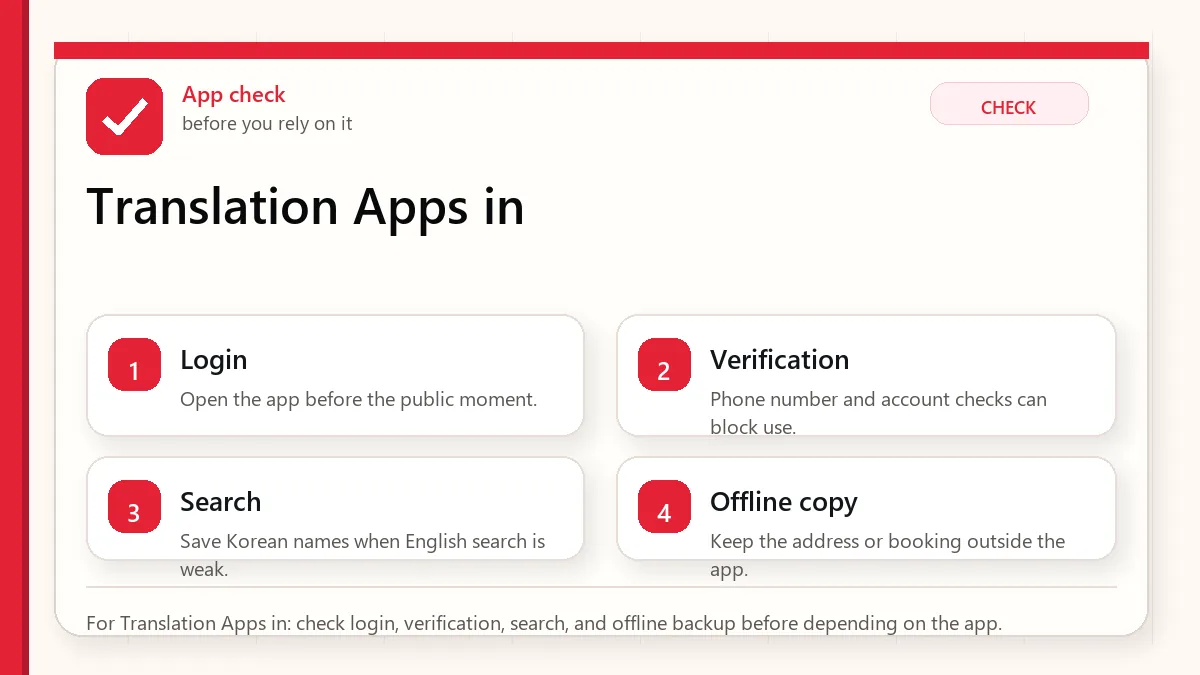
    For Translation Apps in: check login, verification, search, and offline backup before depending on the app.

    What translation apps are good and bad at

    UseHelpful forBe careful with
    Camera translationMenus, labels, signs, machines.Small fonts, stylized packaging, and ingredient nuance.
    Copied textKorean addresses, place names, app screens.Names with branches or abbreviations.
    Voice translationSimple questions in calm settings.Busy restaurants, background noise, and complex requests.
    Saved phrasesAllergies, spice, vegetarian, taxi destination.Do not rely on one phrase for serious medical risk.

    Checks before you need the phrase

    • Install at least one translation app before departure.
    • Download offline language support if available.
    • Save hotel address and emergency phrases.
    • Prepare allergy or dietary phrases carefully.
    • Keep screenshots of critical documents and addresses.

    Use translation in a way people can respond to

    • Use camera translation for first-pass understanding.
    • Copy Korean text into the app when accuracy matters.
    • Confirm key details with numbers, addresses, or official pages.
    • Use simple phrases instead of long paragraphs.
    • For serious allergies or medical issues, use professional or official help.
    • Keep a human backup: hotel desk, tourist information, or official helpline when needed.
    Layered red check backup flow graphic for Translation Apps in.
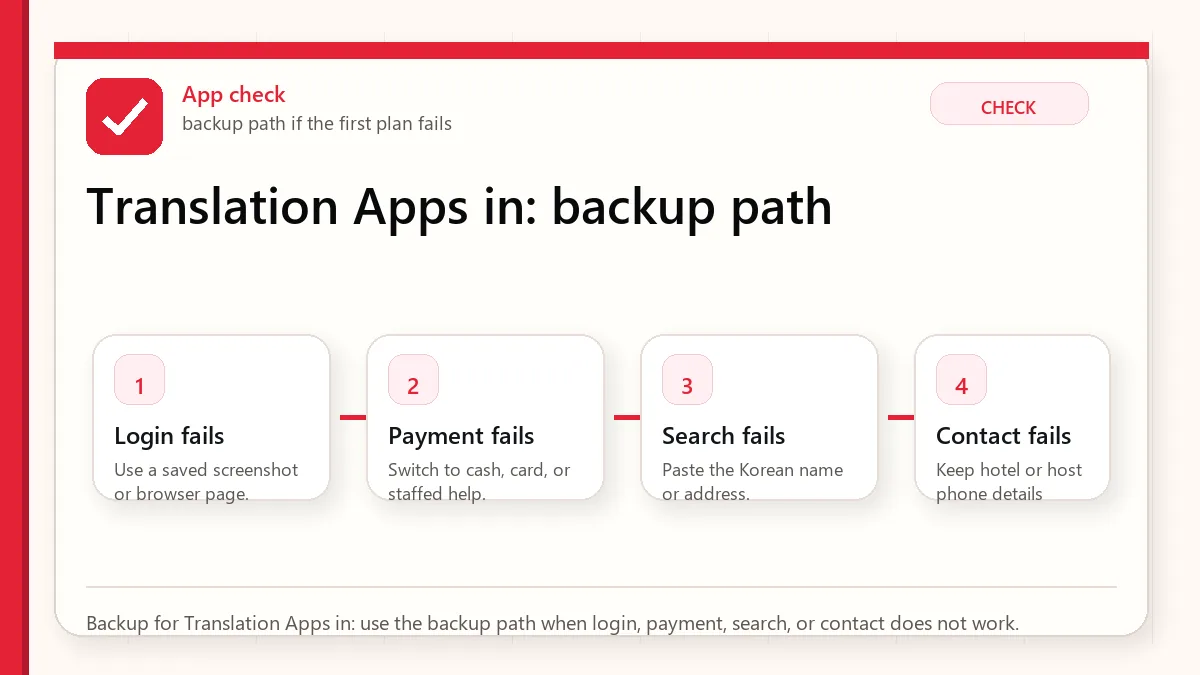
    Backup for Translation Apps in: use the backup path when login, payment, search, or contact does not work.

    Where translations usually become risky

    The app mistranslates a menu

    Check ingredients, photos, and staff confirmation. Avoid risky dishes if allergies matter.

    A taxi destination is misunderstood

    Show the Korean address and phone number, not a translated description.

    Camera translation is messy

    Take a clearer photo, crop the text, or type/copy the Korean text.

    You need official information

    Use official websites for immigration, customs, refunds, transport schedules, and safety.

    Use different translation habits for different stakes

    SituationBetter approachWhat to verify
    Restaurant orderingUse simple dietary phrases.Broth, sauce, and shared cooking.
    Taxi or mapShow Korean address.Branch and neighborhood.
    Shopping labelUse camera translation, then verify key ingredients.Allergens and expiry.
    EmergencyUse official emergency or helpline resources.Do not depend only on app translation.

    What not to assume from a translated result

    • Do not assume camera translation is accurate for small ingredient labels.
    • Do not assume polite nuance is preserved.
    • Do not assume a translated place name points to the correct branch.
    • Do not use machine translation as medical or legal advice.

    Small phrase habits that make communication gentler

    Prepare phrases before you need them

    Translation apps are much more useful when your key phrases are saved before the pressure moment. Save short Korean phrases for hotel address, allergies, no spicy food, no meat, receipt request, bathroom, help, and payment issue. A short clear phrase often works better than a long automatic translation, especially with busy staff or small restaurants.

    Use translation to confirm, not to argue

    Machine translation can make menus, signs, and labels understandable, but it can still miss context. Use it to narrow choices and ask better questions, not to insist that a staff member or label means exactly what the app says. For serious allergies, medicine, legal, customs, or safety situations, use official information or direct confirmation rather than relying only on a translated guess.

    Read next when translation connects to food, maps, or KakaoTalk

    This topic works best when it is not handled alone. Use the related guides below to connect the decision with maps, money, food, shopping, transit, and app backup planning.

    Related Before Korea guides

    Official links to check

    Use these official links when the next step matters. This guide explains what to watch for, but app downloads, eligibility, prices, routes, policies, and service rules can change.

    FAQ

    Which translation app should I use in Korea?

    Use one that supports Korean text, camera translation, and offline preparation. Test it before the trip.

    Can translation apps handle allergies?

    They can help, but serious allergies need extra caution and human confirmation.

    Should I translate English into Korean for every interaction?

    Use simple phrases and point to clear information. Long translated paragraphs can slow busy staff down.

    Source links to verify

    Last updated

    Last updated: 2026-05-23. Re-check official sources close to the day you travel, buy, eat, or use an app. Details involving prices, eligibility, transport, app features, opening hours, and refund rules can change.
  • Korea Travel Apps Guide

    Korea Travel Apps Guide

    Start with the account or access block

    Install fewer apps, but test them properly before departure. For most visitors, the useful setup is a local map app, translation app, weather source, messaging app if needed, transport/payment backup, and saved official pages for airport, transit, and entry details.

    The moment this usually matters

    This matters before you are standing outside the airport, trying to find a hotel, translate a sign, message a host, or pay for something with a tired brain and a low battery. The best Korea app setup is not a long list. It is a small set of tools you have already opened, tested, and backed up.

    Layered red check decision graphic for Travel app setup.
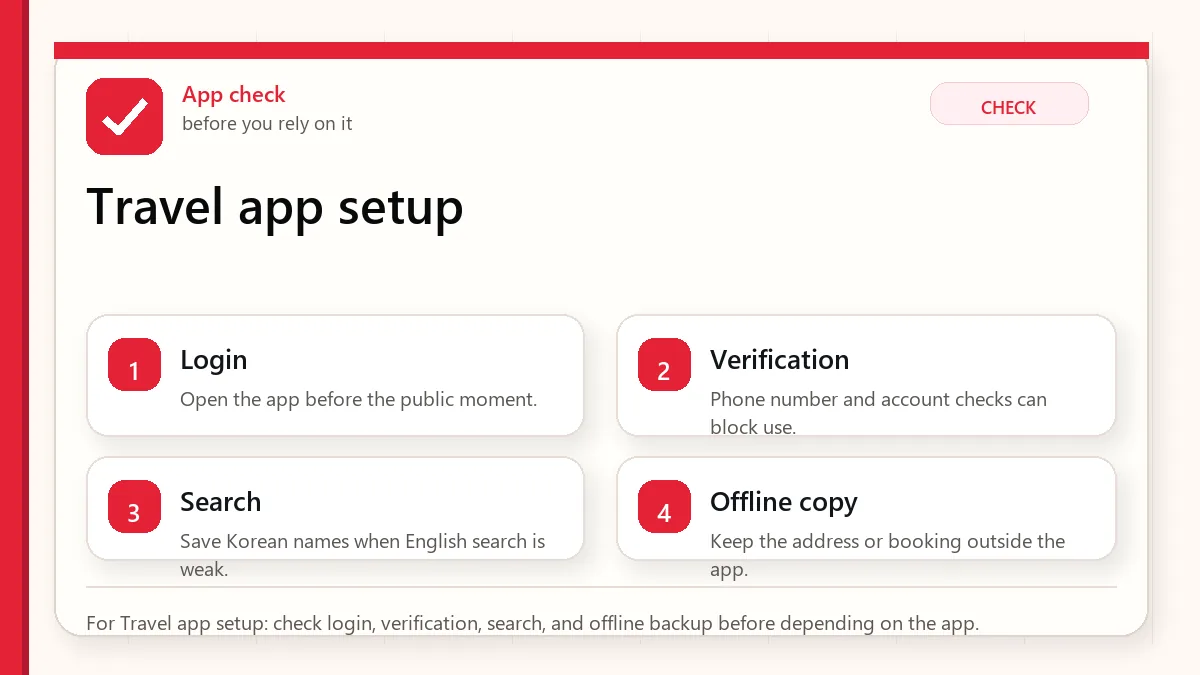
    For Travel app setup: check login, verification, search, and offline backup before depending on the app.

    Core app stack for Korea visitors

    NeedApp or source typeWhy it mattersBackup
    NavigationNaver Map plus another map referenceLocal place names, transit, and station exits often matter more than a simple pin.Naver Map guide
    TranslationText and camera translation appMenus, ingredient labels, kiosks, and address screens may not be fully translated.Translation apps guide
    ConnectivityCarrier app, eSIM app, or provider portalYou need data before you can solve most app problems.eSIM vs SIM guide
    TransportTransit card info, airport route page, or subway appFirst-day route choices depend on arrival time and luggage.Subway and bus guide
    MessagingKakaoTalk only if your contacts, tour, or reservation uses itInstalling it does not guarantee every local service will work for visitors.KakaoTalk guide

    Checks worth doing before the flight

    • Open each important app once before the flight and complete basic setup.
    • Save your hotel address in Korean and English.
    • Screenshot the first airport-to-hotel route.
    • Do not depend on airport Wi-Fi as your only setup plan.
    • Keep official pages bookmarked for entry, airport transport, and transport cards.

    Set up the app stack in a calm order

    • Choose your primary navigation app and save your first five places.
    • Install a translation app that can handle camera translation and copied Korean text.
    • Prepare data access through roaming, eSIM, SIM card, or portable Wi-Fi.
    • Save transport and airport pages outside app accounts.
    • Test whether logins, language settings, and push messages work before travel.
    • Delete apps that require local verification you cannot complete and prepare a web or offline backup.
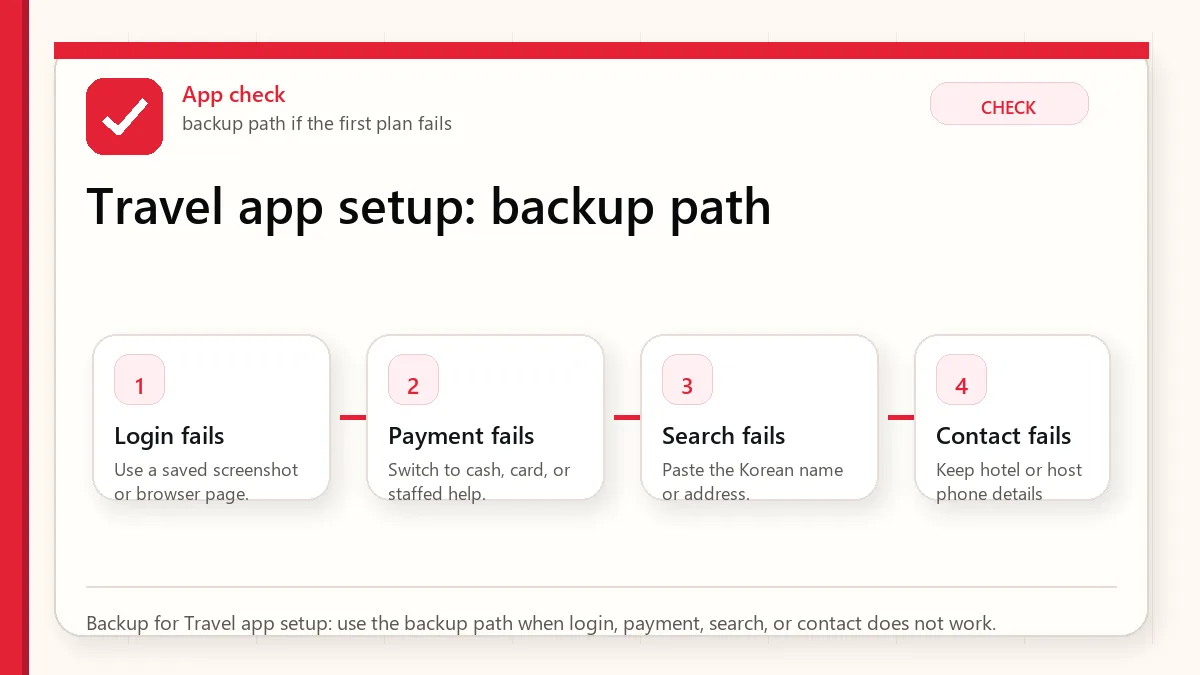
    Layered red check backup flow graphic for Travel app setup.
    Backup for Travel app setup: use the backup path when login, payment, search, or contact does not work.

    Where app plans usually break down

    The app requires local verification

    Do not force workarounds. Use a web booking option, hotel help, official counter, or another service that clearly supports foreign visitors.

    The English search result is poor

    Copy Korean names from official pages, booking confirmations, or Naver listings. English names can point to the wrong branch.

    Data does not work after landing

    Use airport Wi-Fi only long enough to activate your data plan or contact the provider, then confirm the airport-to-hotel route before leaving.

    Payment app setup fails

    Assume some local payment apps may not be visitor-friendly. Carry a card, cash backup, and transit card plan.

    Use different apps for different pressure moments

    SituationBetter approachWhat to verify
    First-time solo travelerUse a small app stack and save offline screenshots.Hotel address, airport route, data activation, and map search.
    Shopping-focused travelerAdd tax refund and store official pages to bookmarks.Passport requirement, receipt handling, refund limits, and store participation.
    Food-focused travelerPrioritize translation, allergy phrases, and map searches.Menu ingredients, spice level, restaurant hours, and payment method.
    Late arrivalPrioritize airport route, taxi address, and data setup.Last train/bus time and Korean destination text.

    Things not to assume just because an app is installed

    • Do not assume every Korean app supports foreign cards, foreign phone numbers, or English.
    • Do not assume app store reviews prove a service works for tourists today.
    • Do not assume map opening hours are official.
    • Do not assume a messenger app is necessary unless a real contact or booking uses it.

    Small app details that make Korea feel easier

    Install is not the same as ready

    A travel app can be on your phone and still fail when you need it. Login, language setting, phone verification, map search, saved places, payment method, and offline access should be checked before departure. The airport is a bad place to discover that an app needs SMS, a Korean number, or a card setting you did not prepare.

    Use apps as a system

    One app rarely solves the whole trip. A good Korea setup combines map, translation, data, payment, transit, booking messages, and offline documents. If one layer fails, another should still help you move, ask, pay, or return to the hotel. That is the real reason to prepare apps before arrival.

    Read next when apps connect to maps, money, or data

    This topic works best when it is not handled alone. Use the related guides below to connect the decision with maps, money, food, shopping, transit, and app backup planning.

    Food delivery apps are not the same as map apps

    A map app only needs to help you find a place. A delivery app may need identity, payment, phone, address, and live rider communication to work. If your Korea app list includes Baemin, check the practical limits in Can Foreigners Use Baemin in Korea? before treating delivery as certain.

    Related Before Korea guides

    Official links to check

    Use these official links when the next step matters. This guide explains what to watch for, but app downloads, eligibility, prices, routes, policies, and service rules can change.

    FAQ

    Should I install every Korean app before arrival?

    No. Install the few apps tied to real decisions and test them. More apps can mean more login and verification problems.

    Can I use only Google Maps in Korea?

    It can help for orientation, but local map tools and Korean place names are often more practical for routes and branches.

    What is the most important app setup step?

    Confirm data access and save your hotel address in Korean. Without those, every other app becomes harder to use.

    Source links to verify

    Last updated

    Last updated: 2026-05-23. Re-check official sources close to the day you travel, buy, eat, or use an app. Details involving prices, eligibility, transport, app features, opening hours, and refund rules can change.
  • Korea Travel Checklist for First-Time Visitors

    Korea Travel Checklist for First-Time Visitors

    Start with the first thing that can block the day

    For a first Korea trip, the useful checklist is not a long packing list. It is a risk checklist. Before departure, settle five things: entry paperwork, phone data, map/navigation, money/transit, and your first route from the airport. If those five are ready, most first-day stress becomes manageable.

    What makes this checklist worth using

    The practical value of this checklist is not that it names every possible travel task. It helps you identify the few tasks that can block the first day if they are left unresolved.

    AreaWhat to checkWhat to avoid
    EntryVerify official entry requirements, e-Arrival/K-ETA status, passport validity, and customs basics.Do not rely on social media comments for nationality-specific rules.
    PhoneChoose data setup and app login plan before departure.Data-only service may not solve phone-number verification.
    MapsSave Korean names, hotel address, station exits, and first route.English place search can be uneven.
    MoneyPrepare card plus cash plus transit plan.A single card is not a full payment strategy.

    The checks that deserve your attention

    • Confirm entry admin from official pages.
    • Open Naver Map and translation apps before flying.
    • Save hotel address in Korean.
    • Choose airport transfer by fatigue and luggage, not only speed.

    Failure cases to plan around

    • No working data after landing.
    • Hotel name does not search.
    • Card fails at a kiosk.
    • Airport bus/train timing no longer fits late arrival.

    Official and practical source checks

    Read next

    Who this guide is really for

    This is for first-time visitors who want to avoid the problems that usually appear after landing: no working data, a hotel address that does not search well, a card that fails at a kiosk, a late arrival with no planned transfer, or a tax/refund/app rule discovered too late.

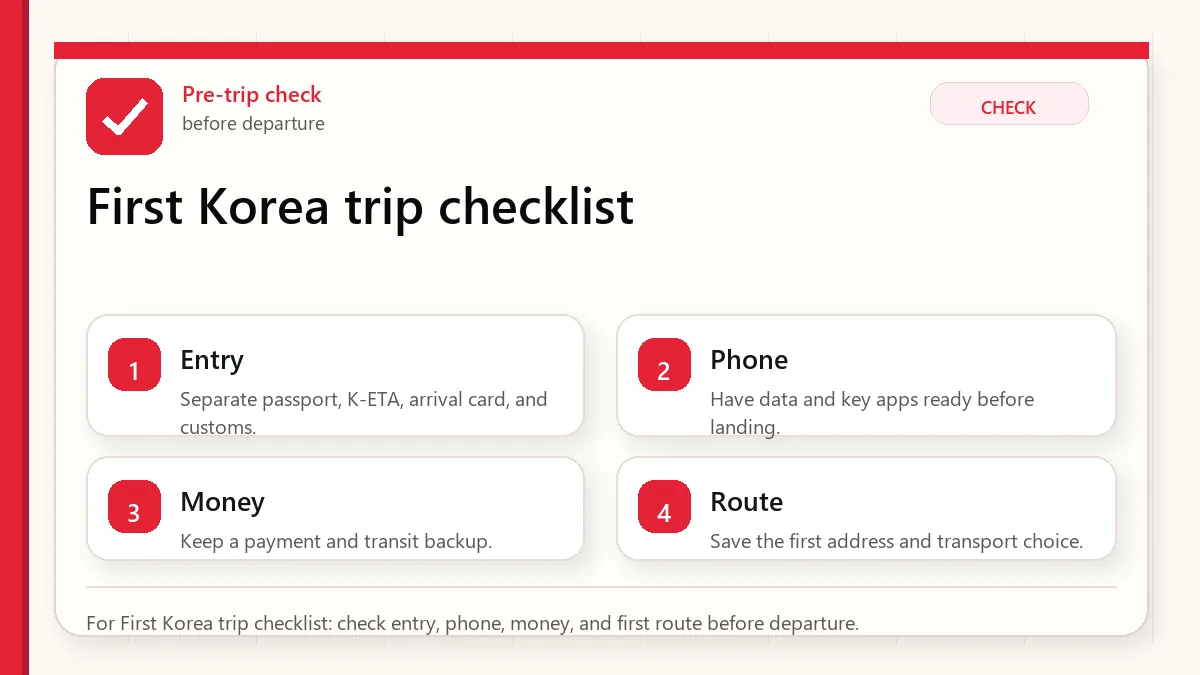
    Layered red check decision graphic for First Korea trip checklist.
    For First Korea trip checklist: check entry, phone, money, and first route before departure.

    This guide is intentionally practical. It does not try to be a complete Korea travel guide. It tells you what to prepare before the trip so that your first day in Korea is not spent fixing preventable problems.

    The five decisions to make before departure

    DecisionWhat to decideWhy it mattersBest verification source
    Entry adminWhether you need to submit the Korea e-Arrival card or other entry information before arrival.Immigration forms and timing are not the thing to solve while tired in the arrival hall.VISITKOREA e-Arrival notice
    ConnectivityRoaming, eSIM, SIM card, or portable Wi-Fi, plus a fallback if setup fails.Maps, translation, airport transport, hotel contact, and payment troubleshooting all depend on working data.VISITKOREA travel basics
    NavigationWhich map app you will use and whether your hotel/destinations are saved in Korean as well as English.Korean place names, station exits, and branch names can decide whether a route is actually usable.Naver Map guide
    Money and transitHow you will pay for subway/bus rides, small purchases, and backup cash needs.Not every card or app flow works smoothly for every foreign visitor in every place.T-money guide
    First routeTrain, airport bus, taxi, or another transfer from the airport to your accommodation.The best route depends on terminal, arrival time, luggage, destination, and walking distance after the last stop.Incheon Airport to Seoul guide

    72-hour pre-departure checklist

    1. Entry and arrival information

    Check official entry requirements for your passport, stay purpose, and arrival date. Korea introduced an e-Arrival card system for inbound passengers starting February 24, 2025, according to VISITKOREA. Do not rely on old screenshots of paper forms; use the official e-Arrival or immigration source close to travel.

    • Save your accommodation address in English and Korean.
    • Keep your first-night accommodation contact details offline.
    • Check whether arrival forms, visa-free entry conditions, or airline document checks apply to your situation.
    • If anything is legal, immigration, medical, or visa-related, verify with the official authority rather than a travel blog.

    2. Phone data and backup access

    Your phone is your map, translation tool, booking reference, payment helper, and emergency contact device. Prepare data before you depend on airport Wi-Fi. If using eSIM, check phone compatibility and activation timing before departure. If using a physical SIM or portable Wi-Fi, check pickup location, opening hours, and what happens after a delayed flight.

    • Download app updates before the flight.
    • Save booking confirmations and hotel address offline.
    • Keep one low-tech backup: a printed or screenshot route from the airport to your hotel.
    • Do not assume a local phone number will be available unless the product clearly includes it.

    3. Maps and Korean names

    A global map app can still be useful for orientation, but Korea travel is easier when you prepare a local map app and Korean place names. Save the airport terminal, hotel, nearest station, and your first meal or destination before boarding.

    • Save place names in Korean when available from official pages or booking confirmations.
    • Check final walking distance, station exit, and whether the route uses stairs.
    • For time-sensitive plans, test the route at a similar day/time before travel.
    • Treat opening hours on map listings as a hint, not final proof.

    4. Money, cards, and transit

    For public transport, Korea uses transportation cards such as Tmoney, EZL, WOWPASS, and other options. VISITKOREA describes these as rechargeable prepaid cards that do not require an account and can be useful for public transportation. The practical question is not only which card exists, but how you will buy, charge, use, and refund it.

    • Carry some Korean won cash for top-ups or small fallback payments.
    • Bring more than one payment method if possible.
    • Avoid loading more transit balance than you can reasonably use before leaving.
    • For shopping-heavy trips, read the tax refund rules before the first large purchase, not at the airport.

    5. Airport transfer

    VISITKOREA lists airport-to-Seoul options including AREX, Seoul subway, airport limousine bus, and taxi. Your best option depends on the final destination, not only the airport departure point. A train to a major station may be fast, but a bus can be easier if it stops near your hotel. A taxi can be useful with luggage or late arrival, but you should prepare the address and payment backup.

    First 90 minutes after landing

    MomentDo thisWhy
    Before immigrationOpen your offline documents and confirm accommodation address.You may not want to depend on live data immediately.
    After baggageConfirm your data connection before leaving the terminal.A broken data plan is easier to solve at the airport than on a sidewalk.
    Before buying transportCompare the route you planned with current time and luggage reality.A delayed flight can make the original plan worse.
    Before taxi or busShow the Korean destination name/address, not only an English hotel name.Similar names and branch names can cause route mistakes.
    At hotelSave the nearest station, convenience store, and return route.The second trip out is easier once your home base is set.

    Different travelers need different backups

    • Solo first-timer: prioritize offline address, map backup, and a transfer route that is easy to follow while tired.
    • Family or group: prioritize luggage, seating, walking distance, and one shared plan everyone can find if phones separate.
    • Shopping-focused traveler: understand tax refund eligibility, passport needs, receipt/voucher handling, and baggage space before buying.
    • Food-focused traveler: prepare translation for allergies, dietary limits, spice tolerance, and restaurant ordering basics without pretending apps can solve every situation.
    • Short layover or late arrival: build the plan around timing and backup transport, not sightseeing ambition.

    Common mistakes this checklist prevents

    • Arriving with an app installed but not opened or configured.
    • Saving only English place names for a destination that is easier to find in Korean.
    • Choosing an airport route that is fast to a station but awkward to the actual hotel.
    • Assuming foreign cards, mobile wallets, or app payments will work everywhere.
    • Buying tax-refund-eligible goods without keeping receipts, vouchers, passport details, or export requirements in mind.
    • Using old blog prices or app screenshots as if they were official current rules.

    The small preparations that make day one easier

    Build the trip around recoverable mistakes

    A first Korea trip does not need to be perfect. It needs to be recoverable. If a map search fails, you have a Korean address. If a card fails, you have cash and a second card. If mobile data fails, you have airport Wi-Fi and saved documents. If a route changes, you know the nearest station and hotel address. This mindset is more useful than trying to memorize every rule.

    Do one final check close to departure

    Some details are stable, but others change: weather, airport process, app verification, transport schedules, tax refund rules, opening hours, and travel notices. A checklist is strongest when it is reviewed once early for planning and once again shortly before departure for current details. Keep the final version offline so the first day does not depend on perfect mobile data.

    Read next for the parts of the trip that usually overlap

    This topic works best when it is not handled alone. Use the related guides below to connect the decision with maps, money, food, shopping, transit, and app backup planning.

    Related Before Korea guides

    Official links to check

    Use these official links when the next step matters. This guide explains what to watch for, but app downloads, eligibility, prices, routes, policies, and service rules can change.

    FAQ

    Do I need to plan every day before visiting Korea?

    No. Plan the arrival day and the systems you will use every day: map, data, money, transit, and official source checks. Sightseeing can stay flexible.

    Should I install every Korean app before I arrive?

    No. Install only the apps tied to real decisions: navigation, translation, transit, weather, messaging if needed, and specific bookings. Too many apps can create more account and verification problems than they solve.

    What should I verify again right before travel?

    Verify entry requirements, e-Arrival details, airport route timing, transit card information, weather, store or venue hours, tax refund rules, and any reservation or app account requirement that affects money or access.

    Source links to verify

    Last updated

    Last updated: 2026-05-23. Korea travel, transport, app, shopping, and refund details can change. Re-check official sources close to the day you act, especially when money, eligibility, route timing, or account access is involved.

    This guide is written as practical preparation content. It does not claim personal hands-on testing, a personal visit, or official legal advice unless explicitly stated.

    Layered red check backup flow graphic for First Korea trip checklist.
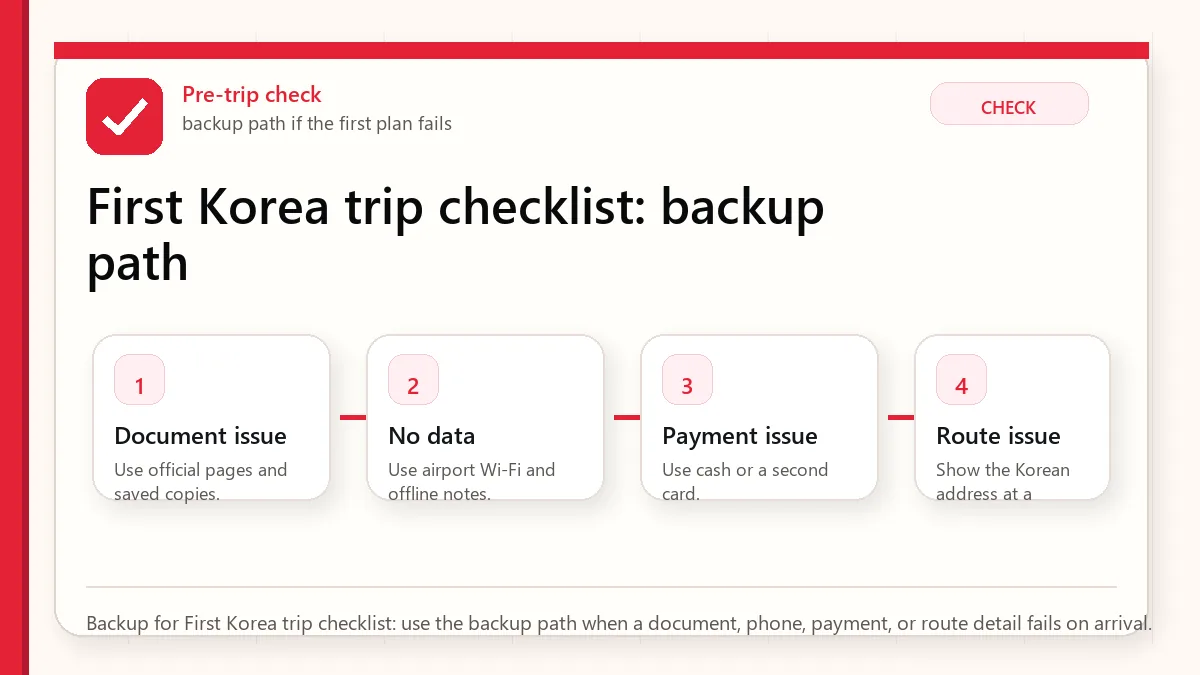
    Backup for First Korea trip checklist: use the backup path when a document, phone, payment, or route detail fails on arrival.