Category: Before You Use

Guides for Korea apps and services such as maps, messaging, transit, eSIM, payments, and bookings.

  • Can Foreigners Use KakaoTalk in Korea? Setup, Verification, and Backups

    Can Foreigners Use KakaoTalk in Korea? Setup, Verification, and Backups

    Foreigners can use KakaoTalk, but the important travel question is not only whether the app opens. Before Korea, check whether you can verify your account, receive messages from hotels or clinics, manage storage and notifications, and avoid making KakaoTalk your only contact method.

    In short: foreigners can use KakaoTalk, but setup depends on phone verification, app-store access, and account recovery options. It is not a resident-only app, but losing access to the verified number can make recovery difficult.

    Can foreigners use KakaoTalk?

    Yes. Install KakaoTalk, verify a phone number you can actually receive messages on, and keep that number available while you travel. If you are using a temporary SIM, eSIM, or roaming number, think about what happens if you change numbers before you need account recovery.

    If KakaoTalk says the media storage period has expired

    That message usually means the file is no longer available from the chat storage path. Ask the sender to resend it, check whether the file is still saved on your device, and review KakaoTalk Help if the issue affects login, backup, or account recovery. Re-verifying the account normally will not restore an expired photo or file by itself.

    Need a narrower KakaoTalk answer?

    If your problem is not general setup, use the more specific checks: Can foreigners use KakaoTalk? covers phone-number and verification friction, while KakaoTalk media storage period has expired covers old photos, files, and resend options.

    KakaoTalk Korean: app setup before arrival

    If you searched KakaoTalk Korean or KakaoTalk in Korean, check the app language, account recovery method, and phone verification before your trip. Many local reservations, shops, clinics, and hosts communicate through KakaoTalk, so losing access can create real friction.

    Save your email recovery option, keep your phone number active for verification if needed, and do not wait until you are trying to contact a hotel or clinic to finish setup.

    Last checked: June 2, 2026. KakaoTalk account, phone-number, privacy, and app-store flows can change. Check the official app page and your current app screen before relying on it for reservations.
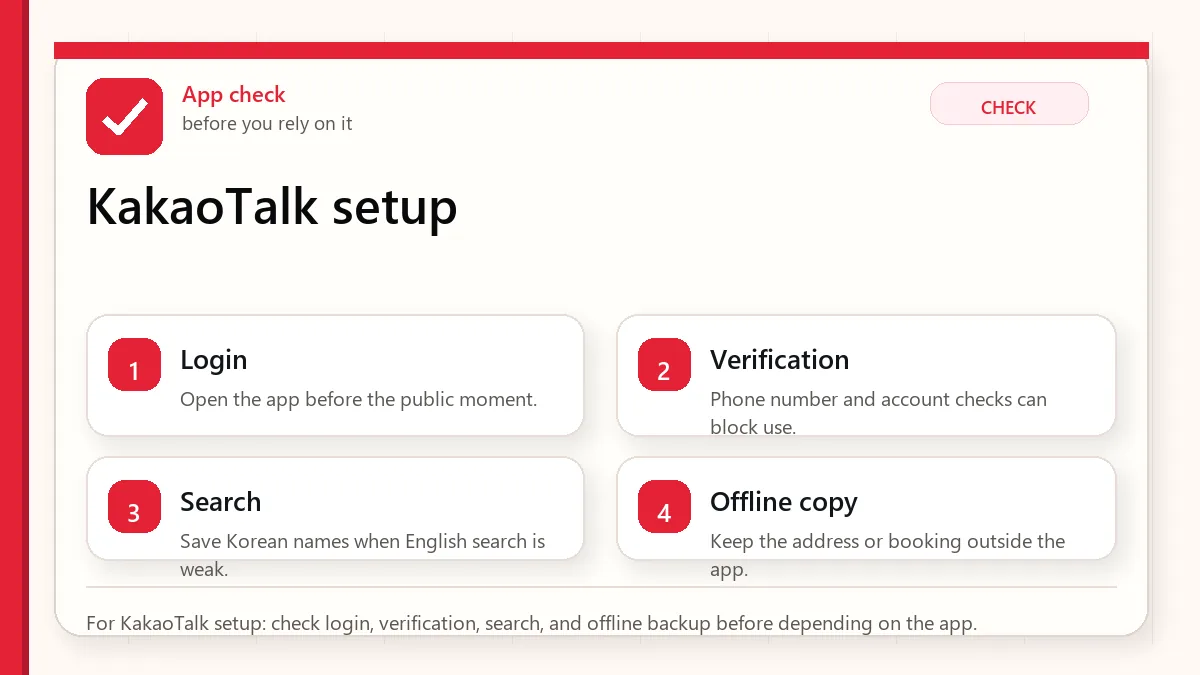
    Layered red check decision graphic for KakaoTalk setup.
    For KakaoTalk setup: check login, verification, search, and offline backup before depending on the app.

    The practical answer for visitors

    Install KakaoTalk before arrival if you need to communicate with Korean contacts, clinics, salons, language exchanges, guesthouses, or local services. But keep email, phone, WhatsApp, Instagram DM, booking-app messages, or hotel front desk contact as a backup. A messenger app should not be the only way to reach a time-sensitive reservation.

    Where foreigners usually get stuck

    ProblemWhat it meansBefore Korea check
    Phone verificationYou may need SMS or account confirmationTest signup before your first appointment
    Friend/contact flowPeople may search by phone, ID, QR, or linkAsk the business which contact method they use
    NotificationsSilent or blocked notifications can make you miss a messageEnable alerts for important chats
    StorageChat media can take phone spaceKeep storage free before a long trip
    Scams or wrong contactsPopular messengers attract impersonation riskConfirm official accounts and avoid sending payment details blindly

    KakaoTalk is useful, but it does not solve Korean verification

    Some visitors think KakaoTalk alone will unlock Korean apps. It will not. Korean services may separately require a Korean mobile number, real-name verification, carrier identity verification, a local payment method, or an ARC-linked account. KakaoTalk can help communication, but it is not a universal identity key.

    This matters for taxi apps, delivery apps, shopping, bookings, and hospital or beauty appointments. If a service asks for NICE, PASS, mobile identity verification, or a Korean carrier number, KakaoTalk itself may not be enough.

    A Korean phone number is not one product

    Visitors often buy an eSIM and assume they now have the same phone setup as a Korean resident. That is not always true. A data-only eSIM gives internet. A tourist SIM may give a temporary phone number. A prepaid voice/SMS plan may receive calls and texts. A resident carrier plan tied to local identity may pass checks that tourist products do not. These are different layers.

    For KakaoTalk messaging, internet and account access may be enough. For delivery, payment, age checks, coupons, or domestic login flows, the app may expect more than messaging. This is why a traveler can chat normally but still fail at Baemin, Coupang Eats, local shopping, or reservation verification.

    How to avoid losing access while changing SIMs

    The risky moment is usually not installation. It is changing phones, changing SIMs, reinstalling the app, or losing access to the number tied to the account. Do not experiment with KakaoTalk account settings right before a clinic appointment, fan event, private class, or host meetup.

    1. Confirm the account works before departure.
    2. Keep access to the registered phone number until the trip is stable.
    3. Write down your email, password recovery path, and backup contact method.
    4. Do not delete and reinstall the app during a time-sensitive problem unless official support tells you to.
    5. Save critical appointment details outside KakaoTalk.

    What to ask a Korean business

    SituationAsk this before the tripWhy
    Clinic or salon appointmentCan you confirm by email or phone if KakaoTalk fails?Appointments are time-sensitive and may require identity or deposit handling
    Guesthouse or local hostCan I also reach you through booking-app messages?Travelers may change SIMs after arrival
    Private class or tourCan you send the exact meeting point outside KakaoTalk too?Map links and pickup points should not live in one app only
    Restaurant or eventDo you use KakaoTalk Channel or a normal account?Search and contact methods differ

    Privacy and wrong-contact caution

    KakaoTalk is normal infrastructure in Korea, but you should still treat unknown accounts carefully. Verify official channels, avoid sending passport or card images unless you know why they are needed, and do not pay through an informal chat link without confirming the business.

    What to set up before a reservation

    1. Download KakaoTalk from the official store or Kakao page.
    2. Confirm you can log in and receive messages.
    3. Add a profile name that a Korean business can recognize.
    4. Save your hotel and appointment details outside KakaoTalk too.
    5. Prepare one fallback contact method for urgent changes.

    When KakaoTalk helps most

    KakaoTalk is most helpful when a Korean contact already expects to use it: a clinic follow-up, salon confirmation, private lesson, guesthouse message, or a friend in Korea. It is less helpful when the service requires Korean real-name verification or when you do not have a Korean phone/contact route.
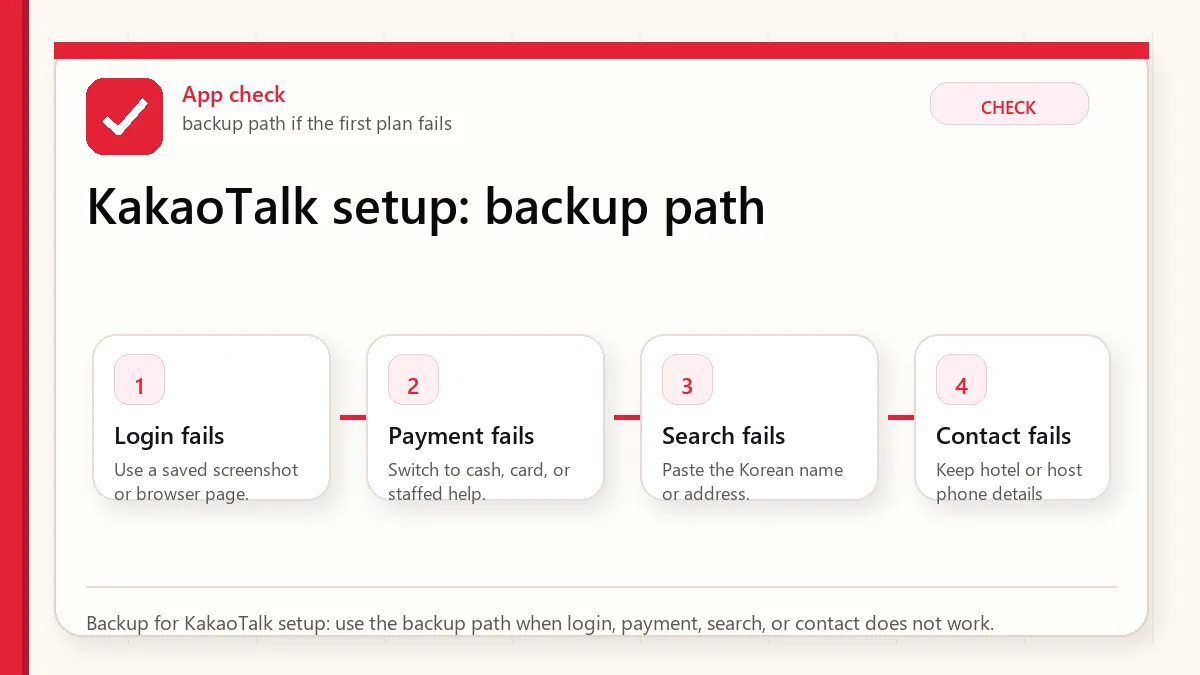
    Layered red check backup flow graphic for KakaoTalk setup.
    Backup for KakaoTalk setup: use the backup path when login, payment, search, or contact does not work.

    Official links

    Related guides

    KakaoTalk user guide searches

    Queries such as KakaoTalk user guide, how does Kakao Talk work, and related Kakao account searches usually mean the visitor needs a practical setup path, not a social-app overview. The important checks are phone verification, account recovery, friend search, local-number limits, and whether a service requires Korean identity verification.

    Set up KakaoTalk before relying on it for appointments, restaurants, delivery messages, or local contacts.

    FAQ

    Can foreigners use KakaoTalk in Korea?

    Yes, many foreigners can use KakaoTalk. The practical risk is whether your account, phone number, notifications, and contact method work for the exact service you need.

    Do I need KakaoTalk before visiting Korea?

    Not always. It is useful for local communication, but you should also keep email, booking-app messages, and a phone/SMS backup.

    Does KakaoTalk replace Korean identity verification?

    No. KakaoTalk is a messenger. Korean apps may still require phone, carrier, NICE/PASS, ARC, or payment verification separately.
  • Payment in Korea: Cards, Cash, ATMs

    Payment in Korea: Cards, Cash, ATMs

    Start with what can fail at payment

    Bring at least two ways to pay in Korea: an international card and a cash backup. Add a transportation card plan for subway and bus rides. Do not assume local mobile payment apps will work for every foreign visitor.

    A payment plan that survives the awkward counter moment

    Payment in Korea is usually easy until one card terminal, kiosk, transit machine, or app flow refuses to cooperate. The plan should assume a small failure will happen somewhere.

    AreaWhat to checkWhat to avoid
    Daily purchasesPrimary card plus backup card.Foreign card support can vary.
    TransitT-money/card top-up method and small cash.Transit is its own payment system.
    ATMsKnow one global-friendly ATM option before you need it.ATM fees and acceptance vary.
    ShoppingPassport/receipt plan for tax refund.Refund paperwork is harder to fix later.

    The checks that deserve your attention

    • Tell your bank about travel if needed.
    • Carry a second card separately.
    • Keep a small cash buffer.
    • Do not assume mobile wallet support everywhere.

    Failure cases to plan around

    • Card declined at kiosk.
    • Transit top-up requires cash.
    • ATM rejects a card.
    • Tax-refund receipt gets lost.

    Official and practical source checks

    Read next

    The payment moment visitors underestimate

    Payment usually feels simple until one machine, one card, or one app flow refuses to cooperate. This guide is for the moment at a kiosk, transit machine, small shop, restaurant counter, or ATM when a backup plan is more useful than another general tip.

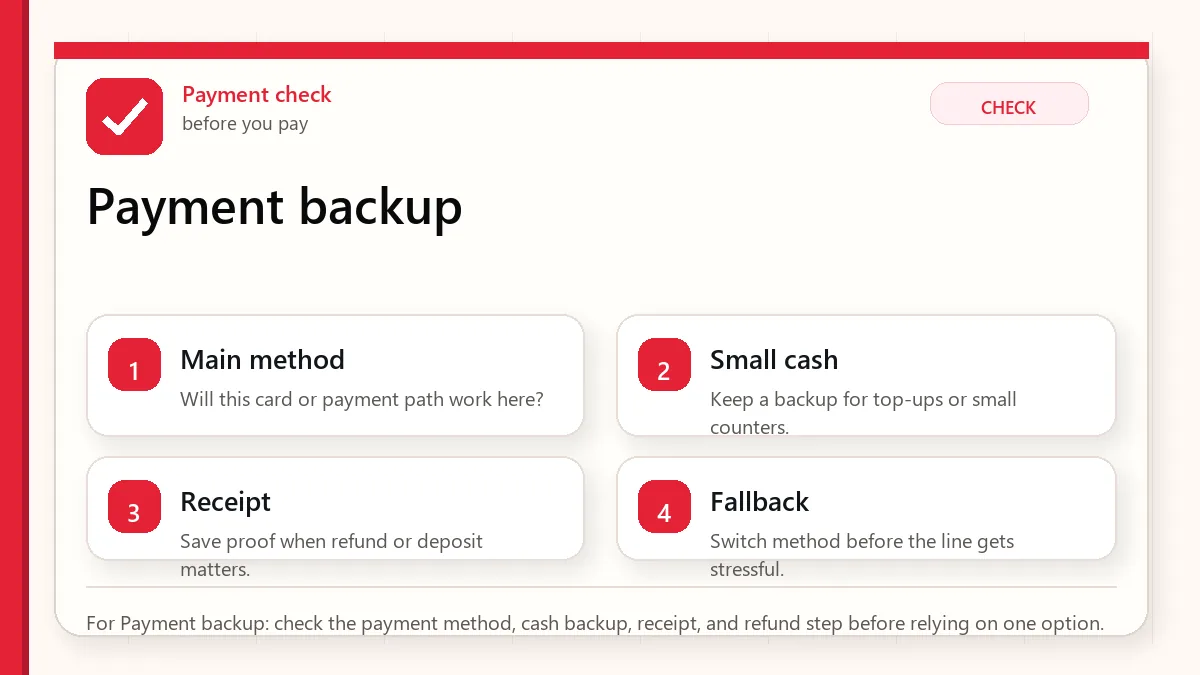
    Layered red check decision graphic for Payment backup.
    For Payment backup: check the payment method, cash backup, receipt, and refund step before relying on one option.

    Payment methods and where they fit

    MethodUseful forWeak pointBackup
    International credit/debit cardHotels, department stores, many shops and restaurants.Small stores or machines may reject some foreign cards.Second card and some cash.
    Korean won cashTransit card top-ups, small stores, street food, emergency fallback.Not ideal for large purchases or lost-wallet risk.Use modest amounts and keep separately.
    Transportation cardSubway and bus rides.It is not a full payment strategy.T-money guide
    Mobile payment appsSome local services and convenience flows.Local verification, account, or card requirements.Card/cash plus web alternatives.

    Checks worth doing before you rely on one card

    • Notify your bank if needed and check international transaction settings.
    • Carry more than one card on separate networks if possible.
    • Prepare Korean won cash for the first day.
    • Know how you will pay for subway and bus rides.
    • Read tax refund rules before major shopping.

    Build a simple payment backup plan

    • Use a card for larger, documented purchases when accepted.
    • Use cash as a backup, not as your only plan.
    • Set up a transit card early if using public transport.
    • Keep receipts for purchases that may involve refunds, tax refund, or returns.
    • If a kiosk rejects your card, try a staffed counter before assuming the store cannot serve you.
    • Review foreign transaction fees after the first day so surprises do not accumulate.
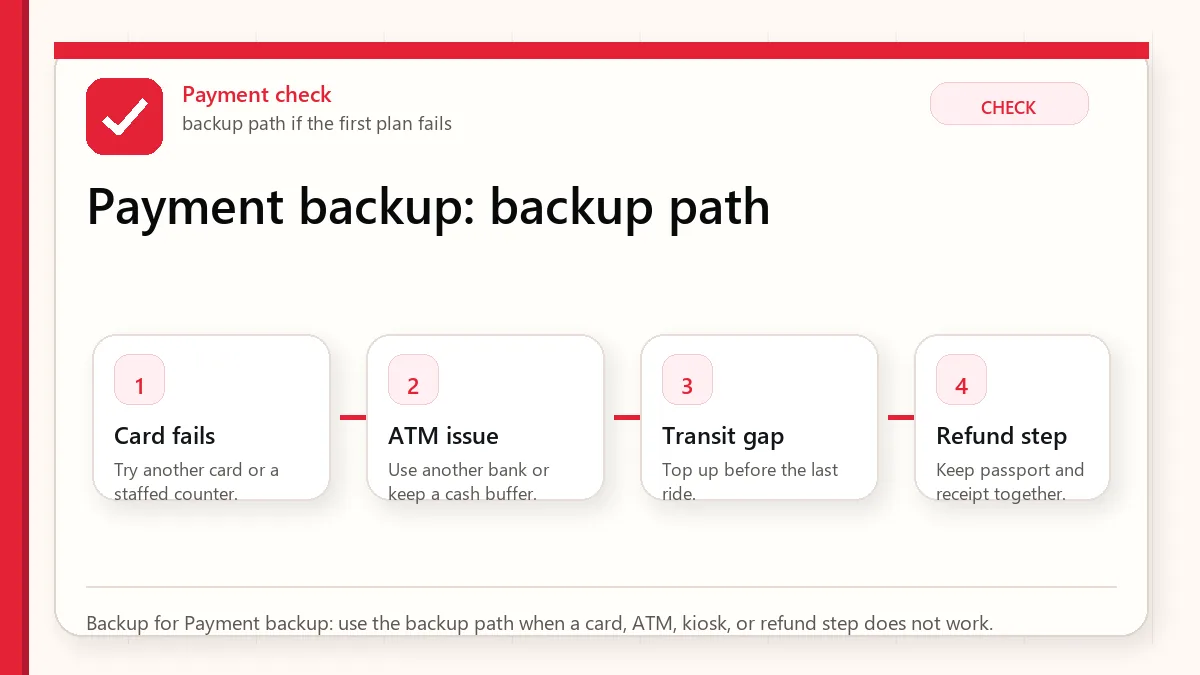
    Layered red check backup flow graphic for Payment backup.
    Backup for Payment backup: use the backup path when a card, ATM, kiosk, or refund step does not work.

    Where payment usually gets awkward

    A kiosk rejects your card

    Try another card, a staffed counter, or cash. Some machines behave differently from staffed payment terminals.

    You cannot top up transit with card

    Carry cash for transit card top-up backup, especially early in the trip.

    Mobile payment setup fails

    Use card or cash. Do not spend travel time forcing a local app that was not built for short-term visitors.

    ATM withdrawal fails

    Try a bank/airport ATM with international card support and check your bank’s overseas withdrawal settings.

    Use the right payment habit for the moment

    SituationBetter approachWhat to verify
    Airport arrivalUse card for major transport or cash exchange for immediate backup.Exchange counters and ATM locations/hours.
    Street food or marketCarry small cash.Whether card is accepted before ordering.
    K-beauty shoppingUse card but keep passport/receipt for tax refund.Store participation and refund path.
    Subway/bus dayUse transportation card.Balance and top-up method.

    What not to assume about cards and cash

    • Do not assume every foreign card works at every kiosk.
    • Do not assume mobile wallets replace a transit card.
    • Do not assume cash is unnecessary because Korea is card-friendly.
    • Do not assume tax refund is automatic just because you paid by card.

    Payment details that keep small problems small

    Payment in Korea is convenient until the exception appears

    Many visitors can use cards smoothly in hotels, major shops, cafes, and restaurants. The weak point is the exception: a kiosk that rejects foreign cards, a transit top-up that needs cash, a bank security block, or a smaller place with limited payment options. A good plan assumes payment will usually work but prepares for the one moment it does not.

    Separate spending payment from movement payment

    Transit, taxis, restaurants, shopping, and online-style bookings may not behave the same way. A foreign credit card that works in one setting may not solve transit card top-up or a small-market purchase. Keep a simple structure: main card for larger payments, backup card in another bag, modest cash, and a transit card plan.

    Read next when payment connects to transit or shopping

    This topic works best when it is not handled alone. Use the related guides below to connect the decision with maps, money, food, shopping, transit, and app backup planning.

    Related Before Korea guides

    Official links to check

    Use these official links when the next step matters. This guide explains what to watch for, but app downloads, eligibility, prices, routes, policies, and service rules can change.

    FAQ

    Are credit cards widely accepted in Korea?

    VISITKOREA says major hotels, department stores, and general shops widely accept cards, but visitors should still check service availability before purchases.

    How much cash should I carry?

    Carry enough for small purchases, transit top-ups, and a first-day emergency, but avoid carrying unnecessary large amounts.

    Can I rely on mobile payments?

    Not as your only plan. Local mobile payments may require local verification, app setup, or supported cards.

    Source links to verify

    Last updated

    Last updated: 2026-05-23. Re-check official sources close to the day you travel, buy, eat, or use an app. Details involving prices, eligibility, transport, app features, opening hours, and refund rules can change.

  • Korea eSIM vs SIM Card: Phone Number and Data

    Korea eSIM vs SIM Card: Phone Number and Data

    For Korea, the eSIM vs SIM card decision is not only about data speed or price. The real question is whether you need only internet access or whether you need a Korean phone number that can receive calls or text messages. Many travelers can use a data-only eSIM and be perfectly fine. Others discover too late that taxi apps, restaurant waiting systems, delivery apps, clinic forms, or hotel callbacks are easier with a local number.

    Last updated: May 24, 2026.

    This guide separates the decision into practical visitor scenarios, because buying the cheapest data plan is not always the cheapest trip decision.

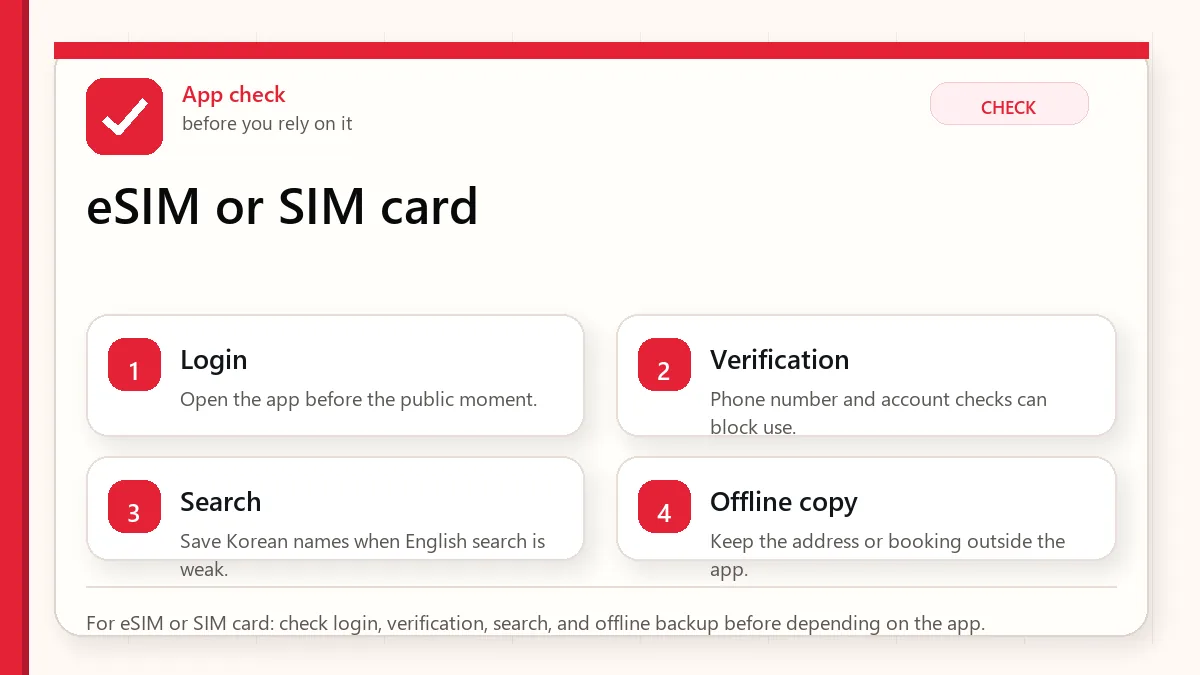
    Layered red check decision graphic for eSIM or SIM card.
    For eSIM or SIM card: check login, verification, search, and offline backup before depending on the app.

    Start with what can fail at payment

    Choose a data-only eSIM if you mainly need maps, messaging, translation, browsing, and app-based travel. Choose a Korea eSIM or SIM with a phone number if you expect restaurant waitlists, local calls, delivery, clinic appointments, or app verification attempts. Choose a physical SIM if your phone does not support eSIM, you want a carrier counter to help, or you prefer a simple arrival setup.

    Decision table

    OptionBest forTrade-off
    Data-only eSIMShort trips, maps, translation, messaging, light app use.No normal Korean call/SMS number; some local services are harder.
    eSIM with Korean numberVisitors who need local contact, waiting lists, calls, or SMS-capable plans.Availability and verification rules vary by provider and plan.
    Physical prepaid SIMPhones without eSIM, travelers who want counter support, longer stays.You may need to swap SIMs and keep the small card safe.
    Pocket Wi-FiGroups sharing data, older phones, heavy laptop use.One device becomes the group’s internet lifeline and needs charging.

    Phone number does not mean full Korean identity verification

    This is the part many visitors miss. A tourist SIM with a Korean number may help you receive calls or messages, but it does not automatically give you resident-level identity verification. Some Korean apps and services require local identity verification tied to resident registration or alien registration systems. A tourist number may not pass those gates.

    Before buying a plan, read whether it includes data only, voice, outgoing calls, incoming calls, SMS, and whether identity verification is supported. If the product page is vague, assume less, not more.

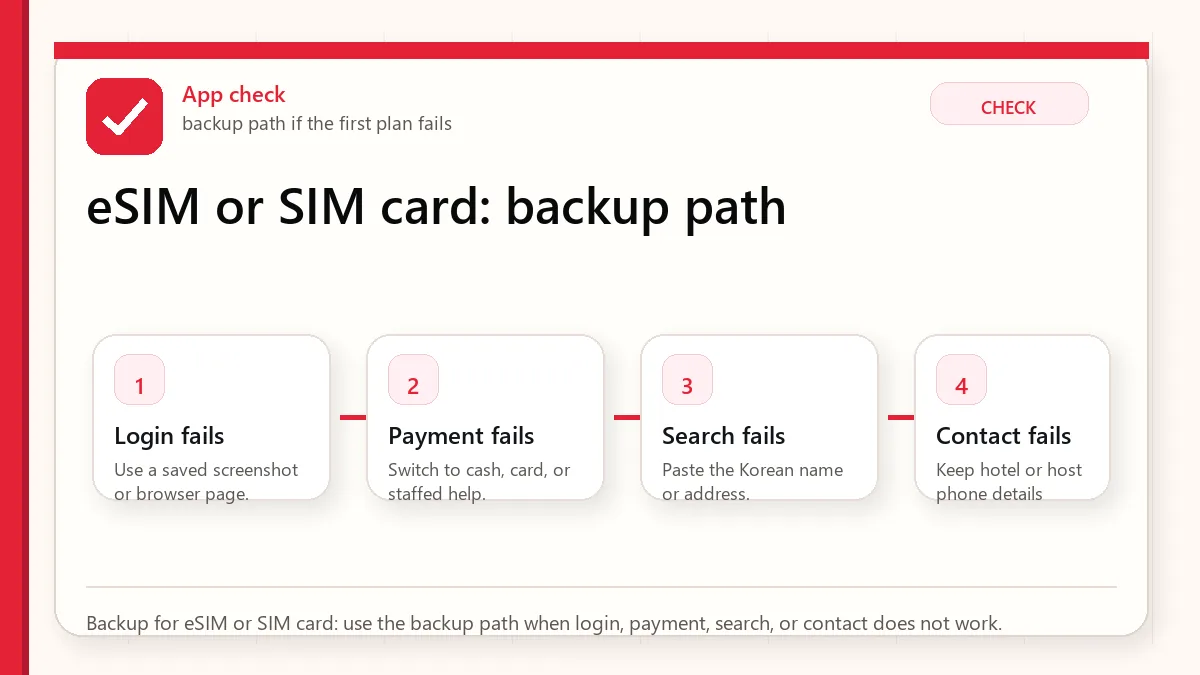
    Layered red check backup flow graphic for eSIM or SIM card.
    Backup for eSIM or SIM card: use the backup path when login, payment, search, or contact does not work.

    When a local number is worth it

    • You plan to use restaurants with waiting systems that text or call.
    • You may need taxi drivers to call you at a pickup point.
    • You are booking clinics, salons, tours, or local services.
    • You want hotel staff, delivery riders, or reservation desks to reach you.
    • You are staying longer than a few days and want fewer workarounds.

    Arrival setup checklist

    • Check whether your phone is unlocked and supports the right eSIM or SIM format.
    • Save the QR code, voucher, pickup location, and passport requirement offline.
    • Activate and test data before leaving the airport if possible.
    • Open Naver Map, a messenger app, and a web page to confirm data actually works.
    • If you bought a number plan, test whether you can receive a local text or call.

    Official links to check

    Use these official links when the next step matters. This guide explains what to watch for, but app downloads, eligibility, prices, routes, policies, and service rules can change.

    FAQ

    Can I travel Korea with only a data eSIM?

    Yes, many visitors can. Maps, translation, messaging, and web search are the core needs. The problem appears when a local service requires a Korean contact number.

    Do I need to buy at Incheon Airport?

    Not always. Airport pickup is convenient because staff can help if setup fails. Online eSIM activation can be faster if your phone is compatible and you understand the instructions.

    Will a Korean tourist number verify KakaoTalk or every app?

    Do not assume that. App verification rules change and may depend on the service, number type, and identity verification requirement.

    Trip profiles: which plan fits?

    Three-day city trip: a data-only eSIM is usually enough if you use messaging apps and do not need delivery or clinic bookings. One-week food and shopping trip: consider a number plan if you expect restaurant queues, taxi calls, or beauty appointments. Longer stay or work trip: a physical SIM or carrier-supported plan may be worth the setup time because support and reliability matter more.

    Payment and app friction

    A SIM card does not solve payment by itself. Foreign cards, domestic app payment, age verification, and identity verification are separate problems. You can have perfect data and still be unable to order delivery if the app rejects your card or requires local identity verification. That is why Before Korea recommends pairing phone setup with payment planning.

    Data usage reality

    Maps, translation, messaging, and search do not require enormous data for most travelers. Video streaming, cloud photo backup, hotspot sharing, remote work, and social video uploads are the heavy users. If you are buying a large plan because you are nervous, check whether your accommodation has reliable Wi-Fi and whether your phone can restrict background data.

    Common setup mistakes

    • Buying an eSIM for a phone model that does not support eSIM in that region.
    • Deleting the eSIM profile before the trip ends.
    • Leaving the airport before testing data.
    • Assuming “phone number included” means full app verification.
    • Forgetting that a pocket Wi-Fi device needs charging and must stay with the group.

    Related Before Korea guides

    Use these guides together rather than treating one article as the whole plan.

    Sources checked for this update

    Before Korea treats operational details as changeable. Check the official pages below before a trip or a large purchase.

  • Naver Map in Korea: Setup Guide for Visitors

    Naver Map in Korea: Setup Guide for Visitors

    Naver Map is one of the most useful apps a foreign visitor can install for Korea, but it can feel unfamiliar at first. The app is not just a map; it is a local search system, route planner, restaurant finder, station-exit checker, bus-stop matcher, and address translator. Used well, it reduces the small frictions that make Korea harder than it needs to be.

    Naver Map is worth setting up before you land. Search your hotel, save the Korean address, test one subway route, and check the station exit. That small test catches most visitor mistakes before you are standing outside the wrong entrance with luggage.

    Get Naver Map working before your first route

    Searches like Naver Map Korea, navermap, and korea naver map usually mean the visitor wants a working map before arrival. Install the app, switch language settings if available, save your hotel in Korean, and test subway, walking, and taxi routes before you need them.

    For Korea, treat the map app as a daily tool, not just a navigation backup. Save addresses in Korean because hotel names, building entrances, and restaurant branches can be easier to match that way.

    Naver Map, Naver Maps, and Korean place names

    If you searched “naver map,” “navermap,” or “korea naver map,” you are looking for the same practical tool: Naver Map is usually the better default map app for Korea addresses, walking routes, subway exits, bus stops, and local place names. Google Maps can still help with broad orientation, but Korean local search and transit details often need Naver Map or Kakao Map.

    1. Search the place by English name first, then try the Korean name if results look weak.
    2. Check the exact subway exit, not only the station name.
    3. Save hotel, airport, and daily destinations before you lose data or battery.
    4. Copy addresses from booking pages into Naver Map and verify the pin manually.

    Related short pages: Korea Naver Map and Naver Map English.

    When Google Maps is not enough in Korea

    Searchers arriving for naver map korea usually want a fast official-source path, not a broad background article. The page should make the next check obvious in the first screen.

    • Traveler Decision: make this visible near the top of the page.
    • App Or Official Source: make this visible near the top of the page.
    • Backup Plan Before Arrival: make this visible near the top of the page.

    Operating note: this section was added after global Keyword Planner review so the page better matches the main query cluster.

    Last updated: May 24, 2026.

    The trick is not to expect Naver Map to behave exactly like Google Maps. Korea’s address system, underground stations, building floors, local business names, and route habits reward a slightly different workflow.

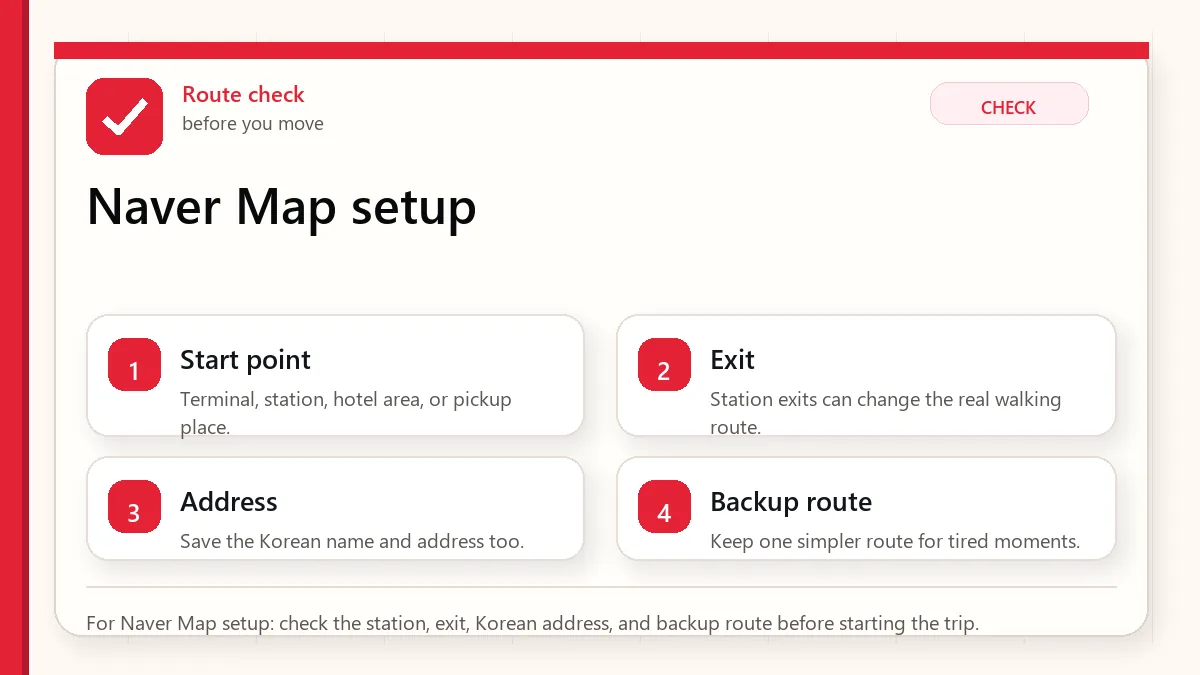
    Layered red check decision graphic for Naver Map setup.
    For Naver Map setup: check the station, exit, Korean address, and backup route before starting the trip.

    Start with the place name and exit

    Install Naver Map before departure, set the language to English if available, save your hotel, airport route, and first-day destinations, then learn to search by Korean name, station exit, and phone number. For important routes, compare Naver Map with Google Maps or another app rather than trusting the first result blindly.

    Set it up before you land

    Do not wait until you are tired at Incheon Airport. Install the app, open it once, confirm the language setting, and search for your hotel before your flight. If the hotel has an English name, also copy its Korean name and address from the hotel website or booking confirmation. Save both.

    If you are traveling with someone else, share screenshots of the hotel address, nearest subway station, and station exit. If one phone dies or loses data, the group still has the basic route.

    Search habits that work in Korea

    • Search the Korean name when the English name gives weak results.
    • Use the business phone number when several branches have similar names.
    • Check photos to confirm you found the right entrance or floor.
    • Use station exit numbers as real-world anchors.
    • For restaurants inside malls, check the floor and building wing.
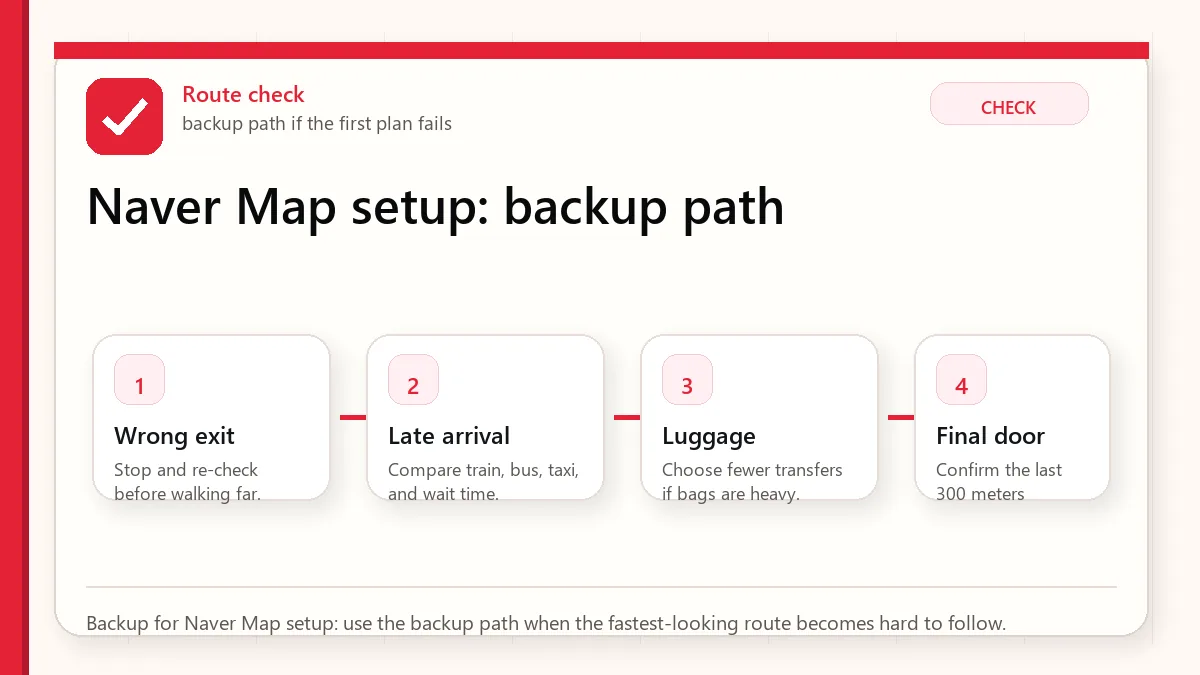
    Layered red check backup flow graphic for Naver Map setup.
    Backup for Naver Map setup: use the backup path when the fastest-looking route becomes hard to follow.

    Subway exits matter more than visitors expect

    A Seoul station can have many exits spread across a large intersection or underground mall. “Arrive at Hongdae” or “arrive at Gangnam Station” is not enough. The exit number can decide whether your walk is three minutes or fifteen minutes, whether you cross a huge road, and whether you pop up beside the correct building.

    Before leaving a train, check the recommended exit and keep it visible. If you are meeting someone, send the exit number, not only the station name.

    Bus routes and walking routes

    Buses can be excellent in Seoul, but first-time visitors often misread stop direction. Naver Map can help, but you should still check the stop name, bus number, platform direction, and arrival side of the street. A bus stop across the road may serve the opposite direction.

    For walking routes, remember that Korea has hills, underpasses, overpasses, apartment complexes, and roads that may not feel intuitive from above. If you have luggage, elderly companions, or small children, favor simpler routes over technically shorter ones.

    When Naver Map is not enough

    • If a restaurant has no English information, use Papago or Google Translate for menu photos and reviews.
    • If a business recently moved, compare its official website or Instagram.
    • If a route includes a late-night transfer, check last train or use taxi backup.
    • If you are going to a hospital, clinic, or official appointment, confirm the address directly with the provider.

    Official Naver Map links

    Use these official links when the next step matters. This guide explains what to watch for, but app downloads, eligibility, prices, routes, policies, and service rules can change.

    Naver Map, Naver Maps, and Naver navigation searches

    Searches for Naver Map, Naver Maps, Naver navigation, map.naver, or even misspellings such as never map usually point to the same visitor problem: Google Maps may not be enough in Korea, so travelers need a local map app that handles Korean place data, walking routes, transit exits, and destination search more reliably.

    Before you rely on it, test the English interface, save your hotel address in Korean and English, and compare the route with KakaoMap or subway/taxi backup options.

    Use Naver Map with your hotel address

    Quick answer: use Naver Map when you need Korean address search, local public transit, walking directions, business hours, and navigation that reflects Korean map data. Google Maps can still help with broad orientation, but Naver Map is usually the better first check for local movement inside Korea.

    Search needBest first checkWhy it matters
    Find a cafe, clinic, restaurant, or stationNaver Map place searchKorean names, branches, reviews, and opening details are often clearer.
    Subway or bus routeNaver Map transit routeIt can show transfer points, exits, walking time, and local route options.
    Driving or taxi destinationNaver navigation/address resultThe exact Korean road-name address or building name reduces wrong-drop risk.
    English-only searchSearch both English and copied Korean nameSome places are easier to find with the Korean name from the website or booking page.

    If Naver Map does not find a place in English, copy the Korean name from the official website, booking confirmation, Instagram profile, or receipt. For airport and subway movement, compare this with AREX airport train routes and Korea subway app options.

    FAQ

    Does Naver Map have English?

    Naver Map offers language settings and multilingual support, but some local content may still be easier in Korean. Think of English support as helpful, not complete.

    Should I use Naver Map or KakaoMap?

    Both can be useful. Naver Map is a strong default for visitors because of local search and broad use, while KakaoMap can be a good backup if a route looks strange.

    Can I rely on screenshots?

    Use screenshots as backup, not as live navigation. They are excellent for addresses, station exits, and hotel information when signal or translation fails.

    First-day Naver Map drill

    On your first day, practice with low-risk routes before using Naver Map under pressure. Search your hotel, the nearest convenience store, the nearest subway station, and one restaurant within walking distance. Check the difference between walking, transit, and taxi route tabs. Then look at the station exit number and compare it with signs in the station.

    This small drill teaches the app’s rhythm before you are late for a booking. It also reveals whether your language setting, data plan, and search habits are working.

    Branch and floor mistakes

    Korea has many chain restaurants, cafes, clinics, and stores with similar names. A visitor may find the right brand but the wrong branch. In malls and large buildings, the floor matters as much as the address. Always check branch name, district, floor, and photos. If a place is inside a department store, underground mall, or office building, the final five minutes can be harder than the subway ride.

    Hotel address card habit

    Create a small note with the hotel name in English, hotel name in Korean, address in Korean, phone number, nearest station, and nearest exit. Keep it in screenshots and notes. This helps with taxis, lost groups, delivery riders, clinic forms, and any moment when your phone signal is weak.

    When to use translation with Naver Map

    Use translation for reviews, menus, and notes, but do not over-read machine translation. A review phrase can sound harsher or stranger than intended. For practical travel, focus on objective clues: hours, closed days, entrance location, queue pattern, reservation requirement, and whether foreign cards are mentioned.

    Related Before Korea guides

    Use these guides together rather than treating one article as the whole plan.

    Where to confirm app details

    Before Korea treats operational details as changeable. Check the official pages below before a trip or a large purchase.