Category: Before You Use

Guides for Korea apps and services such as maps, messaging, transit, eSIM, payments, and bookings.

  • Does Google Maps Work in Korea? 2026 Traveler Update

    Does Google Maps Work in Korea? 2026 Traveler Update

    Google Maps can help you understand Korea, save places, and check broad location context, but you should still keep Naver Map or Kakao Map for actual routes, subway exits, walking detail, and local place search. Even after Korea's 2026 conditional approval of Google's high-precision map-data export request, travelers should treat Google Maps improvement as a transition, not a guarantee on their travel date.

    Last checked: June 2, 2026. Korea map-data policy, Google Maps functionality, and local app features are changing. Test routes on your phone close to departure.

    Layered red check decision graphic for Google Maps in Korea.
    For Google Maps in Korea: check the station, exit, Korean address, and backup route before starting the trip.

    The current practical answer

    NeedUse Google Maps forUse Naver/Kakao for
    Trip planningSaving broad places and understanding the city layoutChecking exact route, exit, and final walk
    Restaurant searchEnglish discovery and review comparisonKorean name, branch, hours, phone, and local map pin
    Subway/walking routeGeneral orientationStation exit, transfer detail, and last five minutes
    Taxi destinationFinding the English place ideaCopying the Korean address or name

    Why the 2026 news does not remove the backup rule

    In February 2026, South Korea conditionally approved Google's request to export high-precision map data under security requirements. That matters, but a government approval and the traveler's app experience are not the same thing. Features can roll out gradually, differ by app version, and still require local testing.

    So the safer travel rule remains simple: use Google Maps if it helps you discover and organize places, but verify the actual route in Naver Map or Kakao Map before leaving the hotel.

    How to test whether Google Maps is enough for your trip

    Do not decide based on someone else's screenshot. Test your own route before departure. Search your hotel, one restaurant, one subway route, one airport route, and one small business appointment. If Google Maps gives clear transit, walking, exit, and business details for the exact places you need, it can be useful. If it becomes vague, switch to a local map app.

    1. Search your hotel in Google Maps and in Naver Map.
    2. Compare the Korean address, phone number, and nearest station.
    3. Check whether the route shows a subway exit number.
    4. Look at the last walking segment from the exit to the door.
    5. Screenshot the local-map result before the day of travel.

    The last five minutes are where people get lost

    In Korea, the difference between the right station and the right exit can be ten minutes, stairs, a wide road crossing, or a completely different side of a building. For clinics, salons, restaurants, and hotels in multi-floor buildings, the map pin only gets you near the entrance. The floor, branch name, and building sign still matter.

    Where Google Maps can still be useful

    Google Maps is still useful for broad research, saving lists, comparing neighborhoods, checking the relative location of attractions, and sharing a place idea with friends who do not use Korean apps. It is also familiar, which matters when planning from home. The problem is relying on it for the local execution layer without checking.

    Use Korean names as the bridge

    The strongest map workflow in Korea uses Korean names as the bridge between apps. Find the English place idea, then capture the Korean business name, phone number, or road address. A Korean phone number can be especially useful because it often identifies the exact branch in Naver Map or Kakao Map.

    Item to saveWhy it helpsWhere to use it
    Korean place nameEnglish names may be inconsistentNaver Map, Kakao Map, taxi apps
    Phone numberHelps identify branchesMap search and reservations
    Road-name addressMore precise than a hotel/brand nameTaxi, delivery, appointment notes
    Station exitPrevents wrong-side-of-road mistakesSubway and walking routes

    A reliable map workflow

    1. Find the place in Google Maps if English discovery is easier.
    2. Copy the Korean name, phone number, or address.
    3. Paste it into Naver Map or Kakao Map.
    4. Check the station exit, final walking route, building/floor, and phone number.
    5. Screenshot the Korean name and route before you lose data or battery.

    Common tourist mistake

    The common mistake is not using Google Maps. The mistake is using only Google Maps and assuming the final walking route, business branch, or transit detail is complete. If you have a reservation, appointment, luggage, stroller, rain, or a late-night arrival, verify the route in a Korea-local map app.

    When this matters most

    This matters most for airport transfers, clinics, salons, fan events, guesthouses, restaurants in side streets, subway transfers, and any destination inside a large building. Tourist attractions with obvious entrances are easier. Small local places are where map precision saves time.
    Layered red check backup flow graphic for Google Maps in Korea.
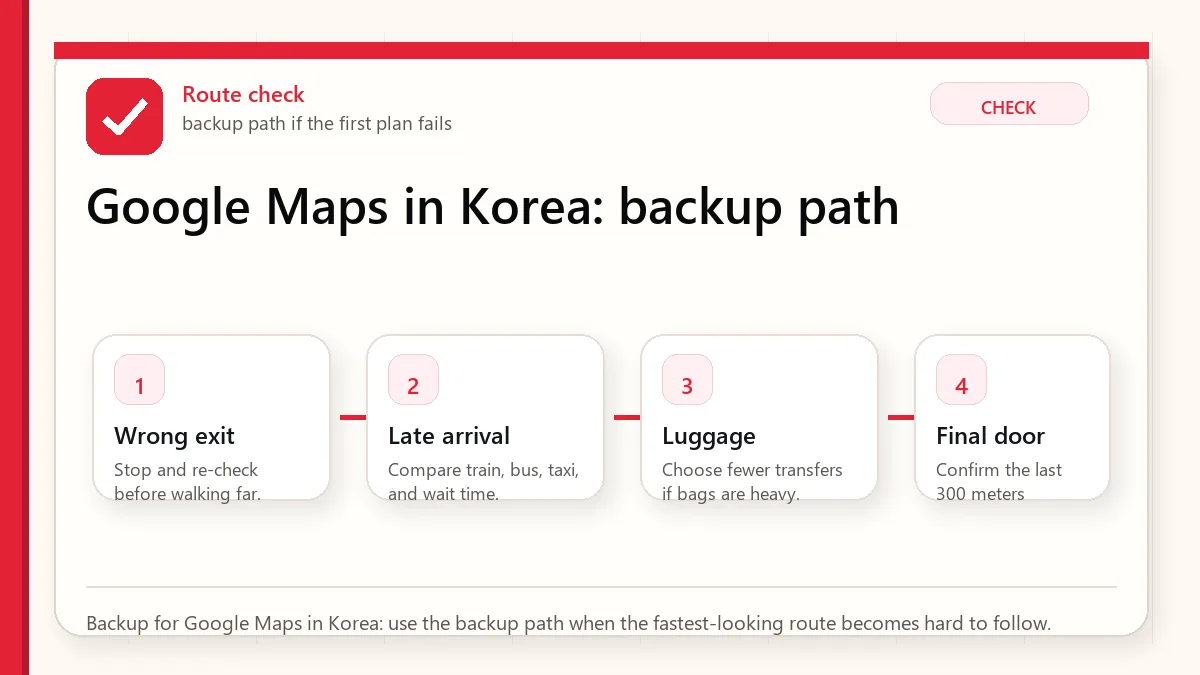
    Backup for Google Maps in Korea: use the backup path when the fastest-looking route becomes hard to follow.

    Official and current links

    Related guides

    FAQ

    Does Google Maps work in Korea?

    It works for some planning and orientation, but travelers should still verify routes, exits, local business details, and final walking directions in Naver Map or Kakao Map.

    Did Korea approve Google map-data export in 2026?

    Yes, reports in February 2026 said Korea conditionally approved Google's high-precision map-data export request. That does not mean every traveler should rely on full Google Maps functionality immediately.

    Which map app should I install before Korea?

    Install Naver Map first, keep Kakao Map as a local backup, and use Google Maps for broad discovery if it helps you.
  • Korea Emergency Apps and Useful Numbers

    Korea Emergency Apps and Useful Numbers

    Start with the account or access block

    Emergency preparation is not about expecting trouble. It is about making the next step obvious if you lose your phone, feel unsafe, get sick, or cannot explain your location. Save the numbers, hotel address, insurance contact, and one Korean help phrase before the moment becomes stressful.

    Last checked: June 1, 2026. Re-check the official app, service, or app-store page before acting, because routes, prices, labels, rules, app screens, eligibility, and store/service policies can change.

    Last updated: May 23, 2026. Rules, app flows, prices, and eligibility can change, so re-check official sources close to your trip.

    Layered red check decision graphic for Emergency Apps and Useful.
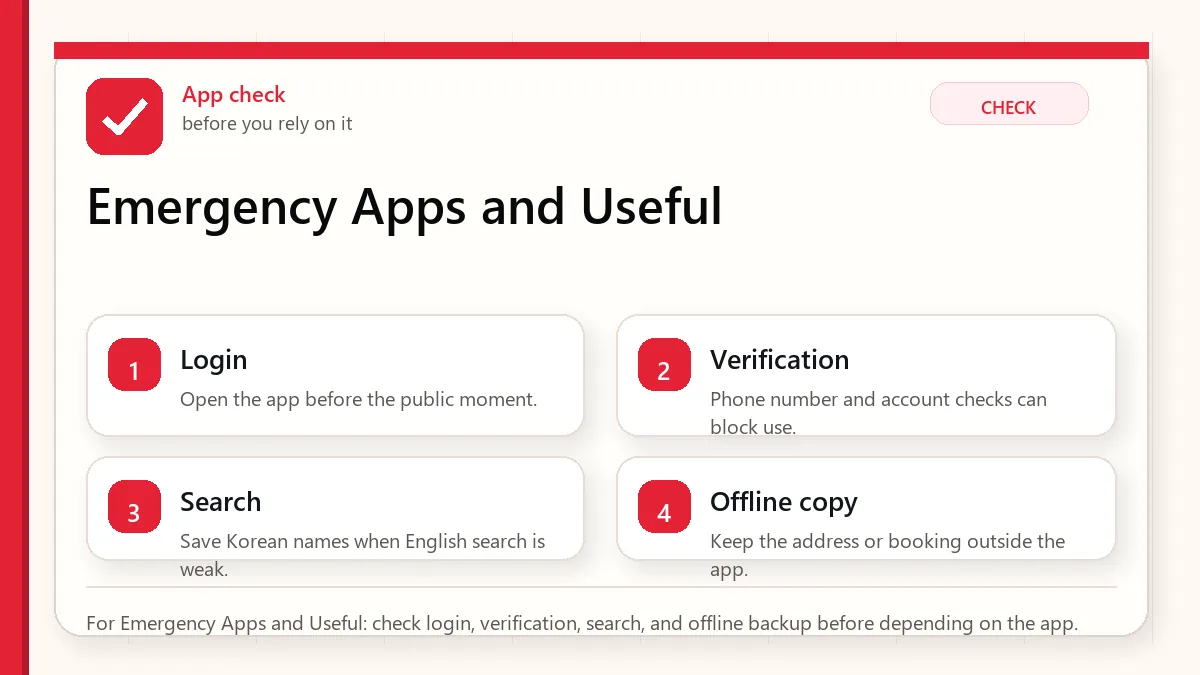
    For Emergency Apps and Useful: check login, verification, search, and offline backup before depending on the app.

    Where app plans usually break

    This matters when the app is installed but login, phone verification, address search, payment, message contact, or local language input does not work in the moment. Test the part that matters before you need it in Korea.

    What this means in the real moment

    • Save 112 for police and 119 for fire/ambulance, plus the 1330 tourist helpline.
    • Keep hotel name, address, and phone number somewhere outside your main app stack.
    • Share your rough route with someone when traveling alone or late.
    • Know how to show your location on a Korean map app.
    • Save the relevant page or screenshot before you need it in public.
    • Re-check volatile details near travel day because policies and app flows change.

    Emergency preparation should be offline too

    A dead phone should not erase your plan

    Keep one small offline note with lodging, emergency numbers, passport copy location, and a contact person. This is not dramatic; it is simply easier than rebuilding everything after a lost battery or lost phone.

    Tourist help is different from emergency help

    Use emergency numbers for urgent safety or medical situations. Use tourist help, hotel staff, or local information centers for interpretation, directions, and non-urgent confusion.

    Maps are part of safety

    If you cannot explain where you are, help becomes slower. Learn how to copy or show the Korean address of your current location in your map app.

    An app setup that does not depend on one fragile step

    Decide what the app must actually do for you

    Decide what the app must do in the real moment: login, search, message, pay, verify, or show an address. Test that function before it matters.

    Use the app or provider source for changing access rules

    For login, verification, service area, and payment rules, treat the app or provider page as the source that can change.

    Keep the important detail outside the app too

    The backup should live outside the app: address, booking number, contact method, screenshot, or a staffed alternative.

    Do not install more apps instead of testing the critical one

    More apps do not help if the important one is untested. Keep the stack small and test the failure point.

    Layered red check backup flow graphic for Emergency Apps and Useful.
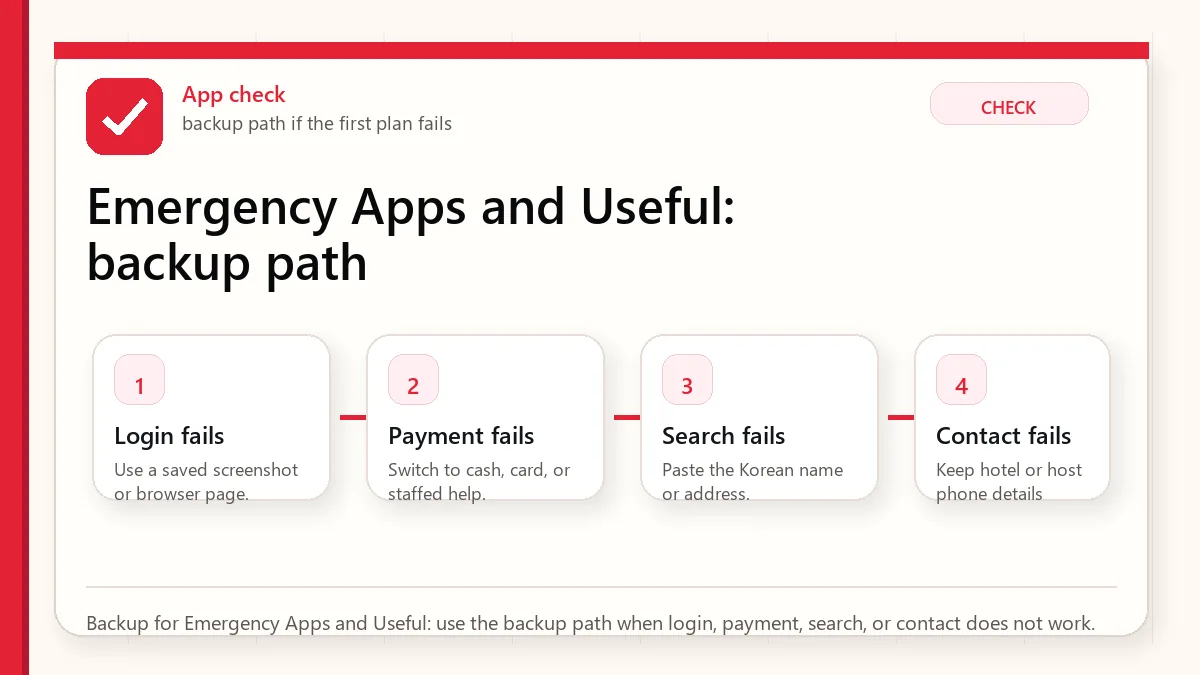
    Backup for Emergency Apps and Useful: use the backup path when login, payment, search, or contact does not work.

    A safer way to make the decision

    The first plan depends on one fragile detail

    If one card, one app login, one translation scan, or one store policy controls the whole plan, add a backup before the trip.

    The information is technically correct but not practical

    A rule can be true and still be hard to use when you are tired, carrying luggage, or standing in a busy line. Plan for the human moment, not only the policy.

    A visitor copies advice from a different travel style

    A resident, Korean speaker, business traveler, or frequent visitor may solve problems differently from a first-time tourist. Use advice that matches your situation.

    The backup that keeps the problem small

    SituationSafer defaultWhy
    Short first tripChoose convenience and fewer moving partsRecovery time is limited
    Budget-conscious tripSeparate must-pay costs from nice-to-have extrasSmall purchases add up quickly
    Higher-risk situationUse official sources and conservative backupsHealth, entry, tax, and payment issues are not good places to gamble

    Sources to re-check

    Use these pages for facts that can change by date, operator, airport, app version, store, or traveler status.

    Where to go next

    Official links to check

    Use these official links when the next step matters. This guide explains what to watch for, but app downloads, eligibility, prices, routes, policies, and service rules can change.

    FAQ

    Can I rely on one answer for every visitor?

    No. Korea travel details can depend on nationality, app version, store, airport, phone setup, card issuer, and date.

    Should I solve this after arriving?

    Try not to. Anything involving entry, phone data, maps, payment, allergies, or airport transfer is easier to prepare before the first pressure moment.

    What is the safest habit?

    Keep the official source, the practical guide, and a simple backup together. That combination is more useful than memorizing many tips.

  • Papago vs Google Translate in Korea

    Papago vs Google Translate in Korea

    Start with the account or access block

    Translation apps are strongest when you use them as support, not as authority. In Korea, Papago can be especially useful for Korean text and local phrasing, while Google Translate can still help as a second check. Use both for high-risk moments like allergies, clinics, addresses, or payment problems.

    Last checked: June 1, 2026. Re-check the official or primary source page before acting, because routes, prices, labels, rules, app screens, eligibility, and store/service policies can change.

    Last updated: May 23, 2026. Rules, app flows, prices, and eligibility can change, so re-check official sources close to your trip.

    Layered red check decision graphic for Papago vs Google Translate.
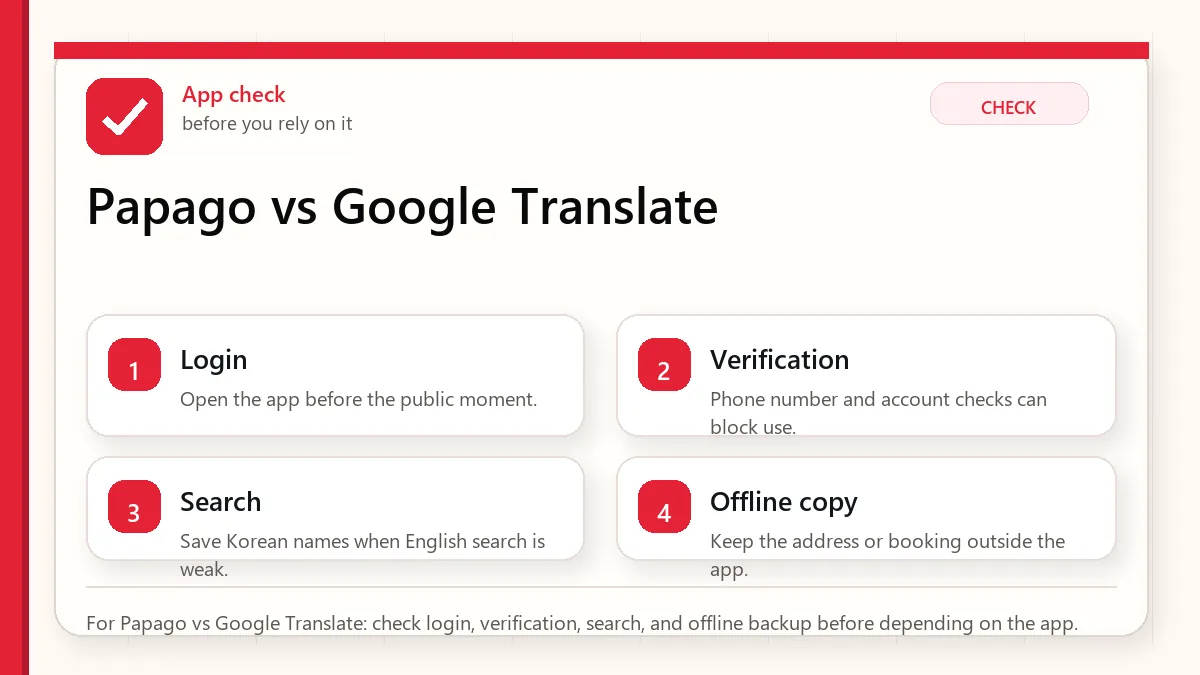
    For Papago vs Google Translate: check login, verification, search, and offline backup before depending on the app.

    Where visitors usually feel unsure

    This matters when the rule is less important than the local rhythm: queue, noise, seat, shared table, greeting, payment, or how quickly people expect the line to move. Pause, read the room, and use the smallest polite action that solves the moment.

    The backup that keeps the problem small

    • Install both Papago and Google Translate if language risk affects food, addresses, or app troubleshooting.
    • Save important Korean phrases before you need them.
    • For allergies, use a prepared written note instead of relying on one live camera scan.
    • Copy Korean place names from maps or official listings when possible.
    • Save the relevant page or screenshot before you need it in public.
    • Re-check volatile details near travel day because policies and app flows change.

    Translation is a support tool, not a promise

    Papago often feels stronger with Korean context

    Because Papago is built around Korean-language usage, it can be especially helpful for Korean signs, phrases, and natural wording. That does not mean every result is safe for medical or allergy decisions.

    Google Translate is useful as a second opinion

    Google’s camera translation and broad language support can help when Papago misses context or when you need to move between more than Korean and English. Comparing both can reveal uncertainty.

    The best translation is sometimes a saved phrase

    For addresses, allergies, hotel requests, and taxi destinations, prepared Korean text is calmer than live translation under pressure.

    A calmer way to handle the social moment

    Notice the setting before choosing the action

    Notice the setting first: queue, seat, noise level, shared space, or staff rhythm. The smaller polite action is usually the safer one.

    Use official guidance only where rules, safety, or transport signs apply

    For signs, transport rules, and venue instructions, follow the posted rule first. For softer manners, read the local flow.

    Use a short polite phrase if the moment feels unclear

    The backup is a small repair: pause, step aside, say a short apology, or ask with a simple phrase.

    Do not overexplain when a small adjustment is enough

    More rules can make you stiff. Watch the room, keep space, and adjust quietly.

    Layered red check backup flow graphic for Papago vs Google Translate.
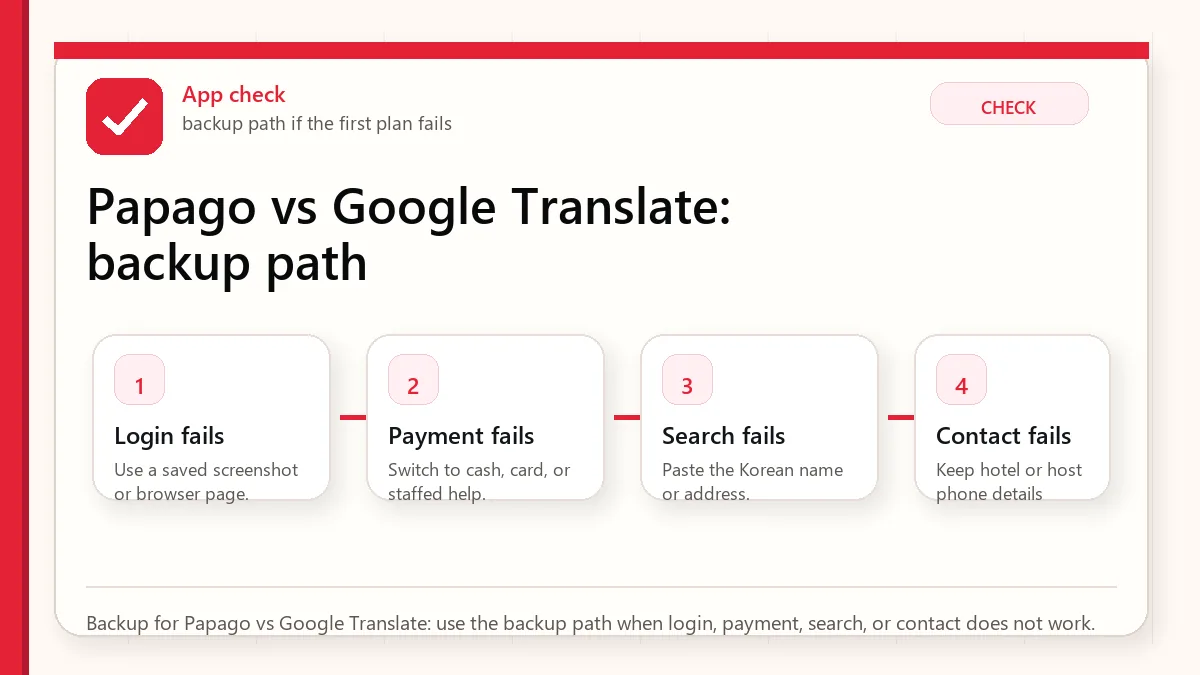
    Backup for Papago vs Google Translate: use the backup path when login, payment, search, or contact does not work.

    What to verify before you go

    The first plan depends on one fragile detail

    If one card, one app login, one translation scan, or one store policy controls the whole plan, add a backup before the trip.

    The information is technically correct but not practical

    A rule can be true and still be hard to use when you are tired, carrying luggage, or standing in a busy line. Plan for the human moment, not only the policy.

    A visitor copies advice from a different travel style

    A resident, Korean speaker, business traveler, or frequent visitor may solve problems differently from a first-time tourist. Use advice that matches your situation.

    What to check before you rely on it

    SituationSafer defaultWhy
    Short first tripChoose convenience and fewer moving partsRecovery time is limited
    Budget-conscious tripSeparate must-pay costs from nice-to-have extrasSmall purchases add up quickly
    Higher-risk situationUse official sources and conservative backupsHealth, entry, tax, and payment issues are not good places to gamble

    Sources to re-check

    Use these pages for facts that can change by date, operator, airport, app version, store, or traveler status.

    Where to go next

    Official links to check

    Use these official links when the next step matters. This guide explains what to watch for, but app downloads, eligibility, prices, routes, policies, and service rules can change.

    FAQ

    Can I rely on one answer for every visitor?

    No. Korea travel details can depend on nationality, app version, store, airport, phone setup, card issuer, and date.

    Should I solve this after arriving?

    Try not to. Anything involving entry, phone data, maps, payment, allergies, or airport transfer is easier to prepare before the first pressure moment.

    What is the safest habit?

    Keep the official source, the practical guide, and a simple backup together. That combination is more useful than memorizing many tips.

  • Coupang Eats vs Baemin for Foreigners in Korea: What Works

    Coupang Eats vs Baemin for Foreigners in Korea: What Works

    Foreigners can sometimes use Coupang Eats or Baemin in Korea, but food delivery is not only a menu problem. The order can fail at phone verification, address format, payment, rider calls, hotel pickup rules, or real-name checks.

    In short: foreigners can sometimes use Baemin or Coupang Eats in Korea, but the difficult parts are phone verification, payment method, Korean address entry, and delivery handoff. A working app screen does not guarantee your card, address, or phone number will pass at checkout.

    Baemin vs Coupang Eats for foreigners

    QuestionPractical answerWhat to check
    Coupang Eats foreignerPossible for some visitors, but account and payment setup can block checkout.Open the official Coupang Eats site or app, then test login and payment before you are hungry.
    Baemin foreignerBaemin has broad local restaurant coverage, but Korean phone/payment/address details can still be required.Use the Baemin official global page to confirm you are using the real brand path.
    Baemin vs Coupang EatsChoose the app that lets you complete verification and payment at your exact address.Restaurant selection matters less if the app cannot accept the order.
    Coupang Eats EnglishDo not assume every menu, address field, driver message, or support screen will be in English.Keep the Korean address, building name, and phone contact ready.

    If neither app works, ask your hotel or host whether they can order for you, use pickup where available, or choose restaurants that support walk-in ordering.

    Owner note for travelers: If a Baemin or Coupang Eats order fails, the useful question is not which app is popular. It is whether you can finish the whole chain: account, phone, address, payment, rider contact, and pickup. Test that chain before you depend on delivery for a late dinner.

    What foreigners should test before relying on Baemin

    If you searched baemin foreigner, the practical question is whether you can register, verify, enter a Korean delivery address, and pay inside the app. Foreign visitors may run into Korean phone-number, identity verification, card, or address-format friction, so test the app before you are hungry and keep a backup plan.

    CheckWhy it mattersBackup
    Korean phone number or verificationSome app flows may depend on local verificationAsk accommodation staff or use pickup/direct order
    Foreign cardPayment acceptance can vary by app and merchantUse a card/cash-ready restaurant or hotel desk help
    Korean address formatDelivery needs a precise building, room, and entrance noteSave the Korean address from your hotel or map app

    Use this together with Baemin for foreigners and Korea delivery address guide.

    Can you register, pay, and receive the order?

    For “baemin foreigner” searches, the hard parts are usually phone verification, address entry, payment method, and Korean menu names. Before depending on Baemin for dinner, test whether you can sign in, set your delivery address, and reach the final payment screen.

    StepCheckBackup
    AccountPhone verification and app access.Ask hotel staff or use pickup.
    AddressBuilding name, room instructions, and Korean address format.Copy the address from Naver Map.
    PaymentWhether your card or local payment method works.Use a restaurant that accepts pickup or in-person payment.

    For the shorter exact page, see Baemin for foreigners. If you see identity or NICE verification language, use NICE Baemin.

    Last checked: June 1, 2026. Re-check the official app, service, or app-store page before acting, because routes, prices, labels, rules, app screens, eligibility, and store/service policies can change.

    Coupang Eats vs Baemin quick answer: For most foreigners in Korea, the better app is the one that lets you pass account verification, enter the address correctly, and complete payment. Baemin may be familiar locally, while Coupang Eats can be easier in some delivery areas, but either app can fail if your phone number, card, building address, or rider-call situation does not match the app flow.

    Last updated: May 27, 2026. App login, verification, payment support, language settings, service coverage, and store rules can change, so re-check before your trip.

    Layered red check decision graphic for Delivery app limits.
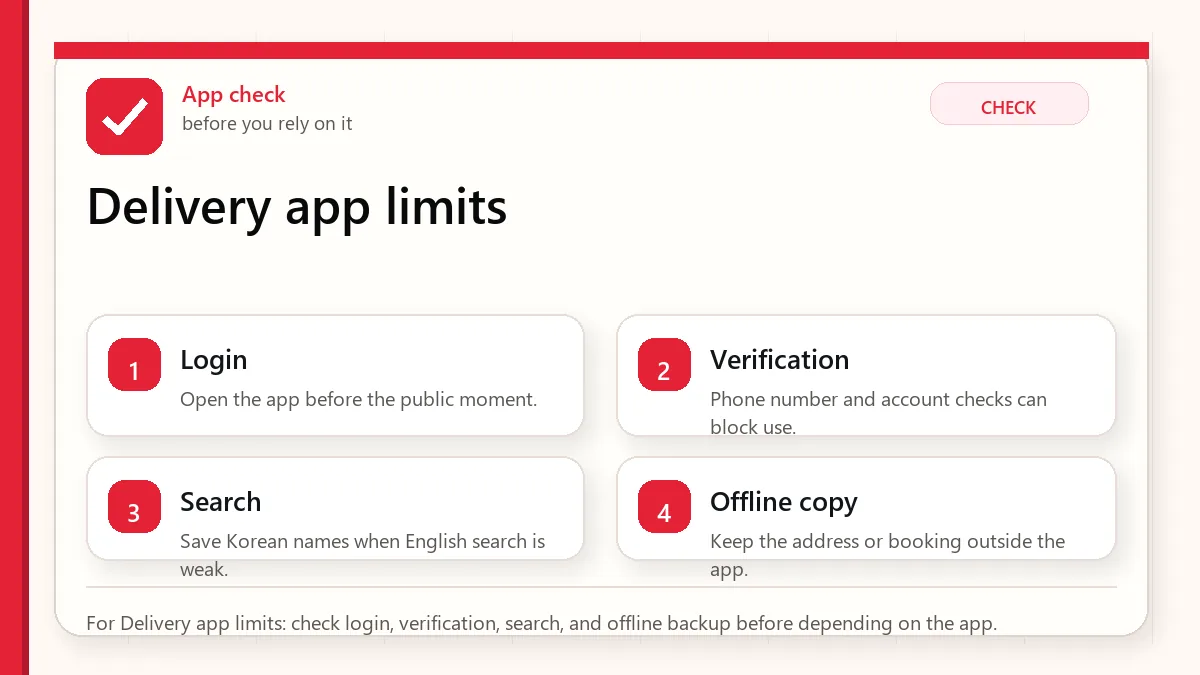
    For Delivery app limits: check login, verification, search, and offline backup before depending on the app.

    Start with the account or access block

    Try delivery apps only after you confirm your phone number, address, payment, and pickup instructions. If you are staying only a few days, keep a simpler food backup: nearby restaurant, convenience store meal, hotel desk help, or pickup order.

    Coupang Eats vs Baemin: what matters for visitors

    ProblemWhat to checkBackup
    Phone numberCan you receive calls or SMS in Korea?Use hotel desk help or pickup food
    AddressCan you enter the road-name address in Korean?Save hotel address and lobby instruction
    PaymentDoes your foreign card work in the app?Prepare another card, cash food, or kiosk restaurant
    Rider contactCan you answer a Korean call or message?Use a short Korean pickup note

    The address is often the real obstacle

    A hotel name is not always enough. Korean delivery systems often need a road-name address, building detail, entrance or lobby note, and sometimes a phone contact. If the rider cannot find you, the app may become stressful even after the payment works.

    Before ordering, copy your accommodation address from the hotel booking page, Naver Map, Kakao Map, or the front desk. Keep it in Korean and English. If the hotel does not allow room delivery, write a lobby pickup note.

    Phone and payment limits

    A data-only eSIM may be enough for maps and messaging, but it may not solve delivery. Riders may call, apps may request SMS, and payment may require a card flow that does not behave like an in-store purchase. A Korean phone number helps in some situations, but it does not guarantee every app verification.

    Hotel, Airbnb, and short-term apartment delivery are not the same

    Hotels often have a lobby or front-desk policy. Some allow delivery to the lobby but not to the room. Some may ask you to meet the rider outside. Airbnbs and short-term apartments can be harder because building names, door codes, floor numbers, and unit numbers may not be obvious in Korean address systems. A dorm, clinic stay, or serviced residence may have its own delivery rules.

    Before ordering, ask one practical question: where should the rider stop? If the answer is unclear, delivery may not be the safest first meal after arrival. A nearby restaurant, convenience store, or hotel-recommended option can be a better first night plan while you prepare the address properly.

    What to ask before placing the order

    • Can this place receive delivery at the lobby or entrance?
    • What Korean address should I copy into the app?
    • Should I include a room number, building name, or front-desk note?
    • Can I answer a Korean phone call if the rider cannot find me?
    • Do I have another food plan if payment or pickup fails?
    Layered red check backup flow graphic for Delivery app limits.
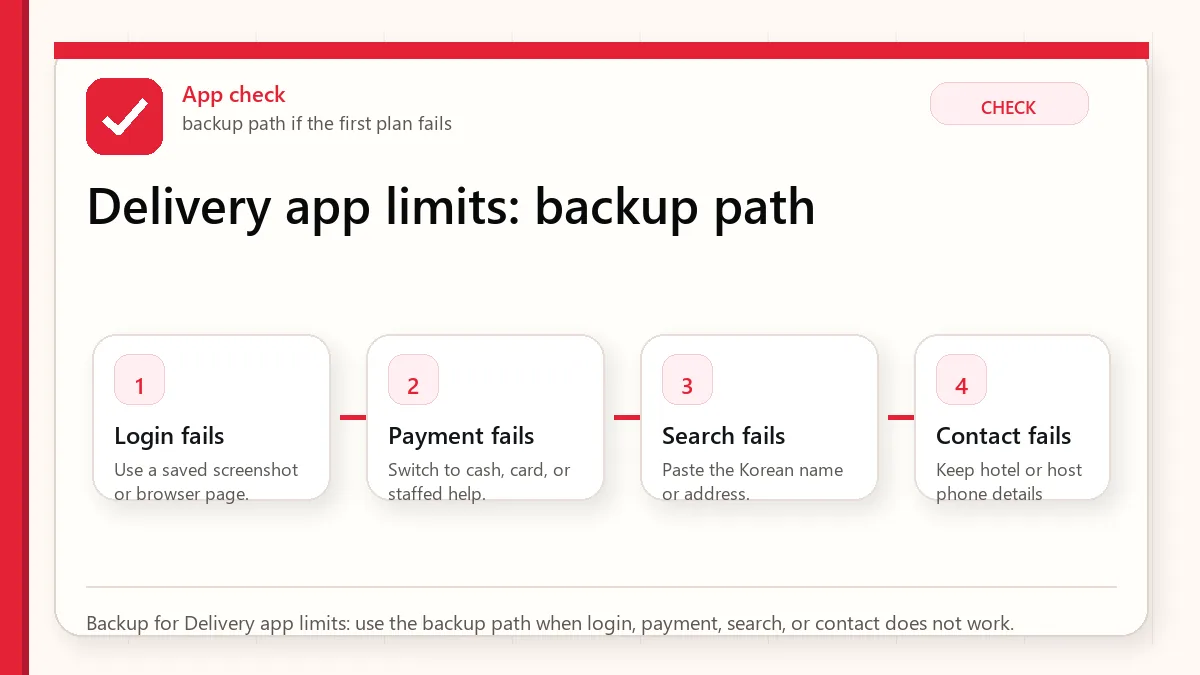
    Backup for Delivery app limits: use the backup path when login, payment, search, or contact does not work.

    Short Korean pickup note

    You can prepare a simple message like this and adjust it with hotel staff if needed:

    저는 한국어를 잘 못합니다. 호텔 로비에서 받겠습니다. 전화가 어려우면 메시지로 알려주세요.

    Meaning: I do not speak Korean well. I will receive it in the hotel lobby. If calling is difficult, please message me.

    When delivery is not the best plan

    • You have allergies and cannot confirm ingredients clearly.
    • Your hotel has strict delivery or lobby rules.
    • It is late at night and you do not have a second food plan.
    • Your payment method has not been tested.
    • You cannot answer a Korean phone call from the rider.

    Related guides

    Official app and service links

    Use these official links when the next step matters. This guide explains what to watch for, but app downloads, eligibility, prices, routes, policies, and service rules can change.

    Where to confirm current details

    Baemin vs Coupang Eats: what to test first

    Quick answer: foreigners can often try both Baemin and Coupang Eats, but the easier app depends on Korean phone verification, address entry, payment method, Korean-language menu handling, and whether the restaurant delivers to the exact address. Do not treat either app as guaranteed until the account, address, and payment screen work inside the app.

    CheckBaeminCoupang Eats
    Phone or identity stepMay require Korean phone or identity flow depending on account path.May depend on Coupang account setup and available verification path.
    Address entryBest when you can enter the Korean road-name address, building, and unit details.Also needs exact Korean address details for delivery availability.
    PaymentCheck whether your card or local payment option is accepted before ordering.Check the payment screen before relying on it for a meal.
    Best use caseGood to compare local restaurant coverage and menu details.Good to compare fast delivery availability and Coupang-linked options.

    Both services are private platforms, not official public services. App rules, payment support, and verification screens can change by account, device, app version, and restaurant. If delivery matters the same day, test the address and payment step before you are hungry, not at checkout.

    Related checks: Can foreigners use Baemin in Korea? and Kakao T payment and cash options for foreigners.

    FAQ

    Can foreigners use Baemin or Coupang Eats?

    Some foreigners can use parts of the apps, but short-term visitors may be blocked by phone, identity, address, or payment steps.

    Do I need a Korean phone number?

    It can help with calls and SMS, but it does not guarantee every verification or payment flow.

    What should I do if delivery fails?

    Switch quickly to pickup, convenience store food, hotel desk help, or a nearby restaurant instead of fighting the app while hungry.

    If the app works, still keep a backup

    The page is already showing near the first page, but CTR is weak. The searcher likely wants to know whether either app will work for a foreign visitor today, not a general comparison.

    BlockerWhat to checkBackup
    Phone verificationWhether your Korean number or account can receive the required codeAsk accommodation staff or use pickup/takeout instead
    Address entryUse Korean address, building name, and delivery notesOrder to a hotel front desk only if allowed
    PaymentTest card flow before you are hungryRestaurant walk-in, convenience store, or local help
    Rider callPrepare a Korean note if you cannot answer smoothlyChoose simpler pickup locations

    Related checks: Can Foreigners Use Baemin Korea?, Foreign Card Not Working in Korea, and How to Order Food in Korea.

  • Korea eSIM with Phone Number: What Tourists Need

    Korea eSIM with Phone Number: What Tourists Need

    A Korea eSIM with a phone number sounds like the perfect travel upgrade, but it is not always necessary. For a short trip focused on sightseeing, messaging, maps, and translation, a data-only eSIM may be enough. The phone number becomes valuable when Korea’s local systems expect a reachable domestic contact: restaurant waitlists, taxi pickup calls, delivery riders, hotel callbacks, clinics, salons, and reservation desks.

    Last checked: June 1, 2026. Re-check the official app, service, or app-store page before acting, because routes, prices, labels, rules, app screens, eligibility, and store/service policies can change.

    Last updated: May 24, 2026.

    The important limitation: a phone number is not the same as Korean resident identity verification. Some apps may still block or limit foreigners even with a local number.

    Layered red check decision graphic for eSIM with Phone Number.
    For eSIM with Phone Number: check login, verification, search, and offline backup before depending on the app.

    Start with the account or access block

    Get a Korea eSIM or SIM with a phone number if you want smoother local contact and are willing to check the plan details carefully. Skip it if your itinerary is simple, you will use hotel help for reservations, and you are comfortable with messenger-based communication. Never buy a phone-number plan assuming it will unlock every Korean app.

    When the number actually helps

    • Restaurant waiting systems: Some venues use local phone numbers to call or text when your table is ready.
    • Taxis: A driver may call if the pickup point is unclear.
    • Delivery: Riders often call when an address, lobby, or hotel rule is confusing.
    • Clinics and salons: Appointment desks may prefer a reachable Korean number.
    • Hotel and tour contact: Local staff can call without using international dialing.

    What a tourist number may not solve

    Some Korean services require identity verification beyond a normal text message. This may involve resident registration, alien registration, real-name verification, domestic payment systems, or carrier-level identity checks. A tourist SIM can make you reachable, but it may not make you a verified Korean user.

    That distinction matters for apps such as food delivery, ride-hailing, payment, shopping, age-restricted services, and some booking systems. Always keep a backup path: hotel desk, concierge call, walk-in ordering, card payment at the counter, or a friend with a local account if appropriate.

    Layered red check backup flow graphic for eSIM with Phone Number.
    Backup for eSIM with Phone Number: use the backup path when login, payment, search, or contact does not work.

    Questions to ask before buying

    • Is the plan data-only, or does it include voice and SMS?
    • Can it receive incoming calls from Korean numbers?
    • Can it receive SMS verification messages?
    • Does the provider explicitly mention identity verification limits?
    • Where do you get support if activation fails?
    • Does the plan start immediately, at QR scan, or at arrival pickup?

    Best practical setup

    For most visitors who choose a phone-number plan, the safest setup is to activate at or before arrival, test data, test receiving a text, and save the number in your own phone notes. Then update hotel forms, taxi apps, booking forms, and restaurant waitlists with that number only after confirming it works.

    If the plan does not receive SMS or calls as expected, do not spend the first day fighting every app. Switch to practical backups: ask hotel staff to call, use walk-in restaurants, use desk reservations, or choose services that accept foreign cards and messenger contact.

    Official links to check

    Use these official links when the next step matters. This guide explains what to watch for, but app downloads, eligibility, prices, routes, policies, and service rules can change.

    FAQ

    Do tourists need a 010 number in Korea?

    Not always. A reachable Korean number is helpful, but many tourists can complete a trip with data only. The need rises with restaurants, delivery, clinics, taxis, and local appointments.

    Can I receive KakaoTalk verification with a tourist number?

    It may work in some cases and fail in others. App verification policies and number types vary, so do not build your trip around that assumption.

    Should I choose eSIM or physical SIM for a number?

    Choose based on phone compatibility and support. If you are nervous about setup, a counter-supported physical SIM can be less stressful.

    The airport test

    Before leaving the airport or your first strong Wi-Fi area, test four things: mobile data, incoming SMS, incoming call, and one app that needs internet outside Wi-Fi. If the plan is supposed to include a Korean number but you cannot receive a text or call, solve it immediately while support is still reachable.

    Contact number vs verified identity

    Think of a tourist number as a contact address. It helps people reach you. Verified identity is a separate gate. Some Korean apps check whether the phone number is tied to a verified resident identity. That is why two visitors can buy similar-looking number plans and still have different app results depending on plan type, carrier rules, app policy, and verification path.

    Backup scripts for real situations

    If a taxi driver calls and you cannot answer in Korean, send the pickup point through the app if possible and stand somewhere obvious. If a restaurant asks for a phone number and your number fails, ask whether they can call your name instead. If delivery is too complicated, switch to takeout or ask hotel staff whether delivery to the lobby is allowed.

    When not to buy the number plan

    Skip the number plan if your trip is short, your itinerary is simple, your hotel can help with calls, and you are comfortable using walk-in restaurants and public transit. Spending mental energy on a plan you barely use can be worse than accepting a few low-tech workarounds.

    Related Before Korea guides

    Use these guides together rather than treating one article as the whole plan.

    Sources checked for this update

    Before Korea treats operational details as changeable. Check the official pages below before a trip or a large purchase.

  • Kakao T vs Uber Korea: Which Taxi App Should Tourists Use?

    Kakao T vs Uber Korea: Which Taxi App Should Tourists Use?

    If you are comparing Kakao T vs Uber in Korea, the best answer is practical: Kakao T or k.ride is usually the more local taxi path, Uber can still be a useful backup, and your real risk is not the app name. It is whether you can finish phone setup, payment, pickup, destination entry, and driver contact when you are tired or in a hurry.

    In short: if you are choosing between Kakao Taxi and Uber in Korea, try Kakao T first for ordinary taxis, then use Uber as a backup where it shows taxi availability. For visitors, the real blocker is often phone verification, app language, payment setup, or pickup location rather than the taxi itself.

    Kakao Taxi vs Uber in Korea

    SituationBetter first tryWhy
    You want the widest taxi coverage in Seoul or other large Korean citiesKakao TIt is the default local taxi app for many Korean riders and drivers.
    You already use Uber and want a familiar interfaceUber, then Kakao T if wait times are poorUber can be convenient, but availability can vary by area and time.
    You cannot complete app verification or payment setupHotel desk, taxi stand, or a local helperApp choice will not solve every foreign-card or phone-number issue.
    You searched K.ride vs UberCompare onboarding and payment firstK.ride-style visitor taxi apps may be easier for tourists, but local coverage and fares still need checking before each ride.

    For airport arrivals, late-night rides, or rural trips, keep a backup: the hotel address in Korean, a map pin, and enough time to use a taxi stand if the app cannot assign a driver.

    For most visitors, the best taxi setup is not one app. Try a Korea-first option such as Kakao T or k.ride, keep Uber as a backup, and save your destination in Korean. The weak point is usually payment, pickup communication, or phone setup, not the brand name on the app icon.

    Kakao T vs Uber in Korea: which one should tourists try first?

    For Kakao T vs Uber in Korea, set up both before arrival if possible. Kakao T is the local default taxi ecosystem, while Uber or other traveler-facing apps can be useful backups when Korean verification, payment, or pickup wording gets awkward.

    If a foreign card, local phone number, or app verification step fails, do not troubleshoot on the curb with luggage. Save your hotel name in Korean, screenshot the destination, and keep Kakao T pay/cash foreigner and Korea taxi apps guide open as backup reading.

    Kakao T, k.ride, or Uber: quick choice

    For the search query “kakao t vs uber in korea,” start with Kakao T as the primary taxi app and keep Uber as a backup app. Kakao T is usually the more locally expected choice for taxi pickup, Korean place names, and driver familiarity. Uber can still be useful as a backup if it shows available taxi options at your pickup point.

    SituationFirst choiceBackup check
    Airport, hotel, or popular tourist areaKakao T or hotel taxi helpCheck Uber availability and fare estimate.
    Hard-to-spell Korean addressKakao T with Naver Map address copiedAsk the hotel or shop to confirm the destination name.
    Payment concernConfirm card/cash option inside the app before ridingUse a taxi stand if the app payment step fails.

    If you want the shorter query page, see Kakao T vs Uber in Korea. Also keep Korea taxi apps guide open as a backup routing page.

    Last checked: June 2, 2026. Taxi app screens, payment flows, service areas, and visitor options can change. Test the current app before relying on it late at night or at the airport.

    Layered red check decision graphic for Taxi app choice.
    For Taxi app choice: check login, verification, search, and offline backup before depending on the app.

    What to try first after landing

    SituationStart hereKeep this backup
    Central Seoul in normal hoursKakao T, k.ride, or Uber if your account worksNaver Map route, subway, or a main-road taxi stand
    Airport arrival with luggageCompare AREX, airport bus, official taxi stand, and app taxiHotel address in Korean and a cash/card backup
    Late night after a concert or barCheck pickup availability before leaving the venueWalk to a larger road or official taxi area
    Foreign card failsTry another app/payment path only if time allowsPay-on-ride taxi, hotel call, or public transit

    The app is only one part of the ride

    Tourists often ask which taxi app is best. A better question is: can you complete all five steps? The app must accept your phone setup, understand the destination, place the pickup pin correctly, let the driver reach you, and finish payment. If one step fails, the app can still look fine while the ride fails.

    Save your hotel name, full Korean address, phone number, and nearest major road. English hotel names and automatic map pins are not enough in every neighborhood. If a driver calls, you may need a short Korean pickup note or hotel staff help.

    Kakao T, k.ride, and Uber are not the same problem

    OptionWhy it helpsWhere visitors still get stuck
    Kakao TStrong local taxi ecosystem and Korea-specific destination handlingAccount setup, payment choices, Korean pickup calls, and address details
    k.rideVisitor-focused Kakao Mobility option worth checking before arrivalAvailability and exact app flow should be tested on your phone
    UberFamiliar interface for many travelersLocal availability, pickup accuracy, and feature differences in Korea
    Street taxi / hotel callUseful when apps failYou need a Korean destination card and clear fare/payment expectations

    A better taxi setup before arrival

    1. Install at least two taxi options before the trip, not after midnight.
    2. Save your hotel address in Korean and English.
    3. Save the destination name from Naver Map or Kakao Map, not only Google Maps.
    4. Test whether your phone number and payment method are accepted.
    5. Decide the non-app backup for airport arrival and late-night returns.

    When not to force the app

    Do not keep refreshing one app if your battery is low, the pickup pin is wrong, you cannot answer the driver, or the area is crowded after an event. In those moments, a taxi stand, hotel desk, subway route, night bus, or walking to a clearer pickup road can be more reliable than app loyalty.

    Foreign-card and cash reality

    Payment is where many visitors overestimate app convenience. A foreign card that works at Olive Young, a hotel, or a subway machine may still fail inside a mobility app because app payments, card verification, fraud checks, and local payment rails are different. If you are counting on app payment, test it with enough time to recover.

    Cash can still be useful as a taxi backup, but it is not a complete plan either. Some drivers may prefer card, some tourists may not understand the fare display, and large bills can be inconvenient late at night. Carry a small amount of cash, keep a card backup, and check the meter or app fare screen before relaxing.

    Airport, hotel, and event cases

    CaseBetter first moveWhy
    Incheon Airport arrivalCompare AREX, airport bus, taxi stand, and app taxi before leaving the terminalAirport transport has official routes that can be easier than app pickup with luggage
    Hotel return at nightUse the hotel Korean address and a main-road pickup pointDrivers may not recognize the English hotel name or a back-alley pin
    Concert or stadium exitWalk away from the crowd before calling a taxiCrowded pickup zones cause cancellations and driver calls
    Rainy day with shopping bagsChoose a pickup point under a clear building entrance or hotel canopyA vague sidewalk pin is harder for both driver and rider

    How to write a pickup note

    A pickup note should be short. Do not write a long translated paragraph. Use one clear landmark: hotel lobby, main entrance, station exit number, convenience store in front, or building name. If you cannot name the exact pickup spot, move to a place you can describe.

    For example: 'I am at the hotel main lobby' is better than 'I am near the building somewhere.' If you are using a translation app, translate only the pickup point and keep the message simple.

    Why tourists compare these apps

    People searching 'kakao taxi vs uber', 'kakao t vs uber in korea', 'uber in seoul', or 'k ride vs uber' usually need a decision, not a brand history. The useful answer is: install more than one option, test the account before travel, save Korean addresses, and keep a route that does not depend on one app.

    Layered red check backup flow graphic for Taxi app choice.
    Backup for Taxi app choice: use the backup path when login, payment, search, or contact does not work.

    Official app and support links

    Related guides

    Related taxi app searches

    Searches for taxi app Korea, Uber vs Kakao Taxi in Korea, Kakao T app, and k.ride app should be answered with backup paths. The best app depends on pickup location, payment method, phone verification, driver calls, and whether a hotel or station taxi stand is easier.

    Before a late-night ride or airport transfer, save your destination in Korean, test payment, and keep a cash or hotel-desk backup plan.

    FAQ

    Is Kakao T better than Uber in Korea?

    For local taxi use, Kakao T or k.ride is often the stronger starting point. Uber is still useful as a familiar backup if your account, payment, and pickup flow work in Korea.

    Can I use Kakao T without a Korean phone number?

    You need to test the current app flow. Some features may be limited by phone number, account, payment, or local verification requirements.

    What should I do if the driver calls in Korean?

    Use a saved Korean pickup note, move to a clearer landmark, or ask hotel/store staff to help. If you cannot communicate the pickup point, canceling early may be safer than wasting time.

    If the first app fails

    If the visitor is comparing Kakao T and Uber in Korea, the first answer should be practical: install both if possible, expect Kakao T to have broader local coverage, and keep Uber or a hotel/staff-assisted taxi as a backup when verification, pickup, or payment fails.

    • Use Kakao T when: you can complete setup and need local taxi coverage.
    • Use Uber when: your foreign-card flow works better there or you need a familiar interface.
    • Use a backup when: the driver calls, the pickup pin is wrong, or the app will not verify your phone.

    Related checks: Korea Taxi Apps Guide, Foreign Card Not Working in Korea, and Naver Map vs Google Maps Korea.

  • Before You Use Korean Apps

    Before You Use Korean Apps

    Start with the account or access block

    The best Korea app setup is small, tested, and backed up. Installing many apps is less useful than knowing which app handles maps, taxi, translation, payment, delivery, and emergency help. Open the important apps before arrival and check the phone-number or payment blocks while you still have time.

    Last checked: June 1, 2026. Re-check the official app, service, or app-store page before acting, because routes, prices, labels, rules, app screens, eligibility, and store/service policies can change.

    Last updated: May 23, 2026. Rules, app flows, prices, and eligibility can change, so re-check official sources close to your trip.

    Layered red check decision graphic for You Use Apps.
    For You Use Apps: check login, verification, search, and offline backup before depending on the app.

    How to use this hub guide

    This hub is for visitors who want apps to work before a real moment depends on them. It links Naver Map, translation, KakaoTalk, taxi, eSIM, emergency, and delivery-app guides.

    It does not promise every foreign visitor can use every app feature. Korea app flows can depend on phone numbers, identity checks, app versions, card support, language settings, and provider policy.

    The checks that decide whether the app is enough

    If you are decidingCheck this firstWatch out for
    NavigationNaver Map guide and Korean place namesEnglish search can be uneven
    TranslationPapago/Google Translate plus saved key phrasesCamera translation may miss context or allergens
    TaxisKakao T, k.ride, or street taxi fallbackForeign card or phone verification can be the bottleneck
    Delivery and local servicesEligibility, address format, phone number, and payment methodSome services are not visitor-friendly without local setup

    The small check that changes the answer

    • Open each essential app before departure and check language settings.
    • Save important destinations in Korean and English.
    • Do not rely on one translation app for allergies or medical needs.
    • Understand whether your eSIM includes data only or a local phone number.
    • Keep emergency numbers and hotel contact outside app-only storage.

    An app setup that does not depend on one fragile step

    Build the core stack

    Start with maps, translation, messaging/contact, payment/transit support, and emergency information. Add taxis or delivery only if your trip actually needs them.

    Test before the airport

    Search your hotel, save a route, translate a sample menu, and check whether login works. A failed login is much easier to solve at home.

    Prepare non-app backups

    Screenshots, written addresses, a hotel card, cash, and staff help still matter. Apps reduce friction, but they should not be your only plan.

    Review permissions calmly

    Some apps need location, notifications, or camera access. Give only what is needed and avoid rushing through permission prompts in public.

    Layered red check backup flow graphic for You Use Apps.
    Backup for You Use Apps: use the backup path when login, payment, search, or contact does not work.

    What this means in the real moment

    A place does not appear in English

    Search by Korean name, nearby landmark, or copied address. Ask hotel staff to write the exact name if needed.

    A taxi app will not accept your card

    Use pay-to-driver if available, try another app designed for visitors, or use an official taxi stand.

    A delivery app blocks signup

    Do not build meal plans around it. Use restaurants, convenience stores, hotel help, or visitor-friendly food courts.

    A safer way to make the decision

    SituationSafer defaultWhy
    First-time visitorNaver Map, translation, eSIM, T-money/payment guideThese affect the first day directly
    Solo travelerAdd emergency numbers and taxi backupRecovery options matter more when no one else can troubleshoot
    Longer stayCheck local phone-number needs more carefullyMore services become useful but also more verification-heavy

    Sources to re-check

    Use these pages for facts that can change by date, operator, airport, app version, store, or traveler status.

    Where to go next

    Official links to check

    Use these official links when the next step matters. This guide explains what to watch for, but app downloads, eligibility, prices, routes, policies, and service rules can change.

    FAQ

    Can I use only Google Maps in Korea?

    It may help for general place context, but many visitors need Korean map apps for more reliable routes, place names, transit details, and station exits.

    Do I need a Korean phone number?

    Not always. But taxis, delivery, reservations, and account recovery may be easier or only possible with local verification.

    Should I install apps after arrival?

    Install and test the essential ones before departure. Airport Wi-Fi, fatigue, and account verification make arrival a poor time to troubleshoot.

  • Google Maps vs Naver Map in Korea

    Google Maps vs Naver Map in Korea

    Use Google Maps in Korea for saved places, broad planning, and a familiar interface, but keep Naver Map or Kakao Map ready for local search, subway exits, bus stops, Korean place names, and the final walk to the door.

    Naver Maps vs Google Maps in Korea

    Naver Maps vs Google Maps is not only a preference question. In Korea, use Naver Map or another local map app for detailed walking, transit exits, local search, and Korean address matching. Keep Google Maps for saved international places, broad orientation, and cross-country familiarity.

    The safest setup is to save the same hotel, restaurant, and station in both apps before leaving the airport.

    Search intent check: google maps for korea

    Searchers arriving for google maps for korea usually want a fast official-source path, not a broad background article. The page should make the next check obvious in the first screen.

    • Traveler Decision: make this visible near the top of the page.
    • App Or Official Source: make this visible near the top of the page.
    • Backup Plan Before Arrival: make this visible near the top of the page.

    Operating note: this section was added after global Keyword Planner review so the page better matches the main query cluster.

    Last checked: June 1, 2026. Re-check the official app, service, or app-store page before acting, because routes, prices, labels, rules, app screens, eligibility, and store/service policies can change.

    Last updated: May 27, 2026. Routes, fares, stops, station exits, app listings, and operating hours can change, so re-check before you move.

    Layered red check decision graphic for Map app choice.
    For Map app choice: check the station, exit, Korean address, and backup route before starting the trip.

    Start with the place name and exit

    If you are visiting Korea in 2026, use Google Maps for planning, lists, broad orientation, and places you already saved. Use Naver Map for local search, public transit checks, station exit details, bus stops, walking approaches, and Korean-language place matching. If Google improves during your trip, great. If it does not, you are still ready.

    What changed in 2026?

    The big change is policy-level, not a guarantee that every travel route is immediately perfect. Korea’s conditional approval of Google map data export is important because it may allow Google to improve local navigation and mapping functions. But app behavior can roll out gradually, and visitors often travel during transition periods. A guide that says “Google Maps is useless” is outdated; a guide that says “Google Maps now solves everything” is careless.

    Before Korea’s operating advice is conservative: test your hotel-to-station route, your airport route, and one restaurant route after arrival. If Google and Naver disagree, check the Korean business name, station exit, and recent reviews before moving.

    Where Google Maps still helps

    • Saving hotels, restaurants, and attractions before the trip.
    • Sharing place lists with travel companions who already use Google.
    • Getting broad city orientation and walking sense before switching apps.
    • Checking international-style reviews or photos for tourist-heavy places.
    • Comparing approximate distance between neighborhoods.

    Where Naver Map is still stronger for visitors

    • Searching local businesses by Korean name, English name, or copied address.
    • Checking subway exits and bus stop names.
    • Finding restaurants, cafes, pharmacies, clinics, and small stores that locals actually use.
    • Seeing details that may be fresher in Korea’s local map ecosystem.
    • Matching a place from a Korean website, Instagram post, or reservation message.
    Layered red check backup flow graphic for Map app choice.
    Backup for Map app choice: use the backup path when the fastest-looking route becomes hard to follow.

    The two-map workflow that works best

    Start with the app you understand, but confirm with the app Korea understands. Save your hotel and major attractions in Google Maps if that is comfortable. Then search the same places in Naver Map, save them there, and check the nearest station exit. For restaurants, copy the Korean name from the restaurant’s website, Naver listing, or booking page. For taxis, use the destination’s Korean address if possible.

    This sounds like extra work, but it prevents the classic visitor mistake: arriving near the right block but on the wrong side of a large station, underground mall, or multi-building complex.

    How to reduce search errors

    • Save your hotel in both apps before leaving the airport.
    • Screenshot the Korean address and phone number of your hotel.
    • Use station exit numbers as landmarks, not just the station name.
    • For restaurants, match photos and floor numbers, not just the English name.
    • If a route looks odd, compare Naver Map, KakaoMap, and the subway app.

    Official links to check

    Use these official links when the next step matters. This guide explains what to watch for, but app downloads, eligibility, prices, routes, policies, and service rules can change.

    FAQ

    Can I use only Google Maps in Korea?

    You might be able to for simple trips, especially as Google updates continue. But for a first visit, relying on only one app is unnecessary risk. Install Naver Map as backup.

    Is Naver Map available in English?

    Naver provides language settings and multilingual support, but not every local review, menu, or business detail will feel fully translated. That is why copy-paste and translation apps still help.

    Which map should I use for taxis?

    Use the destination address from Naver Map or the business’s Korean listing when possible. Taxi drivers and ride-hailing apps usually handle Korean place data more reliably.

    Will Google Maps keep improving in Korea?

    It may, especially after the 2026 map-data approval, but visitors should verify current app behavior close to their trip date.

    Three route types to compare

    Hotel to landmark routes are usually forgiving. Even if one app is imperfect, the destination is famous and there are many signs. Hotel to small restaurant routes are less forgiving because branches, floor numbers, alleys, and Korean names matter. Late-night return routes need the most caution because transit frequency, taxi pickup points, and walking comfort change after dark.

    Before depending on one app, test all three route types. If Google Maps performs well for your hotel, your first restaurant, and a late-night route, you can use it more confidently. If it struggles with Korean place names, station exits, or buses, keep Naver Map as the primary tool.

    How to tell if a search result is probably safe

    • The English name, Korean name, and address point to the same place.
    • Recent photos match the storefront or building.
    • The business phone number matches the official website or booking page.
    • The station exit makes sense when checked on Naver Map.
    • Reviews mention the same branch, not a similarly named location elsewhere.

    What to save offline

    Save screenshots of your hotel address in Korean, nearest station exit, airport route, and one taxi-friendly destination card. If your data plan fails or a driver asks for the address, the screenshot is faster than explaining an English hotel name in a noisy street.

    Related guides

    Use these guides together rather than treating one article as the whole plan.

    Sources checked for this update

    Before Korea treats operational details as changeable. Check the official pages below before a trip or a large purchase.

  • Public Etiquette in Korea

    Public Etiquette in Korea

    Start with the situation, not a rule list

    In Korea, good public etiquette usually means staying aware of shared space: keep noise moderate, queue calmly, do not block transit flow, handle trash responsibly, respect priority seats, and follow smoking or food rules in the place you are using.

    Last checked: June 1, 2026. Re-check the official or primary source page before acting, because routes, prices, labels, rules, app screens, eligibility, and store/service policies can change.

    Most etiquette is reading the room early

    Visitors do not need to memorize a long list of rules to be considerate in Korea. The better habit is to pause for a few seconds, notice the local flow, and avoid taking up more noise, space, or time than the situation expects.

    Layered red check decision graphic for Public Etiquette in.
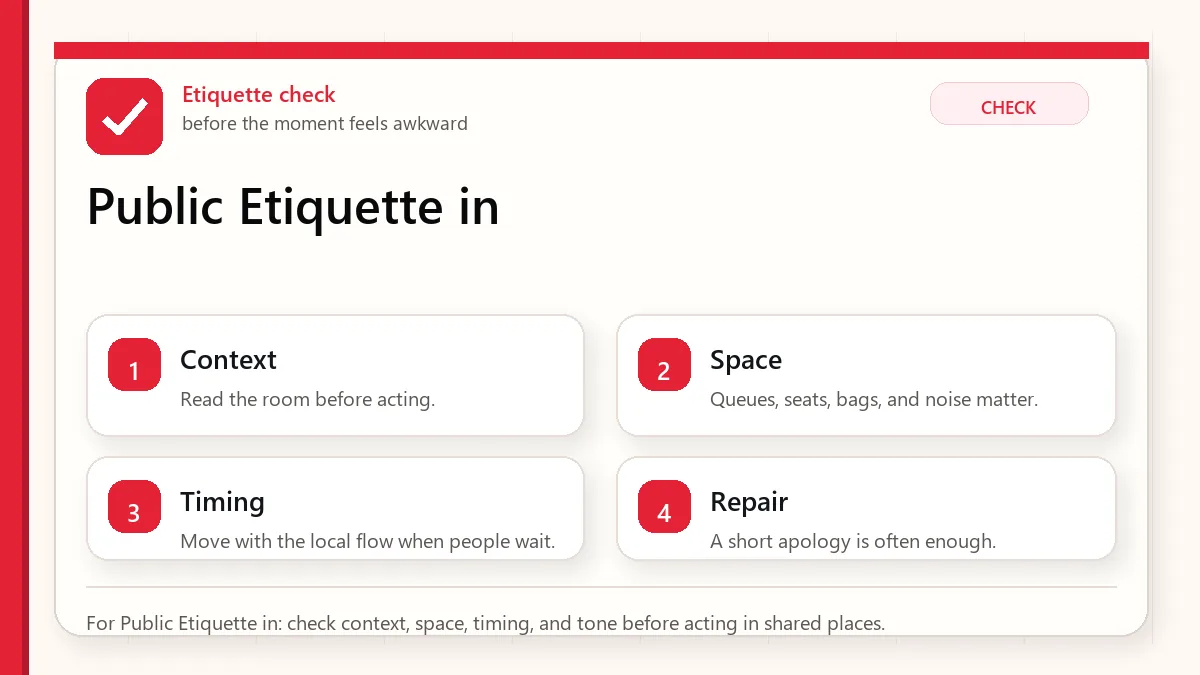
    For Public Etiquette in: check context, space, timing, and tone before acting in shared places.

    Shared-space etiquette by location

    PlaceBetter habitWhy
    Subway/busKeep bags close, let people exit first, avoid blocking doors.Transit flow matters in crowded cities.
    CafesOrder before occupying space when expected and keep noise reasonable.Cafes can be busy work and study spaces.
    StreetStep aside before stopping for maps or photos.Sidewalks and station exits move fast.
    QueuesFollow the visible line and wait your turn.Line discipline reduces conflict.
    TrashCarry small trash until proper disposal is available.Public bins may be limited in some areas.

    Checks before entering a shared space

    • Observe how people move before stopping in a crowded place.
    • Keep a small bag for personal trash.
    • Use headphones for videos and calls.
    • Check smoking signs and designated areas.
    • Use translation or signs when a rule is unclear.

    Move with the local rhythm

    • Let passengers exit before boarding.
    • Stand to the side on escalators or follow local signage and flow.
    • Keep conversation volume lower in transit and quiet spaces.
    • Do not leave cups, food, or trash on random ledges.
    • At cafes, understand whether seating is for customers only.
    • If corrected, adjust calmly rather than arguing.
    Layered red check backup flow graphic for Public Etiquette in.
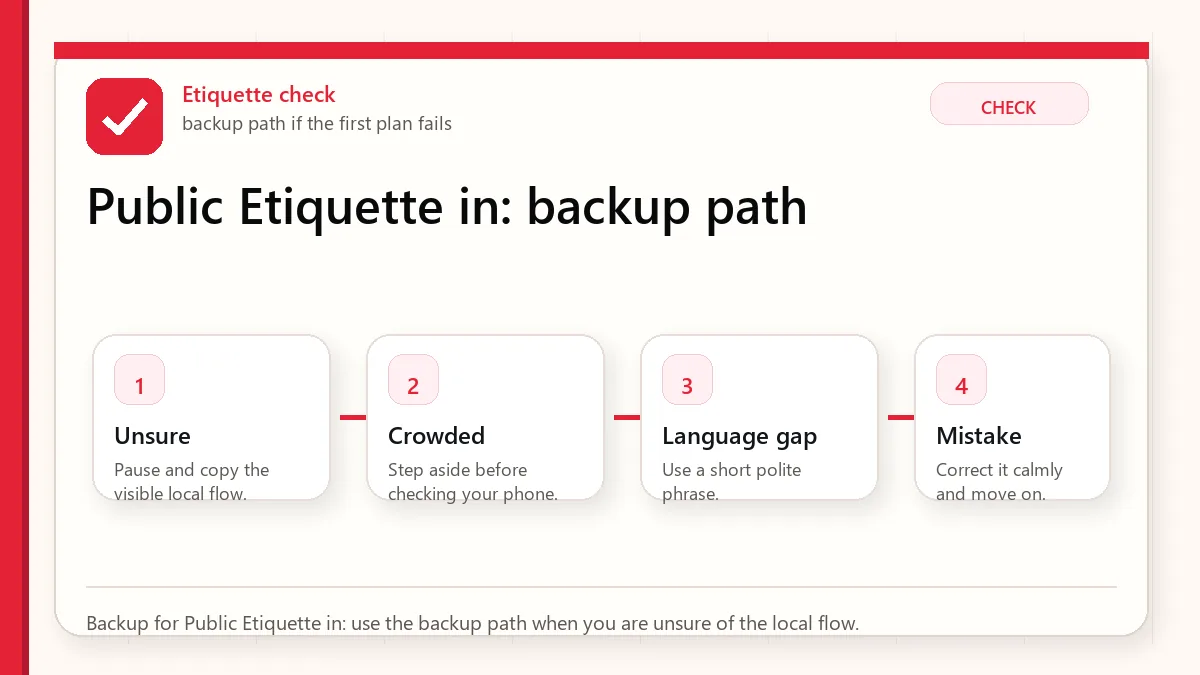
    Backup for Public Etiquette in: use the backup path when you are unsure of the local flow.

    Where visitors accidentally stand out

    You block a station exit while checking your phone

    Step to the wall or a wider area before navigating.

    You cannot find a trash bin

    Carry the trash until you find a proper bin, store, hotel, or station area that accepts it.

    You sit in a priority area

    Move if someone who needs it boards, and follow signage.

    You are unsure about smoking

    Use designated smoking areas only and check local signs.

    Use the setting to decide the behavior

    SituationBetter approachWhat to verify
    Crowded commuteKeep bag close and minimize phone-stopping.Doors, stairs, and escalators.
    Cafe work sessionBuy appropriately and keep noise low.Outlet and seat rules.
    Street photographyAvoid blocking storefronts or pedestrians.Privacy and flow.
    Nightlife areaStay aware of noise and trash.Local rules and safety.

    What not to assume about public space

    • Do not assume public trash bins are everywhere.
    • Do not assume loud calls are acceptable in quiet transit spaces.
    • Do not assume cafe seating rules are identical across stores.
    • Do not assume smoking is allowed just because you are outdoors.

    Small habits that make shared spaces feel easier

    Observe the rhythm before acting

    Many etiquette problems are not about complicated rules. They happen because a visitor moves faster than the local flow: boarding before others exit, standing in a doorway, speaking loudly in a quiet carriage, or blocking a shop counter while deciding. A few seconds of observation usually tells you where to stand, when to move, and whether a space is meant for quick use or lingering.

    Shared spaces are the real test

    Cafes, trains, elevators, convenience stores, and narrow streets are where small habits become noticeable. Keep bags close, leave priority seating available, avoid sudden stops in walking lanes, and handle trash carefully because public bins can be less available than expected. These habits are simple, but they make the trip smoother for both visitor and local people nearby.

    Read next when etiquette connects to transit, food, or stores

    This topic works best when it is not handled alone. Use the related guides below to connect the decision with maps, money, food, shopping, transit, and app backup planning.

    Related Before Korea guides

    FAQ

    Is Korea strict about public etiquette?

    Many rules are common-sense shared-space habits. Observing local flow prevents most problems.

    Can I eat on public transport?

    Avoid messy or strong-smelling food on transit. Follow signs and local norms.

    What if I make a mistake?

    Adjust politely and move on. Most etiquette issues are solved by paying attention quickly.

    Source links to verify

    Last updated

    Last updated: 2026-05-23. Re-check official sources close to the day you travel, buy, eat, or use an app. Details involving prices, eligibility, transport, app features, opening hours, and refund rules can change.

  • Translation Apps in Korea

    Translation Apps in Korea

    Start with the account or access block

    Use translation apps as support, not authority. Install a camera/text translation app before the trip, save critical phrases, and keep one second app ready for cross-checking. The goal is not perfect Korean; it is making one clear request at a restaurant, taxi, clinic, shop, or station without guessing.

    Last checked: June 1, 2026. Re-check the official app, service, or app-store page before acting, because routes, prices, labels, rules, app screens, eligibility, and store/service policies can change.

    Translation helps most when the sentence is simple

    Translation apps are useful in Korea, but they work best as a bridge, not as a final authority. The reader's real task is to prepare short phrases, know when camera translation is enough, and recognize the situations where a bad translation could cost money, health, or time.

    Layered red check decision graphic for Translation Apps in.
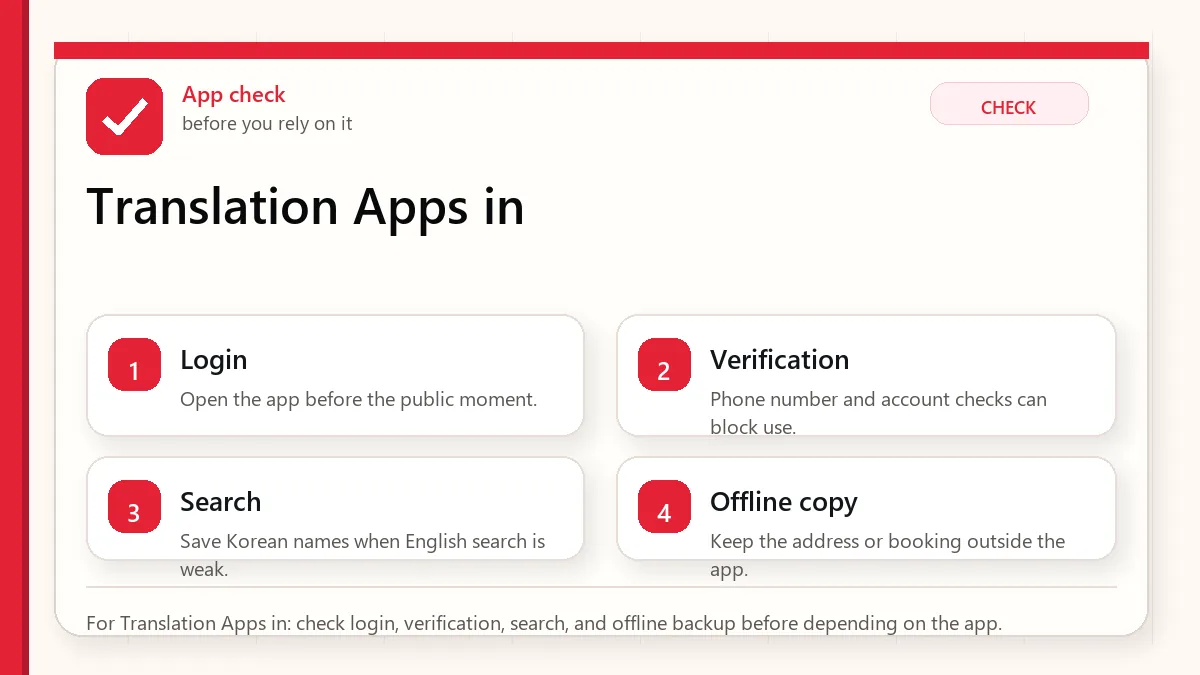
    For Translation Apps in: check login, verification, search, and offline backup before depending on the app.

    What translation apps are good and bad at

    UseHelpful forBe careful with
    Camera translationMenus, labels, signs, machines.Small fonts, stylized packaging, and ingredient nuance.
    Copied textKorean addresses, place names, app screens.Names with branches or abbreviations.
    Voice translationSimple questions in calm settings.Busy restaurants, background noise, and complex requests.
    Saved phrasesAllergies, spice, vegetarian, taxi destination.Do not rely on one phrase for serious medical risk.

    Checks before you need the phrase

    • Install at least one translation app before departure.
    • Download offline language support if available.
    • Save hotel address and emergency phrases.
    • Prepare allergy or dietary phrases carefully.
    • Keep screenshots of critical documents and addresses.

    Use translation in a way people can respond to

    • Use camera translation for first-pass understanding.
    • Copy Korean text into the app when accuracy matters.
    • Confirm key details with numbers, addresses, or official pages.
    • Use simple phrases instead of long paragraphs.
    • For serious allergies or medical issues, use professional or official help.
    • Keep a human backup: hotel desk, tourist information, or official helpline when needed.
    Layered red check backup flow graphic for Translation Apps in.
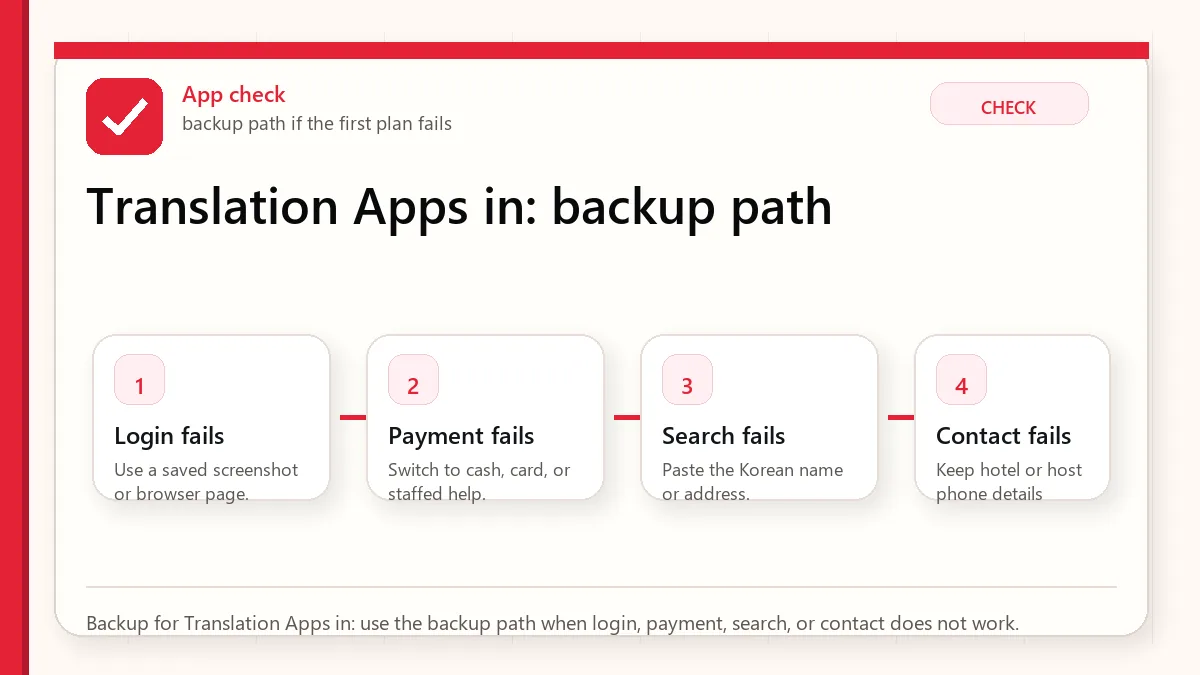
    Backup for Translation Apps in: use the backup path when login, payment, search, or contact does not work.

    Where translations usually become risky

    The app mistranslates a menu

    Check ingredients, photos, and staff confirmation. Avoid risky dishes if allergies matter.

    A taxi destination is misunderstood

    Show the Korean address and phone number, not a translated description.

    Camera translation is messy

    Take a clearer photo, crop the text, or type/copy the Korean text.

    You need official information

    Use official websites for immigration, customs, refunds, transport schedules, and safety.

    Use different translation habits for different stakes

    SituationBetter approachWhat to verify
    Restaurant orderingUse simple dietary phrases.Broth, sauce, and shared cooking.
    Taxi or mapShow Korean address.Branch and neighborhood.
    Shopping labelUse camera translation, then verify key ingredients.Allergens and expiry.
    EmergencyUse official emergency or helpline resources.Do not depend only on app translation.

    What not to assume from a translated result

    • Do not assume camera translation is accurate for small ingredient labels.
    • Do not assume polite nuance is preserved.
    • Do not assume a translated place name points to the correct branch.
    • Do not use machine translation as medical or legal advice.

    Small phrase habits that make communication gentler

    Prepare phrases before you need them

    Translation apps are much more useful when your key phrases are saved before the pressure moment. Save short Korean phrases for hotel address, allergies, no spicy food, no meat, receipt request, bathroom, help, and payment issue. A short clear phrase often works better than a long automatic translation, especially with busy staff or small restaurants.

    Use translation to confirm, not to argue

    Machine translation can make menus, signs, and labels understandable, but it can still miss context. Use it to narrow choices and ask better questions, not to insist that a staff member or label means exactly what the app says. For serious allergies, medicine, legal, customs, or safety situations, use official information or direct confirmation rather than relying only on a translated guess.

    Read next when translation connects to food, maps, or KakaoTalk

    This topic works best when it is not handled alone. Use the related guides below to connect the decision with maps, money, food, shopping, transit, and app backup planning.

    Related Before Korea guides

    Official links to check

    Use these official links when the next step matters. This guide explains what to watch for, but app downloads, eligibility, prices, routes, policies, and service rules can change.

    FAQ

    Which translation app should I use in Korea?

    Use one that supports Korean text, camera translation, and offline preparation. Test it before the trip.

    Can translation apps handle allergies?

    They can help, but serious allergies need extra caution and human confirmation.

    Should I translate English into Korean for every interaction?

    Use simple phrases and point to clear information. Long translated paragraphs can slow busy staff down.

    Source links to verify

    Last updated

    Last updated: 2026-05-23. Re-check official sources close to the day you travel, buy, eat, or use an app. Details involving prices, eligibility, transport, app features, opening hours, and refund rules can change.