Category: Before You Use

Guides for Korea apps and services such as maps, messaging, transit, eSIM, payments, and bookings.

  • How to Book Kakao T and Pay Cash as a Foreigner in Korea

    How to Book Kakao T and Pay Cash as a Foreigner in Korea

    Foreign visitors search for “Kakao T pay cash” because the taxi problem in Korea is rarely just “how do I call a taxi?” The real problem is a chain: Can I make an account? Can I search the destination? Can the driver find my pickup point? Can I pay if my foreign card will not register? What do I do if the app screen changes or the option I expected is not there?

    Last checked: June 1, 2026. Re-check the official app, service, or app-store page before acting, because routes, prices, labels, rules, app screens, eligibility, and store/service policies can change.

    Last updated: May 26, 2026.

    Kakao T is widely used in Korea, but foreign visitors should approach it with a backup mindset. Some travelers can use it smoothly. Others run into account, phone number, card registration, or language friction. Cash or pay-to-driver options may appear differently depending on app version, account state, taxi type, and current service rules. This guide explains how to think through the process without pretending one screen works for every traveler.
    Layered red check decision graphic for How to Book Kakao.
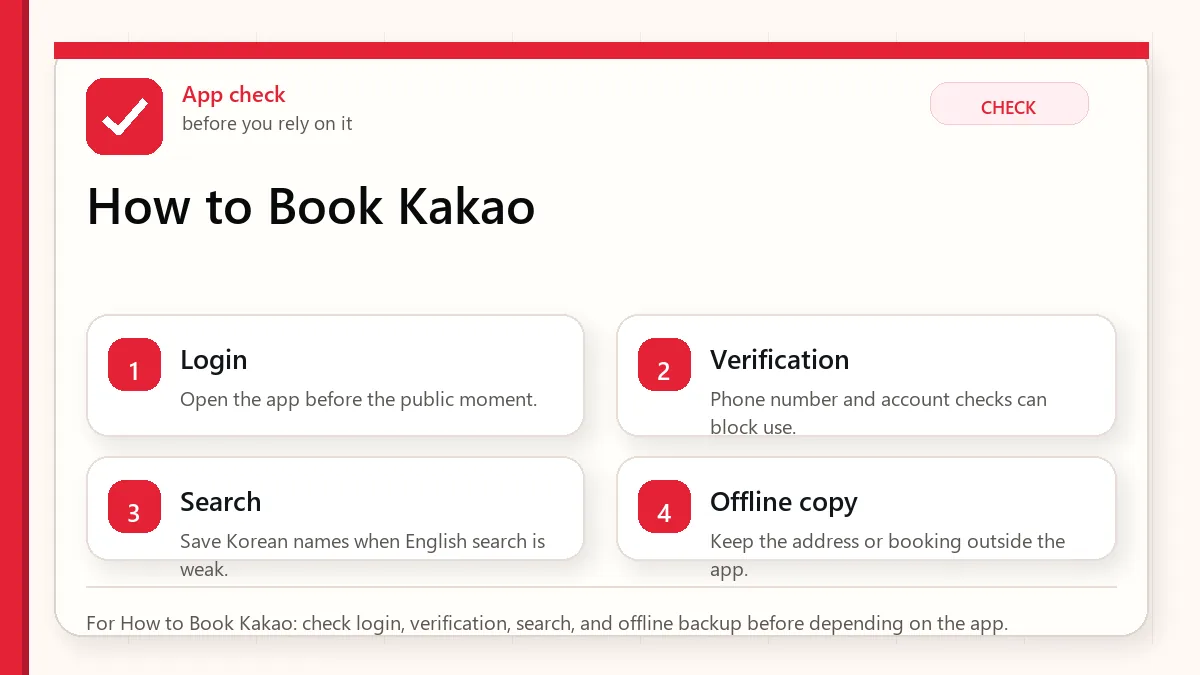
    For How to Book Kakao: check login, verification, search, and offline backup before depending on the app.

    Start with what can fail at payment

    If Kakao T shows a pay-to-driver or in-taxi payment option, you may be able to book a taxi and pay the driver by cash or accepted card after the ride. Check the payment option before confirming the call. If the app requires an in-app card you cannot register, use a backup such as k.ride, Uber where available, hotel front desk help, a taxi stand, or a normal street taxi. Always save your destination in Korean and carry enough cash for a fallback ride.

    What to check before you need a taxi

    CheckWhy it mattersBackup
    Account loginKakao ecosystem setup can be the first barrier.Try setup before arrival.
    Phone numberSome verification flows may not behave like a local Korean number.Use k.ride or hotel help.
    Payment optionIn-app foreign cards may not always work.Look for pay-to-driver, cash, or another app.
    Pickup pointDrivers need a clear roadside location.Use a landmark, hotel entrance, or taxi stand.
    Destination Korean addressEnglish names can confuse branch or building selection.Show Korean address screenshot.

    Step 1: test account setup before arrival

    Do not wait until midnight outside a station to discover whether your app login works. Install Kakao T before your trip if it is available to you, and test whether you can open the taxi flow, search places, and reach the payment selection screen. You do not need to book a ride during the test. You only need to know whether the app is usable on your phone and account.

    If Kakao T setup depends on your Kakao account, make sure your KakaoTalk login is stable too. If you are already having trouble with KakaoTalk verification, do not make Kakao T your only taxi plan.

    Step 2: search destination in Korean when possible

    For hotels and major landmarks, English may work. For restaurants, clinics, event venues, guesthouses, and small buildings, Korean is safer. Save the destination from Naver Map or your booking confirmation, including the Korean address and phone number if available. If the app shows several similar results, compare the neighborhood and distance before selecting one.

    A taxi driver can only drive to the point you requested. If you choose the wrong branch, the app did not fail. The search step failed. This is why a Korean address screenshot is one of the most useful travel tools in Korea.

    Step 3: choose a pickup point a driver can actually reach

    Ride-hailing apps can place a pin somewhere that is technically close but practically awkward. In Korea, a driver may not be able to stop safely on every road, near every bus lane, or in front of every crowded market street. If you are in a dense area, choose a hotel entrance, station exit, main road, taxi stand, or visible landmark instead of a tiny alley.

    When you are leaving a department store, underground mall, or subway station, go above ground first and choose the exit side carefully. “Gangnam Station” is not a pickup point. “Gangnam Station Exit 11 roadside” is much clearer.
    Layered red check backup flow graphic for How to Book Kakao.
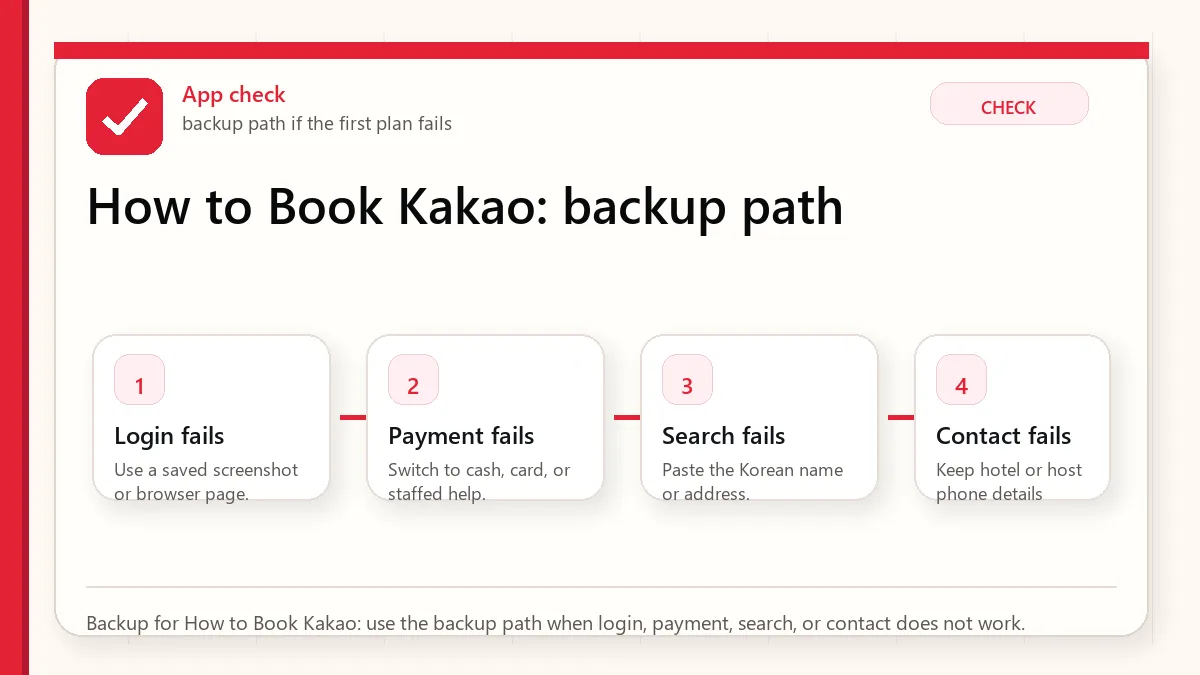
    Backup for How to Book Kakao: use the backup path when login, payment, search, or contact does not work.

    Step 4: check payment before confirming

    This is the step that matters for the keyword “pay cash.” Look carefully at the payment option before you call the taxi. If the app shows an in-app card only and your foreign card cannot register, do not assume you can fix it inside the taxi. If it shows a pay-to-driver option, confirm that this is the option selected before booking.

    Cash in Korean won is the cleanest fallback, but many taxis also accept cards in the vehicle. Still, do not build your whole plan around one payment method. Carry some cash, keep a physical card, and know your backup app or taxi stand.

    Step 5: communicate simply

    You do not need to explain your whole life to the driver. For normal rides, the destination is already in the app. If the driver calls or messages, translation can be difficult, especially while you are standing outside. Use simple pickup notes when the app allows them, such as a station exit, hotel entrance, or landmark. If you cannot communicate, canceling and rebooking from a clearer pickup point may be better than wandering around while the taxi waits somewhere else.

    When k.ride may be easier

    Kakao Mobility also operates k.ride, a foreigner-focused ride app. It may be easier for some visitors because it is designed around foreign traveler needs. The tradeoff is that service type, pricing, availability, and app rules may differ from standard Kakao T. Treat it as a valuable backup, especially if you cannot use Kakao T payment or account features reliably.

    Other backups

    • Hotel front desk: Useful for early morning airport rides or when you need a clear pickup.
    • Taxi stand: Good at stations, hotels, malls, and tourist areas.
    • Street taxi: Works best when you are on a road where taxis can stop safely.
    • Subway plus short taxi: Take transit closer, then taxi the final awkward segment.
    • Written Korean address: Useful across every backup.

    Common mistakes

    • Testing too late: App setup should be tested before you need the ride.
    • Choosing a vague pickup: Station name alone is not enough in busy districts.
    • Assuming cash always appears: Check the selected payment option before confirming.
    • Using English-only destinations: Korean addresses reduce branch and building confusion.
    • No second plan: Taxi apps are helpful, but not a substitute for cash, hotel help, or transit knowledge.

    FAQ

    Can foreigners use Kakao T in Korea?

    Some foreigners can use it, but setup and payment may vary by account, phone number, app version, and current service rules. Test before your trip and keep a backup.

    Can I pay cash after booking Kakao T?

    If your app flow offers a pay-to-driver or in-taxi payment option and you select it, cash may be possible. If the app requires in-app payment, do not assume cash will work.

    Is k.ride better for foreigners?

    It may be easier for some visitors because it is built for foreign travelers, but availability, service type, and pricing should be checked in the current app.

    What should I show a taxi driver?

    Show the Korean destination name, full Korean address, phone number if available, and a map screenshot. For hotels, save the hotel card or booking page too.

    Related Before Korea guides

    Official links to check

    Use these official links when the next step matters. This guide explains what to watch for, but app downloads, eligibility, prices, routes, policies, and service rules can change.

    Sources and official checks

    This guide was written for travel planning. App screens, fares, product labels, and service rules can change, so check the official pages below and the current app screen before paying or relying on one route.

  • T-money vs WOWPASS vs Climate Card: Which Korea Transit Card Fits?

    T-money vs WOWPASS vs Climate Card: Which Korea Transit Card Fits?

    Korea transit card advice can get noisy because travelers are comparing different kinds of tools as if they were the same product. T-money is a simple stored-value transportation card. WOWPASS is a tourist prepaid payment card that can also include transit functionality. The Climate Card is an unlimited-use pass with coverage rules that matter a lot. They overlap, but they do not solve the same problem.

    Last checked: June 1, 2026. Re-check the official operator, app, fare, or route page before acting, because routes, prices, labels, rules, app screens, eligibility, and store/service policies can change.

    Last updated: May 26, 2026.

    If you are choosing before your trip, start with your actual route. Are you mostly in Seoul? Are you leaving for Busan, Jeju, Gyeongju, or day trips? Will you ride transit many times per day, or only twice between hotel and sightseeing? Do you need a payment backup because your foreign card may fail? Those answers matter more than a simple “best card” ranking.

    Layered red check decision graphic for T-money vs WOWPASS vs.
    For T-money vs WOWPASS vs: check the payment method, cash backup, receipt, and refund step before relying on one option.

    Start with what can fail at payment

    For most first-time Korea visitors, T-money is the safest baseline because it is simple, widely understood, and works for normal subway and bus use. WOWPASS can be useful if you also want a prepaid shopping/payment card and a foreigner-friendly money tool. Climate Card can be good for Seoul-heavy travelers who will ride covered transit often enough, but it requires checking current coverage, pass duration, purchase rules, and route fit before buying.

    Comparison table

    OptionBest forMain caution
    T-moneyMost tourists who need simple subway and bus accessTop-up and refund rules still require attention, often with cash.
    WOWPASSVisitors who want a prepaid payment backup plus transit supportDo not confuse the payment balance with the transit balance.
    Climate CardSeoul-focused travelers taking many covered ridesCoverage, duration, purchase, and refund rules can make or break the value.

    T-money: the baseline choice

    T-money is the card most tourists should understand first. You load value, tap in, tap out where required, and use it for subway and bus travel. It is not glamorous, but that is part of the point. Convenience stores, subway stations, and staff are used to it. If something goes wrong, it is easier to explain “T-money” than a more specialized product.

    T-money is especially good if your trip includes several Korean cities or you do not want to calculate pass value every morning. You pay as you go. If you ride less, you spend less. If your plan changes, you are not trying to force an unlimited pass to feel worth it.

    WOWPASS: payment backup plus transit

    WOWPASS is attractive because it speaks to a real tourist fear: foreign cards sometimes fail in Korea, especially at kiosks, transit top-up machines, small shops, or systems that expect local card behavior. A prepaid tourist card can make shopping and daily spending feel less fragile.

    The key is understanding that a tourist payment card and a transportation balance are not the same mental bucket. Depending on the current WOWPASS product and app flow, the prepaid spending balance and the transit function may need separate handling. Before relying on it, read the current official guide in the app or on the WOWPASS site. If you buy it only because you think it magically replaces all cash, you may be disappointed.

    Climate Card: strong only when the route fits

    The Climate Card can be valuable for travelers who stay mostly inside its covered Seoul transit world and ride often. Unlimited-use passes are emotionally tempting because they remove the feeling of paying for every ride. But tourists need to check three things: whether your routes are covered, whether your pass duration matches your actual days, and whether you can buy and load it conveniently after arrival.

    Do not choose Climate Card just because you plan to ride the subway. Choose it if your itinerary is Seoul-heavy, transit-heavy, and compatible with the card rules. If you are taking airport transfers, private lines, out-of-city trips, taxis, or low-transit days, do the math calmly.

    Layered red check backup flow graphic for T-money vs WOWPASS vs.
    Backup for T-money vs WOWPASS vs: use the backup path when a card, ATM, kiosk, or refund step does not work.

    Decision guide by trip type

    First-time Seoul trip, four to six days

    Start with T-money unless you already know your daily routes are dense and covered by Climate Card. Add WOWPASS only if you want a prepaid spending backup.

    Shopping-heavy trip

    Consider WOWPASS as a payment tool, but still understand the transit balance separately. Keep a small cash buffer because some top-ups and small stores may still be easier with cash.

    Seoul-only, many subway rides per day

    Climate Card may be worth checking carefully. Look at the official coverage and pass rules, then compare your planned rides. The more spontaneous your route, the more you need to confirm coverage.

    Multi-city trip

    T-money is usually the cleaner baseline. A Seoul-specific pass can become less useful once you leave the covered area.

    Airport arrival strategy

    After a long flight, do not make your first hour in Korea depend on a complicated card decision. Have a simple path: a small amount of Korean won, a transit option from Incheon Airport, and one card choice you understand. If you plan to buy WOWPASS or another tourist card at the airport, know where the machine or pickup point is before you land. If you plan to use T-money, know whether you will buy it at a convenience store or station.

    If you arrive late at night, keep the plan even simpler. Airport buses, taxis, and hotel-area transport choices matter more than optimizing a card by a few rides.

    Top-up and refund habits

    Do not load a large amount on your first day unless you know how you will use it. Top up in smaller steps, especially if your trip is short. Before leaving Korea, check the current refund rules for your card type and remaining balance. Refund locations, fees, and limits can differ by product and change over time.

    For any card that combines multiple functions, confirm which balance you are refunding. A prepaid spending balance and a transportation balance may not be handled in the same place.

    Common tourist mistakes

    • Buying the most complicated card first: Start with the problem you need to solve, not the product name.
    • Ignoring coverage: Unlimited value disappears if your routes are outside the pass rules.
    • Confusing balances: Payment balance and transit balance can be separate.
    • Loading too much: Small top-ups reduce end-of-trip refund stress.
    • Forgetting cash: A little cash still helps with top-ups, markets, taxis, and backup moments.

    FAQ

    Do I need both T-money and WOWPASS?

    Not always. If your foreign card works well and you only need transit, T-money may be enough. WOWPASS is more useful when you want a prepaid payment backup too.

    Is Climate Card better than T-money?

    Only if your route and ride volume fit the official coverage and pass rules. T-money is simpler when your plans are mixed or uncertain.

    Can I tap my foreign credit card directly on Seoul subway gates?

    Do not assume that. Prepare a local transit card or pass, and read current official guidance before relying on direct card tapping.

    Should I buy a card before arriving?

    Pre-arrival purchase can save time for some travelers, but it can also add pickup rules. If you are unsure, choose the simplest arrival setup first.

    Related Before Korea guides

    Official links to check

    Use these official links when the next step matters. This guide explains what to watch for, but app downloads, eligibility, prices, routes, policies, and service rules can change.

    Sources and official checks

    This guide was written for travel planning. App screens, fares, product labels, and service rules can change, so check the official pages below and the current app screen before paying or relying on one route.
  • Kakao Map vs Naver Map: Which Is Better for Tourists?

    Kakao Map vs Naver Map: Which Is Better for Tourists?

    The question “Kakao Map vs Naver Map” sounds like a simple app comparison, but for a foreign visitor in Korea it is really a risk question. Which app will help you find the correct restaurant branch? Which one will show the subway exit before you walk above ground? Which one will still make sense when the place name is in Korean, the station is crowded, and your reservation is in 20 minutes?

    Last checked: June 1, 2026. Re-check the official app, service, or app-store page before acting, because routes, prices, labels, rules, app screens, eligibility, and store/service policies can change.

    Last updated: May 26, 2026.

    The short answer is that most tourists should start with Naver Map, then keep Kakao Map as a useful backup if they are comfortable testing both. Kakao Map is a serious local map product, but Naver Map is usually the smoother first install for visitors because its English experience, place search habits, and tourist learning curve tend to be easier for first-time Korea travel. Still, there are situations where Kakao Map is worth having.

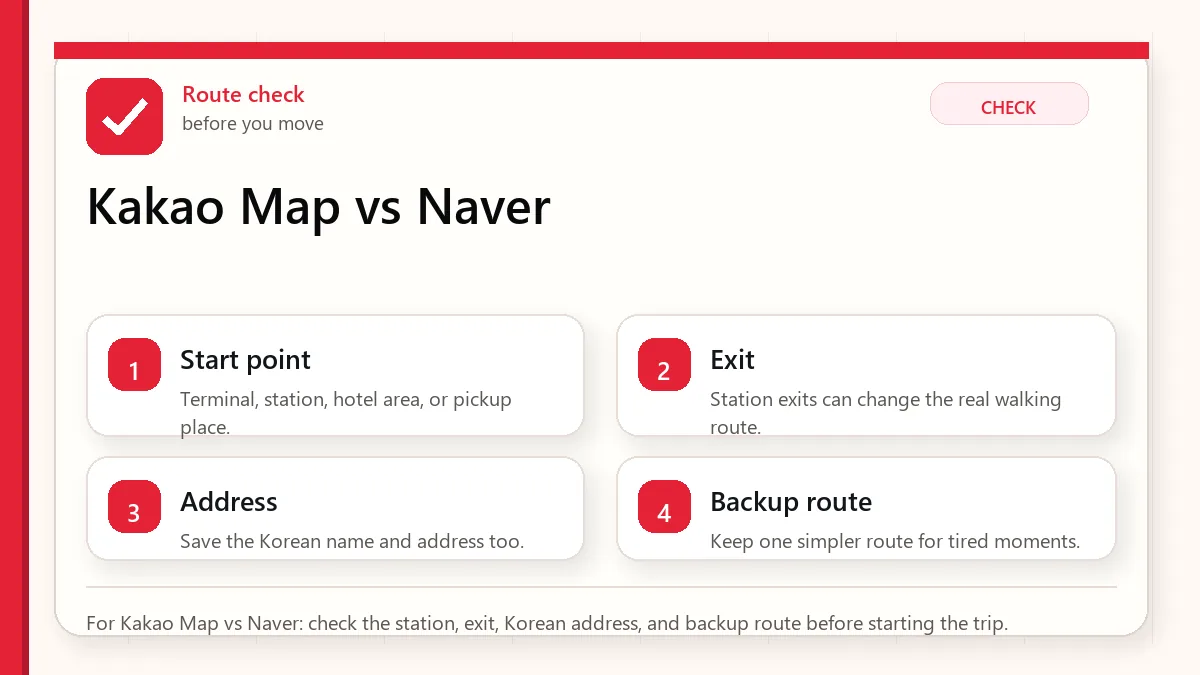
    Layered red check decision graphic for Kakao Map vs Naver.
    For Kakao Map vs Naver: check the station, exit, Korean address, and backup route before starting the trip.

    Start with the place name and exit

    Use Naver Map as your primary map app for a first trip to Korea. Add Kakao Map if you want a second local map for cross-checking routes, Korean place results, nearby food, and Kakao ecosystem links. Do not rely on either app blindly. For important destinations, save the Korean name, address, phone number, nearest station, subway exit, and a screenshot.

    Comparison table

    NeedNaver MapKakao MapTourist advice
    First installUsually easier for visitorsUseful but may feel more localStart with Naver Map.
    Subway exitsStrong for station and walking workflowAlso useful for routesCheck exit number before leaving station.
    English useMore common tourist recommendationEnglish support exists, but local data can still feel Korean-heavySave Korean names either way.
    Local discoveryStrong place search and reviewsStrong local discovery and route toolsCross-check when branch confusion matters.
    Backup valuePrimary appGood second opinionInstall both for appointment-heavy trips.

    Why Naver Map is the safer first choice

    Naver is deeply woven into Korean local search. For a tourist, that matters because many travel problems are not about map drawing. They are about names, branches, entrances, floor numbers, reviews, photos, and the relationship between transit and the final walking route. Naver Map tends to be the app foreigners hear about first because it solves enough of those problems in one place.

    Naver Map is especially useful when your destination is tied to a subway station. You can search the place, route by public transit, check which line and transfer to use, then identify the exit number before walking. If your trip involves Myeongdong shopping, Hongdae cafes, Gangnam clinics, university neighborhoods, or large underground stations, this workflow matters more than a pretty map screen.

    Where Kakao Map can help

    Kakao Map is not a weak app. It is a local Korean map with public transit, walking, driving, nearby discovery, and connection to the broader Kakao ecosystem. If you are already using KakaoTalk, Kakao T, or local Kakao links, Kakao Map can be useful as a second app to cross-check a place, route, or nearby result.

    The reason it is not my first recommendation for most short-term visitors is not because it cannot work. It is because the average foreign visitor needs the lowest-friction path. If you are comfortable reading mixed Korean-English screens, comparing branch names, and testing apps before you leave the hotel, Kakao Map can absolutely earn a place on your phone.

    The real issue: Korean place names

    Both apps become stronger when you stop relying only on English. Korean business names often have branch words, neighborhood words, floor details, and building names that do not translate neatly. A romanized name can also have several spellings. For example, the same Korean sound can appear in English in slightly different ways, while the Korean spelling stays exact.

    When the destination matters, save the Korean name. If a restaurant, hotel, clinic, or friend sends you a Korean address, do not replace it with your own English guess. Copy it into the map app, compare the result, and save it as a favorite or screenshot.

    Layered red check backup flow graphic for Kakao Map vs Naver.
    Backup for Kakao Map vs Naver: use the backup path when the fastest-looking route becomes hard to follow.

    Use both apps for high-stakes days

    You do not need two map apps for every cafe. You do want a backup for airport transfers, hotel changes, medical appointments, beauty clinics, ticketed events, late-night taxis, and restaurant reservations with cancellation fees. For those moments, search the destination in both Naver Map and Kakao Map. If both point to the same building and address, your confidence goes up. If they disagree, check the official website, booking message, or phone number before moving.

    Tourist scenarios

    First-time Seoul sightseeing

    Use Naver Map as your main app. Save major places and subway exits. Kakao Map is optional unless you enjoy comparing routes.

    Food-heavy trip

    Use Naver Map for reliable search and routing, but Kakao Map can help you cross-check nearby places and local discovery. Always check the branch.

    Clinics, salons, and appointments

    Use both. Save building name, floor, Korean address, phone number, and subway exit. Do not trust a single English pin if money or time is at stake.

    Late-night taxi or hotel return

    Keep the Korean hotel address outside your map app too. A screenshot is useful if your battery is low or a driver needs to see the address quickly.

    What about Google Maps?

    Google Maps can help with general orientation and saved international habits, but Korea-specific travel still benefits from local apps. The question should not be Google versus everything else. A safer setup is Google Maps for your familiar global layer, Naver Map for Korean transit and place work, and Kakao Map as a second local reference when needed.

    Before arrival setup

    1. Install Naver Map and set language preferences.
    2. Install Kakao Map if you want a local backup.
    3. Save your hotel in Korean and English.
    4. Save airport, first meal, first station, and emergency meetup point.
    5. Test one route from your hotel to a famous landmark before you fly.

    FAQ

    Is Kakao Map better than Naver Map?

    For many Korean users, Kakao Map is a normal and capable app. For most first-time foreign tourists, Naver Map is usually the easier primary choice. Kakao Map is best treated as a backup or second opinion unless you already prefer it.

    Should I install both?

    Yes if your itinerary includes appointments, restaurant reservations, rural transfers, or late-night movement. No if you want the simplest phone setup and will stay in central Seoul with flexible plans.

    Which app is better for subway exits?

    Naver Map is the safer first recommendation for tourists. Regardless of app, check the exit number before leaving the station.

    Can I use English only?

    You can use English for many major places, but save Korean names and addresses for anything important. That habit prevents more mistakes than switching apps.

    Related Before Korea guides

    Official links to check

    Use these official links when the next step matters. This guide explains what to watch for, but app downloads, eligibility, prices, routes, policies, and service rules can change.

    Sources and official checks

    This guide was written for travel planning. App screens, fares, product labels, and service rules can change, so check the official pages below and the current app screen before paying or relying on one route.
  • How to Use Naver Map in English for Seoul Subway Exits

    How to Use Naver Map in English for Seoul Subway Exits

    Seoul subway stations are not just train platforms. Many of them are underground neighborhoods with several exits, long transfer corridors, department stores, food courts, office towers, and street crossings that do not always line up neatly above ground. That is why a tourist who chooses the right train but the wrong exit can still lose time, miss a reservation, or arrive sweaty before the day has properly started.

    Search intent check: naver map english

    Searchers arriving for naver map english usually want a fast official-source path, not a broad background article. The page should make the next check obvious in the first screen.

    • Traveler Decision: make this visible near the top of the page.
    • App Or Official Source: make this visible near the top of the page.
    • Backup Plan Before Arrival: make this visible near the top of the page.

    Operating note: this section was added after global Keyword Planner review so the page better matches the main query cluster.

    Last checked: June 1, 2026. Re-check the official app, service, or app-store page before acting, because routes, prices, labels, rules, app screens, eligibility, and store/service policies can change.

    Last updated: May 26, 2026.

    The practical answer is not simply “download Naver Map.” The useful answer is to use Naver Map in a way that matches how Korea is organized: Korean place names, subway exit numbers, walking routes from the exit, and a backup screenshot when mobile data or translation becomes awkward. If you came to this page after searching for subway exits in Seoul, this guide is written for that exact moment.

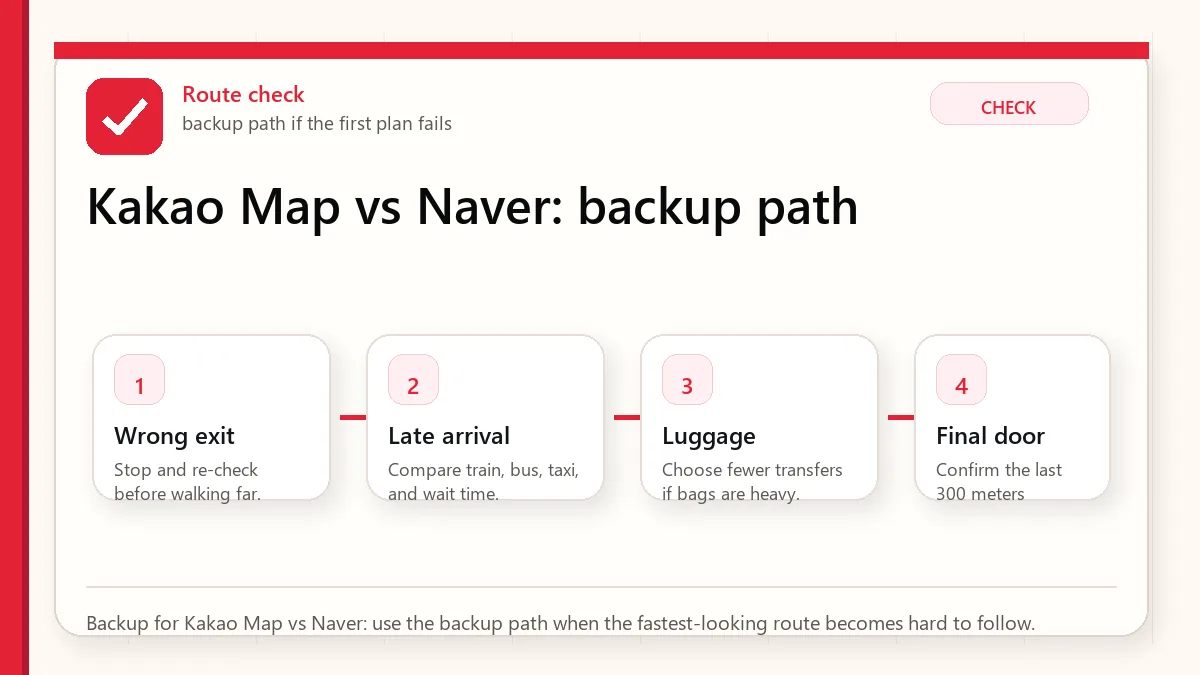
    Layered red check decision graphic for How to Use Naver.
    For How to Use Naver: check the station, exit, Korean address, and backup route before starting the trip.

    Start with the place name and exit

    Set Naver Map to English before you arrive, but keep the Korean name of your destination saved. Search the place, open the route, choose public transit, and look for the recommended subway exit number before you leave the train station. Once you exit, switch from transit mode to walking mode and confirm the final few minutes on the street. For hotels, clinics, restaurants, and meeting points, save a screenshot with the Korean address and exit number.

    Why subway exits matter in Seoul

    In many cities, a station name is enough. In Seoul, the station name only gets you close. A single station can have ten or more exits, and the wrong exit may put you across a wide road, behind a building, or at the opposite end of a shopping district. This matters most in areas such as Myeongdong, Hongdae, Gangnam, Seoul Station, Jamsil, Jongno, and Yeouido, where underground passages and street layouts can feel like separate systems.

    Exit numbers are also used as everyday landmarks. People may say “meet at Hongik Univ. Station Exit 9” or “the clinic is near Gangnam Station Exit 11.” If you only save the business name in English, you may still be missing the most useful part of the directions.

    Set Naver Map to English first

    Before your flight, install Naver Map and open the settings menu. If English is available in your version, switch the app language before you start saving places. This reduces pressure when you are tired after arrival. The exact menu labels can change, so use the official Naver help page if your screen looks different.

    Do not expect every piece of map content to become perfect English. App menus, route categories, and major station names are easier. Some building names, store names, reviews, and small address details may still appear in Korean or mixed text. That is normal. Your goal is not a fully translated Korea. Your goal is enough structure to move with confidence.

    Search with English, then save the Korean name

    For major tourist places, English search often works. “Gyeongbokgung,” “Myeongdong Cathedral,” “Seoul Station,” and many hotels can appear correctly. The problem starts with small restaurants, beauty clinics, guesthouses, branches inside department stores, or places with similar English names. In those cases, the Korean name is more reliable.

    If your hotel confirmation, clinic message, restaurant booking, or friend gives you a Korean place name, copy it into Naver Map and save that exact result. If you only have an English name, cross-check the address, phone number, neighborhood, and photos before trusting the first result. Korea has many branches with similar names. A coffee chain or skin clinic may have several locations within the same district.

    The subway exit workflow

    StepWhat to checkWhy it matters
    Search the destinationPlace name, address, neighborhood, phone, branchPrevents choosing the wrong branch.
    Tap directionsPublic transit route, line color, transfer stationShows the station path before you move.
    Read the exit numberRecommended exit and walking distanceStops you from crossing large roads later.
    Leave the stationConfirm walking route after GPS settlesUnderground GPS can be unreliable.
    Save a backupScreenshot with Korean address and exitUseful for staff, taxi drivers, or weak data.

    Use exit numbers before GPS starts behaving

    GPS can drift inside stations and under large buildings. If the app seems confused while you are underground, do not keep spinning in circles. Follow the station signs to the recommended exit number first. After you come above ground and walk a short distance, your phone usually has a better chance of placing you correctly.

    This is why exit numbers are more useful than a blue dot at the beginning. The station sign system is physical, visible, and consistent. Your GPS dot is helpful, but it may not know which underground level you are standing on.

    Layered red check backup flow graphic for How to Use Naver.
    Backup for How to Use Naver: use the backup path when the fastest-looking route becomes hard to follow.

    When English search fails

    If English search fails, try three recovery paths. First, paste the Korean name. Second, search the road address in Korean if you have it. Third, search a nearby landmark such as the station, department store, university, or hotel and then look for the destination in the area. For restaurants and small shops, a Korean phone number can also help distinguish one branch from another.

    If you are using a booking app, compare the map pin with Naver Map rather than assuming every imported pin is precise. A small address mismatch matters more in dense Korean neighborhoods than it may at home.

    How to read the final walking route

    The last five minutes are where tourists make the most mistakes. Naver Map may show a walking line through a side street, underground passage, or building-connected route. Before following it blindly, check whether the route starts from the correct exit. Then look for the first turn, the side of the road, and any major landmark. If the route crosses a wide street immediately after exit, confirm whether there is a crossing, an underground passage, or a different exit that would avoid the crossing.

    For late-night arrivals, rainy days, strollers, or large luggage, the “shortest” route is not always the best route. A slightly longer route with fewer stairs can be more comfortable.

    Hotel, clinic, and reservation addresses

    For hotels, save the Korean address, English address, phone number, and nearest subway exit. For clinics, salons, restaurants, and appointments, also save the floor number and building name. Korea often uses multi-floor commercial buildings where several businesses share the same street entrance. The map can get you to the building, but the appointment message often gets you to the correct floor.

    If you will arrive by taxi after using the subway earlier in the day, keep the same Korean address screenshot. Taxi drivers may recognize a building or road name faster than an English brand name.

    Common mistakes

    • Trusting station name only: The station is not the destination. The exit is the first real checkpoint.
    • Saving only English names: English names are convenient, but Korean names are often more exact.
    • Ignoring branch names: Search results can show another branch in the same district.
    • Following GPS underground: Use station signs until you are above ground.
    • Not saving screenshots: A screenshot can rescue you when data, battery, or translation becomes unreliable.

    FAQ

    Is Naver Map fully in English?

    No. The app can be used in English, but some place names, reviews, building labels, and local details may still appear in Korean or mixed text. Save Korean names for important destinations.

    Can I use Google Maps instead?

    Google Maps can help with general orientation, but visitors should still keep Naver Map as a Korea-specific backup for place search, transit details, and station exits.

    What should I screenshot before leaving my hotel?

    Screenshot your destination name in Korean, the address, phone number if available, nearest station, recommended exit, and final walking route.

    Do subway exits have elevators?

    Some do, but not all exits are equally convenient for luggage or strollers. Check station signs and route details, and allow extra time if accessibility matters.

    Related Before Korea guides

    Official links to check

    Use these official links when the next step matters. This guide explains what to watch for, but app downloads, eligibility, prices, routes, policies, and service rules can change.

    Sources and official checks

    This guide was written for travel planning. App screens, fares, product labels, and service rules can change, so check the official pages below and the current app screen before paying or relying on one route.
  • Korea Subway Etiquette for Tourists: Priority Seats, Luggage, Lines, and Bus Transfers

    Korea Subway Etiquette for Tourists: Priority Seats, Luggage, Lines, and Bus Transfers

    Korea subway etiquette is not complicated, but it is easy to feel clumsy on your first ride. Stations are large, cars can be crowded, transfers may involve long walks, and everyone around you seems to know exactly where to stand. The tourist version is simple: keep the flow moving, keep sound low, manage your bag, and treat priority areas seriously.

    Last checked: June 1, 2026. Re-check the official operator, app, fare, or route page before acting, because routes, prices, labels, rules, app screens, eligibility, and store/service policies can change.

    Last updated: May 24, 2026.

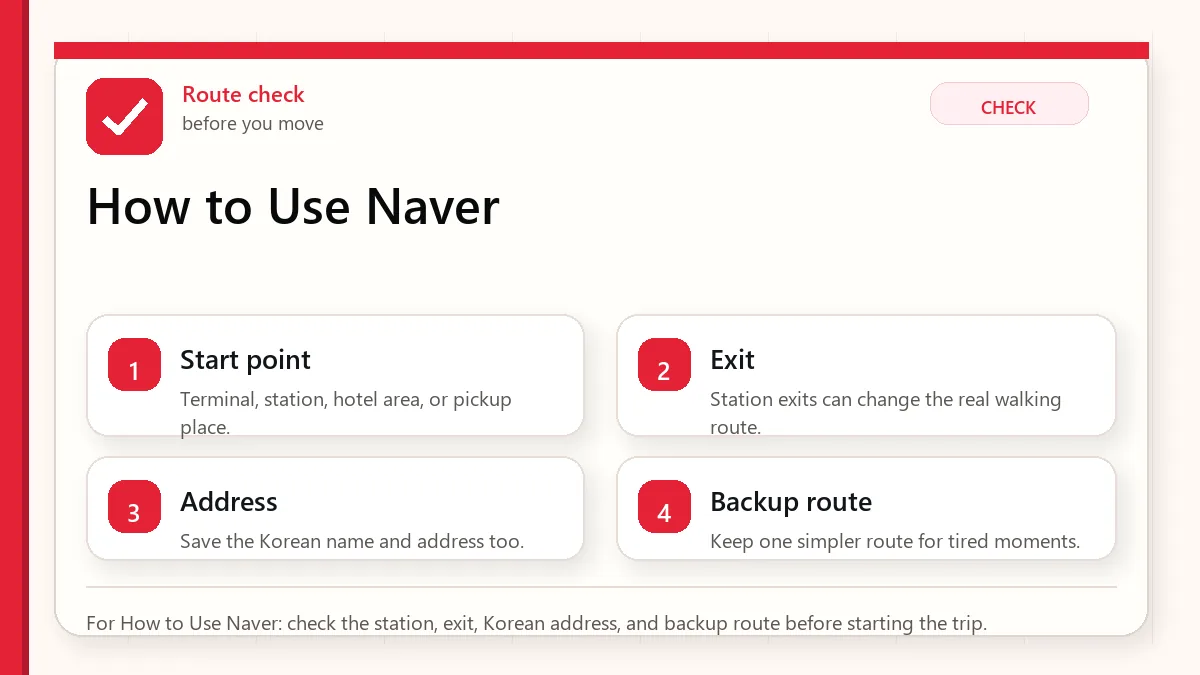
    Layered red check decision graphic for Subway Etiquette for Priority.
    For Subway Etiquette for Priority: check the station, exit, Korean address, and backup route before starting the trip.

    Start with the route you will actually take

    Stand to the side of the train doors, let people exit first, line up where platform markings indicate, avoid long phone calls, keep backpacks in front or low when crowded, and do not sit in priority seats unless you genuinely need them. On buses, tap your transportation card when boarding and again when getting off if you want transfer discounts to work properly.

    Subway behavior visitors should know

    SituationWhat to doWhat to avoid
    Platform doorsWait beside the door path.Standing directly in front of exiting passengers.
    Inside the trainMove inward when space opens.Stopping at the doorway with luggage.
    Phone useText, map, or use quiet audio.Long speakerphone calls or loud video sound.
    Priority seatsLeave them for elderly, pregnant, injured, or disabled riders.Using them as empty tourist seats.
    LuggageHold it close, use elevators when needed.Dragging bags across feet or blocking stairs.

    Priority seats and pregnant women seats

    Korean subway cars usually have priority seating areas for elderly, disabled, pregnant, injured, or otherwise mobility-limited passengers. Some cars also have marked pregnant women seats. Tourists should be conservative here. Even if the train is not full, do not treat these seats as normal open seating unless you personally need them. If you accidentally sit there, stand up calmly when you notice.

    Luggage etiquette

    Luggage is not rude by itself. It becomes a problem when it blocks doors, stairs, escalator landings, or narrow transfer paths. If you arrive with large suitcases, avoid rush hours when possible and consider airport buses, taxis, luggage delivery, or a route with fewer transfers. Inside a train, keep bags close to your body and do not let them roll into other passengers.

    Layered red check backup flow graphic for Subway Etiquette for Priority.
    Backup for Subway Etiquette for Priority: use the backup path when the fastest-looking route becomes hard to follow.

    Bus etiquette and tapping out

    On many Seoul buses, you board near the front and exit near the rear. Tap your transit card when boarding. Tap again when getting off, especially if you are transferring. This matters for fare calculation and transfer recognition. Press the stop bell before your stop, prepare to move toward the exit, and avoid standing in the stairwell or doorway until you need to leave.

    Food, drinks, and smell

    The subway is not the place for a full meal. A sealed water bottle is usually fine, but open food, strong smells, and spill-risk drinks are inconsiderate in crowded transit. Seoul has also published rules about items that can be refused on city buses, especially uncovered takeout drinks or foods that may spill or smell. When in doubt, finish it before boarding.

    Escalators, stairs, and station flow

    Station movement can be fast. Do not stop at the top or bottom of escalators to check your map. Step aside first. If you need an elevator, follow signs early rather than trying to force a suitcase through stairs at the last moment. Some escalator walking norms are changing for safety, so the safest tourist habit is to stand carefully, hold the handrail, and avoid rushing around people.

    Rush hour changes the rules

    During quiet hours, tourists have more room to look around, check signs, and learn the system. During rush hour, the social expectation changes: move with the flow and reduce friction. Avoid standing in the middle of transfer corridors, do not stop immediately after gates, and keep bags tight against your body. If you have a large suitcase, a route that is fine at 2 p.m. can be miserable at 8:30 a.m.

    Families and groups should agree on a station exit before boarding. If someone gets separated, do not block the train door trying to regroup. Get off at the next station or meet at a clear exit. Seoul stations can have many exits, and the wrong exit can add steep stairs or a long walk.

    How to use transit without looking lost

    Save your destination, exit number, and transfer station before entering the busiest part of the station. Hold your card or phone ready before the gate. If a gate rejects your card, step out of the line and solve it at a machine or counter. This keeps everyone behind you moving and gives you room to think.

    Official links to check

    Use these official links when the next step matters. This guide explains what to watch for, but app downloads, eligibility, prices, routes, policies, and service rules can change.

    FAQ

    Can tourists sit in Korea subway priority seats?

    If you genuinely need the seat, yes. If you do not, avoid it even when it is empty.

    Do I need to tap out on Korean buses?

    Yes, make it a habit. Tapping out helps transfer discounts and proper fare handling.

    Is luggage allowed on the Seoul subway?

    Yes, but plan routes carefully and avoid peak commute hours if you have large bags.

    Related Before Korea guides

    Source links to verify

  • Korea Travel Apps Setup Before Arrival: Map, Translation, Taxi, Transit, Delivery, and Emergency Stack

    Korea Travel Apps Setup Before Arrival: Map, Translation, Taxi, Transit, Delivery, and Emergency Stack

    The best Korea travel app stack is not a long list of app names. It is a tested setup that works when you are tired, offline, standing outside the wrong subway exit, or trying to explain a taxi pickup point. Foreign visitors usually do not fail because they forgot to install an app. They fail because the app needs phone verification, payment setup, location permission, Korean address search, or data access at the worst possible moment.

    Last checked: June 1, 2026. Re-check the current Korean government or customs page before acting, because routes, prices, labels, rules, app screens, eligibility, and store/service policies can change.

    Last updated: May 24, 2026.

    Layered red check decision graphic for Travel Apps Setup Arrival.
    For Travel Apps Setup Arrival: check the station, exit, Korean address, and backup route before starting the trip.

    Start with the pickup and payment fallback

    Before arrival, install Naver Map, Papago, Google Translate, one ride app with low signup friction such as k.ride or Uber, a transit plan such as physical T-money or compatible MobileTmoney, and emergency tools such as Emergency Ready and Baro Emergency Reporting. KakaoTalk and Kakao T are useful, but they are more account-dependent.

    The core stack

    NeedPrimary appBackupSetup warning
    NavigationNaver MapKakaoMap, Google MapsSave hotel and Korean address before arrival.
    TranslationPapagoGoogle Translate, Google LensDownload offline language packs where possible.
    Taxik.ride or UberKakao T, street taxiTest card and account before the airport.
    Transit paymentPhysical T-moneyMobileTmoney if compatibleDo not rely on mobile transit until tested.
    Food deliveryBaemin if it worksShuttle, hotel help, takeoutForeign numbers and cards can be the blocker.
    EmergencyEmergency Ready, Baro112/119 appsGrant location and know the emergency numbers.
    Layered red check backup flow graphic for Travel Apps Setup Arrival.
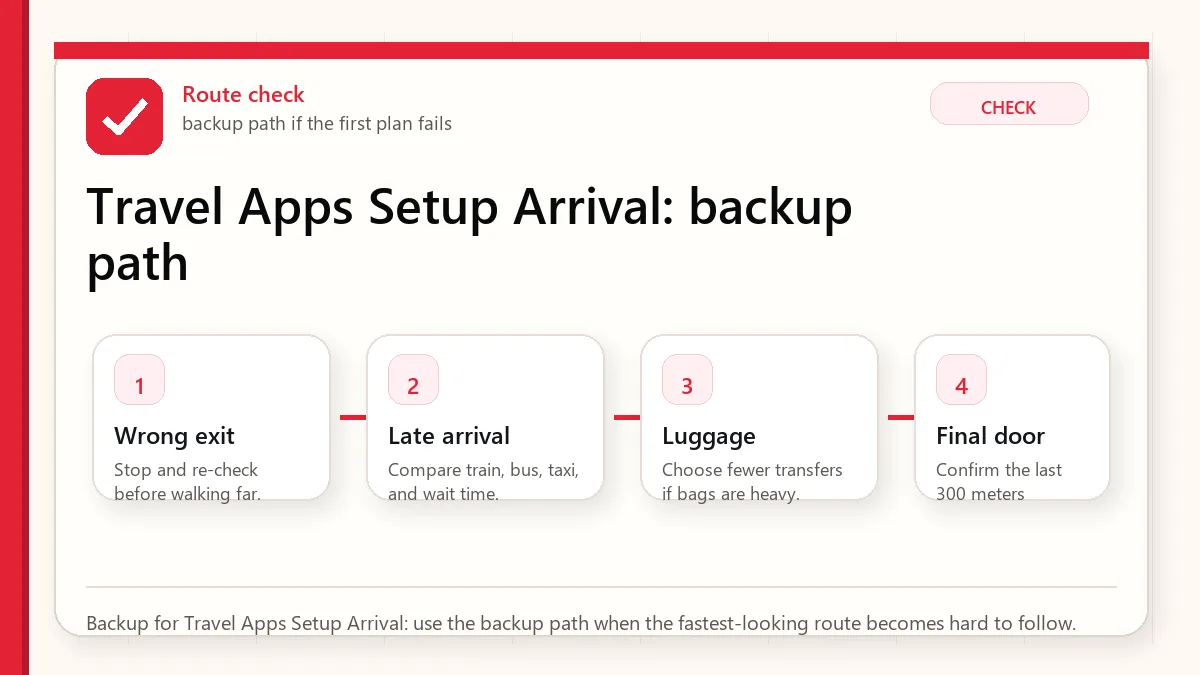
    Backup for Travel Apps Setup Arrival: use the backup path when the fastest-looking route becomes hard to follow.

    Why Naver Map comes first

    Naver Map is the strongest local map habit for visitors because Korea’s place names, station exits, bus stops, and branches often live more clearly in local map ecosystems. Google Maps can still be useful, especially for saved lists and familiar planning, but visitors should save hotel and first-day places in Naver Map before they need them.

    Translation stack: Papago plus Google Translate

    Papago is the Korea-specialist translator for menus, signs, and Korean-heavy content. Google Translate is the better offline insurance if you download language packs. Google Lens is useful for fast text capture, but it should not replace a proper translator when allergies, medicine, or official notices matter.

    Ride apps: choose one simple and one local

    k.ride is designed as a tourist-friendly Kakao Mobility option with multilingual support and overseas-card positioning. Uber is useful if you already use it and want continuity. Kakao T has strong local depth, but account and KakaoTalk setup can add friction. For a short stay, install the low-friction app first and add the local app if you have time.

    Food delivery is the hardest category

    Food delivery is more difficult than taxis because it combines address formatting, local phone contact, payment, app identity, and driver communication. If delivery is mission-critical, test it before you are hungry. Otherwise, use takeout, hotel help, or restaurants within walking distance.

    Before-arrival checklist

    • Install apps while still on stable home internet.
    • Log in and complete phone or email verification.
    • Add a payment card to ride apps and test whether it is accepted.
    • Save hotel in English and Korean.
    • Download translation offline packs.
    • Grant location permission to map, taxi, and emergency apps.
    • Screenshot hotel address, emergency contacts, and first airport route.

    Set up before landing

    The best time to install Korea travel apps is not when you are standing outside arrivals with luggage. Install your map, translation, ride, transit, emergency, airline, accommodation, and messaging tools before departure. Open each app once, choose language settings, allow only necessary permissions, and save your first hotel, nearest station, airport route, and a few backup places offline or as screenshots.

    This matters because some apps may require account creation, phone verification, card registration, or location permissions. Even if you cannot fully activate every feature before Korea, you will learn which apps are ready and which ones need a backup. The goal is not to build the perfect app stack; it is to remove surprises from arrival day.

    Use redundancy, not app loyalty

    Foreign visitors often ask for “the one app” for Korea. A better answer is redundancy. Use Naver Map or KakaoMap for local place search and transit, Papago for translation, a ride app or taxi backup for late-night movement, and official emergency or public-service tools for safety information. Keep Google Maps too, but do not expect it to behave like it does in every other country.

    Redundancy also helps when Korean names are romanized differently. Search in English first, then copy the Korean name from a hotel booking, official website, or map result when needed. If a place has multiple branches, confirm the neighborhood, road name, and nearest station before saving it.

    What apps cannot solve

    Apps cannot replace a payment backup, a real hotel address, travel insurance, or basic judgment. Delivery apps may still be difficult without a Korean phone number or local payment method. Restaurant apps may have Korean-only menus. Transit apps can suggest efficient routes that are unpleasant with luggage. Treat apps as decision support, not as permission to stop planning.

    Official links to check

    Use these official links when the next step matters. This guide explains what to watch for, but app downloads, eligibility, prices, routes, policies, and service rules can change.

    FAQ

    Do I need KakaoTalk for a short Korea trip?

    Not always, but it can help if you use Kakao services or communicate with local businesses. Install it early if you plan to use Kakao T.

    Can I rely on food delivery apps?

    Not as your only meal plan. Delivery can fail because of phone, payment, address, or language issues.

    Should I install both Naver Map and KakaoMap?

    Yes. Use Naver Map as the primary and KakaoMap as a route comparison backup.

    Do not treat delivery apps as arrival-day essentials

    Maps, translation, transit, messaging, and payment backups matter before the first day. Food delivery apps are more conditional. Baemin is powerful inside Korea, but short-term visitors can run into phone number, NICE identity verification, address, payment, and rider-call friction. Before putting it in your must-have list, read Can Foreigners Use Baemin in Korea? and decide whether your trip really needs delivery.

    If your first night depends on a delivery app, you are adding risk to the day when you are most tired. Save one walkable meal option near your hotel even if you plan to test delivery later.

    Related Before Korea guides

    Source links to verify

  • T-money Card Korea Tourist Mistakes: Buying, Topping Up, Tapping Out, Refunds, and Mobile Limits

    T-money Card Korea Tourist Mistakes: Buying, Topping Up, Tapping Out, Refunds, and Mobile Limits

    A T-money card is one of the simplest tools a visitor can buy in Korea, but simple does not mean mistake-proof. Tourists over-load the card before leaving, forget to tap out on buses, assume every mobile version works on every phone, confuse T-money with unlimited passes, and expect refunds to work the same at every convenience store.

    Last checked: June 1, 2026. Re-check the official app, service, or app-store page before acting, because routes, prices, labels, rules, app screens, eligibility, and store/service policies can change.

    Last updated: May 24, 2026.

    Layered red check decision graphic for T-money Card Mistakes Buying.
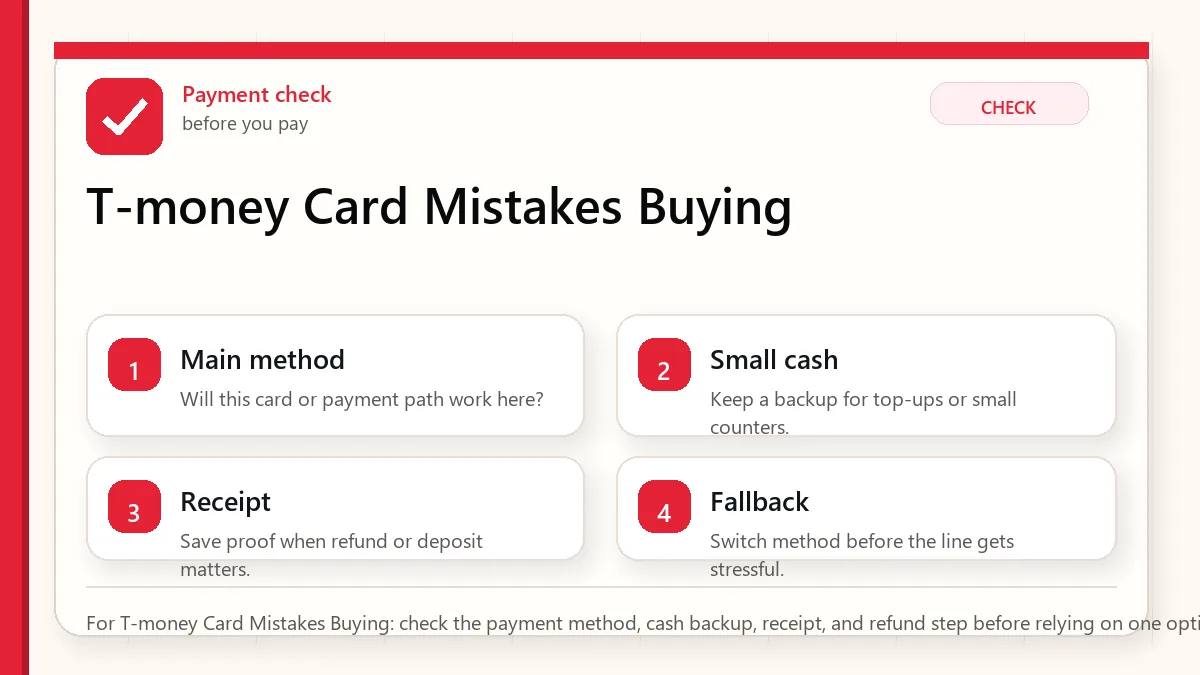
    For T-money Card Mistakes Buying: check the payment method, cash backup, receipt, and refund step before relying on one option.

    Start with the label and return risk

    For most tourists, a physical T-money card is still the safest default. Buy it at a convenience store, subway station, airport convenience store, or information point; top it up with cash unless a specific machine clearly accepts card; tap in and out correctly; and keep the remaining balance low near departure because the card cost itself is not normally refunded.

    Common mistakes

    MistakeWhy it mattersBetter habit
    Loading too much on day oneRefunds have limits and service fees.Start modestly and reload as needed.
    Not tapping out on busesTransfer discounts and correct fares depend on it.Tap when boarding and tap again when exiting.
    Assuming card top-up everywhereCash is still the most reliable physical-card top-up method.Carry small KRW notes for transit reloads.
    Relying on mobile T-money without testingPhone, OS, wallet, card, and verification rules vary.Prepare mobile, but know where to buy plastic backup.
    Buying a pass without checking geographyClimate Card or tourist passes may be Seoul-specific or route-limited.Use standard T-money unless your itinerary clearly benefits from a pass.
    Layered red check backup flow graphic for T-money Card Mistakes Buying.
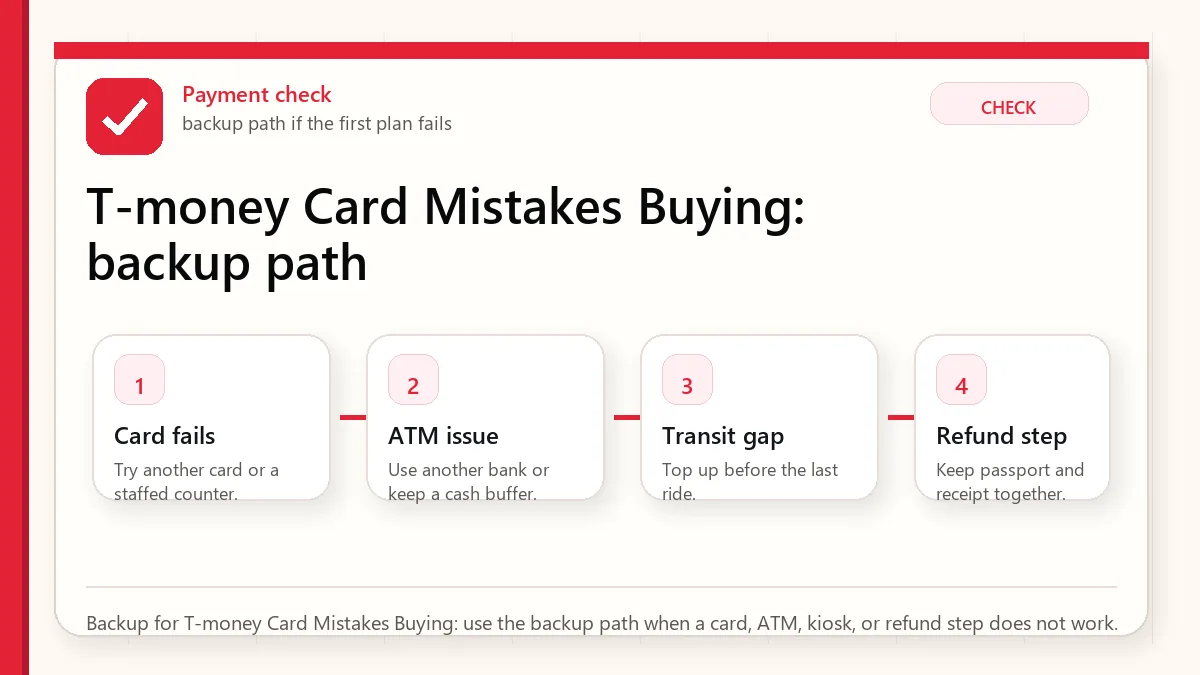
    Backup for T-money Card Mistakes Buying: use the backup path when a card, ATM, kiosk, or refund step does not work.

    Where to buy and top up

    Convenience stores are the easiest purchase point because they exist at airports, station areas, hotel districts, and neighborhoods. Subway information counters and some ticket machines are also useful. For top-up, treat cash as the most dependable method. Some machines and newer systems may accept cards, but tourists should not build the whole transit plan around that assumption.

    How to use it correctly

    On the subway, tap at the entry gate and tap at the exit gate. On buses, tap when boarding and tap again before or during exit. That second bus tap is not just etiquette; it supports correct transfer logic and can prevent extra fare problems. If you travel with multiple people, each person should ideally have their own card for cleaner transfers.

    Refund and expiry caution

    The card purchase price is normally not refunded. Only the remaining balance can be refunded under the applicable rules, often with a service fee and location-specific balance limits. Near the end of the trip, stop loading large amounts and spend the balance down naturally on transit or small partner purchases.

    Mobile T-money: promising but not universal

    MobileTmoney on iPhone has become much more interesting for visitors, especially where no sign-up and Apple Pay top-up are supported. Android can be more complicated because NFC, SIM, device, app, and verification requirements can intersect. The practical advice is simple: if mobile works, enjoy it. If it does not, a physical card solves the trip.

    Treat T-money as a transit tool

    T-money is best understood as a practical transport card, not a full tourist wallet. It is excellent for subway, bus, and many convenience-store situations, but it does not replace a credit card, debit card, or cash plan. Visitors run into trouble when they load too much money, expect it to work everywhere, or assume it solves app payments and online purchases.

    A good visitor setup is simple: buy a physical card, add a modest first balance, test it on the first ride, and top up as needed. Keep a separate payment method for restaurants, shopping, accommodation, and emergencies. If you are staying longer, you can become more ambitious later, but the first 24 hours should be boring and reliable.

    Top-up friction matters

    Many tourists are surprised that cash top-up remains the safest assumption. Some machines or stores may support card-based options, but cash is still the least complicated backup. This is why the payment and T-money plans should connect: bring enough Korean won to top up transit without turning your first subway ride into a payment experiment.

    Do not load a huge amount unless you know the refund rules and your remaining trip length. Small, repeated top-ups are less elegant but safer. At the end of the trip, spend down the balance or refund according to the card and outlet rules instead of discovering too late that your remaining balance is inconvenient to recover.

    Tap-out habits

    Subway gates make the tap-in and tap-out habit obvious. Buses can be more confusing. In Korea, tapping out on buses matters for transfer discounts and proper fare handling. Make it a habit to tap when you board and tap when you leave. If you are transferring, do not wander off and then wonder why the next ride costs more.

    Mobile T-money is not universal tourist advice

    Mobile options are improving, but device, app, region, language, wallet, and identity details can still make them uneven for visitors. A physical card remains the most conservative recommendation for first-time travelers because it works without depending on your phone model, local verification, battery, or app setup.

    Official links to check

    Use these official links when the next step matters. This guide explains what to watch for, but app downloads, eligibility, prices, routes, policies, and service rules can change.

    FAQ

    Can I use T-money outside Seoul?

    T-money is widely useful, but fares and transfer rules vary by region. Seoul-specific pass products should not be assumed nationwide.

    Can I top up T-money with a foreign card?

    Sometimes, depending on the machine or mobile method, but cash remains the safest universal expectation for a physical card.

    Should I buy Climate Card instead?

    Only if your itinerary is Seoul-heavy and your ride count makes the pass worthwhile. Standard T-money is more flexible.

    Related Before Korea guides

    Source links to verify

  • Foreign Card Not Working in Korea: Fixes

    Foreign Card Not Working in Korea: Fixes

    A foreign card failure in Korea usually happens at the least convenient moment: a self-service kiosk, a transport-card reload point, a small shop, a hotel deposit, or an ATM that does not like your card network. That is why the practical question is not “Can I pay by card in Korea?” The better question is “What do I do when the one terminal in front of me rejects my foreign card?”

    Last checked: June 1, 2026. Re-check the official provider, store, customs, or payment page before acting, because routes, prices, labels, rules, app screens, eligibility, and store/service policies can change.

    Last updated: May 24, 2026.

    The answer is not panic. Most failures are solvable if you understand the pattern. Staffed mainstream commerce is usually easy. Unattended and domestic-optimized systems are where friction appears.

    Layered red check decision graphic for Foreign card failure.
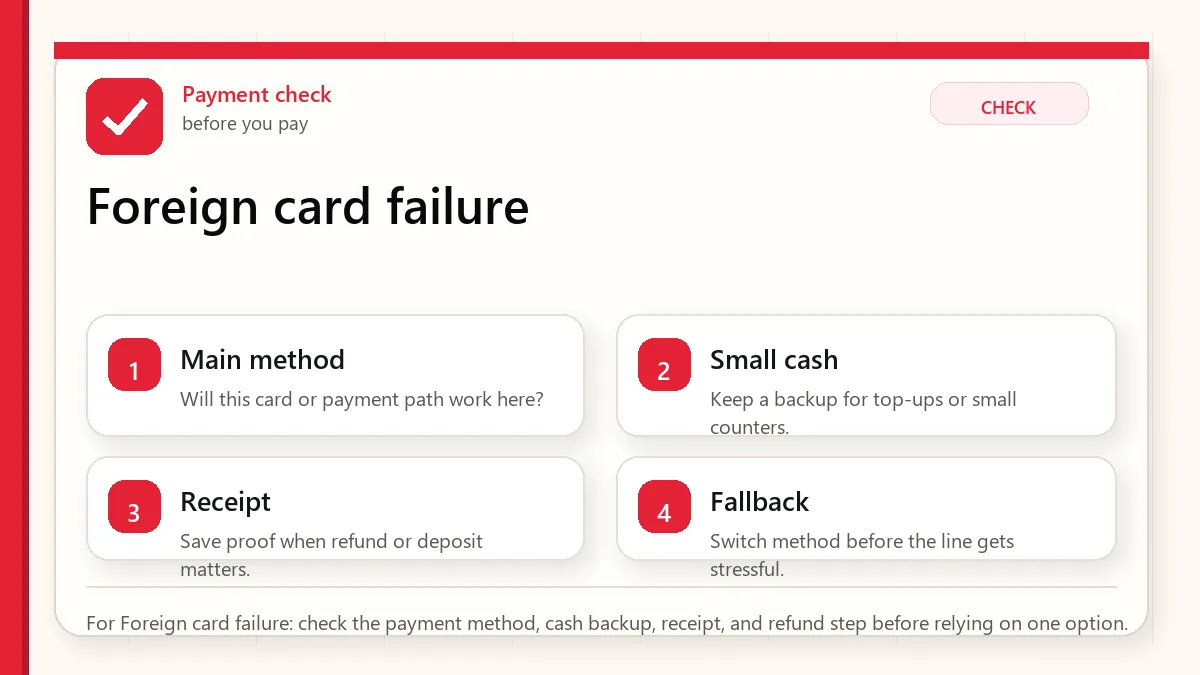
    For Foreign card failure: check the payment method, cash backup, receipt, and refund step before relying on one option.

    Start with what can fail at payment

    If your foreign card fails in Korea, try a physical chip insert before a phone tap, try a second card from a different issuer, move to a staffed counter if the failure happened at a kiosk, and keep a small cash buffer for taxis, markets, transit-card top-ups, or emergency food. For a longer trip, a prepaid visitor tool such as WOWPASS can become a useful fallback, but it should not replace normal card and cash planning.

    Why cards fail even when Korea feels cashless

    Korea’s card culture is strong. Hotels, department stores, convenience stores, chains, pharmacies, and most staffed restaurants are usually comfortable with cards. The problem is that visitors meet payment systems built for domestic cards, domestic verification, legacy transport rails, or Korean app accounts. A store can be “card friendly” and still have one kiosk that rejects your card.

    Think in layers. Your first layer is a physical Visa or Mastercard. Your second layer is a different issuer or network. Your third layer is cash. Your fourth layer is a local-style prepaid or transit card. Your last layer is changing the purchase channel: staffed counter, another branch, taxi stand, hotel desk, or another machine.

    Payment failure decision table

    Where it failedLikely reasonBest next move
    Restaurant kioskDomestic card routing, old reader, contactless issue.Try chip insert, then ask staff or order at the counter.
    Subway or transport reload machineT-money and local transit systems may not accept every foreign card.Use cash top-up or buy a single ticket where available.
    Hotel check-inAuthorization hold, debit-card limit, issuer fraud block.Use credit card, ask hold amount, avoid tying up debit cash.
    TaxiReader issue, network mismatch, app payment not set.Try another card, T-money where accepted, or cash backup.
    ATMNetwork mismatch, low machine limit, issuer block.Find a bank-branded Global ATM and try another network card.
    Layered red check backup flow graphic for Foreign card failure.
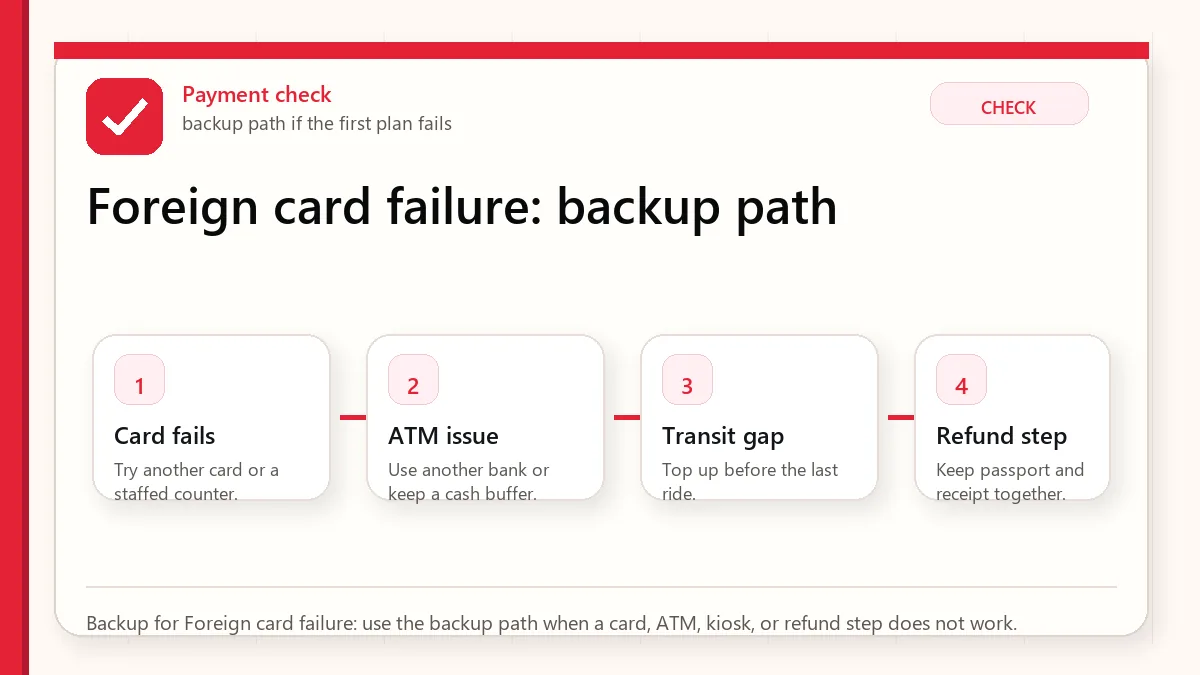
    Backup for Foreign card failure: use the backup path when a card, ATM, kiosk, or refund step does not work.

    How much cash should you carry?

    For a short urban trip in Seoul or Busan, a working cash buffer of roughly KRW 50,000 to 100,000 per adult is usually enough if you also have two cards. For markets, smaller cities, late-night taxis, heavy transit-card top-ups, or nervous first arrivals, KRW 150,000 to 200,000 gives more breathing room. This is not because Korea is cash-heavy. It is because cash solves a few sharp problems quickly.

    The best visitor payment stack

    • Two physical cards from different issuers, ideally Visa or Mastercard as the primary network.
    • One ATM-capable debit card with international withdrawal enabled.
    • A small KRW cash buffer, separated from your wallet’s main card pocket.
    • A T-money or EZL-style transit card for transport and small partner payments.
    • Optional WOWPASS if you want a local-style prepaid payment layer and currency-exchange utility.

    Apple Pay, Samsung Wallet, and contactless reality

    Phone wallets can work where terminals support the right contactless technology, but they are not a universal workaround. If your phone tap fails, use the physical card. If the physical card fails, try another issuer. If the merchant terminal is domestic-only or the kiosk is old, the problem may not be your bank at all.

    Hotel deposit warning

    Use a credit card rather than a debit card for hotel holds when possible. A debit-card hold can lock real cash for days after checkout, which is a bad surprise if that card is also your ATM card. Ask the hotel whether the deposit is a hold, a charge, or a refundable payment.

    The real failure pattern

    Most payment problems in Korea are not a simple “foreign cards do not work” situation. The pattern is more uneven. A foreign card may work at a hotel, department store, pharmacy, museum, or staffed restaurant, then fail at a transport recharge machine, a self-order kiosk, a parking machine, a small neighborhood shop, or an online checkout that expects a Korean card verification flow. This is why visitors get confused: the same card can be accepted in one place and rejected ten minutes later.

    The most common practical split is offline card acceptance versus local payment infrastructure. Offline card terminals are often fine when the merchant accepts international networks and the card is activated for overseas use. Local online payments, QR payments, delivery apps, and some kiosk flows can be harder because they may expect Korean identity verification, a Korean phone number, a domestic card issuer, or app-based authentication that foreign visitors cannot complete.

    A field sequence that saves time

    If a card fails, do not keep repeating the same tap. First try chip insertion if contactless fails, or contactless if chip fails. Second, ask for a staffed counter if the machine is the problem. Third, try a second card from a different network or bank. Fourth, reduce the transaction to the essential item if the terminal seems to reject a mixed purchase. Fifth, switch to a backup method: cash, a prepaid travel card, T-money for eligible transport and convenience-store purchases, or another person in your group.

    The key is to separate a card problem from a channel problem. If a card fails at one kiosk but works at a staffed counter, your card is probably usable. If it fails at several staffed merchants, call your bank, check overseas usage settings, or move to the backup card. If a local app asks for Korean identity verification, changing cards often will not solve it.

    How much backup is sensible

    Before Korea recommends a modest cash buffer, not a cash-heavy trip. A visitor does not need to carry a large amount every day, but arriving with enough Korean won for a meal, transit recharge, small taxi gap, or convenience-store purchase removes stress. Keep this cash separate from your main wallet, and avoid making airport arrival your first experiment with a brand-new payment setup.

    Official links to check

    Use these official links when the next step matters. This guide explains what to watch for, but app downloads, eligibility, prices, routes, policies, and service rules can change.

    FAQ

    Do I need cash in Korea?

    Yes, but usually not a lot. Treat cash as a backup for transit loading, markets, taxis, and payment failures.

    Why did my card work at a convenience store but fail at a kiosk?

    Different terminals can route payments differently. Staffed counters often have better fallback options than self-service machines.

    Is WOWPASS necessary?

    No, but it can be useful if your cards are unreliable or you want a prepaid local-style spending layer.

    Related Before Korea guides

    Source links to verify

  • Can Foreigners Use Baemin in Korea? NICE, Phone, Payment, and Hotel Delivery

    Can Foreigners Use Baemin in Korea? NICE, Phone, Payment, and Hotel Delivery

    Foreigners may be able to open Baemin in Korea, but the order can still fail. The main blockers are Korean phone verification, NICE or real-name checks, address format, foreign-card payment, rider calls, and hotel delivery rules. Treat Baemin as a useful option to test, not as your only food plan.

    Last checked: June 2, 2026. Delivery-app verification, payment, coupon, membership, and rider-contact flows can change. Check the current app screen before ordering.

    Layered red check decision graphic for Baemin verification.
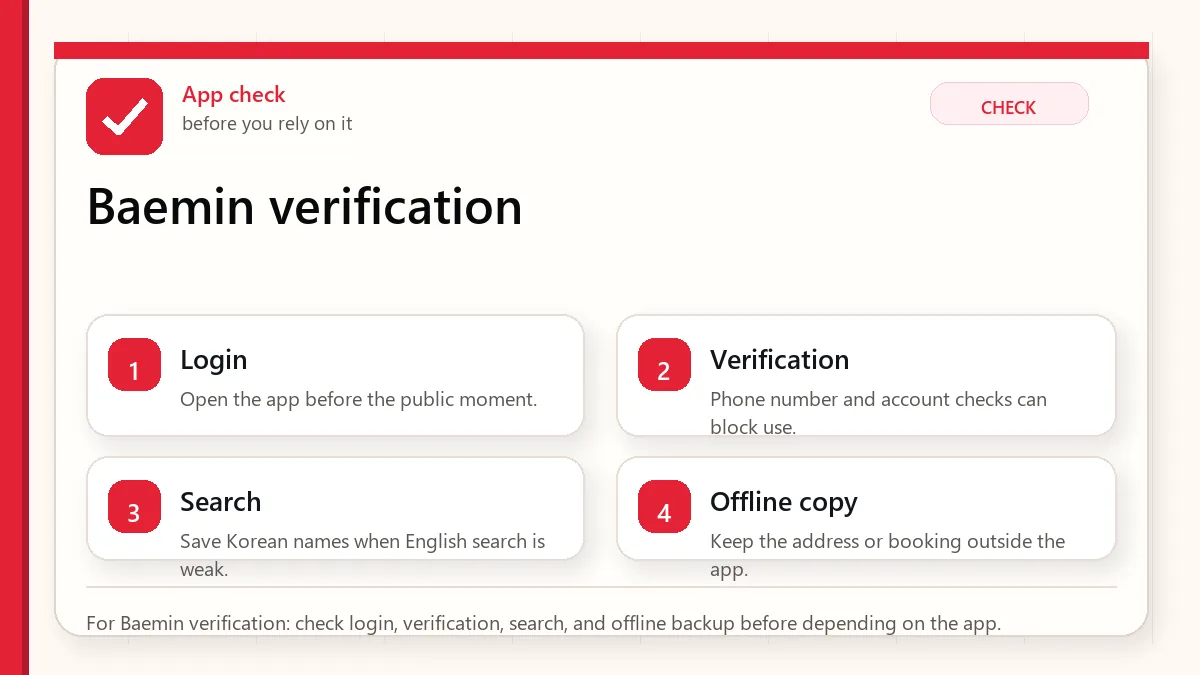
    For Baemin verification: check login, verification, search, and offline backup before depending on the app.

    Why searching NICE Baemin is a strong signal

    When a visitor searches for NICE and Baemin together, they are usually not looking for a restaurant recommendation. They are stuck at the verification layer. In Korea, the ability to browse an app, select food, pay, and receive the order are separate steps.

    StepWhat can go wrongWhat to do before ordering
    Account or phoneSMS, Korean number, or real-name verification may block progressCheck whether your number receives Korean calls/SMS
    AddressThe app may need a Korean road-name address and building/lobby detailCopy the hotel address in Korean
    PaymentForeign cards may not work in every app flowKeep another card, cash food, or pickup option
    Rider contactThe rider may call or message in KoreanPrepare a short lobby pickup note
    Hotel policySome hotels prefer lobby pickup or restrict room deliveryAsk the front desk before ordering

    Baemin is not the same as food access

    A failed Baemin order does not mean you cannot eat. It means that one digital path failed. For short trips, your food plan should include nearby restaurants, convenience stores, hotel desk help, food courts, and delivery pickup. This is especially important after a late flight or on a rainy night.

    Browsing food and receiving food are different

    Many visitors can open the app, search restaurants, translate menus, and even reach the checkout screen. That does not prove the order will arrive. The hard part starts after you choose food: the app may require verification, the card may be rejected, the address may be incomplete, or the rider may call because the entrance is unclear.

    If you are hungry, do not treat app browsing as a meal plan until you complete one small test order. If the test order works once, keep the same address format and pickup note for later orders.

    The hotel-address problem

    Many delivery failures start with an address that looks fine to a traveler but is not enough for a rider. Save the Korean road-name address, hotel name, branch name, lobby instruction, and phone number. If the hotel has more than one entrance, ask the front desk where delivery riders usually stop.

    Do not use only the English hotel name. In dense neighborhoods, the same brand can have several branches, and a map pin may land on the wrong side of a large road.

    A simple hotel delivery note

    Keep the note short and usable. A practical English version is: 'Please deliver to the hotel lobby. I will wait at the main entrance.' A Korean version to ask the front desk to check is: '호텔 로비로 배달 부탁드립니다. 정문에서 기다리겠습니다.' Do not use this blindly if your hotel has a special delivery rule. Ask first.

    Food backup by situation

    SituationBest backupReason
    Late airport arrivalConvenience store meal or hotel-area restaurantDelivery verification can waste the first night
    Rainy eveningFood court, nearby restaurant, or hotel desk helpRider contact and building entrances become harder
    No Korean phone numberPickup food, convenience store, or restaurant dine-inRider calls and app verification are likely friction points
    Foreign card rejectedCash-friendly restaurant or store mealRetrying app payment can create stress and uncertainty

    How to read a NICE or verification wall

    If the app asks for Korean-style identity verification, do not keep guessing random fields. It may require a name, birth date, phone carrier, and phone number that match Korean verification records. A short-term tourist usually cannot fix that inside the delivery app. Move to a food backup instead of spending the evening on a verification screen.

    What to try if Baemin fails

    1. Check whether the issue is phone verification, payment, address, or rider contact.
    2. Try a simpler restaurant or pickup option only if the app still lets you proceed.
    3. Ask the hotel front desk if they can help write the address or call.
    4. Use a nearby restaurant, food court, or convenience store meal if time is short.
    5. Do not keep retrying payment if you are unsure whether a charge went through.
    Layered red check backup flow graphic for Baemin verification.
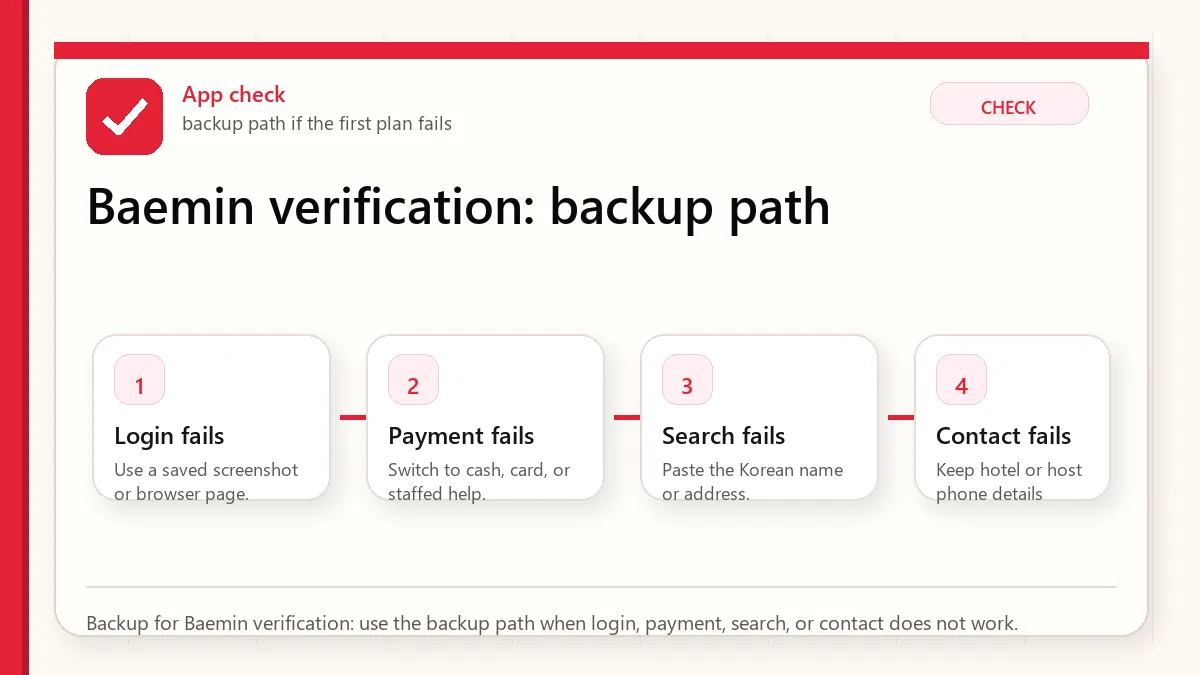
    Backup for Baemin verification: use the backup path when login, payment, search, or contact does not work.

    Official and action links

    Related guides

    If Baemin asks for NICE or phone verification

    Quick answer: if you see a NICE or Korean phone verification screen while using Baemin, the issue is usually identity or phone-number verification, not the restaurant itself. A foreign visitor without a compatible Korean phone identity path may need another ordering method.

    Before depending on Baemin, test these steps: account login, phone verification, delivery address, payment method, and final checkout screen. If one step fails, use a hotel front desk, a local friend, direct restaurant order, in-person pickup, or another delivery app that works with your account.

    This is not an official Baemin support page. Verification screens can change, and the exact result depends on your phone number, residence status, account, device, and payment method.

    FAQ

    Can foreigners use Baemin in Korea?

    Sometimes, but not reliably for every visitor. The blocker is usually not the menu. It is phone verification, identity checks, address entry, payment, or rider contact.

    What is NICE in the Baemin problem?

    NICE is connected to Korean identity-verification services. If an app flow requires Korean-style verification, a short-term tourist may not be able to complete it.

    What should I do if delivery fails at night?

    Use the fastest non-app backup: hotel desk help, a nearby restaurant, convenience store food, or a food court if open. Do not wait until you are hungry to test the app.

  • Korea SIM Card for Foreigners: eSIM and Phone Numbers

    Korea SIM Card for Foreigners: eSIM and Phone Numbers

    A Korea SIM card for foreigners should solve a real problem: getting reliable data, being reachable, or using local services with less friction. The wrong plan can still give you internet but leave you stuck when a restaurant, taxi driver, delivery rider, or booking form expects a Korean phone number.

    Last checked: June 1, 2026. Re-check the official app, service, or app-store page before acting, because routes, prices, labels, rules, app screens, eligibility, and store/service policies can change.

    Last updated: May 24, 2026.

    Layered red check decision graphic for SIM Card for eSIM.
    For SIM Card for eSIM: check login, verification, search, and offline backup before depending on the app.

    Start with what can fail at payment

    If your phone supports eSIM and you only need data, buy a reputable data eSIM before arrival. If you want a Korean contact number, compare official carrier and travel SIM products carefully. If you are nervous about setup, airport pickup or counter support is worth paying slightly more for.

    Where foreigners usually buy SIMs

    • Airport counters: Good for setup help, passport check, and immediate testing.
    • Online eSIM providers: Fast and convenient if your phone supports eSIM.
    • Carrier travel products: Often clearer about data, voice, SMS, and pickup rules.
    • City stores: Possible, but less convenient on day one if you arrive tired.
    Layered red check backup flow graphic for SIM Card for eSIM.
    Backup for SIM Card for eSIM: use the backup path when login, payment, search, or contact does not work.

    What to check before paying

    QuestionWhy it matters
    Is my phone unlocked?A locked phone may reject the SIM or eSIM.
    Does my phone support eSIM?Not every model or regional variant does.
    Is it data-only?Data-only plans do not solve local call/SMS needs.
    Can it receive SMS?Some services use text verification or waiting notifications.
    Does it support identity verification?Many tourist plans do not unlock resident-level services.
    Where do I get help?Support matters when activation fails.

    App limits to understand

    A Korean number can help with contact, but it does not guarantee full access to Korean apps. Some services require domestic identity verification, Korean payment methods, or resident information. Plan for practical alternatives: hotel desk help, walk-in restaurants, taxis from stands, and services that clearly accept foreign cards.

    Official links to check

    Use these official links when the next step matters. This guide explains what to watch for, but app downloads, eligibility, prices, routes, policies, and service rules can change.

    FAQ

    Should I buy before arriving?

    For eSIM, buying before arrival can save time. For physical SIM or phone-number plans, airport pickup can be easier because staff can help.

    Can I use my home number with roaming?

    Yes, but roaming can be expensive and may not solve local contact needs. Compare cost and reliability before relying on it.

    Do I need unlimited data?

    Not always. Maps, translation, messaging, and search use less than video streaming. Heavy video, hotspot sharing, or remote work changes the calculation.

    Airport pickup vs online eSIM

    Airport pickup is best when you want help, have an older phone, need a physical SIM, or feel unsure about activation. Online eSIM is best when you already know your phone supports eSIM and you want data immediately after landing. The cheaper option is not always better if it costs you the first hour of the trip.

    Phone-number plans: read the verbs

    Product pages may say “number included,” but the important verbs are receive, send, call, verify, activate, and extend. Can you receive calls? Can you receive SMS? Can you send SMS? Can the number be used for identity verification? Can you extend the plan? Each answer matters for a different travel problem.

    What to prepare before landing

    • Passport name exactly as used for the booking.
    • Order voucher, QR code, or pickup confirmation saved offline.
    • Unlocked phone and eSIM compatibility check.
    • Backup Wi-Fi plan if activation fails.
    • A second payment card in case the first card is rejected.

    Practical recommendation

    Most first-time tourists should choose reliable data first. Add a phone number if their itinerary has real contact needs. Do not buy the most complicated telecom product just because it sounds more local; buy the one you can activate, test, and understand.

    Related Before Korea guides

    Use these guides together rather than treating one article as the whole plan.

    Sources checked for this update

    Before Korea treats operational details as changeable. Check the official pages below before a trip or a large purchase.