Category: Before You Use

Guides for Korea apps and services such as maps, messaging, transit, eSIM, payments, and bookings.

  • Korea Translation App Guide for Menus, Taxis, Clinics, Shopping, and Emergencies

    Korea Translation App Guide for Menus, Taxis, Clinics, Shopping, and Emergencies

    A Korea translation app is useful, but it can also create false confidence. Translation works best when you use short, direct sentences and understand which situation needs precision: allergies, medicine, taxi destination, clinic symptoms, product labels, or payment trouble.

    Last checked: June 1, 2026. Re-check the official app, service, or app-store page before acting, because routes, prices, labels, rules, app screens, eligibility, and store/service policies can change.

    Last updated: May 26, 2026.

    This guide is not about choosing one winner. It is about using translation apps in Korea in a way that reduces risk instead of adding confusion.
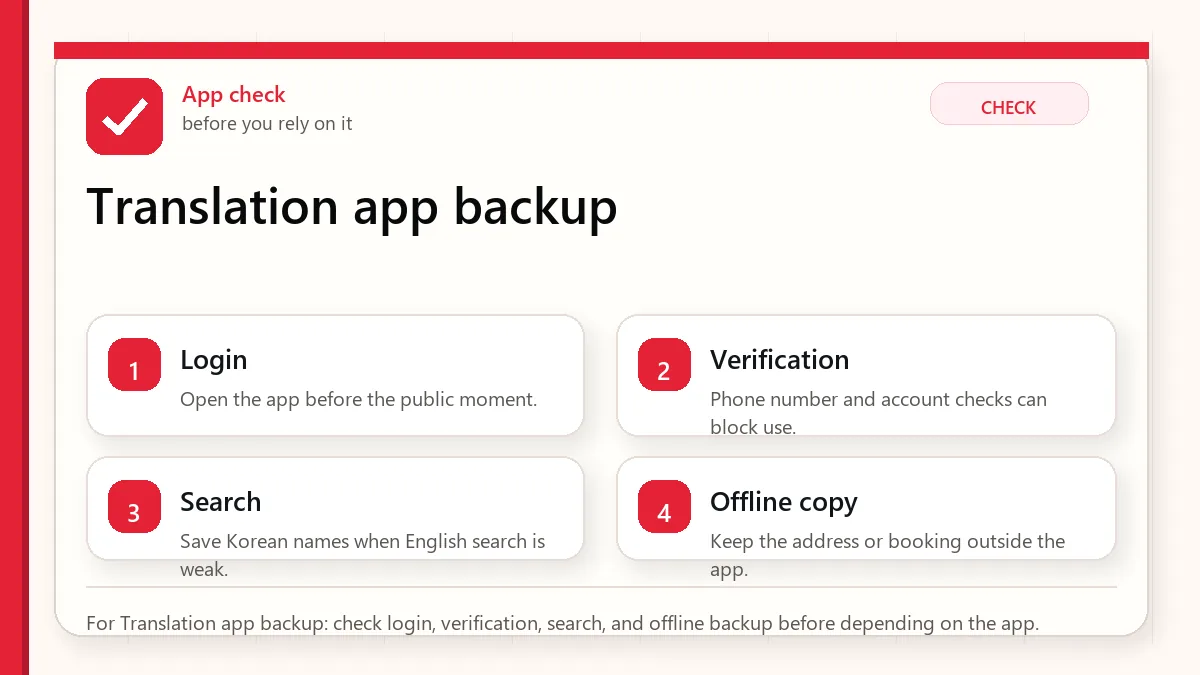
    Layered red check decision graphic for Translation app backup.
    For Translation app backup: check login, verification, search, and offline backup before depending on the app.

    Start with the label and return risk

    Use Papago and Google Translate as a two-app backup. Keep phrases short, confirm critical details, and do not rely on machine translation alone for allergies, medicine, contracts, or emergencies.

    When this matters

    This matters when you want a Korea translation app setup for menus, taxis, clinics, shopping, and uncomfortable moments.

    Decision table

    SituationBest moveWhy it matters
    Restaurant menuUse camera translation plus staff confirmationIngredients and spice can be missed.
    Taxi destinationShow Korean addressAddress text is safer than a translated sentence.
    Clinic or pharmacyPrepare symptoms and medicine namesPrecision matters.
    Shopping labelTranslate but verify dates and warningsProduct labels can have small but important details.

    How to make the decision

    Use the table as a filter, not as a rule to memorize. The right answer depends on your exact route, phone setup, luggage, arrival time, payment method, and how much uncertainty you can tolerate on that day. For this topic, the first question is: restaurant menu. If that sounds like your situation, the safest starting point is to use camera translation plus staff confirmation because ingredients and spice can be missed..

    The second question is whether the choice still works when the trip becomes less ideal: late arrival, rain, low battery, no Korean phone call, a crowded station, a tired group, or a hotel address that is hard to explain. Those imperfect moments are where travelers usually lose time.

    Step-by-step setup

    • Install two translation apps before departure and download offline language support if available.
    • Save common phrases for allergies, payment failure, taxi destination, and hotel help.
    • Use short sentences with one request at a time.
    • For important issues, translate back into English to catch obvious errors.
    • When safety matters, ask a human to confirm rather than relying only on the app.

    Before you rely on it

    Do one small test before the situation becomes urgent. Search the destination, open the app, check the route, confirm the address, read the current official page, or ask the hotel desk while you still have time. A five-minute test at the hotel is easier than troubleshooting in a taxi line, subway transfer, airport terminal, or restaurant doorway.

    Also separate what is convenient from what is required. A tool can be convenient without being essential. A card can be useful without replacing every payment method. A phone number can help without solving real-name verification. A train can be fast without being the easiest route with luggage. That distinction is the main habit that prevents bad decisions.

    Where travelers get stuck

    • Typing long emotional paragraphs into a translation app.
    • Trusting camera translation for allergies without staff confirmation.
    • Using slang or idioms that translate poorly.
    • Showing a taxi driver an English destination instead of Korean address.
    • Using translation as a substitute for emergency help.

    Realistic travel scenario

    If you have a nut allergy, do not only point the camera at a menu. Prepare a Korean allergy sentence, show it to staff, and choose simpler dishes when the kitchen cannot confirm ingredients. Translation helps, but it is not a guarantee.

    Backup plan if the first choice fails

    Have one fallback that does not depend on the same weak point. If the app fails, use a saved Korean address, hotel desk, official counter, taxi stand, convenience store, or simpler route. If payment fails, switch to another card or cash. If translation fails, use shorter sentences and confirm with a person. If timing fails, choose the option that protects the flight, hotel check-in, medicine, or safety issue first.

    • Most likely failure: Typing long emotional paragraphs into a translation app.
    • Fastest prevention step: Install two translation apps before departure and download offline language support if available.
    • Most useful saved item: Allergy or medical phrase
    • Best mindset: solve the next practical step instead of trying to force the perfect plan.
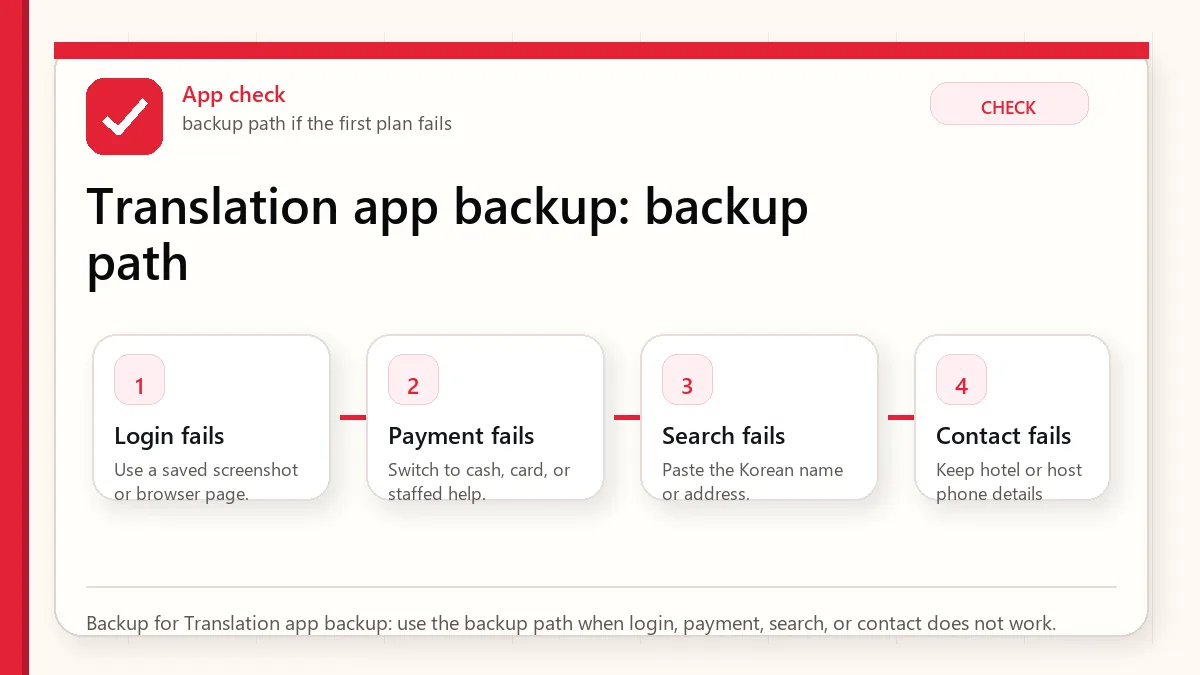
    Layered red check backup flow graphic for Translation app backup.
    Backup for Translation app backup: use the backup path when login, payment, search, or contact does not work.

    What to save before you need it

    • Allergy or medical phrase
    • Hotel address in Korean
    • Taxi destination
    • Pharmacy medicine name
    • Offline translation setup

    FAQ

    Is Papago better than Google Translate in Korea?

    Papago is often useful for Korean context, while Google Translate is a good backup. Use both for important phrases.

    Can I use camera translation for menus?

    Yes, but treat it as a first pass. Ingredients, sauces, and allergy risks need confirmation.

    Should I use formal Korean?

    Short polite sentences are safer than casual or complex wording.

    Related guides

    Official links to check

    Use these official links when the next step matters. This guide explains what to watch for, but app downloads, eligibility, prices, routes, policies, and service rules can change.

    Sources and official checks

    App screens, entry rules, fares, and official procedures can change. Use the links below to re-check details before you rely on one route, app, card, or declaration step.
  • Korea Delivery Address Guide: How to Write Hotel, Apartment, and Road-Name Addresses

    Korea Delivery Address Guide: How to Write Hotel, Apartment, and Road-Name Addresses

    Korea delivery address entry can be harder than the menu. A tourist may know the hotel name in English, but the app, rider, or restaurant may need a Korean road-name address, building name, detailed entrance, lobby instruction, or phone contact.

    Last checked: June 1, 2026. Re-check the official app, service, or app-store page before acting, because routes, prices, labels, rules, app screens, eligibility, and store/service policies can change.

    Last updated: May 26, 2026.

    This guide helps you prepare a delivery-ready address before opening Baemin, Coupang Eats, a taxi app, a clinic form, or an online shopping page.

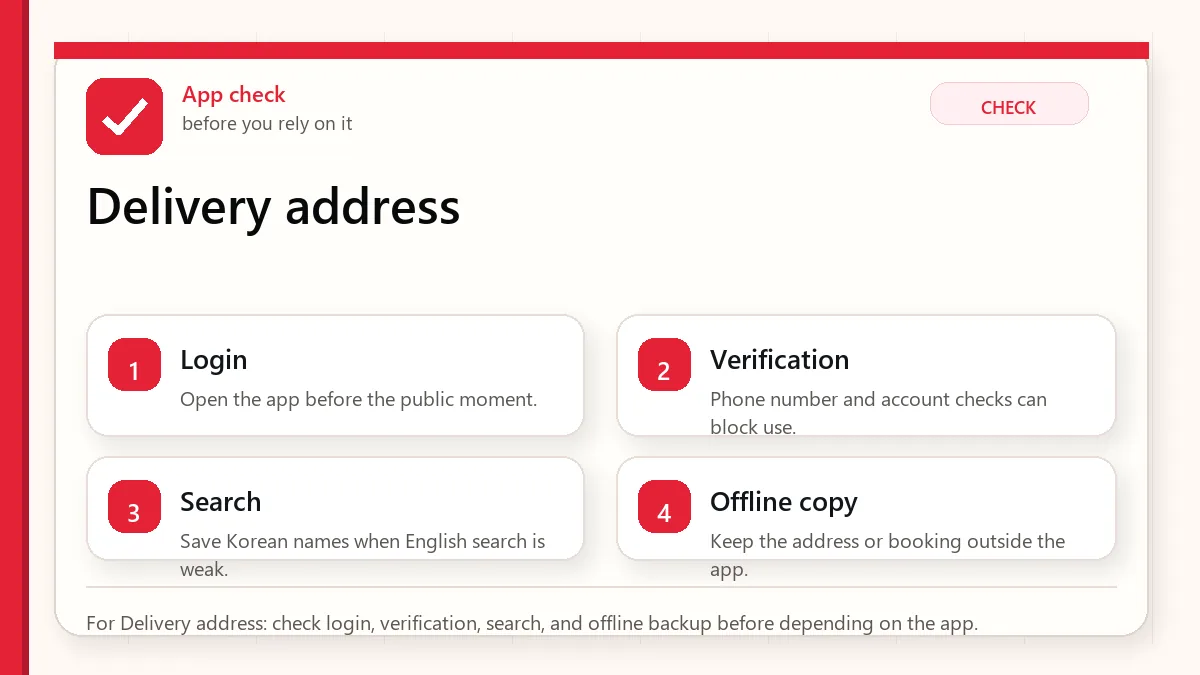
    Layered red check decision graphic for Delivery address.
    For Delivery address: check Korean address, place name, entrance detail, and contact backup before sending a delivery or taxi request.

    Start with the account or access block

    Save the full Korean address, English address, hotel name, phone number, room or lobby policy, and a short pickup instruction before you try delivery.

    When this matters

    This matters when you are staying in hotels, serviced apartments, guesthouses, Airbnbs, dorms, or clinics who need food or items delivered without address confusion.

    Decision table

    SituationBest moveWhy it matters
    Hotel stayAsk front desk delivery policySome riders cannot go to rooms.
    Apartment or AirbnbSave building and entrance detailsThe address may not be enough.
    No Korean phone callPrepare a messageRiders may call at the final step.
    Road-name confusionUse official address format if possibleKorean address systems can look unfamiliar.

    How to make the decision

    Use the table as a filter, not as a rule to memorize. The right answer depends on your exact route, phone setup, luggage, arrival time, payment method, and how much uncertainty you can tolerate on that day. For this topic, the first question is: hotel stay. If that sounds like your situation, the safest starting point is to ask front desk delivery policy because some riders cannot go to rooms..

    The second question is whether the choice still works when the trip becomes less ideal: late arrival, rain, low battery, no Korean phone call, a crowded station, a tired group, or a hotel address that is hard to explain. Those imperfect moments are where travelers usually lose time.

    Step-by-step setup

    • Ask your accommodation for the Korean road-name address and phone number.
    • Confirm whether food delivery should go to room, lobby, front desk, or outside entrance.
    • Save building name, floor, room number, and any gate code policy separately.
    • Prepare a Korean message saying you are a foreign traveler and may not answer calls in Korean.
    • Use a nearby landmark only as backup, not as a replacement for the exact address.

    Before you rely on it

    Do one small test before the situation becomes urgent. Search the destination, open the app, check the route, confirm the address, read the current official page, or ask the hotel desk while you still have time. A five-minute test at the hotel is easier than troubleshooting in a taxi line, subway transfer, airport terminal, or restaurant doorway.

    Also separate what is convenient from what is required. A tool can be convenient without being essential. A card can be useful without replacing every payment method. A phone number can help without solving real-name verification. A train can be fast without being the easiest route with luggage. That distinction is the main habit that prevents bad decisions.

    Where travelers get stuck

    • Entering only the English hotel name.
    • Forgetting room number or lobby pickup policy.
    • Assuming the rider can enter a secured building.
    • Ignoring calls or messages during delivery.
    • Using a map pin without checking the written address.

    Realistic travel scenario

    A hotel may allow food delivery only to the lobby. If the app says delivery is arriving but the rider cannot reach you, the food may sit at a desk, entrance, or outside. A short note and hotel policy check can prevent that awkward moment.

    Backup plan if the first choice fails

    Have one fallback that does not depend on the same weak point. If the app fails, use a saved Korean address, hotel desk, official counter, taxi stand, convenience store, or simpler route. If payment fails, switch to another card or cash. If translation fails, use shorter sentences and confirm with a person. If timing fails, choose the option that protects the flight, hotel check-in, medicine, or safety issue first.

    • Most likely failure: Entering only the English hotel name.
    • Fastest prevention step: Ask your accommodation for the Korean road-name address and phone number.
    • Most useful saved item: Korean road-name address
    • Best mindset: solve the next practical step instead of trying to force the perfect plan.
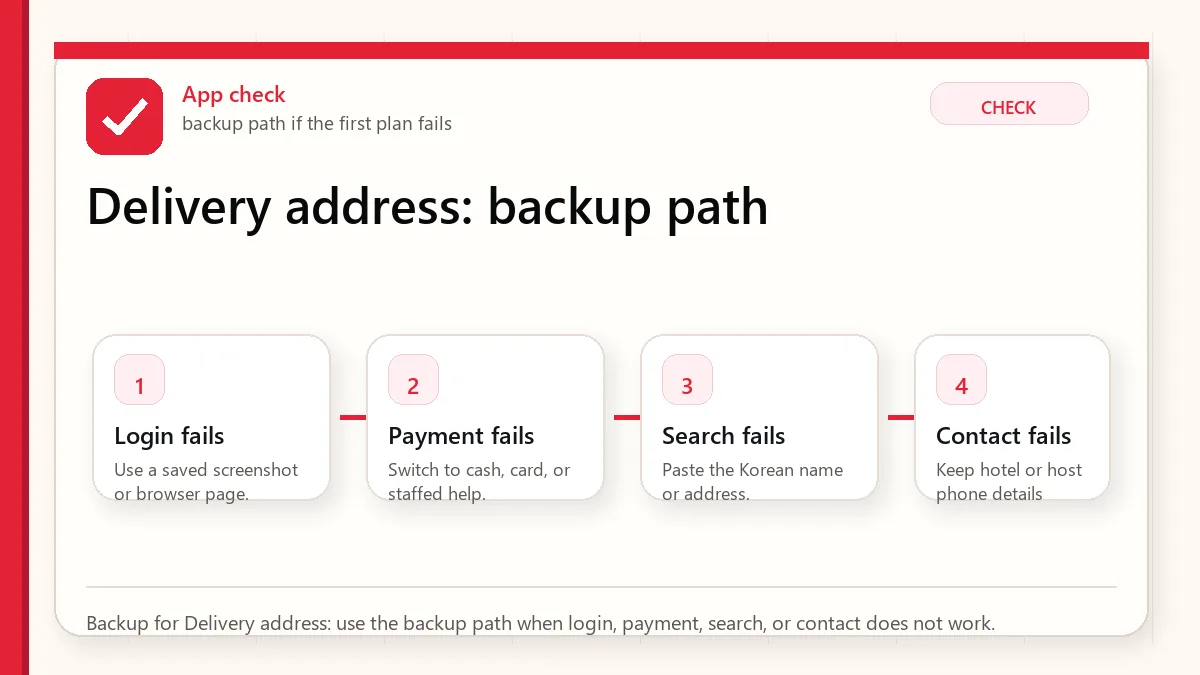
    Layered red check backup flow graphic for Delivery address.
    Backup for Delivery address: use the backup path when the map pin, building entrance, driver call, or delivery access is unclear.

    What to save before you need it

    • Korean road-name address
    • Hotel phone number
    • Room or lobby pickup instruction
    • Map pin of building entrance
    • Korean message for rider

    FAQ

    Can I use my hotel name as the delivery address?

    Use it as supporting information, not the only address. Save the full Korean address too.

    Should I include room number?

    Only if the accommodation allows room delivery. Many hotels prefer lobby or front-desk pickup.

    What if the rider calls in Korean?

    Use a prepared message, stay near the pickup point, or ask front desk for help if appropriate.

    Related guides

    Address format that actually helps a driver

    A useful Korean delivery or taxi address is not only the street address. It should include the building name, hotel name, floor or room rule if relevant, nearest entrance, and a phone/contact backup. For hotels, ask the front desk how they prefer food delivery or taxi pickup to be written.

    Address partExample of what to prepareWhy it helps
    Road-name addressOfficial hotel or building addressApps and maps can search it more reliably.
    Place nameHotel/building/store nameDrivers often recognize landmarks.
    Entrance noteMain lobby, back gate, B1, tower nameLarge complexes have multiple doors.
    Contact backupHotel desk or reachable numberRider calls may happen in Korean.

    If you are staying in an apartment-style building, do not rely on a copied English booking address alone. Confirm the Korean address and building access details before ordering at night.

    Official links to check

    Use this guide as a practical checklist, then confirm time-sensitive details on the current official page or app screen before paying, traveling, or relying on one route.

    Official links to check

    Use this guide as a practical checklist, then confirm time-sensitive details on the current official page or app screen before paying, traveling, or relying on one route.

    Official links to check

    Use these official links when the next step matters. This guide explains what to watch for, but app downloads, eligibility, prices, routes, policies, and service rules can change.

    Sources and official checks

    App screens, entry rules, fares, and official procedures can change. Use the links below to re-check details before you rely on one route, app, card, or declaration step.
  • Korea Phone Number for Apps: What Tourists Need for KakaoTalk, Taxi, Delivery, and Verification

    Korea Phone Number for Apps: What Tourists Need for KakaoTalk, Taxi, Delivery, and Verification

    A Korea phone number can help travelers, but it is not a magic key. The most common mistake is assuming that any Korean number will unlock every Korean app. In reality, data, calls, SMS, app login, and Korean real-name verification are different layers.

    Last checked: June 1, 2026. Re-check the official app, service, or app-store page before acting, because routes, prices, labels, rules, app screens, eligibility, and store/service policies can change.

    Last updated: May 26, 2026.

    This guide explains what tourists need to know before buying a SIM, eSIM, or phone-number add-on for KakaoTalk, taxi apps, delivery apps, reservations, and local communication.

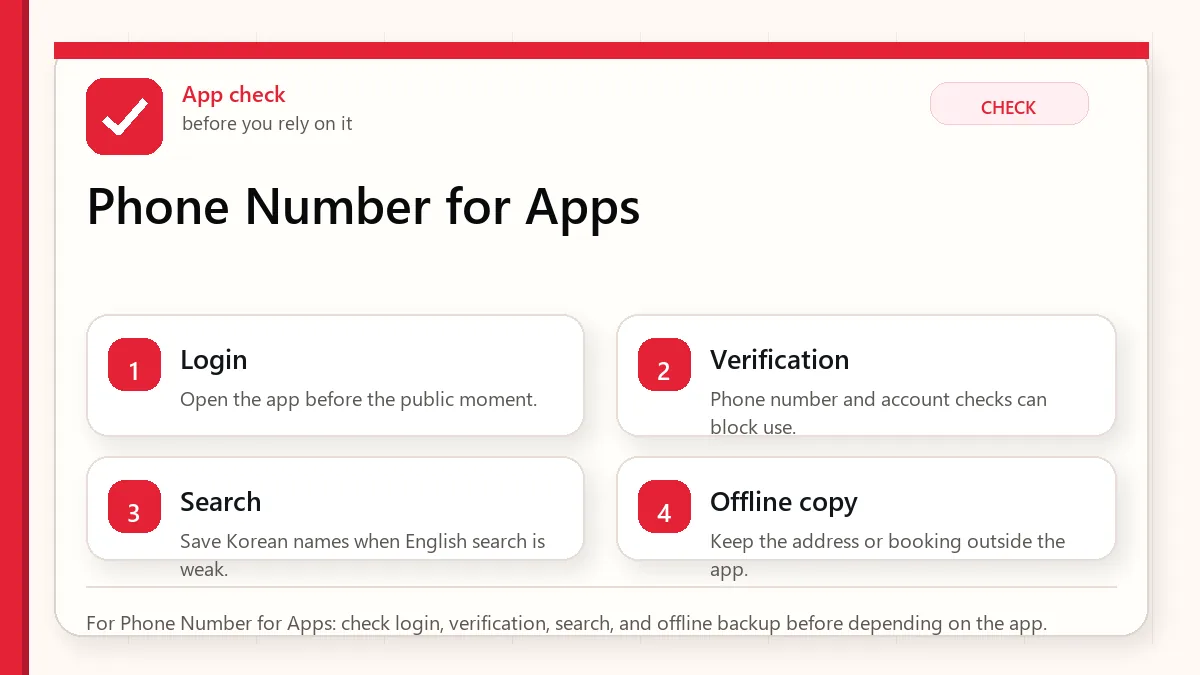
    Layered red check decision graphic for Phone Number for Apps.
    For Phone Number for Apps: check login, verification, search, and offline backup before depending on the app.

    Start with the pickup and payment fallback

    A Korean phone number can help with calls and some app flows, but it may not pass real-name identity verification. Read the product details before buying.

    When this matters

    This matters when you need Korean apps to work and are deciding between data-only eSIM, SIM card with phone number, or other communication backups.

    Decision table

    SituationBest moveWhy it matters
    Need maps and messaging dataData-only may be enoughMany basic apps need internet, not local calls.
    Need rider or taxi callsPhone number helpsDrivers may call or text.
    App asks real-name verificationTourist number may not solve itIdentity checks can require more than a number.
    Changing SIMsKeep old number accessAccount recovery may still use your home number.

    How to make the decision

    Use the table as a filter, not as a rule to memorize. The right answer depends on your exact route, phone setup, luggage, arrival time, payment method, and how much uncertainty you can tolerate on that day. For this topic, the first question is: need maps and messaging data. If that sounds like your situation, the safest starting point is to data-only may be enough because many basic apps need internet, not local calls..

    The second question is whether the choice still works when the trip becomes less ideal: late arrival, rain, low battery, no Korean phone call, a crowded station, a tired group, or a hotel address that is hard to explain. Those imperfect moments are where travelers usually lose time.

    Step-by-step setup

    • List which apps you actually need: maps, taxi, delivery, messaging, banking, clinic, or shopping.
    • Check whether each app needs data, SMS, calls, local number, or identity verification.
    • Read SIM/eSIM details for voice, SMS, incoming calls, and number type.
    • Do not change account phone numbers right before an important booking unless necessary.
    • Keep email, hotel phone, and written addresses as non-phone backups.

    Before you rely on it

    Do one small test before the situation becomes urgent. Search the destination, open the app, check the route, confirm the address, read the current official page, or ask the hotel desk while you still have time. A five-minute test at the hotel is easier than troubleshooting in a taxi line, subway transfer, airport terminal, or restaurant doorway.

    Also separate what is convenient from what is required. A tool can be convenient without being essential. A card can be useful without replacing every payment method. A phone number can help without solving real-name verification. A train can be fast without being the easiest route with luggage. That distinction is the main habit that prevents bad decisions.

    Where travelers get stuck

    • Buying a data-only eSIM and expecting Korean SMS.
    • Assuming a Korean number equals PASS or NICE real-name verification.
    • Losing access to the original phone number tied to KakaoTalk or email.
    • Depending on delivery apps without call capability.
    • Ignoring hotel desk help as a practical communication backup.

    Realistic travel scenario

    A visitor buys an eSIM and has fast data, but a delivery app asks for identity verification. The eSIM did its job. The blocked step is a separate identity problem. That is why you need to define the app requirement before buying the phone product.

    Backup plan if the first choice fails

    Have one fallback that does not depend on the same weak point. If the app fails, use a saved Korean address, hotel desk, official counter, taxi stand, convenience store, or simpler route. If payment fails, switch to another card or cash. If translation fails, use shorter sentences and confirm with a person. If timing fails, choose the option that protects the flight, hotel check-in, medicine, or safety issue first.

    • Most likely failure: Buying a data-only eSIM and expecting Korean SMS.
    • Fastest prevention step: List which apps you actually need: maps, taxi, delivery, messaging, banking, clinic, or shopping.
    • Most useful saved item: SIM/eSIM product details
    • Best mindset: solve the next practical step instead of trying to force the perfect plan.
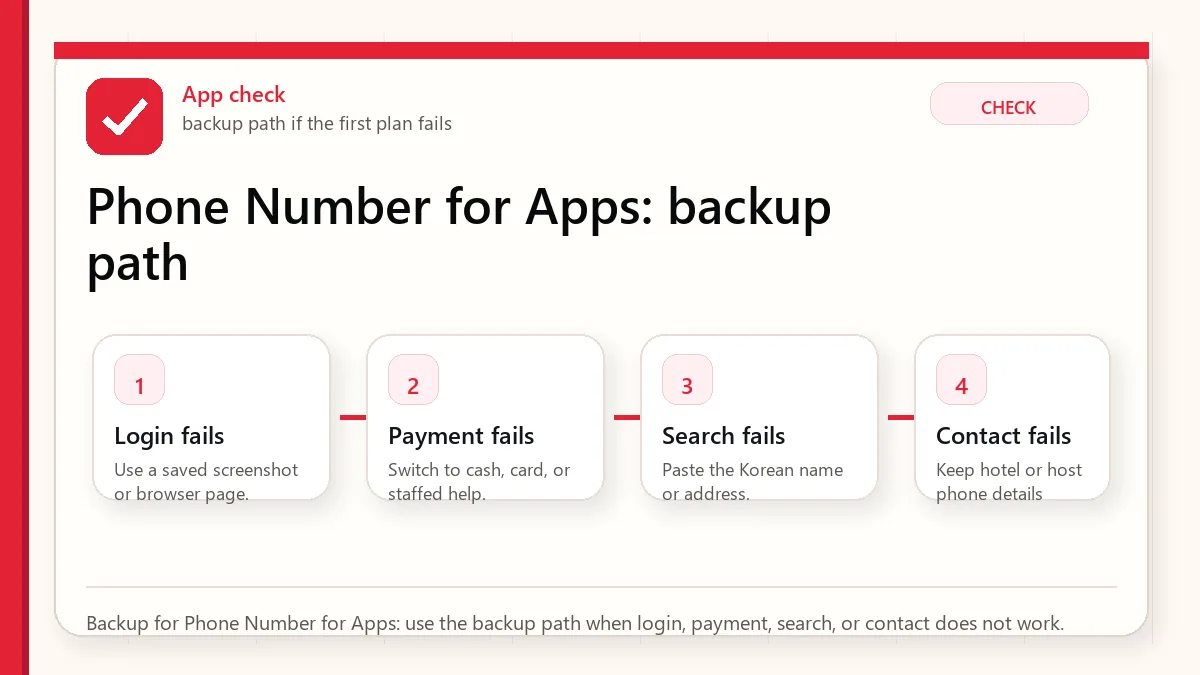
    Layered red check backup flow graphic for Phone Number for Apps.
    Backup for Phone Number for Apps: use the backup path when login, payment, search, or contact does not work.

    What to save before you need it

    • SIM/eSIM product details
    • Whether calls and SMS are included
    • Original account recovery number
    • Hotel phone number
    • Korean address note

    FAQ

    Do tourists need a Korean phone number?

    Not always. Many travelers only need data, but a local number can help with calls, SMS, taxis, delivery, and local contacts.

    Will a Korean SIM verify every Korean app?

    No. Some services require real-name identity verification beyond a tourist phone number.

    Should I change my KakaoTalk number in Korea?

    Be careful. Keep access to the old number until the account is stable and recovery options are clear.

    Related guides

    Verification reality check for visitors

    A Korea phone number can mean several different things: data access, voice calls, SMS reception, app signup, or real-name verification. These are not the same. A tourist eSIM can solve maps and messaging but still fail a service that expects a Korean identity-linked phone number.

    NeedWhat usually helpsLimit
    Maps and translationAny reliable data planNo Korean phone number required for basic use.
    SMS codeSIM or plan that can receive SMSSome apps still reject non-local flows.
    Taxi or delivery contactReachable local number or hotel helpRider/driver calls may be in Korean.
    Real-name verificationResident-linked Korean numberShort-term tourists may not be eligible.

    Before buying a SIM or eSIM, check whether you need only data or whether you need voice/SMS. If the goal is food delivery, taxi communication, or account recovery, the cheapest data-only option may not solve the actual problem.

    Official links to check

    Use this guide as a practical checklist, then confirm time-sensitive details on the current official page or app screen before paying, traveling, or relying on one route.

    Official links to check

    Use this guide as a practical checklist, then confirm time-sensitive details on the current official page or app screen before paying, traveling, or relying on one route.

    Official links to check

    Use these official links when the next step matters. This guide explains what to watch for, but app downloads, eligibility, prices, routes, policies, and service rules can change.

    Sources and official checks

    App screens, entry rules, fares, and official procedures can change. Use the links below to re-check details before you rely on one route, app, card, or declaration step.
  • WOWPASS Korea Guide for Tourists: Transit, Prepaid Payment, Cash, and When to Use It

    WOWPASS Korea Guide for Tourists: Transit, Prepaid Payment, Cash, and When to Use It

    WOWPASS can look like a neat answer to several Korea travel problems at once: payment, transit, cash exchange, and card convenience. But a card that does many things is not automatically the best choice for every trip.

    Last checked: June 1, 2026. Re-check the official operator, app, fare, or route page before acting, because routes, prices, labels, rules, app screens, eligibility, and store/service policies can change.

    Last updated: May 26, 2026.

    This guide explains when WOWPASS fits a tourist and when a simpler T-money plus foreign card plus cash setup may be enough.

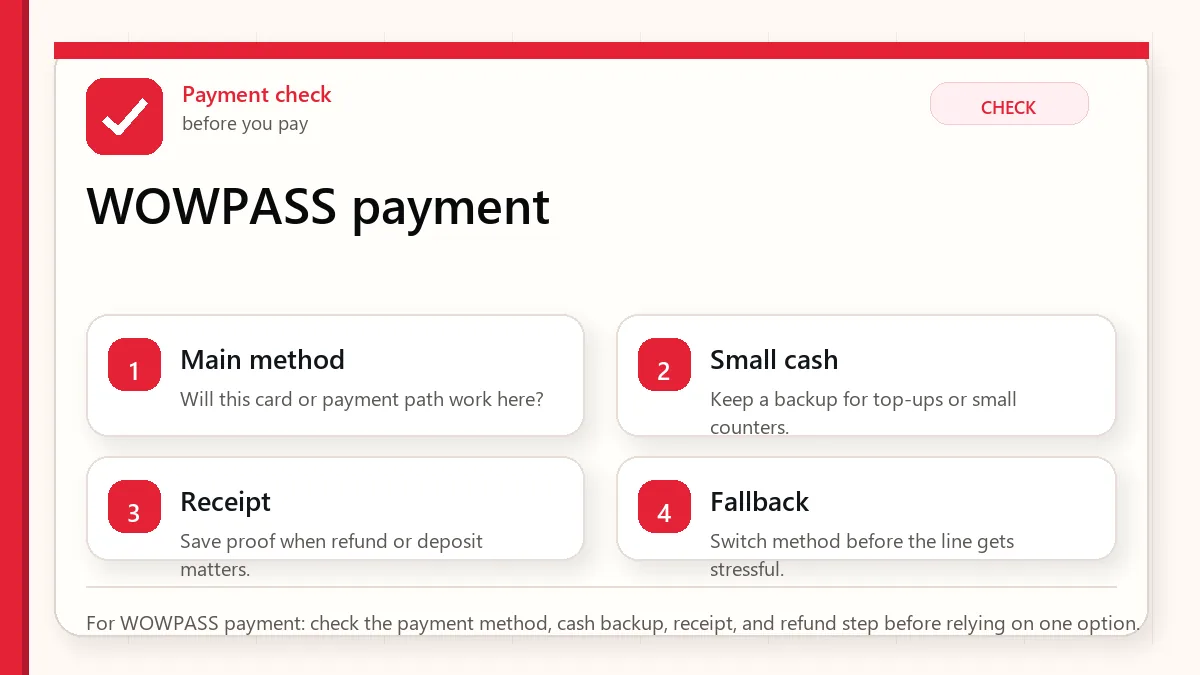
    Layered red check decision graphic for WOWPASS payment.
    For WOWPASS payment: check the payment method, cash backup, receipt, and refund step before relying on one option.

    Start with what can fail at payment

    WOWPASS can be useful if you want a prepaid card style setup, but compare it with T-money, your foreign cards, cash needs, top-up access, and refund practicality.

    When this matters

    This matters when you are searching for Korea WOWPASS or Korea transit card and deciding whether one card can reduce payment stress.

    Decision table

    SituationBest moveWhy it matters
    You want prepaid controlWOWPASS may fitIt limits exposure and separates travel spending.
    You only need transitT-money may be simplerA normal transit card is easier for basic rides.
    Foreign card works wellUse WOWPASS only if it adds valueDo not add complexity without a problem.
    You need cash exchangeCheck rates and machine accessConvenience and cost are separate questions.

    How to make the decision

    Use the table as a filter, not as a rule to memorize. The right answer depends on your exact route, phone setup, luggage, arrival time, payment method, and how much uncertainty you can tolerate on that day. For this topic, the first question is: you want prepaid control. If that sounds like your situation, the safest starting point is to wowpass may fit because it limits exposure and separates travel spending..

    The second question is whether the choice still works when the trip becomes less ideal: late arrival, rain, low battery, no Korean phone call, a crowded station, a tired group, or a hotel address that is hard to explain. Those imperfect moments are where travelers usually lose time.

    Step-by-step setup

    • Decide whether your main problem is transit, payment, cash, or budgeting.
    • Check current WOWPASS issuance, top-up, refund, and machine locations.
    • Keep your foreign credit card and small cash backup even if using WOWPASS.
    • Understand whether transit function and prepaid payment function behave separately.
    • Do not load more than you are comfortable spending before you understand refund steps.

    Before you rely on it

    Do one small test before the situation becomes urgent. Search the destination, open the app, check the route, confirm the address, read the current official page, or ask the hotel desk while you still have time. A five-minute test at the hotel is easier than troubleshooting in a taxi line, subway transfer, airport terminal, or restaurant doorway.

    Also separate what is convenient from what is required. A tool can be convenient without being essential. A card can be useful without replacing every payment method. A phone number can help without solving real-name verification. A train can be fast without being the easiest route with luggage. That distinction is the main habit that prevents bad decisions.

    Where travelers get stuck

    • Treating WOWPASS as a universal replacement for every payment situation.
    • Loading too much money before testing where it works.
    • Ignoring machine location and refund timing.
    • Forgetting that taxis, online services, and small stores can behave differently.
    • Comparing it only with T-money when your real issue is card payment.

    Realistic travel scenario

    A traveler who dislikes using a foreign credit card everywhere may like a prepaid card approach. A traveler with reliable cards and a simple subway itinerary may not need another product unless the cash-exchange or budgeting features solve a real problem.

    Backup plan if the first choice fails

    Have one fallback that does not depend on the same weak point. If the app fails, use a saved Korean address, hotel desk, official counter, taxi stand, convenience store, or simpler route. If payment fails, switch to another card or cash. If translation fails, use shorter sentences and confirm with a person. If timing fails, choose the option that protects the flight, hotel check-in, medicine, or safety issue first.

    • Most likely failure: Treating WOWPASS as a universal replacement for every payment situation.
    • Fastest prevention step: Decide whether your main problem is transit, payment, cash, or budgeting.
    • Most useful saved item: WOWPASS machine location
    • Best mindset: solve the next practical step instead of trying to force the perfect plan.
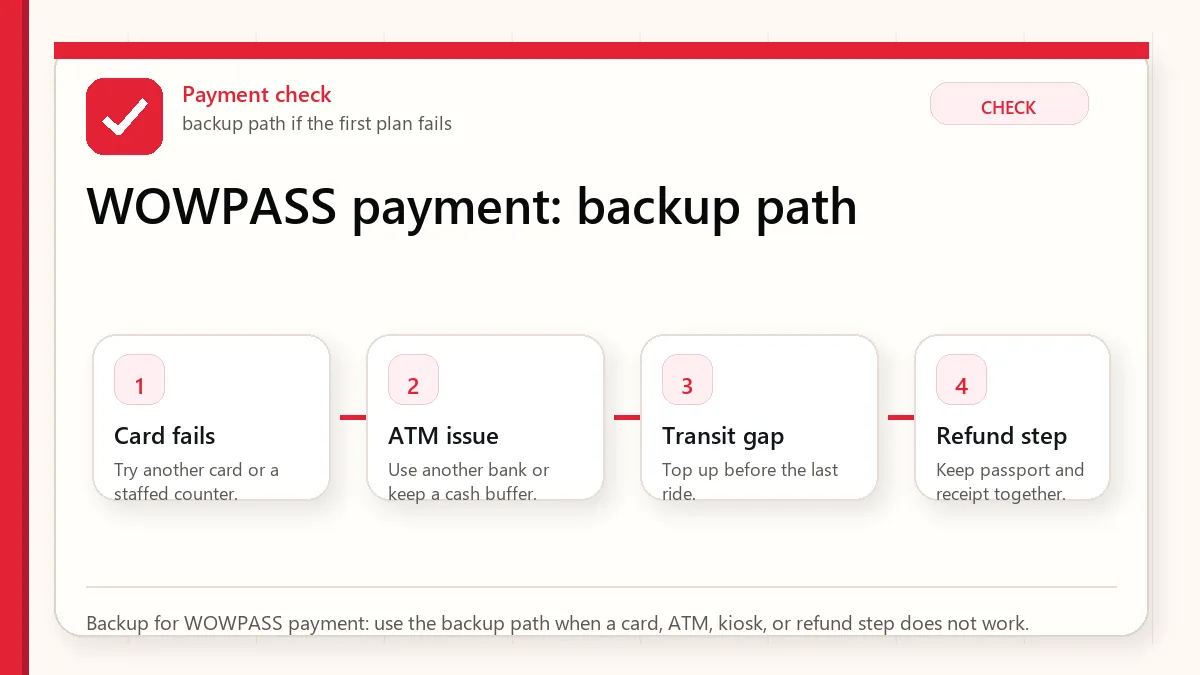
    Layered red check backup flow graphic for WOWPASS payment.
    Backup for WOWPASS payment: use the backup path when a card, ATM, kiosk, or refund step does not work.

    What to save before you need it

    • WOWPASS machine location
    • Top-up and refund instructions
    • Transit backup
    • Foreign card backup
    • Remaining balance before departure

    FAQ

    Is WOWPASS the same as T-money?

    No. Compare the current product details. Transit use, prepaid payment, and cash functions should be understood separately.

    Can WOWPASS replace a credit card?

    Not completely. Keep another payment method because card acceptance and service rules can vary.

    Who should consider WOWPASS?

    Travelers who want prepaid spending control, cash-exchange convenience, and a combined travel card setup may find it useful.

    Related guides

    Sources and official checks

    App screens, entry rules, fares, and official procedures can change. Use the links below to re-check details before you rely on one route, app, card, or declaration step.
  • Korea Climate Card for Tourists: When It Works, When It Does Not, and Better Alternatives

    Korea Climate Card for Tourists: When It Works, When It Does Not, and Better Alternatives

    The Korea Climate Card sounds attractive because unlimited transit is easy to understand. For tourists, the real question is not whether the card is interesting. It is whether your actual itinerary stays inside the useful coverage long enough to make the card worth learning.

    Last checked: June 1, 2026. Re-check the official operator, app, fare, or route page before acting, because routes, prices, labels, rules, app screens, eligibility, and store/service policies can change.

    Last updated: May 26, 2026.

    This guide compares the Climate Card idea with simpler tourist transit habits such as T-money, WOWPASS, or paying route by route.

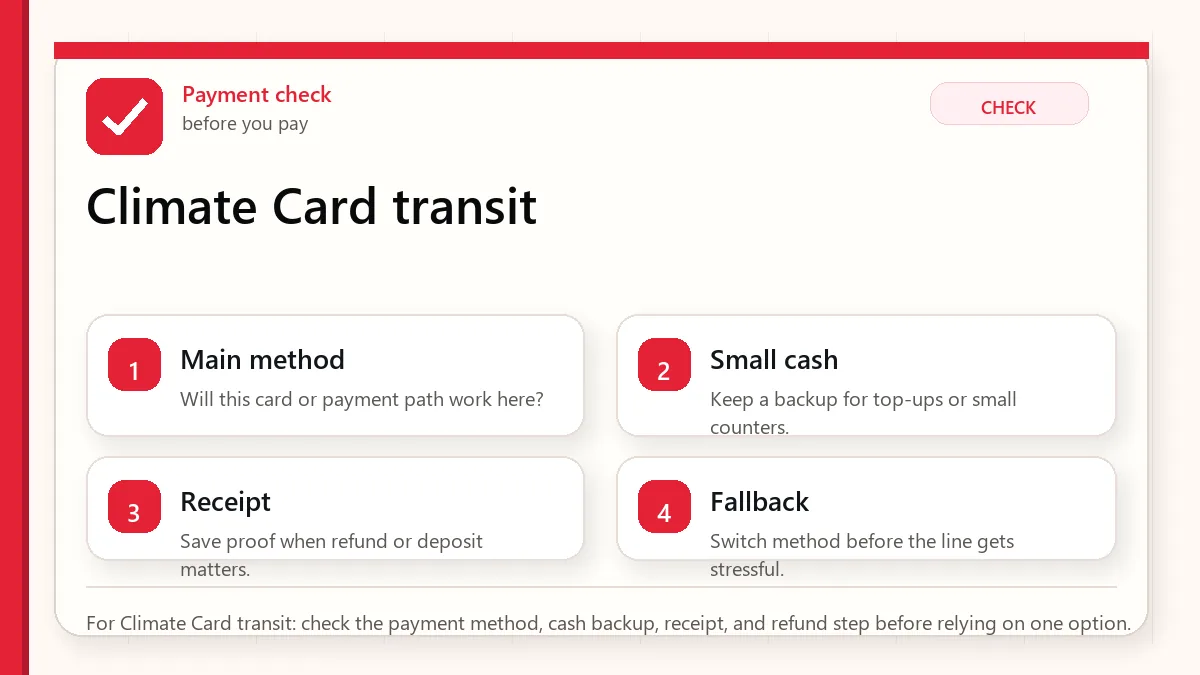
    Layered red check decision graphic for Climate Card transit.
    For Climate Card transit: check the payment method, cash backup, receipt, and refund step before relying on one option.

    Start with what can fail at payment

    Consider Climate Card only if your trip is Seoul-heavy, transit-heavy, and long enough to benefit from the pass. For many short visitors, T-money is simpler.

    When this matters

    This matters when you are searching for Korea Climate Card or Seoul Climate Card and trying to decide before buying a transit card.

    Decision table

    SituationBest moveWhy it matters
    Short Seoul stayT-money may be simplerLearning a pass may not repay the effort.
    Many subway and bus ridesClimate Card may be worth checkingUsage volume matters.
    Trips outside coverageUse normal transit card backupPass coverage can be limited.
    Airport and intercity travelCheck separatelyAirport and long-distance routes may not fit the pass.

    How to make the decision

    Use the table as a filter, not as a rule to memorize. The right answer depends on your exact route, phone setup, luggage, arrival time, payment method, and how much uncertainty you can tolerate on that day. For this topic, the first question is: short seoul stay. If that sounds like your situation, the safest starting point is to t-money may be simpler because learning a pass may not repay the effort..

    The second question is whether the choice still works when the trip becomes less ideal: late arrival, rain, low battery, no Korean phone call, a crowded station, a tired group, or a hotel address that is hard to explain. Those imperfect moments are where travelers usually lose time.

    Step-by-step setup

    • Map your real itinerary before choosing a pass.
    • Count expected subway and bus rides inside Seoul coverage.
    • Check current official Climate Card eligibility and coverage details.
    • Keep a normal transit card or payment backup for routes outside the pass.
    • Do not buy a pass just because unlimited sounds convenient.

    Before you rely on it

    Do one small test before the situation becomes urgent. Search the destination, open the app, check the route, confirm the address, read the current official page, or ask the hotel desk while you still have time. A five-minute test at the hotel is easier than troubleshooting in a taxi line, subway transfer, airport terminal, or restaurant doorway.

    Also separate what is convenient from what is required. A tool can be convenient without being essential. A card can be useful without replacing every payment method. A phone number can help without solving real-name verification. A train can be fast without being the easiest route with luggage. That distinction is the main habit that prevents bad decisions.

    Where travelers get stuck

    • Assuming the Climate Card covers every Korea transit route.
    • Buying it for a short trip with few rides.
    • Forgetting airport, intercity, taxi, and non-covered routes.
    • Not checking the current official coverage before the trip.
    • Comparing pass price without considering effort and flexibility.

    Realistic travel scenario

    A visitor staying in Seoul for seven days with multiple subway and bus rides every day should check the Climate Card. A visitor spending two nights in Seoul, then Busan and Jeju, may be better served by a simple stored-value transit card.

    Backup plan if the first choice fails

    Have one fallback that does not depend on the same weak point. If the app fails, use a saved Korean address, hotel desk, official counter, taxi stand, convenience store, or simpler route. If payment fails, switch to another card or cash. If translation fails, use shorter sentences and confirm with a person. If timing fails, choose the option that protects the flight, hotel check-in, medicine, or safety issue first.

    • Most likely failure: Assuming the Climate Card covers every Korea transit route.
    • Fastest prevention step: Map your real itinerary before choosing a pass.
    • Most useful saved item: Official Climate Card coverage page
    • Best mindset: solve the next practical step instead of trying to force the perfect plan.
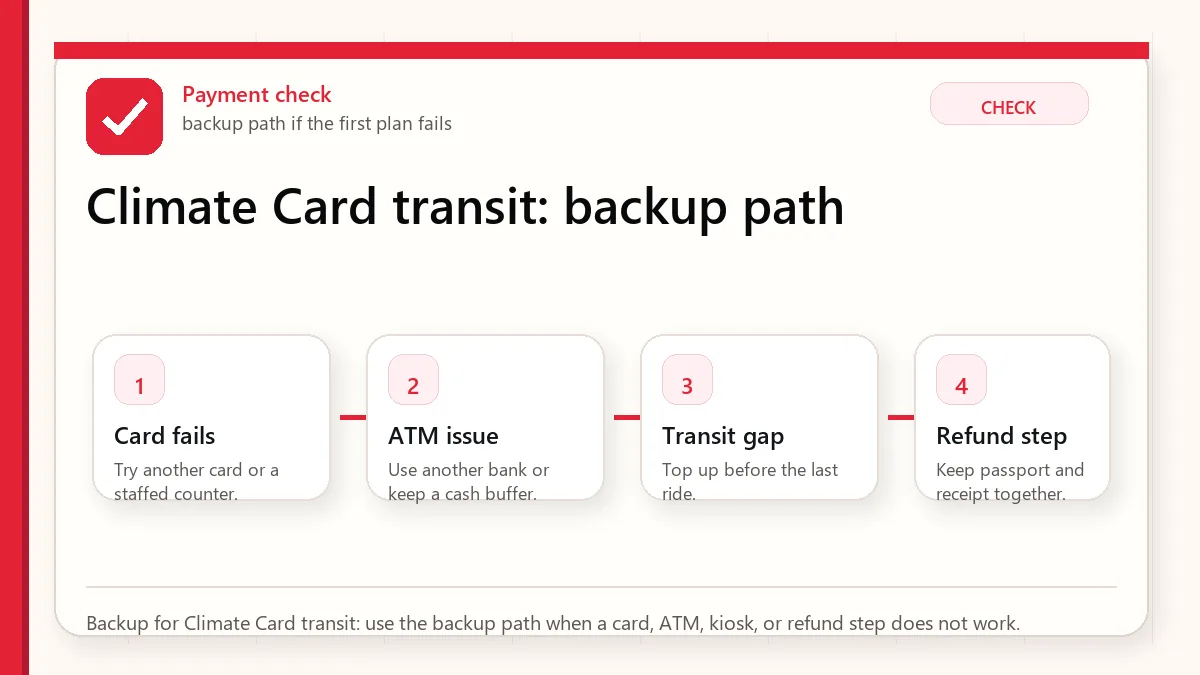
    Layered red check backup flow graphic for Climate Card transit.
    Backup for Climate Card transit: use the backup path when a card, ATM, kiosk, or refund step does not work.

    What to save before you need it

    • Official Climate Card coverage page
    • Your Seoul-only itinerary
    • Backup transit card plan
    • Airport route plan
    • Expected daily ride count

    FAQ

    Is the Climate Card good for tourists?

    It can be good for Seoul-heavy, transit-heavy trips. It is not automatically better for every visitor.

    Does Climate Card replace T-money?

    Not completely. Many travelers still need a normal transit or payment backup.

    Should I buy it before arriving?

    Check current official rules and compare your itinerary first. Do not buy only because the word unlimited sounds attractive.

    Related guides

    Official links to check

    Use these official links when the next step matters. This guide explains what to watch for, but app downloads, eligibility, prices, routes, policies, and service rules can change.

    Sources and official checks

    App screens, entry rules, fares, and official procedures can change. Use the links below to re-check details before you rely on one route, app, card, or declaration step.
  • Korea Taxi Apps Guide: Kakao T, Uber, k.ride, Cash Payment, and Pickup Problems

    Korea Taxi Apps Guide: Kakao T, Uber, k.ride, Cash Payment, and Pickup Problems

    A Korea taxi app can solve the hardest part of taking a taxi: explaining the destination. But taxi apps can also create new problems when pickup points are unclear, payment settings fail, drivers call in Korean, or the app asks for account verification.

    Last checked: June 1, 2026. Re-check the official app, service, or app-store page before acting, because routes, prices, labels, rules, app screens, eligibility, and store/service policies can change.

    K ride app quick answer: k.ride can be a useful Korea taxi app backup for visitors, but do not rely on any single taxi app until you confirm pickup points, payment settings, phone verification, and what to do if the driver calls in Korean. Compare k.ride with Kakao T, Uber, cash taxi pickup, and hotel help before your first late-night or airport ride.

    Last updated: May 26, 2026.

    A practical taxi app setup matters most before a rainy night, a last-train problem, or an airport ride with luggage.

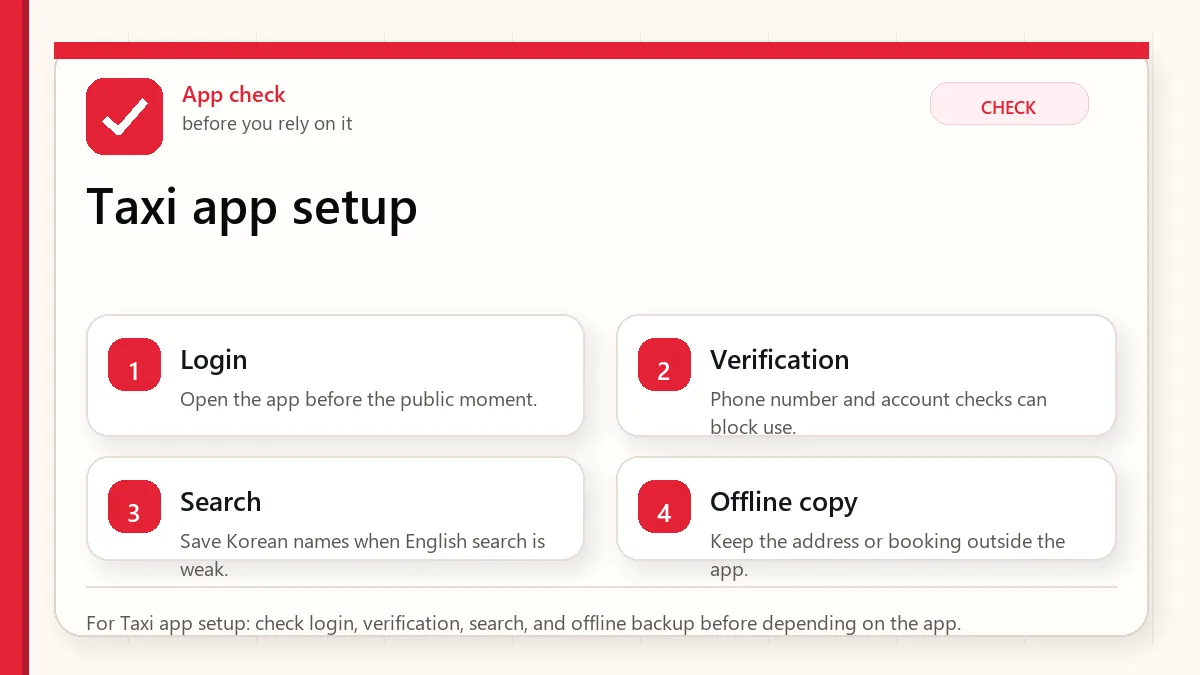
    Layered red check decision graphic for Taxi app setup.
    For Taxi app setup: check login, verification, search, and offline backup before depending on the app.

    Start with what can fail at payment

    Use taxi apps to set destination and estimate route, but keep the destination in Korean, a payment backup, and a non-app option such as hotel call or street taxi.

    When this matters

    This matters when you are comparing Kakao T, Uber, k.ride, and other Korea taxi app options without assuming every app works the same for foreigners.

    Decision table

    SituationBest moveWhy it matters
    You know the destinationUse app destination entryIt reduces language friction.
    Pickup is crowdedMove to a clear road or landmarkDrivers may not find you at a complex entrance.
    Payment setting failsUse pay-in-taxi or backup method if availableApp payment and taxi payment can differ.
    Driver callsPrepare a short Korean messageYou may need to say you cannot answer in Korean.

    How to make the decision

    Use the table as a filter, not as a rule to memorize. The right answer depends on your exact route, phone setup, luggage, arrival time, payment method, and how much uncertainty you can tolerate on that day. For this topic, the first question is: you know the destination. If that sounds like your situation, the safest starting point is to use app destination entry because it reduces language friction..

    The second question is whether the choice still works when the trip becomes less ideal: late arrival, rain, low battery, no Korean phone call, a crowded station, a tired group, or a hotel address that is hard to explain. Those imperfect moments are where travelers usually lose time.

    Step-by-step setup

    • Install taxi apps before departure and check login, language, and payment settings.
    • Save hotel, airport, and major destinations in Korean.
    • Choose pickup points on a main road rather than inside a complex building entrance.
    • Keep your phone available for driver calls or messages.
    • If the app fails, ask hotel staff, use a taxi stand, or take transit to a simpler pickup area.

    Before you rely on it

    Do one small test before the situation becomes urgent. Search the destination, open the app, check the route, confirm the address, read the current official page, or ask the hotel desk while you still have time. A five-minute test at the hotel is easier than troubleshooting in a taxi line, subway transfer, airport terminal, or restaurant doorway.

    Also separate what is convenient from what is required. A tool can be convenient without being essential. A card can be useful without replacing every payment method. A phone number can help without solving real-name verification. A train can be fast without being the easiest route with luggage. That distinction is the main habit that prevents bad decisions.

    Where travelers get stuck

    • Calling a taxi from the wrong side of a wide road.
    • Assuming app payment will work because a foreign card is saved.
    • Ignoring driver calls because they are in Korean.
    • Dropping the pin inside a mall, market, or underground area.
    • Using a taxi app for a route that subway handles faster during traffic.

    Realistic travel scenario

    After a concert, every app may show long waits or surge-like difficulty. Walk to a clearer road, save the hotel address, compare subway if still running, and avoid dropping a pickup pin at the most crowded gate.

    Backup plan if the first choice fails

    Have one fallback that does not depend on the same weak point. If the app fails, use a saved Korean address, hotel desk, official counter, taxi stand, convenience store, or simpler route. If payment fails, switch to another card or cash. If translation fails, use shorter sentences and confirm with a person. If timing fails, choose the option that protects the flight, hotel check-in, medicine, or safety issue first.

    • Most likely failure: Calling a taxi from the wrong side of a wide road.
    • Fastest prevention step: Install taxi apps before departure and check login, language, and payment settings.
    • Most useful saved item: Hotel address in Korean
    • Best mindset: solve the next practical step instead of trying to force the perfect plan.
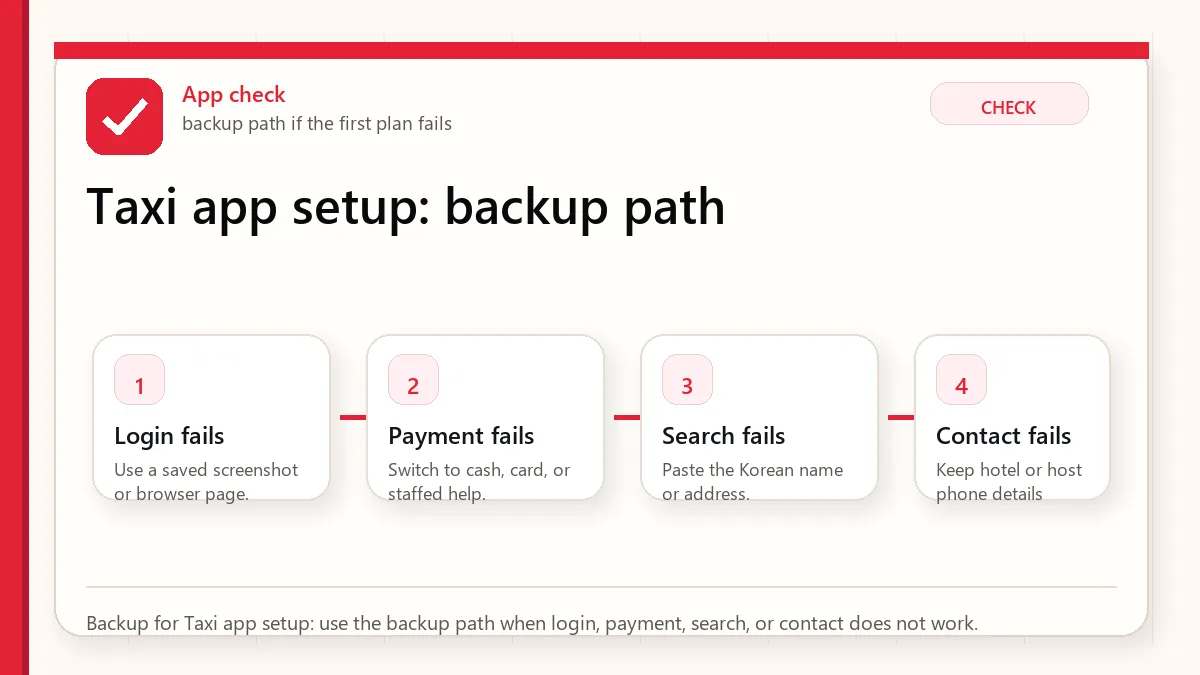
    Layered red check backup flow graphic for Taxi app setup.
    Backup for Taxi app setup: use the backup path when login, payment, search, or contact does not work.

    What to save before you need it

    • Hotel address in Korean
    • Pickup landmark
    • Taxi app estimate
    • Driver message template
    • Subway backup route

    FAQ

    What taxi app should tourists use in Korea?

    Kakao T is widely known, but tourists may also consider Uber or k.ride depending on account setup and availability.

    Can I pay cash for app taxis?

    Some flows may allow paying in the taxi, but you must check the current app option before riding.

    What if the driver calls in Korean?

    Use a short prepared message, move to a clear pickup point, or ask nearby staff for help if appropriate.

    Related guides

    Official links to check

    Use these official links when the next step matters. This guide explains what to watch for, but app downloads, eligibility, prices, routes, policies, and service rules can change.

    Sources and official checks

    App screens, entry rules, fares, and official procedures can change. Use the links below to re-check details before you rely on one route, app, card, or declaration step.
  • Best Korea Map Apps for Tourists: Naver Map, Kakao Map, Google Maps, and Subway Apps

    Best Korea Map Apps for Tourists: Naver Map, Kakao Map, Google Maps, and Subway Apps

    A Korea map app is not just a map. For foreign travelers it becomes the tool for subway exits, bus stops, restaurant names, taxi destinations, walking routes, opening hours, and emergency backup. That is why choosing only one familiar app can create problems.

    Search intent check: korea map app

    Searchers arriving for korea map app usually want a fast official-source path, not a broad background article. The page should make the next check obvious in the first screen.

    • Traveler Decision: make this visible near the top of the page.
    • App Or Official Source: make this visible near the top of the page.
    • Backup Plan Before Arrival: make this visible near the top of the page.

    Operating note: this section was added after global Keyword Planner review so the page better matches the main query cluster.

    Last checked: June 1, 2026. Re-check the official app, service, or app-store page before acting, because routes, prices, labels, rules, app screens, eligibility, and store/service policies can change.

    Last updated: May 26, 2026.

    Korea is one of the countries where many visitors quickly learn that Google Maps may not behave the way they expect for local navigation. A good setup uses several tools for different jobs.

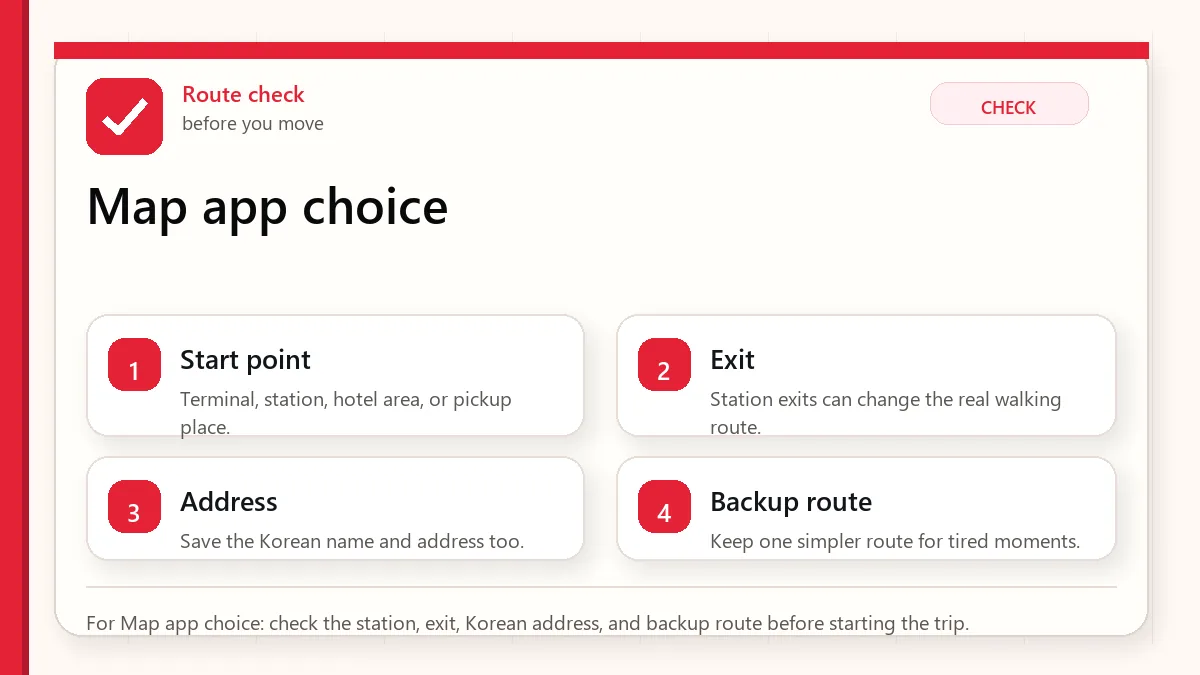
    Layered red check decision graphic for Map app choice.
    For Map app choice: check the station, exit, Korean address, and backup route before starting the trip.

    Start with the place name and exit

    Use Naver Map or Kakao Map for local navigation, keep Google Maps for saved international context, and add a subway app if your trip is transit-heavy.

    When this matters

    This matters when you are searching for Korea map app or Korea navigation app and wanting a practical app setup instead of a brand argument.

    Decision table

    SituationBest moveWhy it matters
    Finding Korean placesUse Naver Map or Kakao MapLocal listings and Korean names matter.
    Subway exit planningUse map plus subway appExit choice affects the final walk.
    Saved global trip listKeep Google Maps as supportIt may still help with familiar planning.
    Taxi destinationSave Korean addressDrivers and apps need precise destination text.

    How to make the decision

    Use the table as a filter, not as a rule to memorize. The right answer depends on your exact route, phone setup, luggage, arrival time, payment method, and how much uncertainty you can tolerate on that day. For this topic, the first question is: finding korean places. If that sounds like your situation, the safest starting point is to use naver map or kakao map because local listings and korean names matter..

    The second question is whether the choice still works when the trip becomes less ideal: late arrival, rain, low battery, no Korean phone call, a crowded station, a tired group, or a hotel address that is hard to explain. Those imperfect moments are where travelers usually lose time.

    Step-by-step setup

    • Install Naver Map or Kakao Map before departure and change language settings if available.
    • Save your hotel, airport terminal, and first-day destinations in the app.
    • Keep Korean names for important places, not only English translations.
    • Use a subway app for route shape when the map view feels crowded.
    • Screenshot critical routes before entering stations or crowded areas.

    Before you rely on it

    Do one small test before the situation becomes urgent. Search the destination, open the app, check the route, confirm the address, read the current official page, or ask the hotel desk while you still have time. A five-minute test at the hotel is easier than troubleshooting in a taxi line, subway transfer, airport terminal, or restaurant doorway.

    Also separate what is convenient from what is required. A tool can be convenient without being essential. A card can be useful without replacing every payment method. A phone number can help without solving real-name verification. A train can be fast without being the easiest route with luggage. That distinction is the main habit that prevents bad decisions.

    Where travelers get stuck

    • Depending only on Google Maps for all Korean navigation.
    • Searching a translated place name when the Korean name would be more accurate.
    • Ignoring station exits and crossing direction.
    • Not saving the hotel address offline.
    • Assuming every map app gives the same route at the same time.

    Realistic travel scenario

    For a restaurant in a basement near Gangnam Station, the key is not the broad neighborhood. You need the Korean place name, correct station exit, building entrance, and sometimes floor information. A good map app setup solves that chain.

    Backup plan if the first choice fails

    Have one fallback that does not depend on the same weak point. If the app fails, use a saved Korean address, hotel desk, official counter, taxi stand, convenience store, or simpler route. If payment fails, switch to another card or cash. If translation fails, use shorter sentences and confirm with a person. If timing fails, choose the option that protects the flight, hotel check-in, medicine, or safety issue first.

    • Most likely failure: Depending only on Google Maps for all Korean navigation.
    • Fastest prevention step: Install Naver Map or Kakao Map before departure and change language settings if available.
    • Most useful saved item: Hotel in Korean
    • Best mindset: solve the next practical step instead of trying to force the perfect plan.
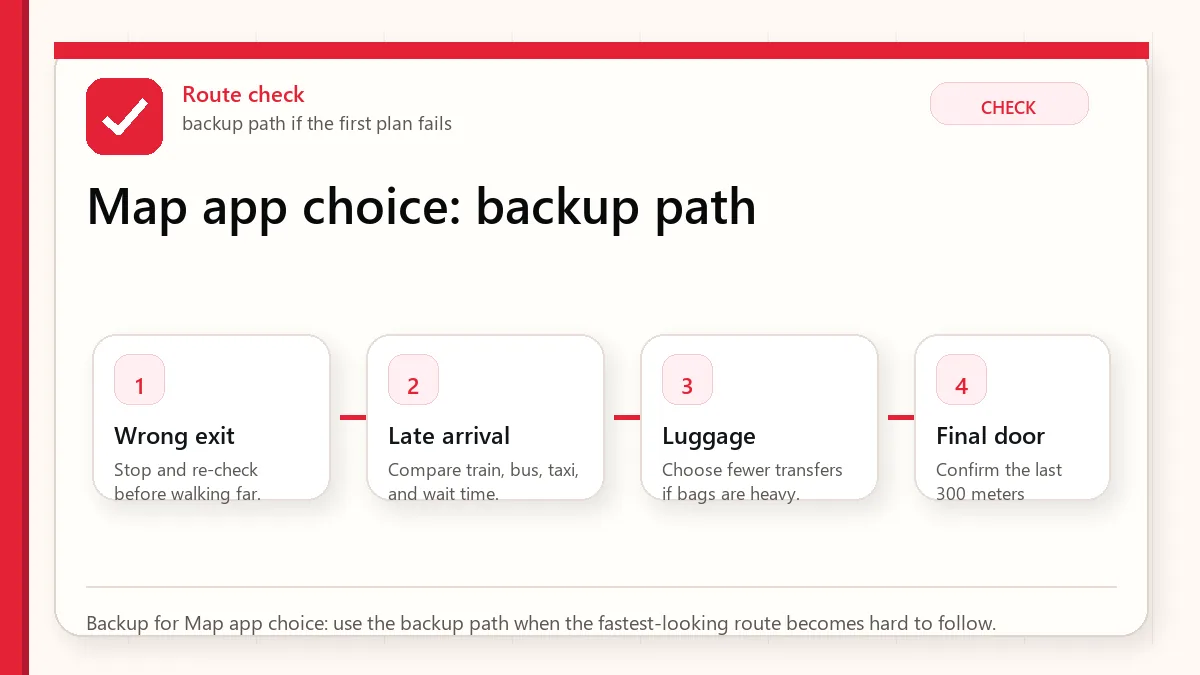
    Layered red check backup flow graphic for Map app choice.
    Backup for Map app choice: use the backup path when the fastest-looking route becomes hard to follow.

    What to save before you need it

    • Hotel in Korean
    • Airport route
    • First dinner location
    • Nearest subway exit
    • Backup taxi destination

    FAQ

    What is the best Korea map app?

    Most tourists should use Naver Map or Kakao Map for local navigation and keep another app as backup.

    Does Google Maps work in Korea?

    It can help with some planning, but local navigation often needs Korean map apps for better detail.

    Should I search in Korean?

    When possible, yes. Korean place names, addresses, and station names can produce more reliable results.

    Related guides

    Official links to check

    Use these official links when the next step matters. This guide explains what to watch for, but app downloads, eligibility, prices, routes, policies, and service rules can change.

    Sources and official checks

    App screens, entry rules, fares, and official procedures can change. Use the links below to re-check details before you rely on one route, app, card, or declaration step.
  • Korea WiFi Rental vs eSIM vs SIM Card: Which Internet Option Fits Your Trip?

    Korea WiFi Rental vs eSIM vs SIM Card: Which Internet Option Fits Your Trip?

    Korea WiFi rental, eSIM, and SIM card options all promise internet, but they solve different travel problems. Some give only data. Some include a phone number. Some are easy for groups. Some create another device to charge and return.

    Last checked: June 1, 2026. Re-check the official provider, store, customs, or payment page before acting, because routes, prices, labels, rules, app screens, eligibility, and store/service policies can change.

    Last updated: May 26, 2026.

    The mistake is choosing by price alone. For Korea, your internet choice can affect maps, taxi apps, delivery apps, messaging, SMS verification, emergency calls, and how calm your arrival feels.

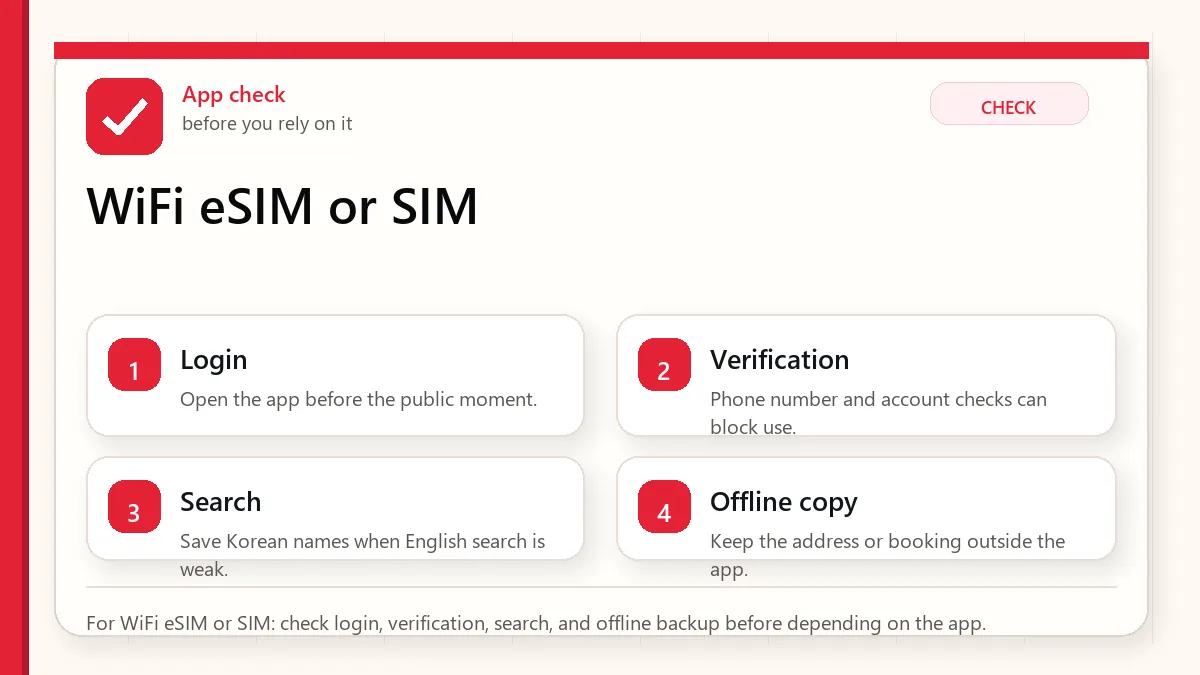
    Layered red check decision graphic for WiFi eSIM or SIM.
    For WiFi eSIM or SIM: check login, verification, search, and offline backup before depending on the app.

    Start with what can fail at payment

    Choose eSIM for easy data if your phone supports it, SIM card when you need a local number or calls/SMS, and WiFi rental when a group wants shared data and can manage one extra device.

    When this matters

    This matters when you are comparing Korea WiFi rental, Korea eSIM, and Korea SIM card options before airport pickup or online purchase.

    Decision table

    SituationBest moveWhy it matters
    Solo traveler with eSIM phoneeSIM is usually simpleNo pickup counter or physical card needed.
    Need calls or SMSRead SIM details carefullyData-only products may not solve verification.
    Family or groupWiFi rental can share dataOne device can support several phones.
    App verification mattersDo not assume any number worksKorean identity checks are a separate issue.

    How to make the decision

    Use the table as a filter, not as a rule to memorize. The right answer depends on your exact route, phone setup, luggage, arrival time, payment method, and how much uncertainty you can tolerate on that day. For this topic, the first question is: solo traveler with esim phone. If that sounds like your situation, the safest starting point is to esim is usually simple because no pickup counter or physical card needed..

    The second question is whether the choice still works when the trip becomes less ideal: late arrival, rain, low battery, no Korean phone call, a crowded station, a tired group, or a hotel address that is hard to explain. Those imperfect moments are where travelers usually lose time.

    Step-by-step setup

    • Check whether your phone is unlocked and supports eSIM if choosing eSIM.
    • Read whether the product includes data only, voice, SMS, or a local phone number.
    • For WiFi rental, plan battery charging, pickup, return, and what happens if the group separates.
    • For SIM cards, keep the old number accessible until important accounts are stable.
    • Test map, messaging, and hotel contact before leaving the airport area.

    Before you rely on it

    Do one small test before the situation becomes urgent. Search the destination, open the app, check the route, confirm the address, read the current official page, or ask the hotel desk while you still have time. A five-minute test at the hotel is easier than troubleshooting in a taxi line, subway transfer, airport terminal, or restaurant doorway.

    Also separate what is convenient from what is required. A tool can be convenient without being essential. A card can be useful without replacing every payment method. A phone number can help without solving real-name verification. A train can be fast without being the easiest route with luggage. That distinction is the main habit that prevents bad decisions.

    Where travelers get stuck

    • Buying data-only service and expecting it to pass Korean app verification.
    • Choosing WiFi rental for a group that will split up during the day.
    • Forgetting to return a rental device.
    • Changing SIMs and losing access to banking, email, or messenger recovery.
    • Ignoring battery drain on a pocket WiFi device.

    Realistic travel scenario

    A couple traveling together might like WiFi rental for shared data, but if one person goes shopping and the other goes to a clinic, only the person holding the device has internet. Two eSIMs may cost more but reduce dependency.

    Backup plan if the first choice fails

    Have one fallback that does not depend on the same weak point. If the app fails, use a saved Korean address, hotel desk, official counter, taxi stand, convenience store, or simpler route. If payment fails, switch to another card or cash. If translation fails, use shorter sentences and confirm with a person. If timing fails, choose the option that protects the flight, hotel check-in, medicine, or safety issue first.

    • Most likely failure: Buying data-only service and expecting it to pass Korean app verification.
    • Fastest prevention step: Check whether your phone is unlocked and supports eSIM if choosing eSIM.
    • Most useful saved item: Product page showing data, calls, and SMS
    • Best mindset: solve the next practical step instead of trying to force the perfect plan.
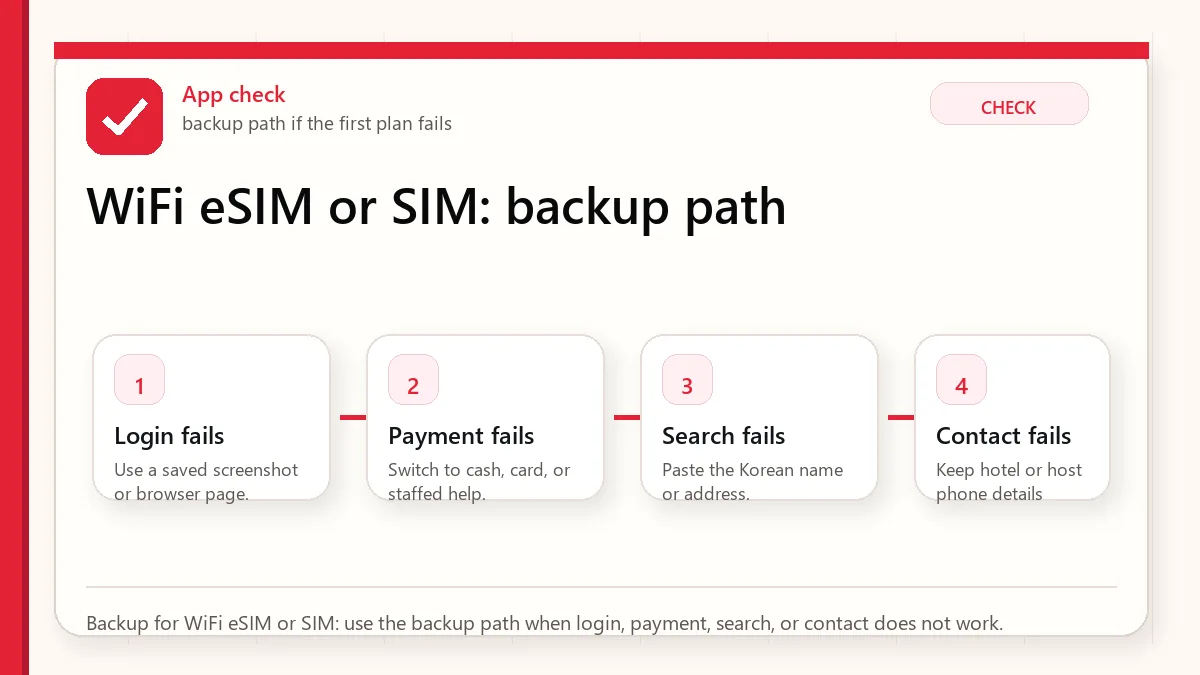
    Layered red check backup flow graphic for WiFi eSIM or SIM.
    Backup for WiFi eSIM or SIM: use the backup path when login, payment, search, or contact does not work.

    What to save before you need it

    • Product page showing data, calls, and SMS
    • Pickup or activation instructions
    • Return location for WiFi rental
    • Hotel WiFi backup
    • Emergency contact method

    FAQ

    Is Korea WiFi rental better than eSIM?

    Not always. WiFi rental is useful for shared data, while eSIM is often simpler for solo travelers.

    Do I need a Korean phone number?

    Only for some app flows, calls, SMS, and local contact needs. Data alone is enough for many map and messaging tasks.

    Will a tourist SIM pass every Korean verification?

    No. A phone number and real-name identity verification are not the same thing.

    Related guides

    Sources and official checks

    App screens, entry rules, fares, and official procedures can change. Use the links below to re-check details before you rely on one route, app, card, or declaration step.
  • Korea Delivery Apps for Foreigners: Baemin, Coupang Eats, Phone Numbers, and Hotel Addresses

    Korea Delivery Apps for Foreigners: Baemin, Coupang Eats, Phone Numbers, and Hotel Addresses

    A Korea delivery app looks simple until one small part fails: phone verification, real-name identity, address entry, card payment, rider calls, building access, or hotel policy. That is why many visitors can browse restaurants but still cannot complete the order.

    Last checked: June 1, 2026. Re-check the official app, service, or app-store page before acting, because routes, prices, labels, rules, app screens, eligibility, and store/service policies can change.

    Last updated: May 26, 2026.

    This guide does not promise that every foreign traveler can use every delivery app. It explains where the friction usually appears and what backup plan to prepare before hunger turns into a stressful phone call.

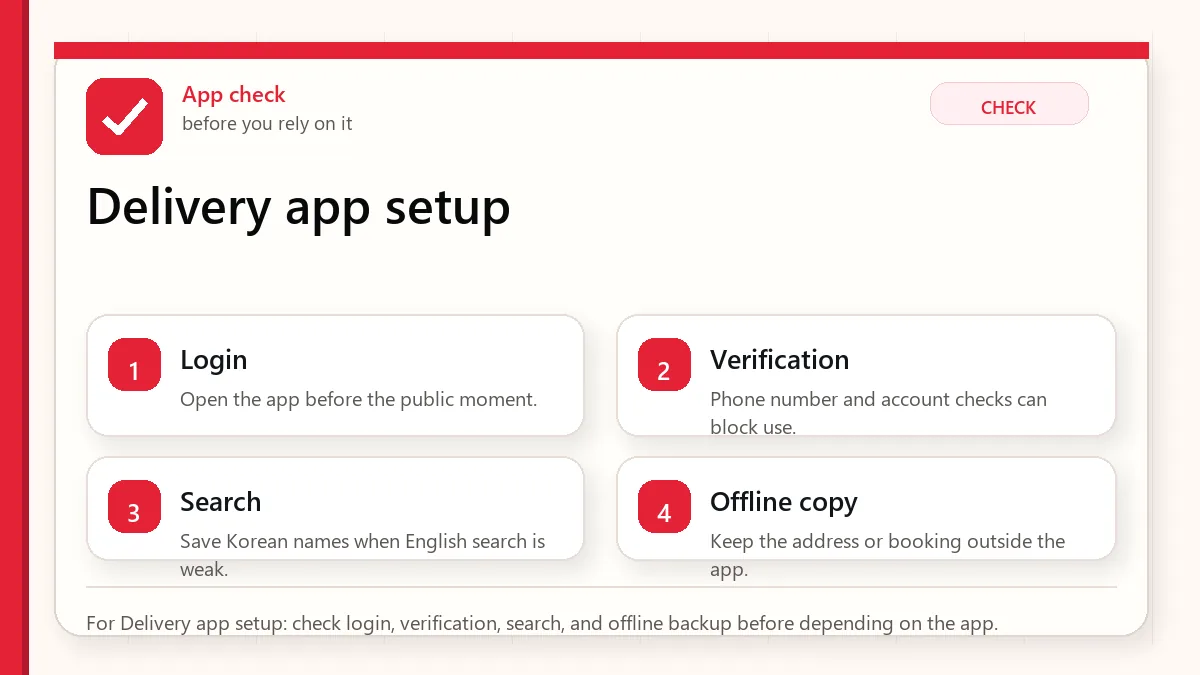
    Layered red check decision graphic for Delivery app setup.
    For Delivery app setup: check login, verification, search, and offline backup before depending on the app.

    Start with the account or access block

    Foreigners may be able to use some delivery app functions, but the hard parts are phone number, identity verification, Korean address format, payment, and rider communication.

    When this matters

    This matters when you are trying to order food to a hotel, Airbnb, dorm, clinic stay, or short-term apartment without pretending that a delivery app is as easy as it looks in local screenshots.

    Decision table

    SituationBest moveWhy it matters
    You have only data eSIMExpect phone/SMS limitsA data-only plan may not receive calls or texts.
    You stay at a hotelAsk the front desk about delivery rulesSome hotels control lobby pickup or rider access.
    The app asks for identityRead it as a separate verification problemMessaging and payment are not the same as Korean real-name verification.
    Payment failsPrepare pickup, kiosk, or convenience-store foodBackup food plans matter late at night.

    How to make the decision

    Use the table as a filter, not as a rule to memorize. The right answer depends on your exact route, phone setup, luggage, arrival time, payment method, and how much uncertainty you can tolerate on that day. For this topic, the first question is: you have only data esim. If that sounds like your situation, the safest starting point is to expect phone/sms limits because a data-only plan may not receive calls or texts..

    The second question is whether the choice still works when the trip becomes less ideal: late arrival, rain, low battery, no Korean phone call, a crowded station, a tired group, or a hotel address that is hard to explain. Those imperfect moments are where travelers usually lose time.

    Step-by-step setup

    • Before using a Korea delivery app, save your accommodation address in Korean and English.
    • Check whether your phone plan can receive local calls or SMS if a rider needs to contact you.
    • Try adding the address before you are hungry, not at the moment of ordering.
    • Prepare a short Korean note for lobby pickup, room number policy, and unavailable phone calls.
    • Keep a second food plan: convenience store meal, hotel desk help, pickup restaurant, or international delivery option.

    Before you rely on it

    Do one small test before the situation becomes urgent. Search the destination, open the app, check the route, confirm the address, read the current official page, or ask the hotel desk while you still have time. A five-minute test at the hotel is easier than troubleshooting in a taxi line, subway transfer, airport terminal, or restaurant doorway.

    Also separate what is convenient from what is required. A tool can be convenient without being essential. A card can be useful without replacing every payment method. A phone number can help without solving real-name verification. A train can be fast without being the easiest route with luggage. That distinction is the main habit that prevents bad decisions.

    Where travelers get stuck

    • Assuming a Korean phone number included with a SIM automatically passes all verification flows.
    • Entering the hotel name without a detailed address, building, or lobby pickup instruction.
    • Choosing a restaurant far away because it appears in the app without checking delivery distance.
    • Ignoring rider calls because the number looks unfamiliar.
    • Depending on delivery for medication, allergies, or urgent meals without a backup.

    Realistic travel scenario

    A visitor staying near Myeongdong can browse menus but fails at payment. The calm response is not to reinstall five apps. Save the restaurant name, ask whether pickup is possible, use a nearby kiosk restaurant, or buy a convenience-store meal while you solve verification later.

    Backup plan if the first choice fails

    Have one fallback that does not depend on the same weak point. If the app fails, use a saved Korean address, hotel desk, official counter, taxi stand, convenience store, or simpler route. If payment fails, switch to another card or cash. If translation fails, use shorter sentences and confirm with a person. If timing fails, choose the option that protects the flight, hotel check-in, medicine, or safety issue first.

    • Most likely failure: Assuming a Korean phone number included with a SIM automatically passes all verification flows.
    • Fastest prevention step: Before using a Korea delivery app, save your accommodation address in Korean and English.
    • Most useful saved item: Accommodation address in Korean
    • Best mindset: solve the next practical step instead of trying to force the perfect plan.
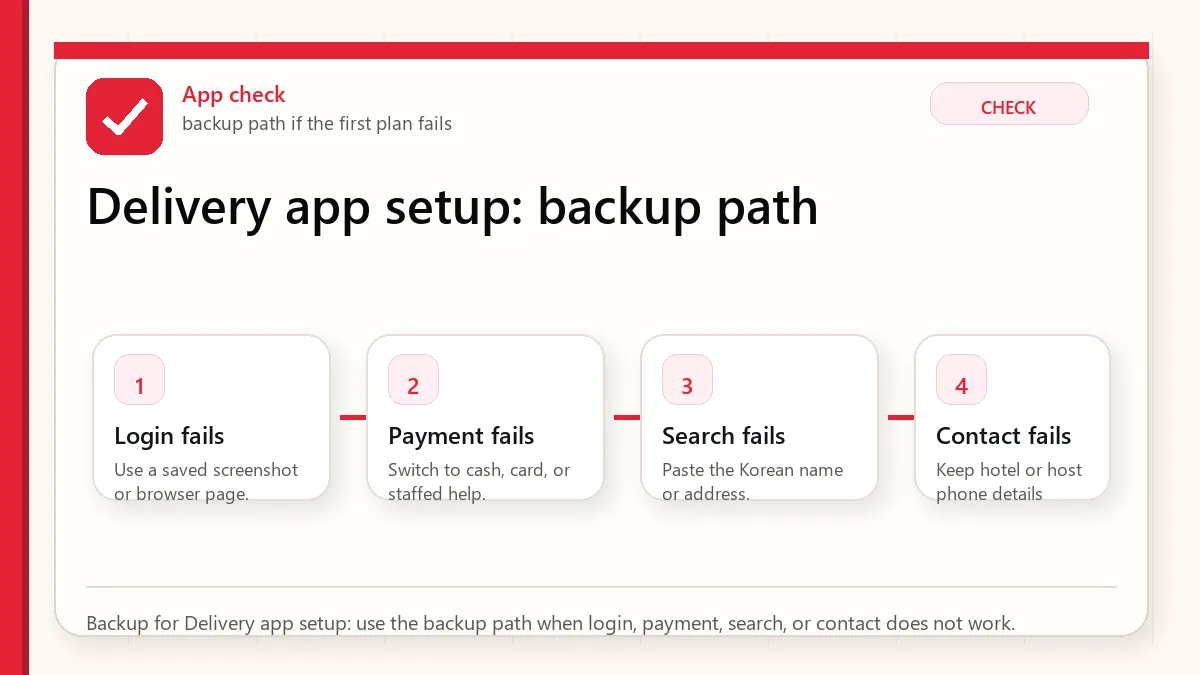
    Layered red check backup flow graphic for Delivery app setup.
    Backup for Delivery app setup: use the backup path when login, payment, search, or contact does not work.

    What to save before you need it

    • Accommodation address in Korean
    • Hotel delivery instructions
    • A message saying you may not answer Korean calls
    • Restaurant name and order summary
    • Backup food places near the hotel

    FAQ

    Can tourists use Baemin in Korea?

    Some visitors can use parts of the service, but verification, phone number, address, and payment rules can still block a normal tourist setup.

    Do I need a Korean phone number for delivery apps?

    A Korean number can help, but it does not automatically solve every identity or payment requirement.

    What is the safest backup if delivery fails?

    Use a nearby restaurant, convenience store, hotel desk help, or pickup option instead of fighting the app while tired.

    Related guides

    Official links to check

    Use these official links when the next step matters. This guide explains what to watch for, but app downloads, eligibility, prices, routes, policies, and service rules can change.

    Sources and official checks

    App screens, entry rules, fares, and official procedures can change. Use the links below to re-check details before you rely on one route, app, card, or declaration step.
  • Best Korea Subway Apps for Tourists: Metro, Routes, Exits, and Transfers

    Best Korea Subway Apps for Tourists: Metro, Routes, Exits, and Transfers

    A Korea subway app search usually starts with a simple question: which app should I install before I land? The better question is what problem you need the app to solve. Some apps are good at subway line diagrams, some are better for walking from the station exit, and some are useful only when you already know the Korean place name.

    Subway Korea app: what tourists should test first

    A subway Korea app should help with station names, exits, transfer direction, last-train timing, and walking from the exit to the destination. Before using it in a crowded station, test a route from your hotel to one major place and confirm the exit number.

    The exit number matters more than it sounds. Leaving through the wrong exit can add several minutes of walking, especially around large Seoul stations.

    Subway Korea app: best practical setup

    For “subway korea app” searches, use one route app for planning and one map app for the station exit. The route app gets you across lines; Naver Map or Kakao Map helps confirm the exit, walking route, and nearby landmarks.

    NeedUseCheck
    Subway transferSubway route appLast train and transfer station.
    Station exitNaver Map or Kakao MapExit number and walking direction.
    Airport or luggage routeAirport train/bus guide plus map appEscalator/elevator and walking distance.

    Related: Seoul metro app and Korea subway etiquette for tourists.

    Last checked: June 1, 2026. Re-check the official app, service, or app-store page before acting, because routes, prices, labels, rules, app screens, eligibility, and store/service policies can change.

    Last updated: May 26, 2026.

    For tourists, the subway problem is not only finding Line 2 or Line 4. It is choosing the correct exit, knowing whether a route has stairs, avoiding a missed last train, and connecting the station to the actual door of your hotel, restaurant, clinic, or shop.

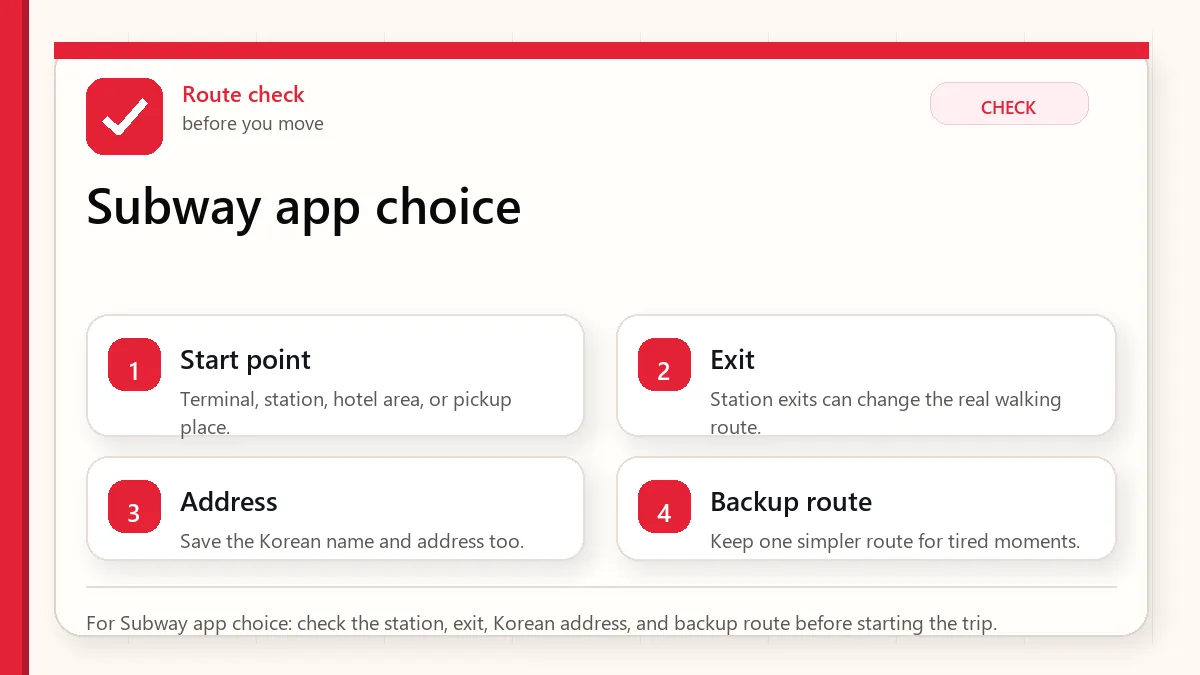
    Layered red check decision graphic for Subway app choice.
    For Subway app choice: check the station, exit, Korean address, and backup route before starting the trip.

    Start with the route you will actually take

    Install at least one subway-focused app plus one map app. Use the subway app for line clarity and transfers, then use Naver Map or Kakao Map for exits and the last walk.

    When this matters

    This matters when you need a Korea subway app or Korea metro app that works in real trip situations: airport arrival, hotel transfers, late-night returns, crowded stations, and routes with several exits.

    Decision table

    SituationBest moveWhy it matters
    You only need line and transfer infoUse a subway-focused appIt is faster for seeing route shape and station order.
    You need the correct exitUse Naver Map or Kakao Map tooExit choice can change the walk by several minutes.
    You are traveling lateCheck last train and backup taxi routeA route that works at 2 p.m. may fail at midnight.
    The destination is a small shopSave the Korean place nameEnglish search can miss local listings.

    How to make the decision

    Use the table as a filter, not as a rule to memorize. The right answer depends on your exact route, phone setup, luggage, arrival time, payment method, and how much uncertainty you can tolerate on that day. For this topic, the first question is: you only need line and transfer info. If that sounds like your situation, the safest starting point is to use a subway-focused app because it is faster for seeing route shape and station order..

    The second question is whether the choice still works when the trip becomes less ideal: late arrival, rain, low battery, no Korean phone call, a crowded station, a tired group, or a hotel address that is hard to explain. Those imperfect moments are where travelers usually lose time.

    Step-by-step setup

    • Install the subway app before departure and test a sample route from Incheon Airport or Seoul Station to your hotel area.
    • Save the station name in English and Korean if your hotel gives it to you.
    • Check the transfer count, not only total time. One easier transfer can beat two confusing ones with luggage.
    • Look at the exit number before you leave the train platform area.
    • Save a screenshot of the route in case mobile data becomes unstable underground.

    Before you rely on it

    Do one small test before the situation becomes urgent. Search the destination, open the app, check the route, confirm the address, read the current official page, or ask the hotel desk while you still have time. A five-minute test at the hotel is easier than troubleshooting in a taxi line, subway transfer, airport terminal, or restaurant doorway.

    Also separate what is convenient from what is required. A tool can be convenient without being essential. A card can be useful without replacing every payment method. A phone number can help without solving real-name verification. A train can be fast without being the easiest route with luggage. That distinction is the main habit that prevents bad decisions.

    Where travelers get stuck

    • Using a subway app for the station route but ignoring the final street walk.
    • Searching only in English when a Korean place name is more reliable.
    • Following the shortest route even when it has a difficult transfer with luggage.
    • Assuming every station exit has the same elevator or escalator access.
    • Not checking the last train before dinner, concerts, or late shopping.

    Realistic travel scenario

    Imagine you are staying near Hongdae but arriving at a guesthouse on a side street. The subway app may correctly bring you to Hongik University Station, but the useful question is which exit puts you on the right side of the road with luggage. That is where the subway app and map app need to work together.

    Backup plan if the first choice fails

    Have one fallback that does not depend on the same weak point. If the app fails, use a saved Korean address, hotel desk, official counter, taxi stand, convenience store, or simpler route. If payment fails, switch to another card or cash. If translation fails, use shorter sentences and confirm with a person. If timing fails, choose the option that protects the flight, hotel check-in, medicine, or safety issue first.

    • Most likely failure: Using a subway app for the station route but ignoring the final street walk.
    • Fastest prevention step: Install the subway app before departure and test a sample route from Incheon Airport or Seoul Station to your hotel area.
    • Most useful saved item: Hotel address in Korean
    • Best mindset: solve the next practical step instead of trying to force the perfect plan.
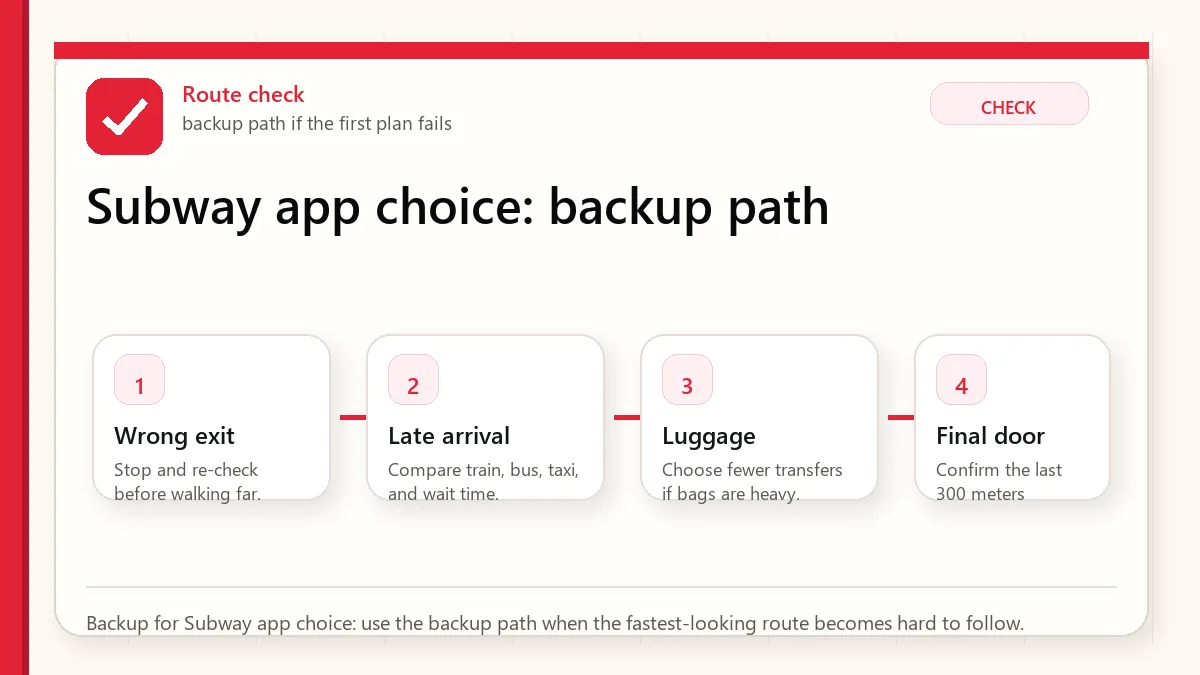
    Layered red check backup flow graphic for Subway app choice.
    Backup for Subway app choice: use the backup path when the fastest-looking route becomes hard to follow.

    What to save before you need it

    • Hotel address in Korean
    • Subway route and transfer station
    • Correct exit number
    • Last train result for the return route
    • A taxi backup route from the nearest large road

    Korean metro app and subway app searches

    Queries like Korean metro app, Korean subway app, and Seoul train app usually mean the visitor wants route planning, transfer exits, travel time, and station names in English. Use a subway app together with Naver Map or KakaoMap when the route includes walking, buses, or a place-name search.

    For timed plans, check the last train, transfer direction, exit number, and whether the route changes after midnight or on weekends.

    FAQ

    Is there one best Korea subway app?

    Not for every visitor. A subway-focused app is best for line clarity, while map apps are better for exits and the final walk.

    Can I use Google Maps for subway routes in Korea?

    It can help in some ways, but many travelers still need Naver Map, Kakao Map, or a subway-specific app for better local detail.

    Should I install the app after arriving?

    Install before departure. It is easier to test language settings, route search, and saved places when you are not tired at the airport.

    Related guides

    Official links to check

    Use these official links when the next step matters. This guide explains what to watch for, but app downloads, eligibility, prices, routes, policies, and service rules can change.

    Sources and official checks

    App screens, entry rules, fares, and official procedures can change. Use the links below to re-check details before you rely on one route, app, card, or declaration step.