Author: user

  • Korea Travel Apps Setup Before Arrival: Map, Translation, Taxi, Transit, Delivery, and Emergency Stack

    Korea Travel Apps Setup Before Arrival: Map, Translation, Taxi, Transit, Delivery, and Emergency Stack

    The best Korea travel app stack is not a long list of app names. It is a tested setup that works when you are tired, offline, standing outside the wrong subway exit, or trying to explain a taxi pickup point. Foreign visitors usually do not fail because they forgot to install an app. They fail because the app needs phone verification, payment setup, location permission, Korean address search, or data access at the worst possible moment.

    Last checked: June 1, 2026. Re-check the current Korean government or customs page before acting, because routes, prices, labels, rules, app screens, eligibility, and store/service policies can change.

    Last updated: May 24, 2026.
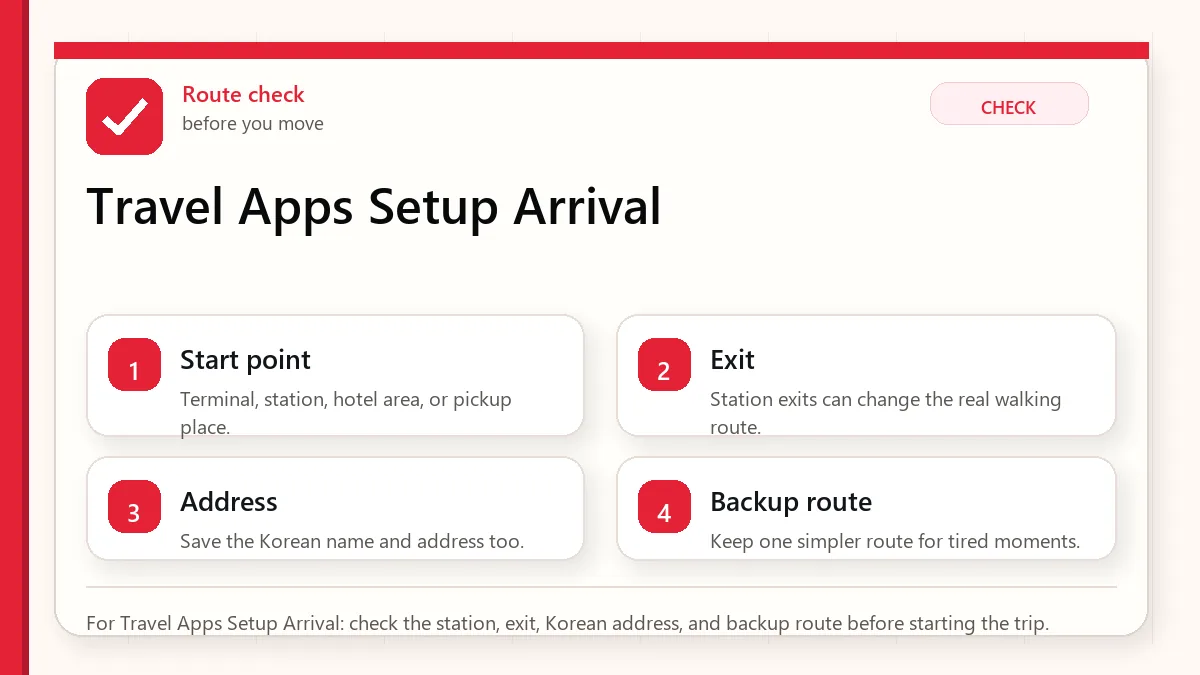
    Layered red check decision graphic for Travel Apps Setup Arrival.
    For Travel Apps Setup Arrival: check the station, exit, Korean address, and backup route before starting the trip.

    Start with the pickup and payment fallback

    Before arrival, install Naver Map, Papago, Google Translate, one ride app with low signup friction such as k.ride or Uber, a transit plan such as physical T-money or compatible MobileTmoney, and emergency tools such as Emergency Ready and Baro Emergency Reporting. KakaoTalk and Kakao T are useful, but they are more account-dependent.

    The core stack

    NeedPrimary appBackupSetup warning
    NavigationNaver MapKakaoMap, Google MapsSave hotel and Korean address before arrival.
    TranslationPapagoGoogle Translate, Google LensDownload offline language packs where possible.
    Taxik.ride or UberKakao T, street taxiTest card and account before the airport.
    Transit paymentPhysical T-moneyMobileTmoney if compatibleDo not rely on mobile transit until tested.
    Food deliveryBaemin if it worksShuttle, hotel help, takeoutForeign numbers and cards can be the blocker.
    EmergencyEmergency Ready, Baro112/119 appsGrant location and know the emergency numbers.
    Layered red check backup flow graphic for Travel Apps Setup Arrival.
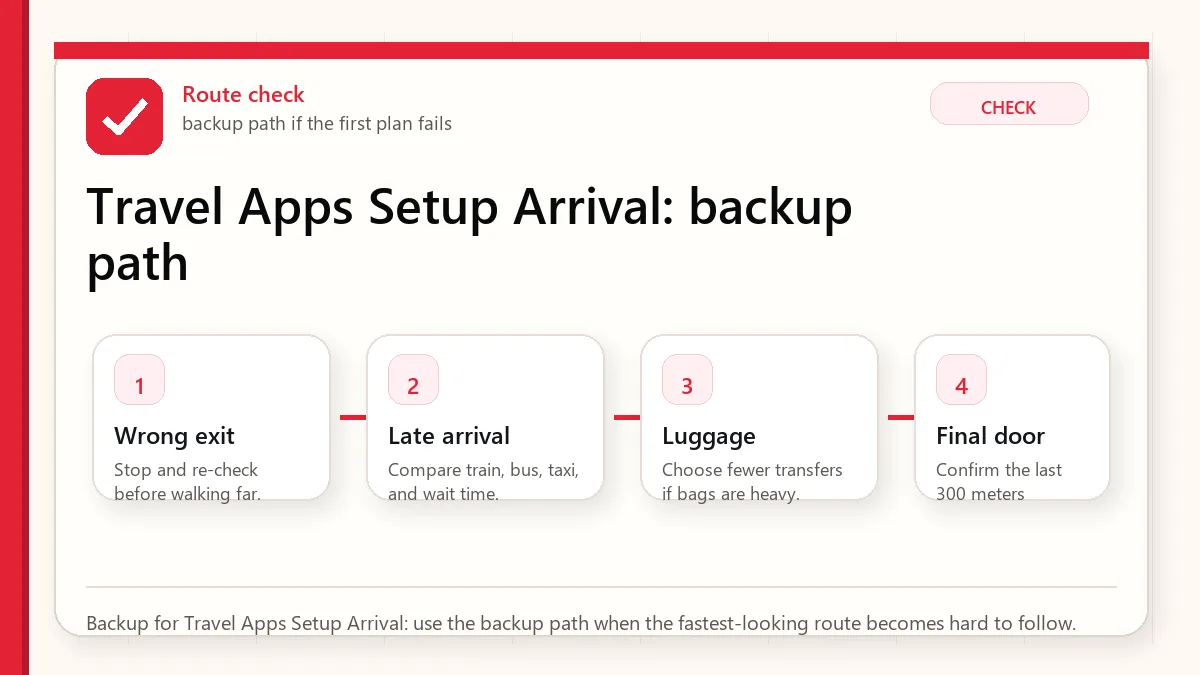
    Backup for Travel Apps Setup Arrival: use the backup path when the fastest-looking route becomes hard to follow.

    Why Naver Map comes first

    Naver Map is the strongest local map habit for visitors because Korea’s place names, station exits, bus stops, and branches often live more clearly in local map ecosystems. Google Maps can still be useful, especially for saved lists and familiar planning, but visitors should save hotel and first-day places in Naver Map before they need them.

    Translation stack: Papago plus Google Translate

    Papago is the Korea-specialist translator for menus, signs, and Korean-heavy content. Google Translate is the better offline insurance if you download language packs. Google Lens is useful for fast text capture, but it should not replace a proper translator when allergies, medicine, or official notices matter.

    Ride apps: choose one simple and one local

    k.ride is designed as a tourist-friendly Kakao Mobility option with multilingual support and overseas-card positioning. Uber is useful if you already use it and want continuity. Kakao T has strong local depth, but account and KakaoTalk setup can add friction. For a short stay, install the low-friction app first and add the local app if you have time.

    Food delivery is the hardest category

    Food delivery is more difficult than taxis because it combines address formatting, local phone contact, payment, app identity, and driver communication. If delivery is mission-critical, test it before you are hungry. Otherwise, use takeout, hotel help, or restaurants within walking distance.

    Before-arrival checklist

    • Install apps while still on stable home internet.
    • Log in and complete phone or email verification.
    • Add a payment card to ride apps and test whether it is accepted.
    • Save hotel in English and Korean.
    • Download translation offline packs.
    • Grant location permission to map, taxi, and emergency apps.
    • Screenshot hotel address, emergency contacts, and first airport route.

    Set up before landing

    The best time to install Korea travel apps is not when you are standing outside arrivals with luggage. Install your map, translation, ride, transit, emergency, airline, accommodation, and messaging tools before departure. Open each app once, choose language settings, allow only necessary permissions, and save your first hotel, nearest station, airport route, and a few backup places offline or as screenshots.

    This matters because some apps may require account creation, phone verification, card registration, or location permissions. Even if you cannot fully activate every feature before Korea, you will learn which apps are ready and which ones need a backup. The goal is not to build the perfect app stack; it is to remove surprises from arrival day.

    Use redundancy, not app loyalty

    Foreign visitors often ask for “the one app” for Korea. A better answer is redundancy. Use Naver Map or KakaoMap for local place search and transit, Papago for translation, a ride app or taxi backup for late-night movement, and official emergency or public-service tools for safety information. Keep Google Maps too, but do not expect it to behave like it does in every other country.

    Redundancy also helps when Korean names are romanized differently. Search in English first, then copy the Korean name from a hotel booking, official website, or map result when needed. If a place has multiple branches, confirm the neighborhood, road name, and nearest station before saving it.

    What apps cannot solve

    Apps cannot replace a payment backup, a real hotel address, travel insurance, or basic judgment. Delivery apps may still be difficult without a Korean phone number or local payment method. Restaurant apps may have Korean-only menus. Transit apps can suggest efficient routes that are unpleasant with luggage. Treat apps as decision support, not as permission to stop planning.

    Official links to check

    Use these official links when the next step matters. This guide explains what to watch for, but app downloads, eligibility, prices, routes, policies, and service rules can change.

    FAQ

    Do I need KakaoTalk for a short Korea trip?

    Not always, but it can help if you use Kakao services or communicate with local businesses. Install it early if you plan to use Kakao T.

    Can I rely on food delivery apps?

    Not as your only meal plan. Delivery can fail because of phone, payment, address, or language issues.

    Should I install both Naver Map and KakaoMap?

    Yes. Use Naver Map as the primary and KakaoMap as a route comparison backup.

    Do not treat delivery apps as arrival-day essentials

    Maps, translation, transit, messaging, and payment backups matter before the first day. Food delivery apps are more conditional. Baemin is powerful inside Korea, but short-term visitors can run into phone number, NICE identity verification, address, payment, and rider-call friction. Before putting it in your must-have list, read Can Foreigners Use Baemin in Korea? and decide whether your trip really needs delivery.

    If your first night depends on a delivery app, you are adding risk to the day when you are most tired. Save one walkable meal option near your hotel even if you plan to test delivery later.
    Related Before Korea guides

    Source links to verify

  • T-money Card Korea Tourist Mistakes: Buying, Topping Up, Tapping Out, Refunds, and Mobile Limits

    T-money Card Korea Tourist Mistakes: Buying, Topping Up, Tapping Out, Refunds, and Mobile Limits

    A T-money card is one of the simplest tools a visitor can buy in Korea, but simple does not mean mistake-proof. Tourists over-load the card before leaving, forget to tap out on buses, assume every mobile version works on every phone, confuse T-money with unlimited passes, and expect refunds to work the same at every convenience store.

    Last checked: June 1, 2026. Re-check the official app, service, or app-store page before acting, because routes, prices, labels, rules, app screens, eligibility, and store/service policies can change.

    Last updated: May 24, 2026.

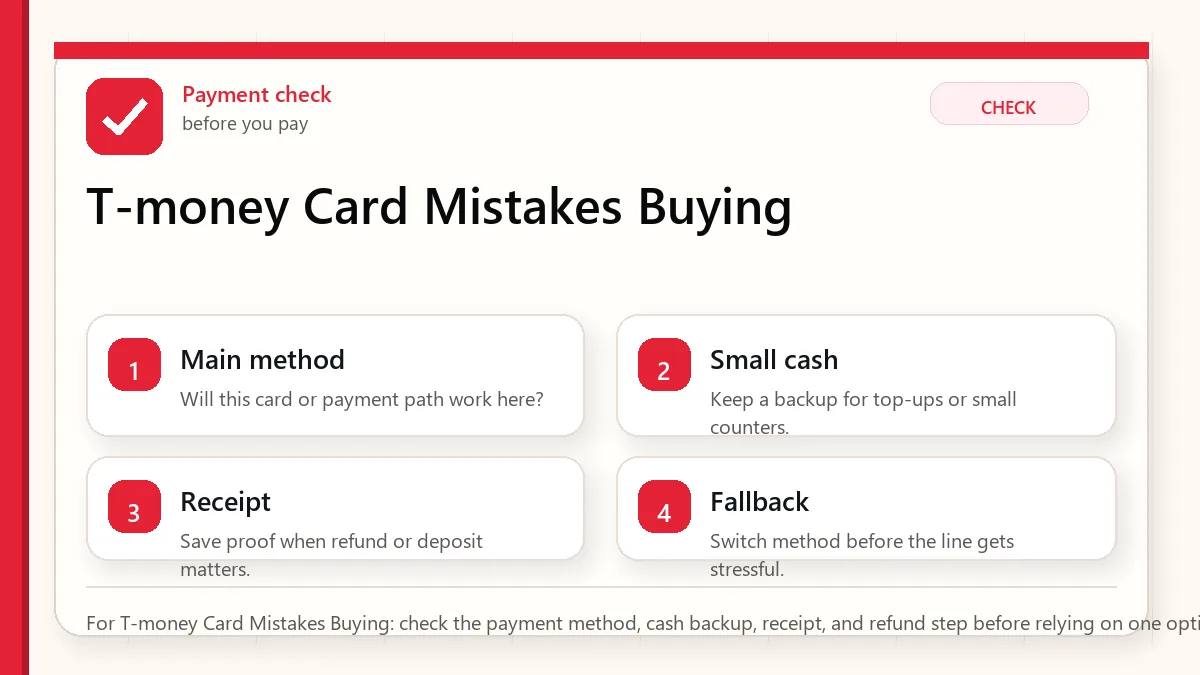
    Layered red check decision graphic for T-money Card Mistakes Buying.
    For T-money Card Mistakes Buying: check the payment method, cash backup, receipt, and refund step before relying on one option.

    Start with the label and return risk

    For most tourists, a physical T-money card is still the safest default. Buy it at a convenience store, subway station, airport convenience store, or information point; top it up with cash unless a specific machine clearly accepts card; tap in and out correctly; and keep the remaining balance low near departure because the card cost itself is not normally refunded.

    Common mistakes

    MistakeWhy it mattersBetter habit
    Loading too much on day oneRefunds have limits and service fees.Start modestly and reload as needed.
    Not tapping out on busesTransfer discounts and correct fares depend on it.Tap when boarding and tap again when exiting.
    Assuming card top-up everywhereCash is still the most reliable physical-card top-up method.Carry small KRW notes for transit reloads.
    Relying on mobile T-money without testingPhone, OS, wallet, card, and verification rules vary.Prepare mobile, but know where to buy plastic backup.
    Buying a pass without checking geographyClimate Card or tourist passes may be Seoul-specific or route-limited.Use standard T-money unless your itinerary clearly benefits from a pass.
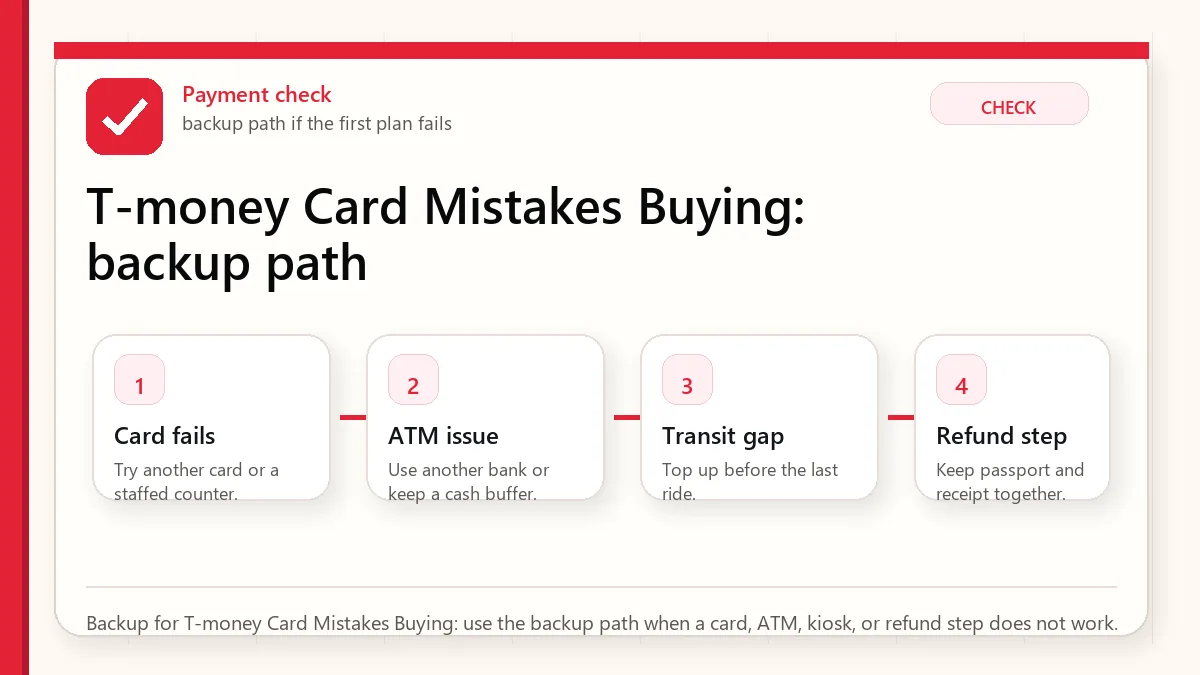
    Layered red check backup flow graphic for T-money Card Mistakes Buying.
    Backup for T-money Card Mistakes Buying: use the backup path when a card, ATM, kiosk, or refund step does not work.

    Where to buy and top up

    Convenience stores are the easiest purchase point because they exist at airports, station areas, hotel districts, and neighborhoods. Subway information counters and some ticket machines are also useful. For top-up, treat cash as the most dependable method. Some machines and newer systems may accept cards, but tourists should not build the whole transit plan around that assumption.

    How to use it correctly

    On the subway, tap at the entry gate and tap at the exit gate. On buses, tap when boarding and tap again before or during exit. That second bus tap is not just etiquette; it supports correct transfer logic and can prevent extra fare problems. If you travel with multiple people, each person should ideally have their own card for cleaner transfers.

    Refund and expiry caution

    The card purchase price is normally not refunded. Only the remaining balance can be refunded under the applicable rules, often with a service fee and location-specific balance limits. Near the end of the trip, stop loading large amounts and spend the balance down naturally on transit or small partner purchases.

    Mobile T-money: promising but not universal

    MobileTmoney on iPhone has become much more interesting for visitors, especially where no sign-up and Apple Pay top-up are supported. Android can be more complicated because NFC, SIM, device, app, and verification requirements can intersect. The practical advice is simple: if mobile works, enjoy it. If it does not, a physical card solves the trip.

    Treat T-money as a transit tool

    T-money is best understood as a practical transport card, not a full tourist wallet. It is excellent for subway, bus, and many convenience-store situations, but it does not replace a credit card, debit card, or cash plan. Visitors run into trouble when they load too much money, expect it to work everywhere, or assume it solves app payments and online purchases.

    A good visitor setup is simple: buy a physical card, add a modest first balance, test it on the first ride, and top up as needed. Keep a separate payment method for restaurants, shopping, accommodation, and emergencies. If you are staying longer, you can become more ambitious later, but the first 24 hours should be boring and reliable.

    Top-up friction matters

    Many tourists are surprised that cash top-up remains the safest assumption. Some machines or stores may support card-based options, but cash is still the least complicated backup. This is why the payment and T-money plans should connect: bring enough Korean won to top up transit without turning your first subway ride into a payment experiment.

    Do not load a huge amount unless you know the refund rules and your remaining trip length. Small, repeated top-ups are less elegant but safer. At the end of the trip, spend down the balance or refund according to the card and outlet rules instead of discovering too late that your remaining balance is inconvenient to recover.

    Tap-out habits

    Subway gates make the tap-in and tap-out habit obvious. Buses can be more confusing. In Korea, tapping out on buses matters for transfer discounts and proper fare handling. Make it a habit to tap when you board and tap when you leave. If you are transferring, do not wander off and then wonder why the next ride costs more.

    Mobile T-money is not universal tourist advice

    Mobile options are improving, but device, app, region, language, wallet, and identity details can still make them uneven for visitors. A physical card remains the most conservative recommendation for first-time travelers because it works without depending on your phone model, local verification, battery, or app setup.

    Official links to check

    Use these official links when the next step matters. This guide explains what to watch for, but app downloads, eligibility, prices, routes, policies, and service rules can change.

    FAQ

    Can I use T-money outside Seoul?

    T-money is widely useful, but fares and transfer rules vary by region. Seoul-specific pass products should not be assumed nationwide.

    Can I top up T-money with a foreign card?

    Sometimes, depending on the machine or mobile method, but cash remains the safest universal expectation for a physical card.

    Should I buy Climate Card instead?

    Only if your itinerary is Seoul-heavy and your ride count makes the pass worthwhile. Standard T-money is more flexible.

    Related Before Korea guides

    Source links to verify

  • Incheon Airport to Seoul Hotel Areas

    Incheon Airport to Seoul Hotel Areas

    The best route from Incheon Airport to Seoul depends on your hotel area, luggage, arrival time, and transfer tolerance. AREX, airport buses, taxis, and night options solve different problems, so choose by the door you need to reach, not only by speed.

    Last checked: June 1, 2026. Re-check the official operator, app, fare, or route page before acting, because routes, prices, labels, rules, app screens, eligibility, and store/service policies can change.

    Last updated: May 27, 2026. Routes, fares, stops, station exits, app listings, and operating hours can change, so re-check before you move.

    Layered red check decision graphic for Airport to hotel areas.
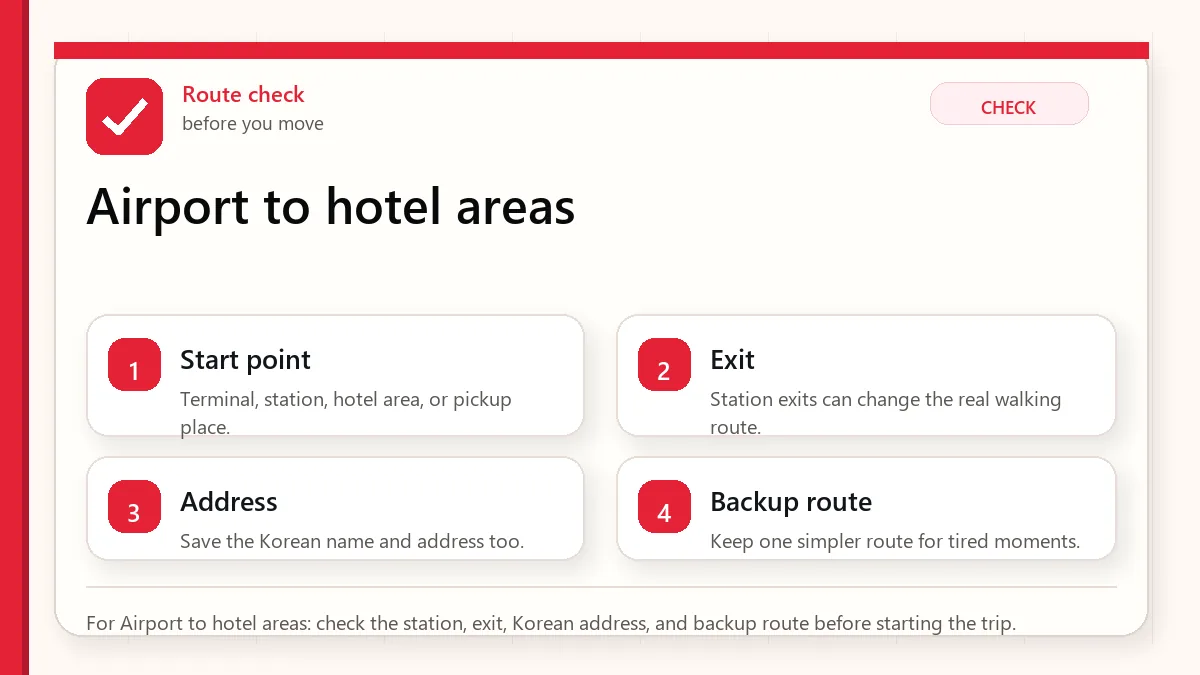
    For Airport to hotel areas: check the station, exit, Korean address, and backup route before starting the trip.

    Quick answer by hotel area

    Hotel areaBest first choiceWhen to change plans
    Seoul StationAREX Express or all-stop depending budget and timing.Taxi if you have several bags and a hotel not close to exits.
    Hongdae / MapoAREX all-stop to Hongik Univ. or Gongdeok.Airport bus if the stop is closer than the station exit.
    Myeongdong / NamdaemunAirport limousine bus if it stops near your hotel.AREX plus subway/taxi if traffic is the bigger concern.
    Gangnam / COEX6703 bus or taxi for groups.Train only if budget matters more than transfer friction.
    Jamsil6705A bus if it matches your hotel.Taxi if late, with children, or far from the bus stop.
    Layered red check backup flow graphic for Airport to hotel areas.
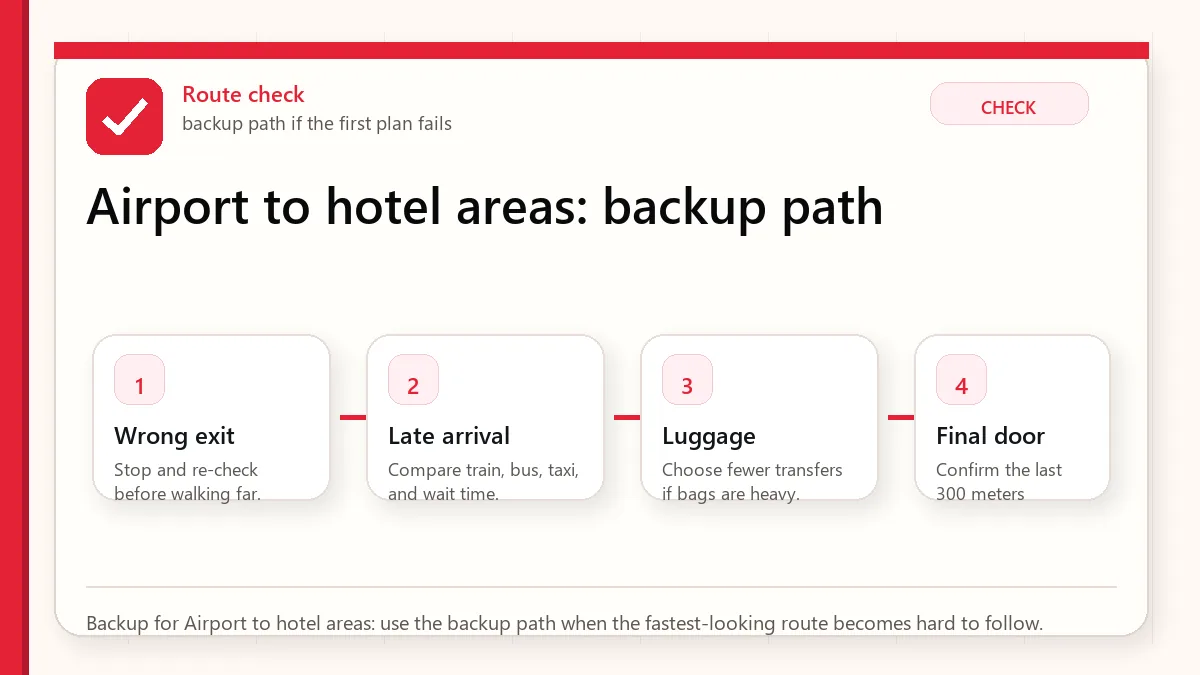
    Backup for Airport to hotel areas: use the backup path when the fastest-looking route becomes hard to follow.

    AREX Express vs all-stop train

    AREX Express is cleanest when Seoul Station is your destination or your transfer point. It is non-stop, seat-reserved, and easier mentally after a long flight. But if you are staying in Hongdae, Gongdeok, or Mapo, the all-stop train often wins because it stops where you actually need to go. Paying more for the express and then backtracking can be a beginner mistake.

    Why Myeongdong is a bus district

    Myeongdong is not directly on AREX. You can still use the train, but the final transfer can be awkward with bags. Airport buses are competitive because several routes serve hotel clusters around Myeongdong, Namdaemun, Lotte Hotel, Myeongdong Station, and nearby stops. The catch is exact frontage. A bus that is perfect for one Myeongdong hotel can be clumsy for another.

    When a taxi is not irrational

    A solo traveler usually saves money on rail or bus. A group of three or four going to one hotel may find a taxi surprisingly reasonable once you compare total party cost. It also avoids elevator hunts, station exits, and missed hotel stops. Taxi becomes especially logical late at night, with children, with more than one suitcase per person, or when your hotel is not close to a train or bus stop.

    Late-night arrival plan

    Late arrival compresses your choices. Check whether rail still runs, whether a night bus serves your district, and whether your hotel can receive a late check-in. If you land after normal rail and bus convenience fades, a taxi is not a luxury; it may be the practical arrival tool.

    Luggage and family checklist

    • Count bags before choosing the route, not after you reach the platform.
    • Check whether the station exit has elevators or escalators.
    • For buses, match the official stop list to the exact hotel area.
    • For families, consider bathroom breaks, stroller handling, and child fatigue.
    • Keep hotel address in Korean for taxi or help desk use.

    Choose by hotel area, not by headline speed

    The fastest advertised train is not always the fastest door-to-door route. Seoul Station is excellent for train access and onward rail, but it may still require a subway transfer or taxi to your hotel. Hongdae often fits the all-stop AREX well because the airport railroad goes directly toward Hongik University. Myeongdong can be smoother by airport bus if the stop is near your hotel. Gangnam and Jamsil often make airport buses or taxis more competitive because crossing the city by rail with luggage can be tiring.

    Before choosing, place your hotel on a map and answer three questions: how many transfers are required, whether the final station has elevators or escalators in the direction you need, and how far the walk is after exit. A ten-minute walk without luggage can become a rough arrival if you are carrying two suitcases through stairs, rain, or late-night streets.

    The luggage and arrival-time test

    Light travelers arriving during the day can prioritize speed and cost. Families, elderly travelers, first-time visitors, and people with large luggage should prioritize fewer transfers and a clear final stop. Late-night arrivals should check the last train and bus options before landing. If public transport is finished, the choice becomes taxi, late-night airport bus where available, or staying near the airport for the first night.

    Do not underestimate terminal difference. Incheon Terminal 2 adds time compared with Terminal 1 for some routes. Also include immigration, baggage claim, SIM or eSIM setup, ATM or T-money setup, and walking time inside the airport. Your actual “airport to hotel” time starts after the plane door opens, not when the train timetable begins.

    When taxi is rational

    A taxi is not always a luxury mistake. For three or four people, late arrival, heavy luggage, bad weather, or a hotel far from subway exits, taxi can be the cleanest option. The tradeoff is traffic, tolls, fare uncertainty, and the need to show the destination clearly. Keep your hotel address in Korean and confirm whether the driver understands the exact entrance, not just the neighborhood.

    Official links to check

    Use these official links when the next step matters. This guide explains what to watch for, but app downloads, eligibility, prices, routes, policies, and service rules can change.

    FAQ

    Is AREX always the best airport route?

    No. It is excellent for Seoul Station and Hongdae-style rail access, but buses or taxis can be better for Myeongdong, Gangnam, Jamsil, or heavy luggage.

    Should I buy bus tickets in advance?

    Check the current airport and operator rules, especially from Terminal 2. Some downtown routes may require or strongly favor advance ticketing.

    Can I use T-money from the airport?

    You can use a transport card on the all-stop rail and Seoul transit, but premium airport products and buses may have separate ticket rules.

    Related guides

    Source links to verify

  • Korea Entry Checklist: K-ETA and e-Arrival

    Korea Entry Checklist: K-ETA and e-Arrival

    Before flying to Korea, separate K-ETA, e-Arrival Card, visa-free entry, customs declaration, and Q-CODE instead of treating them as one form. The exact mix depends on your passport, trip date, airline, and items you carry.

    Last checked: June 1, 2026. Re-check the current Korean government or customs page before acting, because routes, prices, labels, rules, app screens, eligibility, and store/service policies can change.

    Last updated: May 27, 2026. Entry rules, forms, customs guidance, airport procedures, and eligibility details can change, so re-check official sources before travel.

    Layered red check decision graphic for Entry documents.
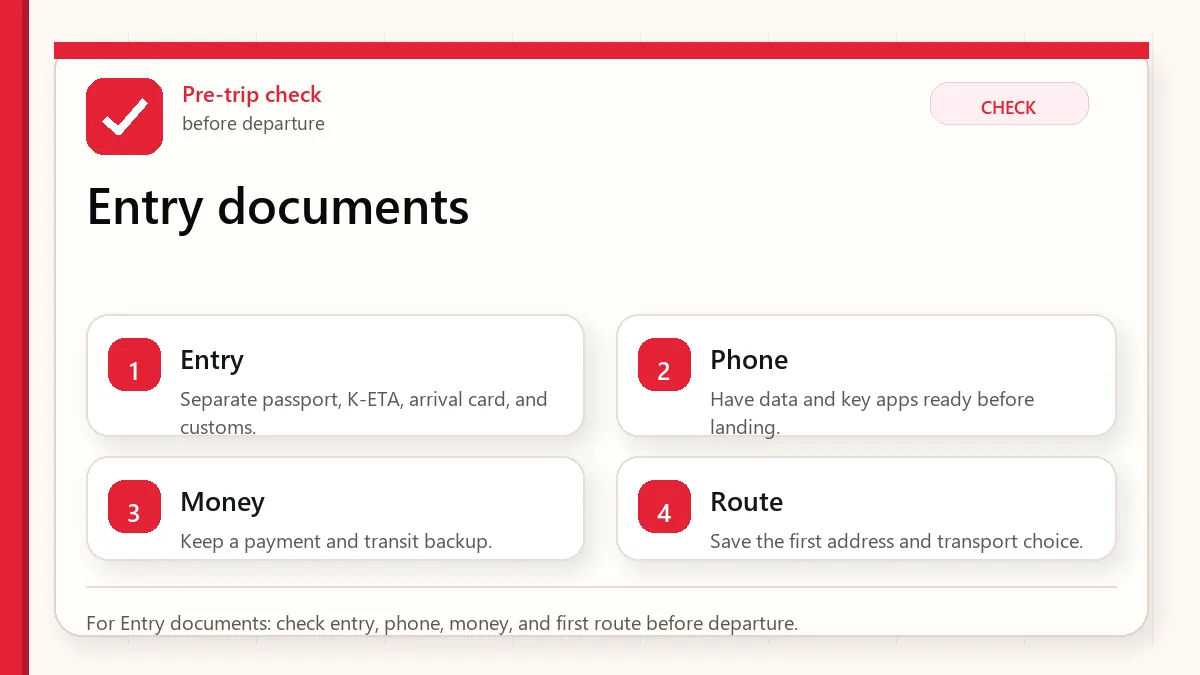
    For Entry documents: check entry, phone, money, and first route before departure.

    Start with the official requirement for your trip

    Start with your passport nationality. If you are visa-free, check whether K-ETA is required or temporarily exempt. If you do not hold K-ETA, check whether you need the e-Arrival Card. Then check passport validity, customs declaration triggers, and Q-CODE or health questionnaire rules if you are coming from a designated region. Use official websites, not travel-forum screenshots.

    K-ETA vs e-Arrival Card

    SystemWhat it doesCommon mistake
    K-ETAElectronic travel authorization for eligible visa-free travelers when required.Thinking approval guarantees entry or replaces visa rules.
    e-Arrival CardOnline arrival-card submission for travelers who need arrival-card information.Thinking K-ETA-exempt means form-exempt.
    VisaPermission path for travelers not covered by visa-free/K-ETA routes.Trying to use K-ETA when nationality is not eligible.
    Q-CODEHealth/quarantine information when required for designated regions.Assuming old COVID rules are gone forever for every origin.
    Customs declarationGoods, currency, restricted items, food, plants, animal products, and allowance issues.Thinking “tourist” means nothing to declare.
    Layered red check backup flow graphic for Entry documents.
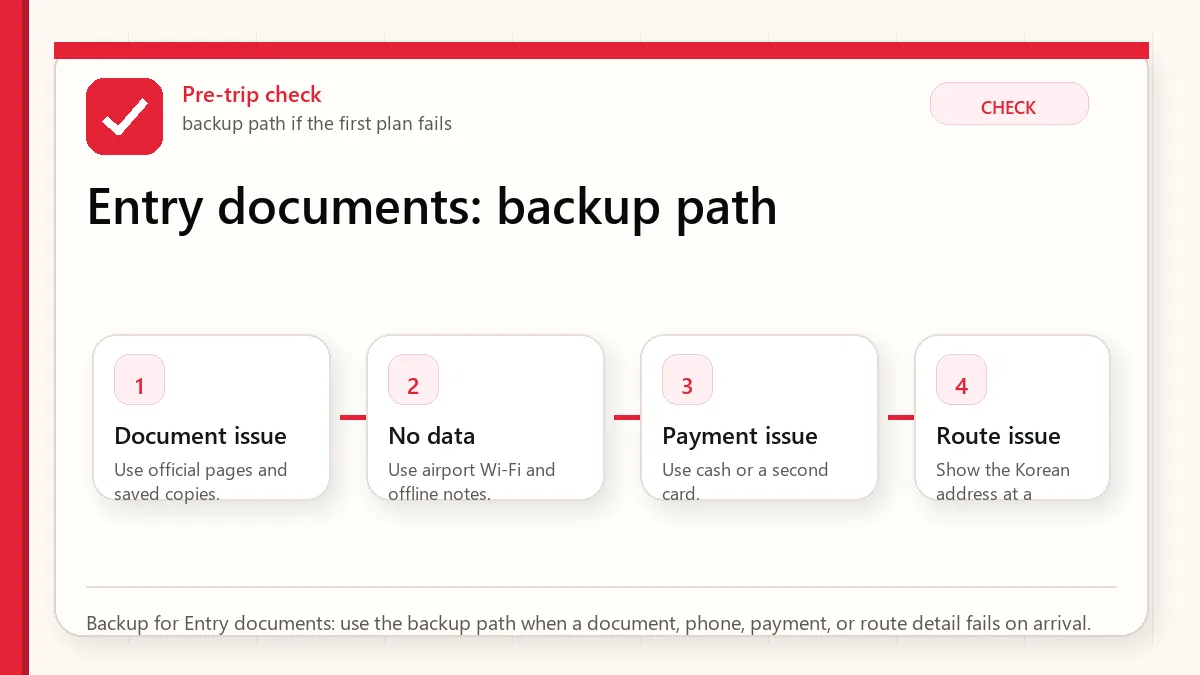
    Backup for Entry documents: use the backup path when a document, phone, payment, or route detail fails on arrival.

    The 2026 entry workflow

    1. Check whether your passport nationality is visa-free or visa-required.
    2. If visa-free, check whether you need K-ETA or are temporarily exempt.
    3. If K-ETA is required, apply only on the official K-ETA site or app.
    4. If you do not hold K-ETA, complete the e-Arrival Card if required.
    5. Check passport validity against your stay, visa application needs, and airline rules.
    6. Review customs triggers: high-value goods, restricted items, food, plants, animal products, and currency over USD 10,000 equivalent.
    7. Check Q-CODE or health questionnaire requirements close to departure if your travel history includes designated regions.

    Passport validity: do not rely on a slogan

    Travel blogs often say “six months required,” but official material can be more nuanced. For visa applications, Korean missions often ask for at least six months. For visa-free entry, the key risk is whether your passport comfortably covers the stay and whether the airline will board you. If your passport is close to expiry, verify with the official mission and airline before you travel.

    Customs and food caution

    Korea’s customs rules matter for tourists carrying large cash amounts, alcohol, tobacco, expensive purchases, animal products, plants, meat, fruits, medicines, or commercial-looking goods. If you are not sure, declare or ask. A small inconvenience at customs is better than a penalty for failing to declare.

    Useful document pack

    • Passport photo page screenshot and physical passport.
    • K-ETA approval or visa evidence if applicable.
    • e-Arrival Card completion screenshot if applicable.
    • Hotel address in English and Korean.
    • Return or onward flight information.
    • Customs notes for high-value shopping, medicine, or special items.

    Separate the four checks

    Korea entry planning becomes easier when you separate four workflows: permission to travel, arrival information, customs, and health-related declarations. K-ETA belongs to the permission-to-travel layer for eligible visa-free travelers unless an exemption applies. The e-Arrival Card is arrival information. Customs declaration is about what you bring. Q-CODE is health-related and can matter when disease-control rules are active or when the traveler is asked to provide health information.

    Travelers often make mistakes because they treat every form as the same form. They are not the same. One may be tied to your passport and boarding eligibility, another to immigration processing, another to goods and cash you carry, and another to public-health screening. Keeping them separate makes it easier to know what you have completed and what remains.

    The three-day arrival window

    Some arrival information should be handled close to travel because it asks for final flight and accommodation details. Build a simple timeline: check passport, visa or K-ETA situation, and airline rules when you book; confirm hotel address and first-night contact information one week before travel; complete time-sensitive arrival forms within the official window before departure; then save confirmations offline before you go to the airport.

    Do not rely only on a live internet connection at the departure airport. Keep a screenshot or PDF of important approvals, your hotel name and address in English and Korean if available, outbound or onward travel proof if relevant, and emergency contact details. This is not because entry is normally difficult; it is because a small document problem is much easier to fix before you stand in a line.

    Customs and practical packing

    Customs is where ordinary travelers accidentally create avoidable stress. Food, medication, high-value goods, large cash amounts, commercial quantities, and restricted items deserve attention before packing. If you carry prescription medicine, keep it in original packaging where possible and bring supporting documentation. If you plan to shop heavily in Korea, remember that your home country’s customs rules also matter on the return trip.

    Official links to check

    Use these official links when the next step matters. This guide explains what to watch for, but app downloads, eligibility, prices, routes, policies, and service rules can change.

    FAQ

    Do K-ETA holders need the e-Arrival Card?

    In general, K-ETA holders are treated differently from travelers who need to submit arrival-card information. Check the official e-Arrival site for your situation.

    Is the e-Arrival Card free?

    The official e-Arrival Card is free. Be careful with unofficial pages that look like government services.

    Can requirements change?

    Yes. Entry, health, and customs rules can change, which is why this guide points you back to official portals.

    Related guides

    Source links to verify

  • Foreign Card Not Working in Korea: Fixes

    Foreign Card Not Working in Korea: Fixes

    A foreign card failure in Korea usually happens at the least convenient moment: a self-service kiosk, a transport-card reload point, a small shop, a hotel deposit, or an ATM that does not like your card network. That is why the practical question is not “Can I pay by card in Korea?” The better question is “What do I do when the one terminal in front of me rejects my foreign card?”

    Last checked: June 1, 2026. Re-check the official provider, store, customs, or payment page before acting, because routes, prices, labels, rules, app screens, eligibility, and store/service policies can change.

    Last updated: May 24, 2026.

    The answer is not panic. Most failures are solvable if you understand the pattern. Staffed mainstream commerce is usually easy. Unattended and domestic-optimized systems are where friction appears.

    Layered red check decision graphic for Foreign card failure.
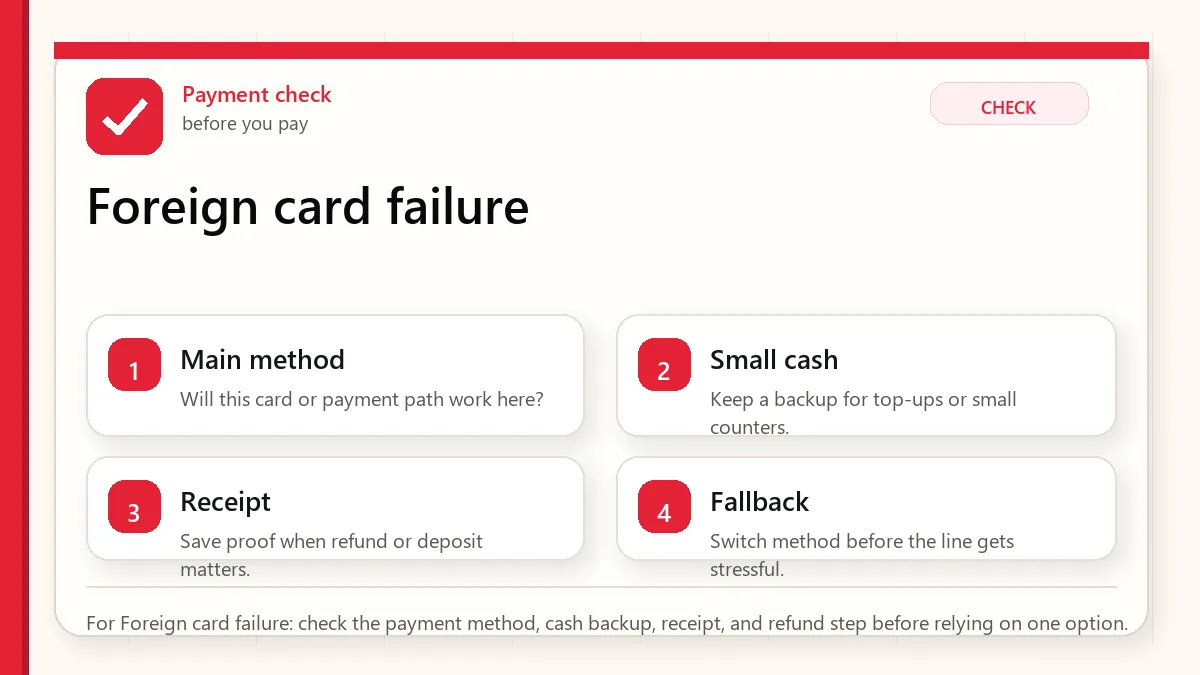
    For Foreign card failure: check the payment method, cash backup, receipt, and refund step before relying on one option.

    Start with what can fail at payment

    If your foreign card fails in Korea, try a physical chip insert before a phone tap, try a second card from a different issuer, move to a staffed counter if the failure happened at a kiosk, and keep a small cash buffer for taxis, markets, transit-card top-ups, or emergency food. For a longer trip, a prepaid visitor tool such as WOWPASS can become a useful fallback, but it should not replace normal card and cash planning.

    Why cards fail even when Korea feels cashless

    Korea’s card culture is strong. Hotels, department stores, convenience stores, chains, pharmacies, and most staffed restaurants are usually comfortable with cards. The problem is that visitors meet payment systems built for domestic cards, domestic verification, legacy transport rails, or Korean app accounts. A store can be “card friendly” and still have one kiosk that rejects your card.

    Think in layers. Your first layer is a physical Visa or Mastercard. Your second layer is a different issuer or network. Your third layer is cash. Your fourth layer is a local-style prepaid or transit card. Your last layer is changing the purchase channel: staffed counter, another branch, taxi stand, hotel desk, or another machine.

    Payment failure decision table

    Where it failedLikely reasonBest next move
    Restaurant kioskDomestic card routing, old reader, contactless issue.Try chip insert, then ask staff or order at the counter.
    Subway or transport reload machineT-money and local transit systems may not accept every foreign card.Use cash top-up or buy a single ticket where available.
    Hotel check-inAuthorization hold, debit-card limit, issuer fraud block.Use credit card, ask hold amount, avoid tying up debit cash.
    TaxiReader issue, network mismatch, app payment not set.Try another card, T-money where accepted, or cash backup.
    ATMNetwork mismatch, low machine limit, issuer block.Find a bank-branded Global ATM and try another network card.
    Layered red check backup flow graphic for Foreign card failure.
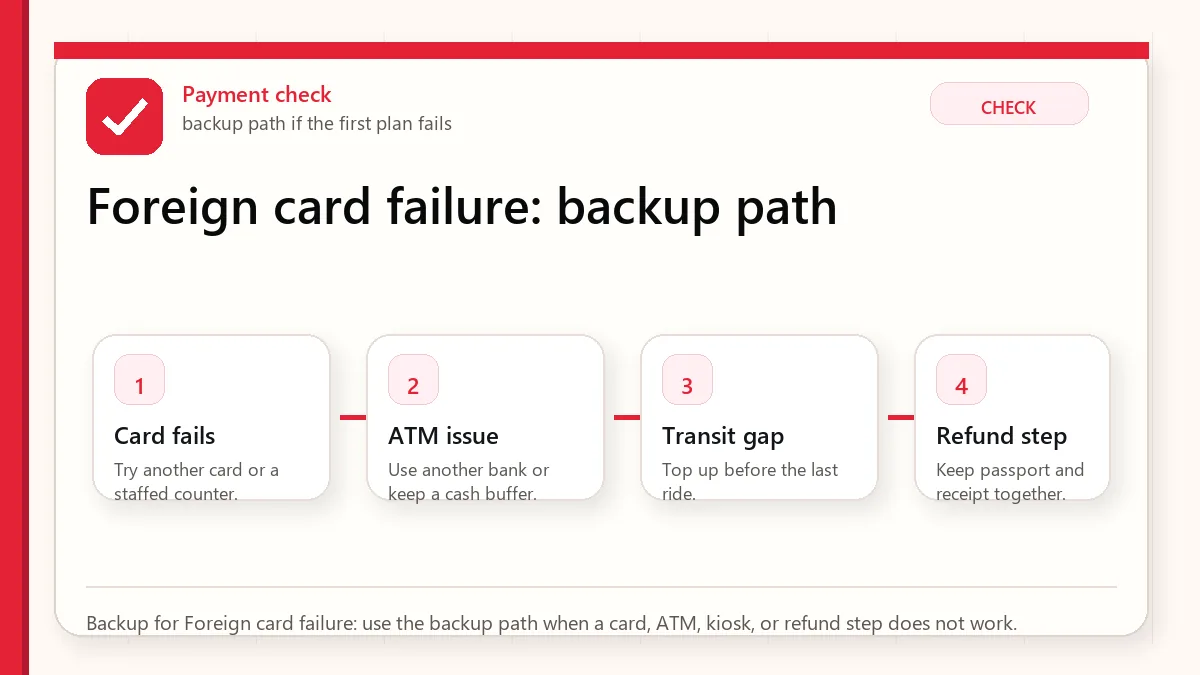
    Backup for Foreign card failure: use the backup path when a card, ATM, kiosk, or refund step does not work.

    How much cash should you carry?

    For a short urban trip in Seoul or Busan, a working cash buffer of roughly KRW 50,000 to 100,000 per adult is usually enough if you also have two cards. For markets, smaller cities, late-night taxis, heavy transit-card top-ups, or nervous first arrivals, KRW 150,000 to 200,000 gives more breathing room. This is not because Korea is cash-heavy. It is because cash solves a few sharp problems quickly.

    The best visitor payment stack

    • Two physical cards from different issuers, ideally Visa or Mastercard as the primary network.
    • One ATM-capable debit card with international withdrawal enabled.
    • A small KRW cash buffer, separated from your wallet’s main card pocket.
    • A T-money or EZL-style transit card for transport and small partner payments.
    • Optional WOWPASS if you want a local-style prepaid payment layer and currency-exchange utility.

    Apple Pay, Samsung Wallet, and contactless reality

    Phone wallets can work where terminals support the right contactless technology, but they are not a universal workaround. If your phone tap fails, use the physical card. If the physical card fails, try another issuer. If the merchant terminal is domestic-only or the kiosk is old, the problem may not be your bank at all.

    Hotel deposit warning

    Use a credit card rather than a debit card for hotel holds when possible. A debit-card hold can lock real cash for days after checkout, which is a bad surprise if that card is also your ATM card. Ask the hotel whether the deposit is a hold, a charge, or a refundable payment.

    The real failure pattern

    Most payment problems in Korea are not a simple “foreign cards do not work” situation. The pattern is more uneven. A foreign card may work at a hotel, department store, pharmacy, museum, or staffed restaurant, then fail at a transport recharge machine, a self-order kiosk, a parking machine, a small neighborhood shop, or an online checkout that expects a Korean card verification flow. This is why visitors get confused: the same card can be accepted in one place and rejected ten minutes later.

    The most common practical split is offline card acceptance versus local payment infrastructure. Offline card terminals are often fine when the merchant accepts international networks and the card is activated for overseas use. Local online payments, QR payments, delivery apps, and some kiosk flows can be harder because they may expect Korean identity verification, a Korean phone number, a domestic card issuer, or app-based authentication that foreign visitors cannot complete.

    A field sequence that saves time

    If a card fails, do not keep repeating the same tap. First try chip insertion if contactless fails, or contactless if chip fails. Second, ask for a staffed counter if the machine is the problem. Third, try a second card from a different network or bank. Fourth, reduce the transaction to the essential item if the terminal seems to reject a mixed purchase. Fifth, switch to a backup method: cash, a prepaid travel card, T-money for eligible transport and convenience-store purchases, or another person in your group.

    The key is to separate a card problem from a channel problem. If a card fails at one kiosk but works at a staffed counter, your card is probably usable. If it fails at several staffed merchants, call your bank, check overseas usage settings, or move to the backup card. If a local app asks for Korean identity verification, changing cards often will not solve it.

    How much backup is sensible

    Before Korea recommends a modest cash buffer, not a cash-heavy trip. A visitor does not need to carry a large amount every day, but arriving with enough Korean won for a meal, transit recharge, small taxi gap, or convenience-store purchase removes stress. Keep this cash separate from your main wallet, and avoid making airport arrival your first experiment with a brand-new payment setup.

    Official links to check

    Use these official links when the next step matters. This guide explains what to watch for, but app downloads, eligibility, prices, routes, policies, and service rules can change.

    FAQ

    Do I need cash in Korea?

    Yes, but usually not a lot. Treat cash as a backup for transit loading, markets, taxis, and payment failures.

    Why did my card work at a convenience store but fail at a kiosk?

    Different terminals can route payments differently. Staffed counters often have better fallback options than self-service machines.

    Is WOWPASS necessary?

    No, but it can be useful if your cards are unreliable or you want a prepaid local-style spending layer.

    Related Before Korea guides

    Source links to verify

  • Korean Food Allergy Card: What to Write Before Eating in Korea

    Korean Food Allergy Card: What to Write Before Eating in Korea

    A Korean food allergy card should do one job clearly: tell restaurant staff what you cannot eat, ask them to check hidden ingredients, and make it acceptable for them to say they cannot confirm. Translation alone is not enough in Korea because broths, sauces, marinades, shared grills, seafood paste, nuts, sesame, wheat, egg, milk, soy, and cross-contact can be invisible from the menu name.

    Last checked: June 2, 2026. Restaurant recipes, packaged-food labels, and allergen notices can change. Use this as a communication tool, not medical advice.

    Layered red check decision graphic for Food allergy card.
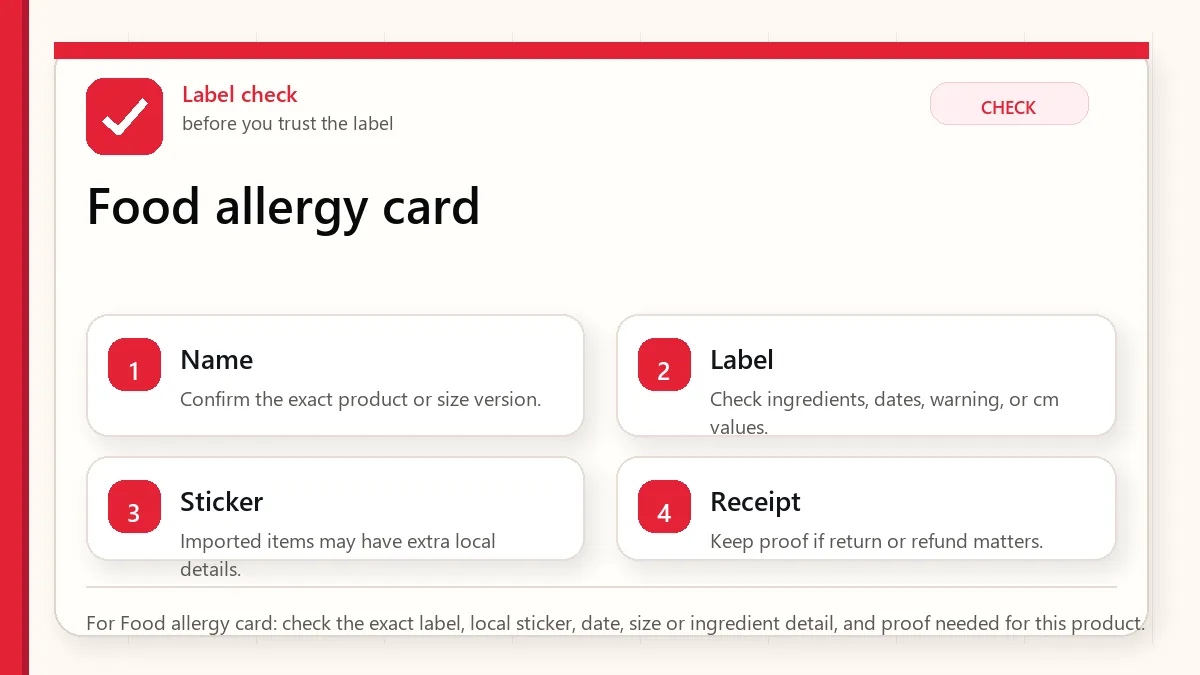
    For Food allergy card: check the exact label, local sticker, date, size or ingredient detail, and proof needed for this product.

    What to write on the card

    Card line Why it matters Example
    My allergy Name the exact allergen, not a broad diet preference I am allergic to peanuts and tree nuts.
    Severity Staff need to know whether trace exposure is dangerous Even a small amount can cause a serious reaction.
    Hidden ingredients Korean food may use broth, sauce, paste, oil, or powder Please check sauce, broth, marinade, garnish, and frying oil.
    Cross-contact Shared grills, tongs, pans, and fryers can matter If you cannot confirm, please tell me before I order.
    Emergency note Travelers need a backup plan If I feel sick, please call 119.

    A practical English card text

    I have a serious food allergy to: [ALLERGEN]. Please check the ingredients, sauce, broth, marinade, garnish, cooking oil, and shared cooking tools. If you are not sure, please tell me before I order. If I have a reaction, please call 119.

    A Korean phrase to show staff

    저는 [알레르기 식품] 알레르기가 있습니다. 소스, 육수, 양념, 고명, 조리기구, 튀김기름에 들어가는지 확인 부탁드립니다. 확실하지 않으면 주문 전에 알려 주세요. 응급 상황이면 119에 전화해 주세요.

    Do not rely on this Korean text blindly for a life-threatening condition. Have a native speaker, medical professional, or trusted translation service review your exact allergen wording before travel.

    Common allergen words to prepare

    English Korean Where it may appear
    Peanut 땅콩 Sauce, dessert, snack, garnish
    Tree nut 견과류 Bakery, dessert, salad, packaged snacks
    Egg 계란 / 달걀 Kimbap, toast, pancakes, noodles, sauces
    Milk 우유 Cafe drinks, bakery, dessert, cream sauce
    Wheat Noodles, dumplings, fried food, sauces
    Soy 대두 / 콩 Soy sauce, tofu, soybean paste, marinades
    Shellfish 갑각류 Broth, seafood dishes, sauces
    Sesame 참깨 / 참기름 Garnish, oil, dipping sauce, side dishes

    This table is a starting point, not a medical translation service. If your allergy is severe, prepare the exact Korean wording for your allergen and show it with your English text.

    Where Korean meals hide allergens

    Food situation What to ask about Why it can be missed
    Korean BBQ Marinade, dipping sauce, shared grill, side dishes The meat may look plain while sauce or banchan carries the risk
    Tteokbokki or street food Fish cake, broth, sauce, wheat, seafood, egg Sauce and broth are not visible from the name
    Convenience-store meals Label, allergen notice, heating instructions Translation apps may miss warnings or facility notes
    Bakery/cafe items Milk, egg, wheat, nuts, sesame, cross-contact Display items may not show full ingredient details
    Soup/stew/noodle dishes Broth base, seafood, soy, wheat, egg, garnish The broth can be the main risk

    How to use the card at a restaurant

    1. Show the card before ordering, not after food arrives.
    2. Point to the exact dish you want and ask whether it can be checked.
    3. If the staff look unsure, choose a simpler dish or leave.
    4. Do not ask for a guarantee from a restaurant that cannot verify ingredients.
    5. Carry medication and emergency instructions according to your doctor's advice.

    The answer you should accept

    A useful allergy card does not force the staff to say yes. It gives them a safe way to say no or unsure. If the restaurant cannot check broth, sauce, oil, or cross-contact, that is an answer. For high-risk allergies, treat uncertainty as a reason to choose another food.

    Packaged food needs a different check

    For convenience-store meals and packaged snacks, ask a different question: can you read the label well enough to decide? Look for the ingredient list, allergen notice, manufacturing facility note, expiration date, and heating instructions. A product can look simple from the front package but still contain milk, wheat, soy, sesame, seafood extract, or nut traces.

    Use a translation app for the label, but do not let the camera translation be the only check for a serious allergy. Small Korean text, line breaks, and packaging glare can make machine translation miss important words.

    What to do when staff cannot confirm

    The safest response is not to negotiate. Thank the staff and choose a lower-risk option. A restaurant that cannot verify sauce, broth, or cross-contact may still be a good restaurant; it is just not a good choice for your allergy risk that day.

    • Choose plain packaged food with a readable label over an unclear mixed dish.
    • Choose a restaurant with simpler preparation if cross-contact matters.
    • Carry safe snacks for late-night or travel days.
    • Keep emergency medication and instructions accessible according to your medical plan.
    Layered red check backup flow graphic for Food allergy card.
    Backup for Food allergy card: use the backup path when the label, translation, size, or product claim is not clear enough.

    Official and safety links

    Related guides

    FAQ

    Is a translation app enough for food allergies in Korea?

    No. A translation app can help, but a prepared allergy card is clearer and gives staff time to check hidden ingredients and cross-contact risk.

    Should I ask if a dish is safe?

    Ask staff to check specific ingredients, sauce, broth, oil, and shared tools. If they cannot confirm, choose another option.

    What emergency number should travelers know in Korea?

    119 is Korea's emergency number. Follow your doctor's travel plan for medication and emergency care.

  • Can Foreigners Use Baemin in Korea? NICE, Phone, Payment, and Hotel Delivery

    Can Foreigners Use Baemin in Korea? NICE, Phone, Payment, and Hotel Delivery

    Foreigners may be able to open Baemin in Korea, but the order can still fail. The main blockers are Korean phone verification, NICE or real-name checks, address format, foreign-card payment, rider calls, and hotel delivery rules. Treat Baemin as a useful option to test, not as your only food plan.

    Last checked: June 2, 2026. Delivery-app verification, payment, coupon, membership, and rider-contact flows can change. Check the current app screen before ordering.

    Layered red check decision graphic for Baemin verification.
    For Baemin verification: check login, verification, search, and offline backup before depending on the app.

    Why searching NICE Baemin is a strong signal

    When a visitor searches for NICE and Baemin together, they are usually not looking for a restaurant recommendation. They are stuck at the verification layer. In Korea, the ability to browse an app, select food, pay, and receive the order are separate steps.

    Step What can go wrong What to do before ordering
    Account or phone SMS, Korean number, or real-name verification may block progress Check whether your number receives Korean calls/SMS
    Address The app may need a Korean road-name address and building/lobby detail Copy the hotel address in Korean
    Payment Foreign cards may not work in every app flow Keep another card, cash food, or pickup option
    Rider contact The rider may call or message in Korean Prepare a short lobby pickup note
    Hotel policy Some hotels prefer lobby pickup or restrict room delivery Ask the front desk before ordering

    Baemin is not the same as food access

    A failed Baemin order does not mean you cannot eat. It means that one digital path failed. For short trips, your food plan should include nearby restaurants, convenience stores, hotel desk help, food courts, and delivery pickup. This is especially important after a late flight or on a rainy night.

    Browsing food and receiving food are different

    Many visitors can open the app, search restaurants, translate menus, and even reach the checkout screen. That does not prove the order will arrive. The hard part starts after you choose food: the app may require verification, the card may be rejected, the address may be incomplete, or the rider may call because the entrance is unclear.

    If you are hungry, do not treat app browsing as a meal plan until you complete one small test order. If the test order works once, keep the same address format and pickup note for later orders.

    The hotel-address problem

    Many delivery failures start with an address that looks fine to a traveler but is not enough for a rider. Save the Korean road-name address, hotel name, branch name, lobby instruction, and phone number. If the hotel has more than one entrance, ask the front desk where delivery riders usually stop.

    Do not use only the English hotel name. In dense neighborhoods, the same brand can have several branches, and a map pin may land on the wrong side of a large road.

    A simple hotel delivery note

    Keep the note short and usable. A practical English version is: 'Please deliver to the hotel lobby. I will wait at the main entrance.' A Korean version to ask the front desk to check is: '호텔 로비로 배달 부탁드립니다. 정문에서 기다리겠습니다.' Do not use this blindly if your hotel has a special delivery rule. Ask first.

    Food backup by situation

    Situation Best backup Reason
    Late airport arrival Convenience store meal or hotel-area restaurant Delivery verification can waste the first night
    Rainy evening Food court, nearby restaurant, or hotel desk help Rider contact and building entrances become harder
    No Korean phone number Pickup food, convenience store, or restaurant dine-in Rider calls and app verification are likely friction points
    Foreign card rejected Cash-friendly restaurant or store meal Retrying app payment can create stress and uncertainty

    How to read a NICE or verification wall

    If the app asks for Korean-style identity verification, do not keep guessing random fields. It may require a name, birth date, phone carrier, and phone number that match Korean verification records. A short-term tourist usually cannot fix that inside the delivery app. Move to a food backup instead of spending the evening on a verification screen.

    What to try if Baemin fails

    1. Check whether the issue is phone verification, payment, address, or rider contact.
    2. Try a simpler restaurant or pickup option only if the app still lets you proceed.
    3. Ask the hotel front desk if they can help write the address or call.
    4. Use a nearby restaurant, food court, or convenience store meal if time is short.
    5. Do not keep retrying payment if you are unsure whether a charge went through.
    Layered red check backup flow graphic for Baemin verification.
    Backup for Baemin verification: use the backup path when login, payment, search, or contact does not work.

    Official and action links

    Related guides

    FAQ

    Can foreigners use Baemin in Korea?

    Sometimes, but not reliably for every visitor. The blocker is usually not the menu. It is phone verification, identity checks, address entry, payment, or rider contact.

    What is NICE in the Baemin problem?

    NICE is connected to Korean identity-verification services. If an app flow requires Korean-style verification, a short-term tourist may not be able to complete it.

    What should I do if delivery fails at night?

    Use the fastest non-app backup: hotel desk help, a nearby restaurant, convenience store food, or a food court if open. Do not wait until you are hungry to test the app.

  • Korea SIM Card for Foreigners: eSIM and Phone Numbers

    Korea SIM Card for Foreigners: eSIM and Phone Numbers

    A Korea SIM card for foreigners should solve a real problem: getting reliable data, being reachable, or using local services with less friction. The wrong plan can still give you internet but leave you stuck when a restaurant, taxi driver, delivery rider, or booking form expects a Korean phone number.

    Last checked: June 1, 2026. Re-check the official app, service, or app-store page before acting, because routes, prices, labels, rules, app screens, eligibility, and store/service policies can change.

    Last updated: May 24, 2026.

    Layered red check decision graphic for SIM Card for eSIM.
    For SIM Card for eSIM: check login, verification, search, and offline backup before depending on the app.

    Start with what can fail at payment

    If your phone supports eSIM and you only need data, buy a reputable data eSIM before arrival. If you want a Korean contact number, compare official carrier and travel SIM products carefully. If you are nervous about setup, airport pickup or counter support is worth paying slightly more for.

    Where foreigners usually buy SIMs

    • Airport counters: Good for setup help, passport check, and immediate testing.
    • Online eSIM providers: Fast and convenient if your phone supports eSIM.
    • Carrier travel products: Often clearer about data, voice, SMS, and pickup rules.
    • City stores: Possible, but less convenient on day one if you arrive tired.
    Layered red check backup flow graphic for SIM Card for eSIM.
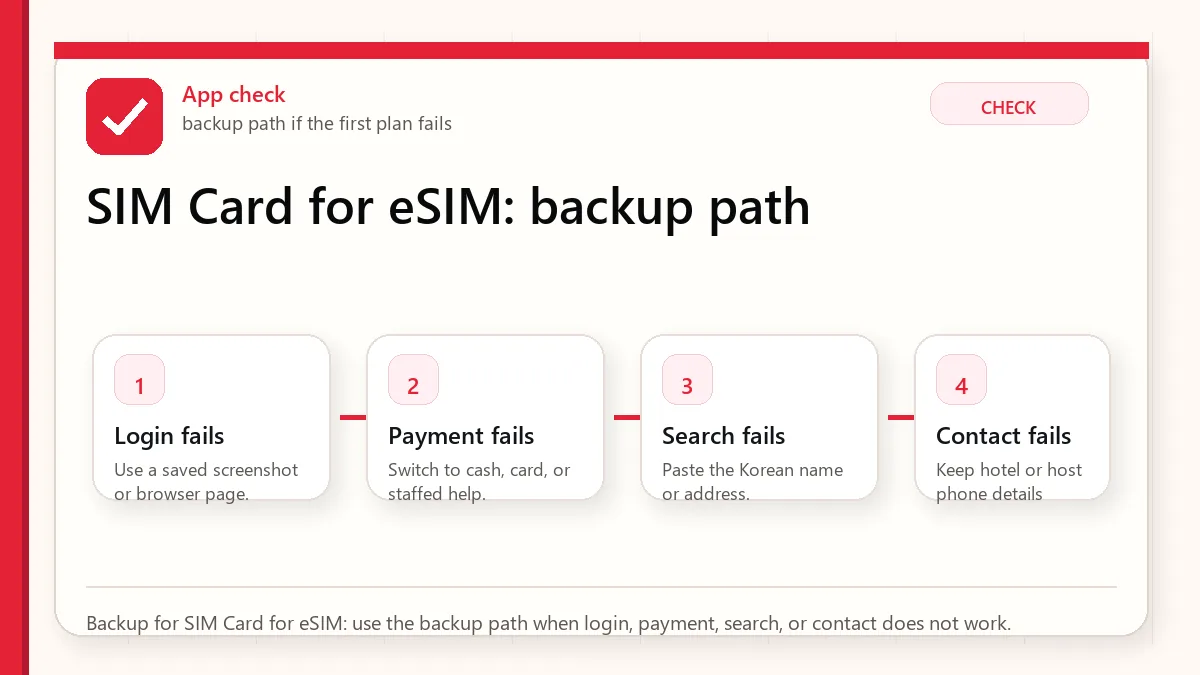
    Backup for SIM Card for eSIM: use the backup path when login, payment, search, or contact does not work.

    What to check before paying

    QuestionWhy it matters
    Is my phone unlocked?A locked phone may reject the SIM or eSIM.
    Does my phone support eSIM?Not every model or regional variant does.
    Is it data-only?Data-only plans do not solve local call/SMS needs.
    Can it receive SMS?Some services use text verification or waiting notifications.
    Does it support identity verification?Many tourist plans do not unlock resident-level services.
    Where do I get help?Support matters when activation fails.

    App limits to understand

    A Korean number can help with contact, but it does not guarantee full access to Korean apps. Some services require domestic identity verification, Korean payment methods, or resident information. Plan for practical alternatives: hotel desk help, walk-in restaurants, taxis from stands, and services that clearly accept foreign cards.

    Official links to check

    Use these official links when the next step matters. This guide explains what to watch for, but app downloads, eligibility, prices, routes, policies, and service rules can change.

    FAQ

    Should I buy before arriving?

    For eSIM, buying before arrival can save time. For physical SIM or phone-number plans, airport pickup can be easier because staff can help.

    Can I use my home number with roaming?

    Yes, but roaming can be expensive and may not solve local contact needs. Compare cost and reliability before relying on it.

    Do I need unlimited data?

    Not always. Maps, translation, messaging, and search use less than video streaming. Heavy video, hotspot sharing, or remote work changes the calculation.

    Airport pickup vs online eSIM

    Airport pickup is best when you want help, have an older phone, need a physical SIM, or feel unsure about activation. Online eSIM is best when you already know your phone supports eSIM and you want data immediately after landing. The cheaper option is not always better if it costs you the first hour of the trip.

    Phone-number plans: read the verbs

    Product pages may say “number included,” but the important verbs are receive, send, call, verify, activate, and extend. Can you receive calls? Can you receive SMS? Can you send SMS? Can the number be used for identity verification? Can you extend the plan? Each answer matters for a different travel problem.

    What to prepare before landing

    • Passport name exactly as used for the booking.
    • Order voucher, QR code, or pickup confirmation saved offline.
    • Unlocked phone and eSIM compatibility check.
    • Backup Wi-Fi plan if activation fails.
    • A second payment card in case the first card is rejected.

    Practical recommendation

    Most first-time tourists should choose reliable data first. Add a phone number if their itinerary has real contact needs. Do not buy the most complicated telecom product just because it sounds more local; buy the one you can activate, test, and understand.

    Related Before Korea guides

    Use these guides together rather than treating one article as the whole plan.

    Sources checked for this update

    Before Korea treats operational details as changeable. Check the official pages below before a trip or a large purchase.

  • Does Google Maps Work in Korea? 2026 Traveler Update

    Does Google Maps Work in Korea? 2026 Traveler Update

    Google Maps can help you understand Korea, save places, and check broad location context, but you should still keep Naver Map or Kakao Map for actual routes, subway exits, walking detail, and local place search. Even after Korea's 2026 conditional approval of Google's high-precision map-data export request, travelers should treat Google Maps improvement as a transition, not a guarantee on their travel date.

    Last checked: June 2, 2026. Korea map-data policy, Google Maps functionality, and local app features are changing. Test routes on your phone close to departure.

    Layered red check decision graphic for Google Maps in Korea.
    For Google Maps in Korea: check the station, exit, Korean address, and backup route before starting the trip.

    The current practical answer

    Need Use Google Maps for Use Naver/Kakao for
    Trip planning Saving broad places and understanding the city layout Checking exact route, exit, and final walk
    Restaurant search English discovery and review comparison Korean name, branch, hours, phone, and local map pin
    Subway/walking route General orientation Station exit, transfer detail, and last five minutes
    Taxi destination Finding the English place idea Copying the Korean address or name

    Why the 2026 news does not remove the backup rule

    In February 2026, South Korea conditionally approved Google's request to export high-precision map data under security requirements. That matters, but a government approval and the traveler's app experience are not the same thing. Features can roll out gradually, differ by app version, and still require local testing.

    So the safer travel rule remains simple: use Google Maps if it helps you discover and organize places, but verify the actual route in Naver Map or Kakao Map before leaving the hotel.

    How to test whether Google Maps is enough for your trip

    Do not decide based on someone else's screenshot. Test your own route before departure. Search your hotel, one restaurant, one subway route, one airport route, and one small business appointment. If Google Maps gives clear transit, walking, exit, and business details for the exact places you need, it can be useful. If it becomes vague, switch to a local map app.

    1. Search your hotel in Google Maps and in Naver Map.
    2. Compare the Korean address, phone number, and nearest station.
    3. Check whether the route shows a subway exit number.
    4. Look at the last walking segment from the exit to the door.
    5. Screenshot the local-map result before the day of travel.

    The last five minutes are where people get lost

    In Korea, the difference between the right station and the right exit can be ten minutes, stairs, a wide road crossing, or a completely different side of a building. For clinics, salons, restaurants, and hotels in multi-floor buildings, the map pin only gets you near the entrance. The floor, branch name, and building sign still matter.

    Where Google Maps can still be useful

    Google Maps is still useful for broad research, saving lists, comparing neighborhoods, checking the relative location of attractions, and sharing a place idea with friends who do not use Korean apps. It is also familiar, which matters when planning from home. The problem is relying on it for the local execution layer without checking.

    Use Korean names as the bridge

    The strongest map workflow in Korea uses Korean names as the bridge between apps. Find the English place idea, then capture the Korean business name, phone number, or road address. A Korean phone number can be especially useful because it often identifies the exact branch in Naver Map or Kakao Map.

    Item to save Why it helps Where to use it
    Korean place name English names may be inconsistent Naver Map, Kakao Map, taxi apps
    Phone number Helps identify branches Map search and reservations
    Road-name address More precise than a hotel/brand name Taxi, delivery, appointment notes
    Station exit Prevents wrong-side-of-road mistakes Subway and walking routes

    A reliable map workflow

    1. Find the place in Google Maps if English discovery is easier.
    2. Copy the Korean name, phone number, or address.
    3. Paste it into Naver Map or Kakao Map.
    4. Check the station exit, final walking route, building/floor, and phone number.
    5. Screenshot the Korean name and route before you lose data or battery.

    Common tourist mistake

    The common mistake is not using Google Maps. The mistake is using only Google Maps and assuming the final walking route, business branch, or transit detail is complete. If you have a reservation, appointment, luggage, stroller, rain, or a late-night arrival, verify the route in a Korea-local map app.

    When this matters most

    This matters most for airport transfers, clinics, salons, fan events, guesthouses, restaurants in side streets, subway transfers, and any destination inside a large building. Tourist attractions with obvious entrances are easier. Small local places are where map precision saves time.

    Layered red check backup flow graphic for Google Maps in Korea.
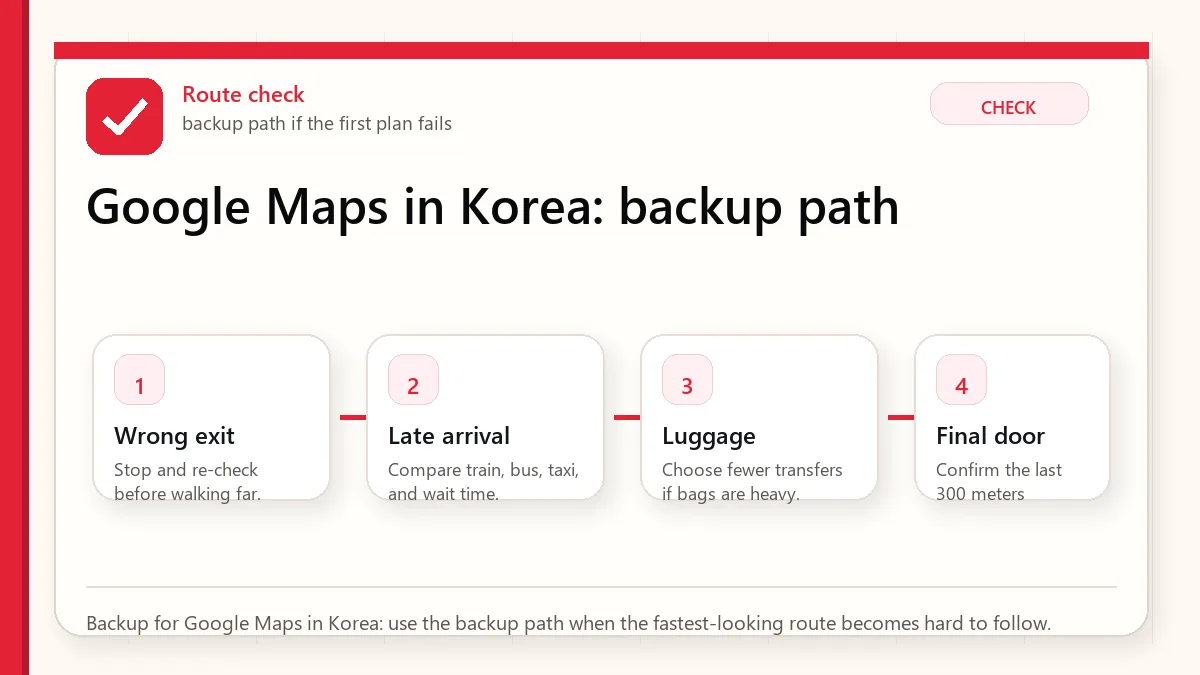
    Backup for Google Maps in Korea: use the backup path when the fastest-looking route becomes hard to follow.

    Official and current links

    Related guides

    FAQ

    Does Google Maps work in Korea?

    It works for some planning and orientation, but travelers should still verify routes, exits, local business details, and final walking directions in Naver Map or Kakao Map.

    Did Korea approve Google map-data export in 2026?

    Yes, reports in February 2026 said Korea conditionally approved Google's high-precision map-data export request. That does not mean every traveler should rely on full Google Maps functionality immediately.

    Which map app should I install before Korea?

    Install Naver Map first, keep Kakao Map as a local backup, and use Google Maps for broad discovery if it helps you.

  • Myeongdong vs Hongdae: Where to Stay in Seoul

    Myeongdong vs Hongdae: Where to Stay in Seoul

    Myeongdong and Hongdae are two of the most common Seoul bases for first-time visitors. Both are practical, both have hotels, food, shopping, and transit, and both can be the right answer. The difference is the kind of friction each one removes.

    Last checked: June 1, 2026. Re-check the official or primary source page before acting, because routes, prices, labels, rules, app screens, eligibility, and store/service policies can change.

    Last updated: May 24, 2026.

    Layered red check decision graphic for Myeongdong vs Hongdae Where.
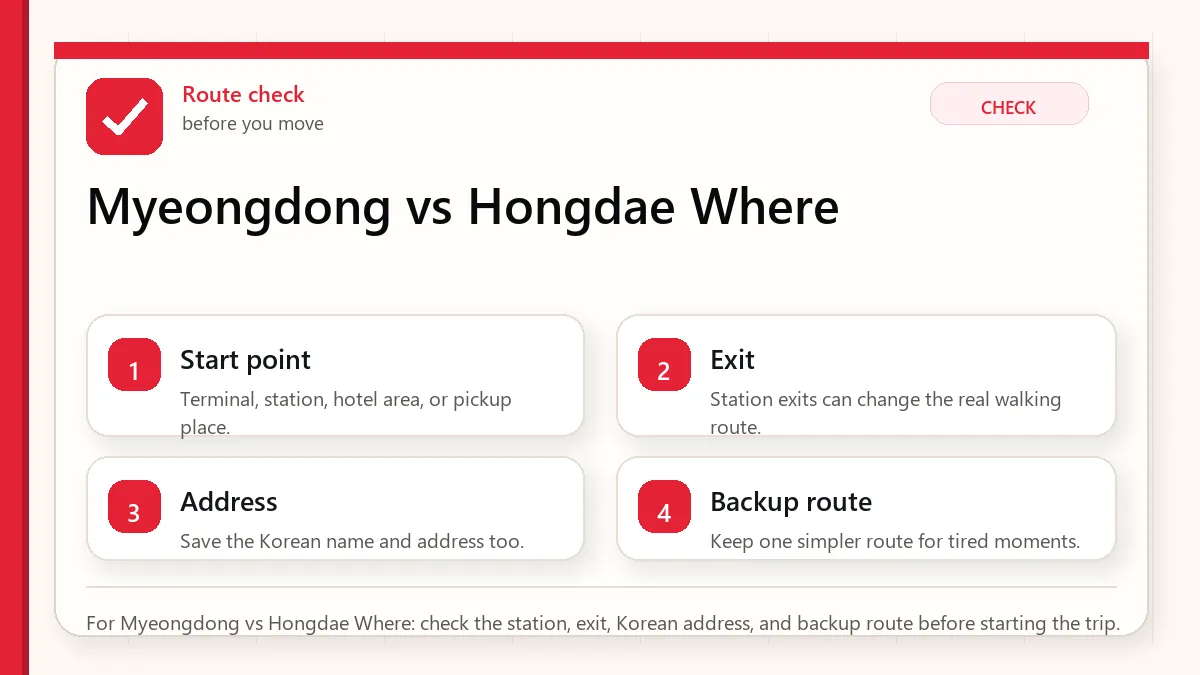
    For Myeongdong vs Hongdae Where: check the station, exit, Korean address, and backup route before starting the trip.

    Start with the route you will actually take

    Choose Myeongdong if you want central sightseeing, shopping convenience, easy first-day orientation, and a more classic tourist base. Choose Hongdae if you want nightlife, cafes, youth culture, music, and a direct airport-rail feeling. If sleep quality and quiet streets matter, check the exact hotel location in both areas.

    Best for different travelers

    Traveler typeBetter choiceWhy
    First trip, classic sightseeingMyeongdongCentral, predictable, close to many tourist routes.
    Nightlife and cafesHongdaeMore social and energetic after dark.
    Beauty and shopping focusMyeongdongDense cosmetics, department stores, and tourist shopping.
    Younger friend groupHongdaeCasual food, music, bars, and late-night streets.
    Family with small childrenMyeongdong or another calmer central baseHongdae can be noisy depending on the street.
    Airport rail priorityHongdaeHongik University Station is on the airport railroad line.
    Layered red check backup flow graphic for Myeongdong vs Hongdae Where.
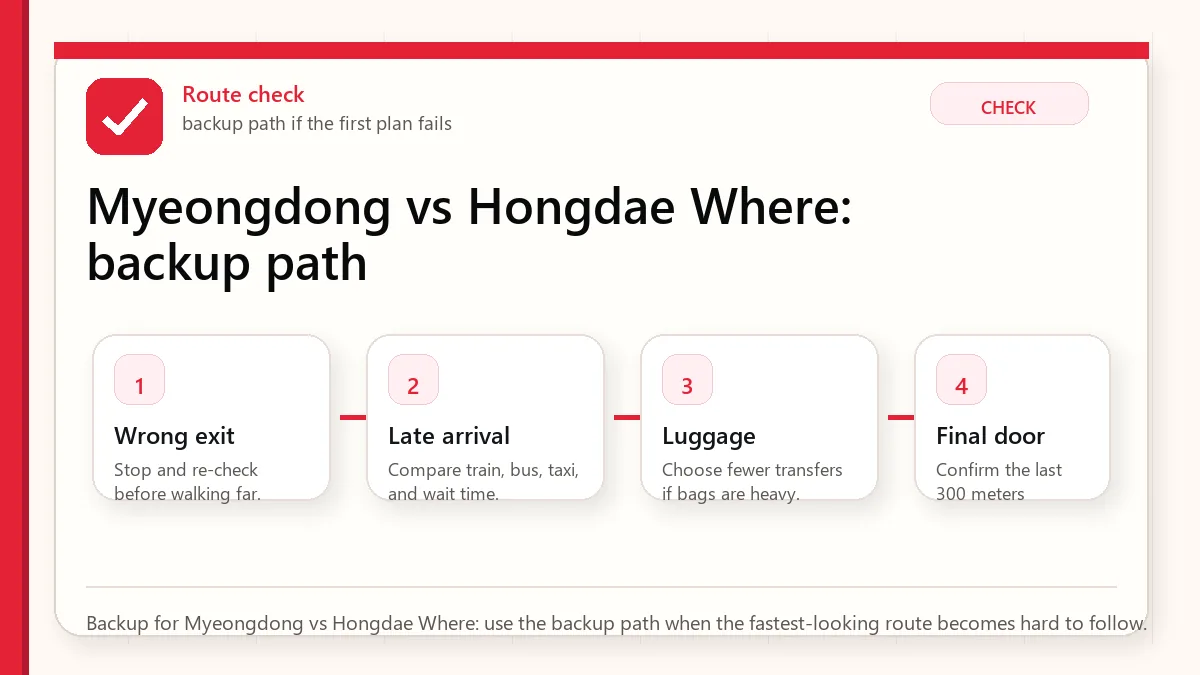
    Backup for Myeongdong vs Hongdae Where: use the backup path when the fastest-looking route becomes hard to follow.

    Why Myeongdong works

    Myeongdong is easy. It has hotels, cosmetics shops, money exchange, street food, cafes, department stores, and access to central Seoul. It is a forgiving area when you are jet-lagged and still learning Korean transit. For a first visit, that forgiveness has value.

    The downside is that Myeongdong can feel commercial. If you want a quieter, more local neighborhood, it may not be your favorite. But if your first priority is not getting lost or wasting energy, it remains a strong base.

    Why Hongdae works

    Hongdae feels younger and more casual. It is good for cafes, street energy, music, small shops, bars, and late-night food. The airport railroad connection is a real advantage for travelers with lighter luggage. It can also be more fun if your trip is less palace-and-department-store and more cafe-and-night-street.

    The downside is noise and crowds. A hotel close to the busiest nightlife streets may be tiring. A hotel slightly outside the loudest zone can give you the best of both worlds.

    How to choose your exact hotel

    • Check the walk from the nearest station exit, not only the station name.
    • Read recent reviews for noise, elevator wait, heating/cooling, and room size.
    • Use Naver Map to see whether the hotel is on a hill, side street, or main road.
    • Think about when you will return at night. A lively street at 10 p.m. can be loud at 1 a.m.

    FAQ

    Is Myeongdong better than Hongdae?

    For classic first-time sightseeing, usually yes. For nightlife, cafes, and younger energy, Hongdae may be better.

    Is Hongdae safe at night?

    It is a popular nightlife area, but normal city judgment still matters. Stay aware, avoid isolated side streets late, and choose a hotel location that fits your comfort.

    Can I split my stay?

    For a longer trip, yes. But for a short first visit, moving hotels can waste more energy than it saves.

    Airport arrival feeling

    Hongdae has a psychological advantage for some arrivals because the airport railroad connection to Hongik University Station feels direct. Myeongdong can still be easy, but the final transfer or taxi approach may require more attention depending on your hotel. With heavy luggage, a slightly longer but simpler route often beats a route with stairs or a confusing transfer.

    Food and shopping difference

    Myeongdong is strong for cosmetics, street snacks, department stores, money exchange, and tourist shopping. Hongdae is stronger for casual cafes, bars, small fashion, young crowds, and late-night wandering. If your shopping list is Olive Young, skincare, and classic souvenirs, Myeongdong is efficient. If your trip is cafe hopping and evening energy, Hongdae feels more alive.

    Noise and sleep

    Both areas can be noisy, but the pattern differs. Myeongdong has daytime and evening commercial crowds. Hongdae can stay louder later into the night, especially around nightlife streets. Read hotel reviews for street noise, club noise, hallway noise, and window insulation. A beautiful room on the wrong street can feel worse than a simple room in a quieter block.

    Final recommendation

    For a first Seoul trip under four nights, Myeongdong is the safer default. For a second trip, younger group trip, or nightlife-focused trip, Hongdae can be more memorable. For a week or family trip, compare both against Jongno, Euljiro, and Jamsil before deciding.

    Related Before Korea guides

    Use these guides together rather than treating one article as the whole plan.

    Sources checked for this update

    Before Korea treats operational details as changeable. Check the official pages below before a trip or a large purchase.